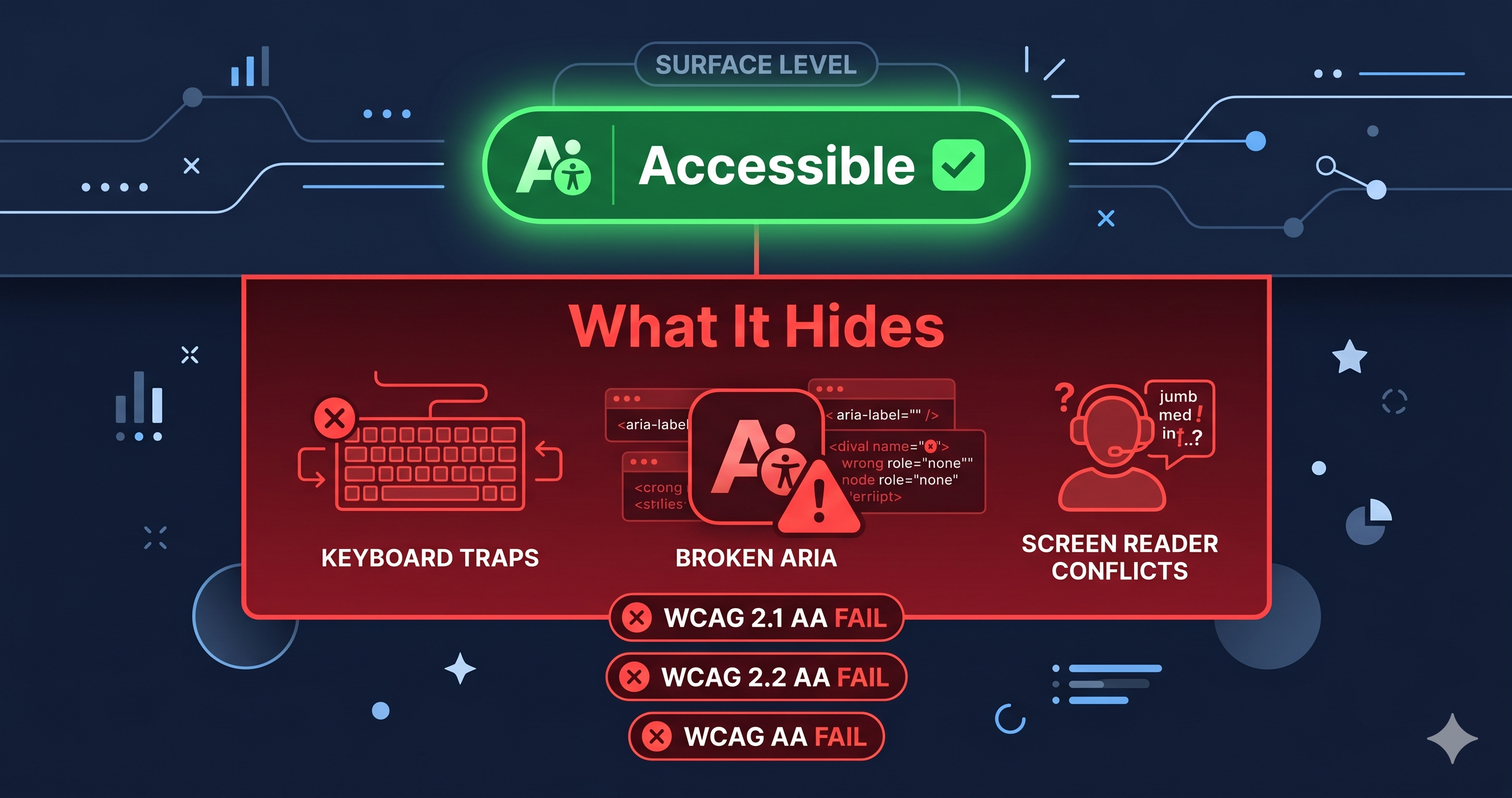
Overlay widgets signal to plaintiff attorneys exactly what they want to see: a company that knows web accessibility is a legal issue and chose the cheapest workaround instead of fixing the code. That's the core reason accessibility overlays like accessiBe and UserWay don't reduce your legal exposure—they advertise it.
In January 2025, the Federal Trade Commission fined accessiBe $1 million for falsely claiming its AI-powered widget could make any website WCAG-compliant within 48 hours. The FTC's final order, approved in April 2025, bars accessiBe from ever again claiming that its automated products can make any website WCAG-compliant or ensure continued compliance. That order runs for 20 years. If the world's most prominent overlay vendor can no longer legally make that promise, the $15/month widget installed on your Shopify store can't make it either.
How Overlays Became Magnets for Lawsuits
The mechanism isn't complicated. A plaintiff attorney's automated scanner checks for common WCAG violations: missing alt attributes, unlabeled form fields, keyboard traps, insufficient color contrast. Overlays don't remove those violations from your code—they inject JavaScript into the page that attempts to patch issues at render time.
The patching is incomplete, inconsistent, and routinely bypassed by screen reader software that operates directly on the DOM before overlay scripts fully execute. A blind user navigating your site with JAWS or NVDA encounters your actual HTML, not the cosmetic layer the overlay tries to paint on top.
22% of all digital accessibility lawsuits filed in the first half of 2025 involved websites using overlay solutions, according to data from Accessibility.Works. In 2024, 25% of ADA lawsuits specifically cited overlay widgets as accessibility barriers—not compliance tools, as barriers. These aren't edge-case statistics. They represent a systematic pattern of plaintiffs targeting overlay users because the underlying code remains broken.
4,800+ ADA web accessibility lawsuits were filed in 2025, a 37% year-over-year increase (UsableNet). The businesses receiving demand letters aren't being asked whether they installed a widget. Their sites are being tested with actual screen readers to determine whether a blind user can complete a purchase.
The UserWay Case: Paying for Protection That Didn't Exist
In 2025, a small flower company was sued by a blind user who could not complete a purchase on their site. The company had been paying UserWay for an overlay because it believed UserWay's marketing claims about lawsuit protection. That trust cost them twice—once in UserWay subscription fees, once in legal defense costs.
The case, documented by disability rights attorney Lainey Feingold, argues that UserWay violated consumer protection law by misrepresenting what their overlay actually delivers. The FTC's accessiBe ruling and the UserWay lawsuit together establish a clear precedent: marketing an overlay as a compliance solution is a deceptive practice, and businesses that relied on those claims have no legal shelter from it.
Overlays vs. Real Scanners: The Technical Gap
The violations that actually drive lawsuits are structural, not cosmetic. They live in the DOM and require code changes to fix—not a JavaScript wrapper around them.
| Violation Type | Overlay Widget | ADAGuard Scanner |
|---|---|---|
| Keyboard traps in third-party modals | Cannot fix — creates them | Detects and reports with WCAG criterion |
| Missing form field labels | Infers unreliably, often wrong | Detects all unlabeled fields with element path |
| Broken heading hierarchy | Cannot restructure templates | Flags H4-before-H2 and skipped levels |
| ARIA misuse on interactive elements | Does not detect source violations | Reports invalid roles and aria-hidden misuse |
| Missing alt text | AI-generated descriptions (often inaccurate) | Reports all images lacking descriptive alt text |
| Authenticated page violations | Not tested — overlay doesn't log in | Full scan of logged-in flows and checkout |
| WCAG 2.2 AA coverage | ~15–25% of issues at best | ~78% of issues (22 custom checkers + axe-core) |
| FTC enforcement risk | High — false compliance claims documented | None |
| Annual cost (single site) | $490–$3,900+/yr | From $0 (free tier at adaguard.io) |
The WCAG coverage gap is the most consequential column. ADAGuard's 23-module scanner—22 custom accessibility checkers plus axe-core integration—scans the rendered DOM, including dynamically loaded third-party app content, and detects structural violations in the actual code. Overlays scan nothing. They apply patches without knowing what's actually broken.
How Plaintiff Attorneys Read an Overlay Installation
An experienced plaintiffs' firm doesn't just test for violations—they test for intent signals. An overlay installation communicates three facts simultaneously:
The company is aware that web accessibility carries legal risk. They allocated budget to address it. They chose a documented non-solution over actual remediation.
That combination is more attractive to plaintiff attorneys than a company that simply doesn't know about accessibility. The latter is harder to prove knowledge. The former has publicly installed a product marketed explicitly as ADA protection—and the FTC has now confirmed that product doesn't deliver what it promised.
The accessiBe FTC complaint also cited the company for deceptively formatting paid endorsements to appear as independent editorial reviews. The implication: tens of thousands of business owners were sold a false product using fake social proof. That deception is now federal record, and the businesses that relied on it have no recourse from the lawsuits that followed.
What Happens After You Remove the Overlay
Removing an overlay without fixing the underlying violations doesn't improve your position—it just removes the signal. The violations remain.
The correct sequence is: scan first, identify the specific WCAG criterion numbers driving your highest-risk violations, hand those numbers to your development team or the platform vendor's support desk, fix the structural code, then verify with a follow-up scan. This produces a documented remediation timeline—which is the actual legal defense in an ADA case, not a widget receipt.
ADAGuard's scan report gives you the exact WCAG criterion numbers, element paths, and violation descriptions your developer needs. That documented evidence of good-faith remediation effort is what courts have recognized as a meaningful defense. A screenshot of your overlay subscription receipt is not.
What Changed After the FTC Ruling
The FTC's April 2025 final order against accessiBe has broader implications than the $1 million fine. It establishes a regulatory record that any overlay vendor claiming to guarantee WCAG compliance is making a legally challengeable statement. Several overlay vendors quietly revised their marketing language within weeks of the ruling—removing language like "lawsuit protection" and "ADA compliance guaranteed" from their pricing pages.
That revision didn't remove their customers' legal exposure. It just removed the explicit promise those customers paid for. Merchants who installed overlays based on those marketing claims can no longer rely on the vendor's indemnification language, which in most overlay service agreements is either absent or limited to direct refunds of subscription fees—not the cost of defending an ADA lawsuit.
The practical result: the overlay market is continuing to operate while its foundational value proposition has been declared deceptive by the federal government. The informed response is to treat any overlay subscription as a sunk cost, run a DOM-level scan to understand your actual violation inventory, and begin actual remediation with that specific violation data.
The 30-Second Fix
Run a free scan at adaguard.io right now. You'll get a compliance score, a breakdown of critical versus warning-level violations, the specific WCAG criterion numbers attached to each one, and the element-level detail your team needs to fix them. No widget. No subscription required to start. Just the actual violations in your actual DOM—which is the only information that matters when a demand letter arrives.