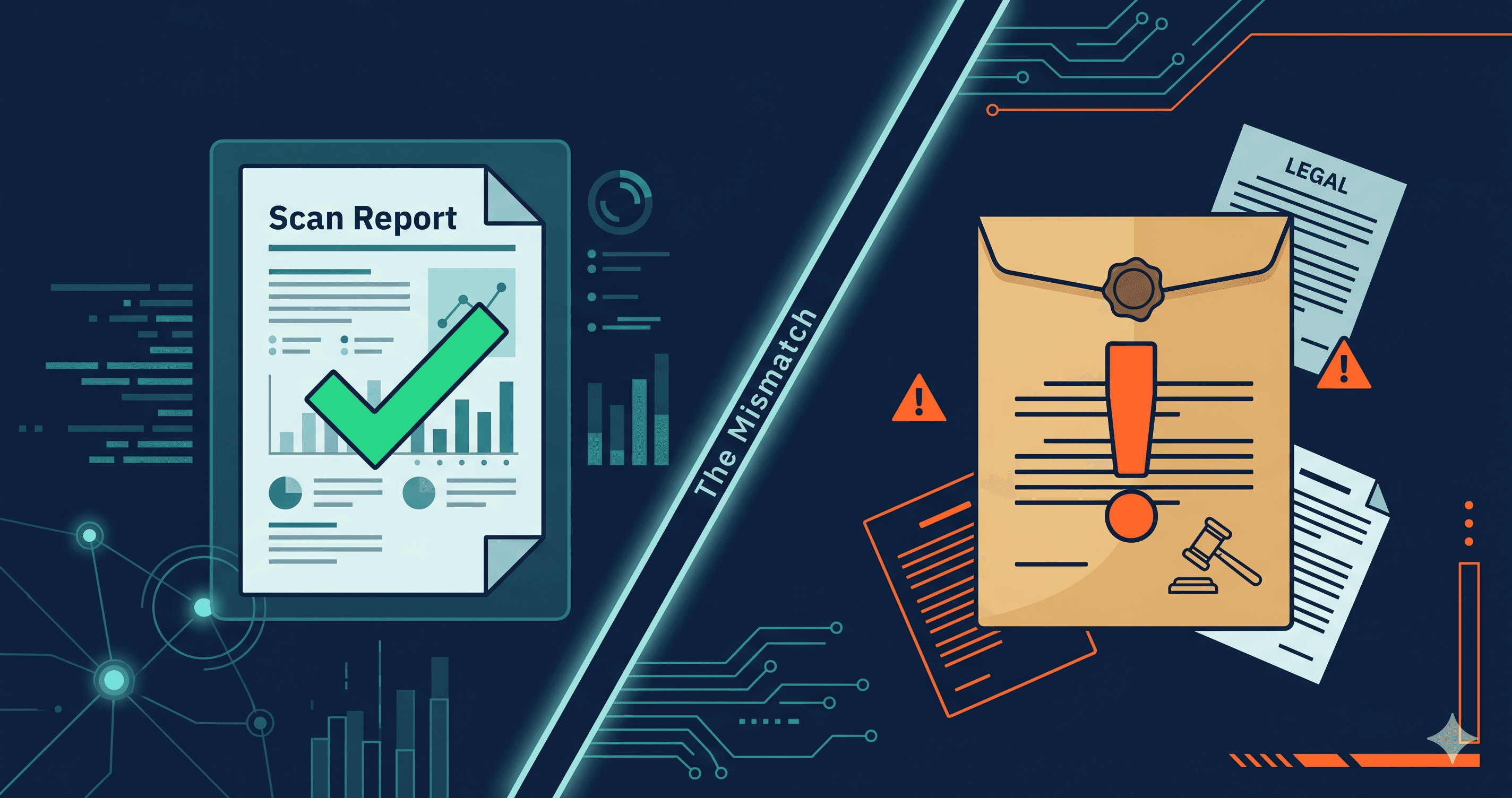
The law firm that sent you that letter used an automated scanner. Yours said you were fine. Both tools ran accessibility checks on your website. One found nothing. The other found the seven violations that are now in a federal complaint.
This is the central paradox of ADA website litigation in 2026: automated accessibility scanning tools are used by both defendants trying to prove compliance and by plaintiff law firms trying to document violations — and they consistently produce different results. Understanding why that gap exists is the difference between a passing score and a demand letter.
How Plaintiff Law Firms Scan Websites
Plaintiff-side ADA litigation is a systematized, volume-driven business. Law firms representing serial plaintiffs in website accessibility cases do not visit sites manually, page by page, with a screen reader. They run scanning operations — organized programs that evaluate hundreds or thousands of URLs per week using automated tools and produce violation reports that become the basis for demand letters.
According to research from Seyfarth Shaw, approximately 40% of 2025 federal ADA Title III filings were drafted with significant AI and automation assistance, with plaintiff attorneys using generative AI to identify violations and produce complaints at scale. Over 4,800 ADA lawsuits were filed in 2025 (UsableNet), a significant year-over-year increase — a volume that would be impossible without systematized scanning.
The tools plaintiff firms use are not exotic. They are rendered-page accessibility scanners: tools that load your URL in a real browser, execute your JavaScript, render your full interactive interface, and then run WCAG checks against the accessibility tree that assistive technologies actually use. They document what a disabled user actually encounters, not what your HTML source file contains.
Why Your Scanner Said You Were Fine
The majority of accessible compliance tools marketed to businesses — browser extensions, CMS plugins, one-click audit dashboards — operate differently from what plaintiff firms deploy. Many analyze your page's source HTML before JavaScript executes. Others run against a simplified DOM representation rather than the full rendered accessibility tree.
The result is a structural gap in what gets detected. According to Mordor Intelligence research, common automated tools detect approximately 30% of WCAG compliance issues. Deque Systems has cited 57% as the ceiling for the most capable automated solutions. The range reflects a key variable: whether the tool tests source markup or a fully rendered, interactive page.
Your scanner saw your HTML. The plaintiff's scanner saw your website.
The Coverage Gap in Practice
| What Your Tool Likely Tested | What Plaintiff's Scanner Tests | Typical Gap |
|---|
| Static HTML alt text | All images including dynamically loaded | High |
| Static form labels | Labels on JavaScript-rendered forms | High |
| Page-level color contrast | Contrast on hover, focus, and dynamic states | Medium |
| Structural landmarks | Interactive landmark navigation | Medium |
| Source-code ARIA attributes | ARIA state after JavaScript executes | High |
| Desktop viewport layout | Rendered mobile layout | High |
| Public-facing pages | All pages including behind login | High |
| Initial page load | Dynamically rendered components (modals, drawers, carousels) | Very High |
The rightmost column — "Very High" — indicates categories where plaintiff scanners routinely find violations that typical compliance tools miss entirely. Modal dialogs, product filter drawers, cart sidebars, and navigation menus that appear after user interaction are all rendered post-JavaScript. They are invisible to tools that don't execute scripts.
The Re-Sued Pattern Proves the Gap
The data on repeat defendants is the clearest evidence that the compliance-tool gap is real. Of the 4,800+ ADA lawsuits filed in 2025, approximately 1,427 targeted companies that had already been sued before (UsableNet). That is roughly 30% of all filings going to defendants who had previously gone through the settlement process.
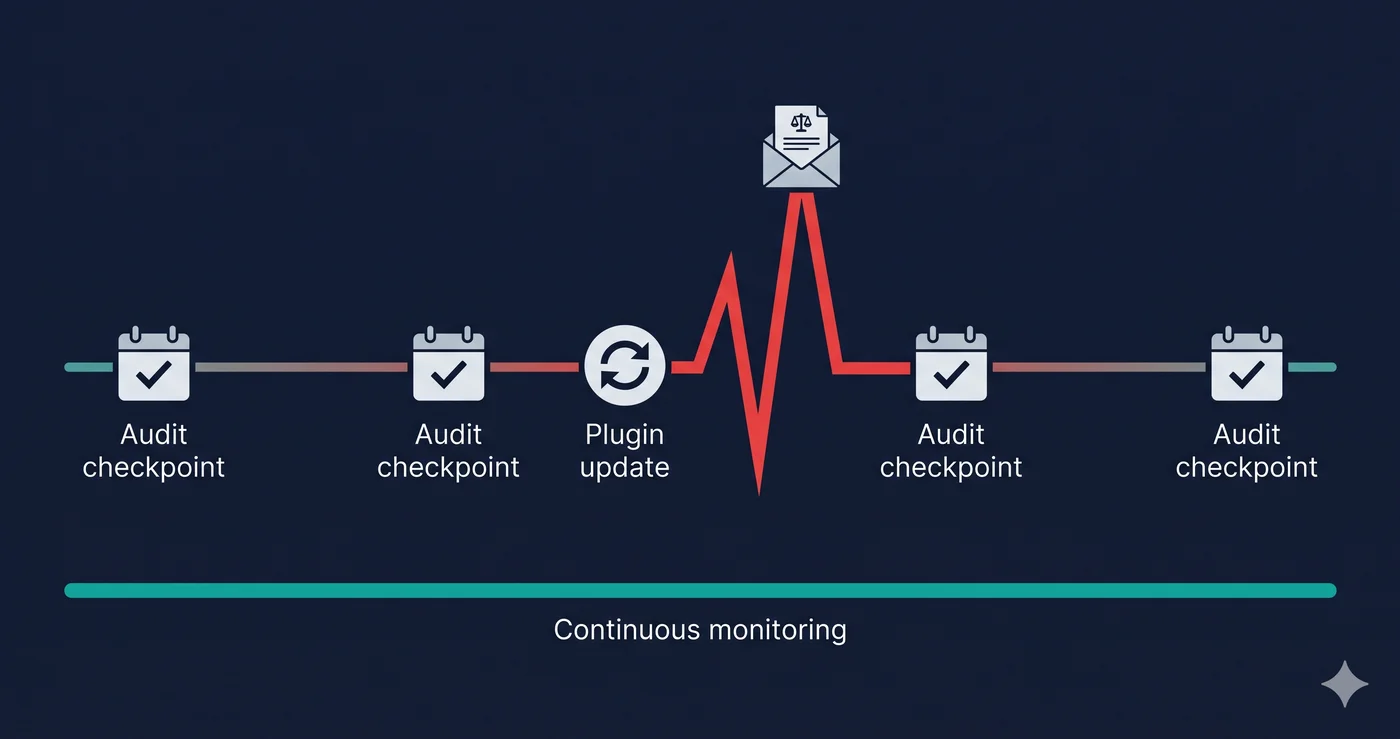
The sequence is almost always the same: receive a demand letter, run an audit with a compliance tool, find and fix the cited violations, declare success, get sued again six to twelve months later. The tool found what it could find. The plaintiff found what the tool couldn't.
The re-suit problem is accelerating because plaintiff law firms maintain databases of prior defendants and schedule re-scans. A company that settled in 2024 is scheduled for another scan in 2025. If new violations appear — through a site update, a new third-party integration, a redesigned mobile layout — a new complaint is filed.
Why Dynamic Content Is the Specific Failure Point
The single largest contributor to the scan result mismatch is dynamic content. Modern e-commerce and SaaS sites generate most of their accessible (or inaccessible) interface after JavaScript executes. A page that appears to be a simple product grid is, at runtime, a JavaScript application managing dynamic loading, state updates, ARIA attribute changes, focus management, and third-party script injection.
A tool that analyzes source HTML sees the pre-JavaScript skeleton. A plaintiff's rendered-page scanner sees the fully deployed application — including the modal that doesn't close when escape is pressed, the carousel that traps keyboard focus, the form that generates an error message with no screen reader announcement.
WebAIM's Million 2026 report found that WCAG failure rates across the web have climbed back to 95.9%, with 56.1 errors per page on average. The trend is going in the wrong direction despite more accessibility awareness, precisely because the complexity of runtime interfaces is outpacing the detection capabilities of most compliance tools.
How ADAGuard Closes the Gap
ADAGuard operates the same way plaintiff scanners operate: it loads your URL in a real Chromium browser, executes your JavaScript, waits for dynamic content to render, and runs accessibility checks against the full accessibility tree your users actually experience. The 22 custom checker modules plus full axe-core integration achieve approximately 78% WCAG 2.2 AA coverage (43 of 55 criteria).
This architectural alignment is deliberate. The goal is not to give you a passing score — it is to find what a plaintiff's auditor would find, before they find it first. ADAGuard's scan results tell you the specific WCAG criterion numbers, the specific failing elements, and the severity classification that determines how quickly issues need to be addressed.
Authenticated scanning extends that coverage to password-protected pages: your checkout flow, your account dashboard, your member portal. Plaintiff firms can document violations on pages that require a login. Your ada compliance checker should be able to test there too.
What to Do When You Find Violations
The violation categories that appear most frequently in demand letters are also the ones ADAGuard prioritizes: missing form labels, inaccessible interactive components, focus management failures, missing alternative text on dynamically loaded images, and keyboard navigation barriers.
When your scan report surfaces these issues, the output gives you everything a developer needs: the WCAG criterion, the element selector, the severity classification, and guidance on the fix category. Take those to your development team or your platform vendor's support channel. The WCAG criterion numbers are the vocabulary your vendor's engineers understand.
Running a scan before any significant site update — a new theme, a new checkout app, a seasonal homepage redesign — is the specific practice that breaks the repeat-defendant cycle. You are using the same kind of tool the plaintiff firm uses. The only question is whether you run it first.
The 30-Second Fix
ADAGuard scans your site the same way a plaintiff's auditor would — rendered browser, full JavaScript execution, 23 check modules. Free, no signup. Find your violations before they become exhibits in a complaint.