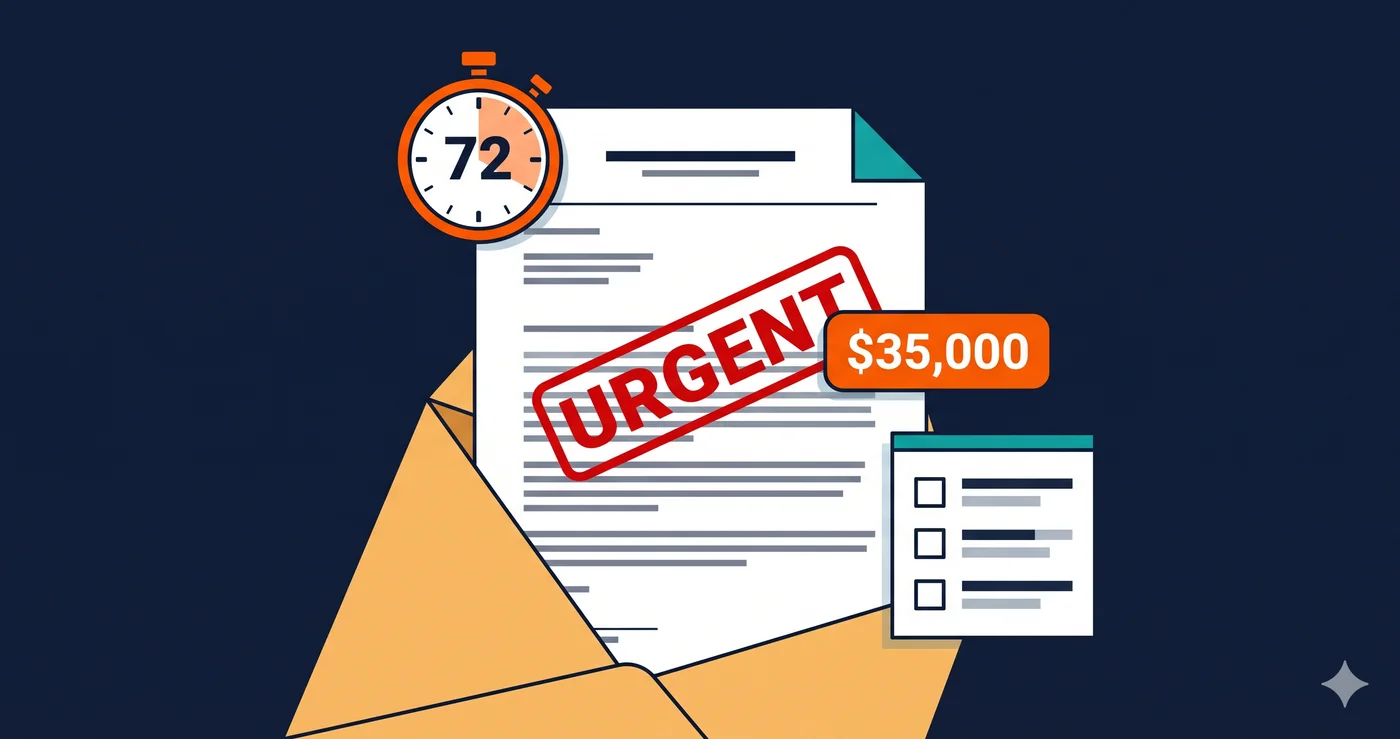
A letter arrives on a Tuesday morning from a law firm in New York you've never heard of. Inside, the complaint quotes your own website back at you — specifically the paragraph where your accessibility statement says you are "committed to meeting WCAG 2.1 AA standards." The attorney's argument is straightforward: you knew about accessibility requirements, you published a promise, and your site still has documented violations. That's not an oversight. That's evidence of deliberate indifference.
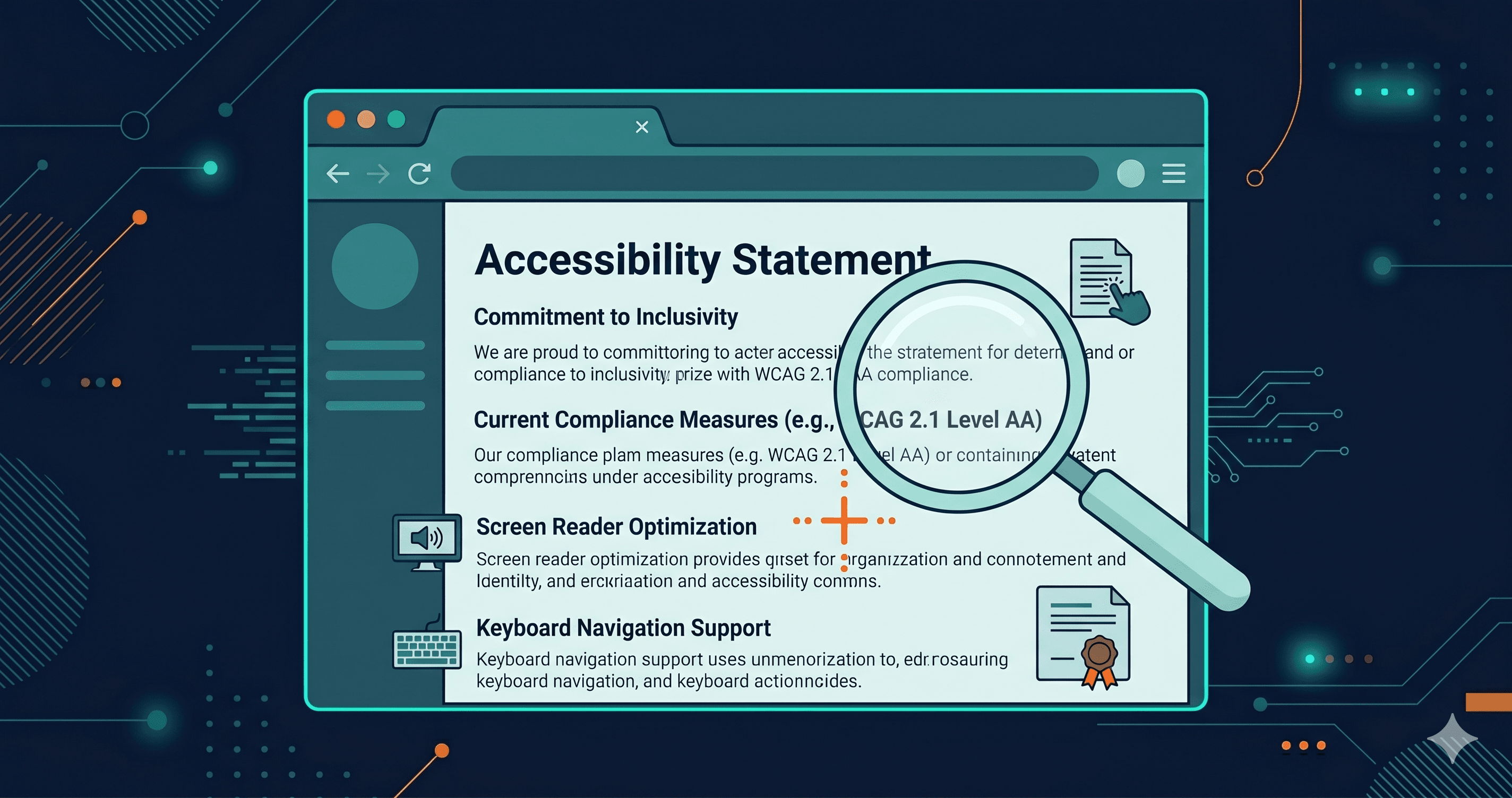
An accessibility statement is not a legal shield — it can be a liability. With 4,800+ ADA lawsuits filed in 2025 (UsableNet mid-year report) and a significant year-over-year surge, plaintiff law firms have become methodical about finding exactly this kind of self-incriminating documentation. The page you wrote to show good intentions may be the first thing a plaintiff's attorney reads.
How Plaintiff Firms Actually Find Your Statement
Plaintiff attorneys do not browse websites manually looking for easy targets. Many now operate automated pipelines that run three steps in rapid succession: scan your site for WCAG violations, locate any published accessibility statement, and cross-reference your claimed compliance standard against what the scanner found.
The query site:yourcompany.com "accessibility statement" takes under three seconds. If that page exists and references WCAG compliance, the firm has a documented promise. If the same scanner surfaces missing alt text, unlabeled form fields, or keyboard traps — all detectable in seconds — they now hold both the promise and the breach.
This is precisely why just 16 law firms were responsible for over 90% of website accessibility lawsuits in H1 2025 (UsableNet). These firms are not manually reviewing sites — they've built systematic targeting pipelines. A published accessibility statement announcing your commitment to WCAG compliance is one of the fastest signals that moves a company from "potential target" into their active filing queue.
33 serial plaintiffs filed 50% of all ADA web lawsuits in 2025 (EcomBack annual report). That concentration means this is an organized, repeatable process — and your accessibility statement is part of the document they're looking for before they file.
Why Awareness Is the Legal Trap
The core danger is a legal concept called "deliberate indifference." To win on this theory, a plaintiff must show that you were aware of the accessibility requirement and failed to act meaningfully on that awareness. Your accessibility statement establishes awareness automatically — you wrote it, published it, and presumably read it.
If your site then has violations, you've created the worst possible evidentiary combination: documented knowledge of the standard, a published promise to meet it, and verifiable proof that you didn't. This is the same logic that makes a restaurant's health certificate evidence against them when they fail their inspection. The certificate didn't make the kitchen safer — it made the liability clearer.
Courts in recent ADA Title III cases have weighed whether defendants knew about accessibility requirements and how seriously they responded. Companies that can show documented audit cycles, remediation records, and an ongoing compliance program have significantly better outcomes than those who put up a statement and considered the job done.
What Different Statement Types Signal to Plaintiff Attorneys
The legal risk of your accessibility statement scales directly with how specific and verifiable your claims are. Vague aspiration is harder to disprove than a binary promise:
| Statement Type | Risk Level | Why It Creates Exposure |
|---|
| "Our site meets WCAG 2.1 AA" | Very High | Instantly falsifiable with a scanner — any violation is proof of breach |
| "We are committed to WCAG 2.1 AA compliance" | High | Acknowledges the standard; violations show failure to act |
| "We strive toward WCAG compliance" | High | Simultaneously signals awareness and non-compliance |
| "Last tested: [date 18+ months ago]" | Medium-High | Implies no ongoing monitoring; violations compound over time |
| "We actively monitor and remediate accessibility issues" | Lower | Process claim — describes activity, not outcome; harder to refute |
| "To report an accessibility issue, contact us at…" | Lower | Demonstrates responsiveness; courts view this positively |
| No statement at all | Variable | No explicit promise, but no evidence of a compliance program either |
The pattern that protects you describes your process — what you do continuously — rather than your status — a fixed claim about what you've achieved. An ongoing remediation program is a spectrum, not a binary. Courts recognize good-faith effort, and they reward it in settlement negotiations: businesses demonstrating documented good-faith accessibility programs typically see settlement reductions of 40–60% compared to companies with no documented compliance efforts (InclusiveWeb, 2026).
The Violations Most Commonly Found Behind Accessibility Statements
Plaintiff firms don't look for obscure WCAG criteria. They use the same three violations repeatedly because they're machine-detectable with near 100% accuracy and directly create barriers for screen reader users — the population most represented in ADA Title III claims.
Missing alt text appears on 55.5% of homepages according to the WebAIM 2025 Million study. Every image without an alt attribute is a documented WCAG 1.1.1 failure. If your statement promises WCAG 2.1 AA compliance, that's a verifiable breach on a majority of the web.
Missing form labels affect 48.2% of sites (WebAIM 2025). Checkout flows, contact pages, newsletter signups — these are the high-value user journeys where label failures block a disabled user from completing commerce. That's precisely what ADA Title III was designed to address.
Low contrast text appears on 79.1% of homepages and remains the most common WCAG failure overall. While harder to litigate as a standalone issue (contrast can vary by rendering context), it frequently appears alongside the above violations in demand letters.
If any of these exist on your site and you have an accessibility statement referencing WCAG compliance, you've provided the plaintiff's attorney with the evidence they need before they spend a single billable hour on investigation.
What Your Statement Should Say Instead
The safest accessibility statement in 2026 does three things and avoids one critical mistake.
It should describe your compliance target (WCAG 2.1 AA or 2.2 AA), your process (how frequently you scan, how issues are prioritized and fixed, what team or tool is responsible), and your feedback mechanism (a real contact method for users to report barriers they encounter).
What it must never do: claim binary compliance with a specific standard unless you have scan reports and remediation documentation to support that claim at every moment the statement is live.
Before you publish — or before you leave your current statement in place — you need to know what your site actually does. ADAGuard's live-DOM scanner renders JavaScript exactly as a browser would, evaluates your actual DOM, and runs 22 custom accessibility check categories plus axe-core, reaching approximately 78% WCAG 2.2 AA coverage. The scan takes about 60 seconds and shows you every violation that a plaintiff attorney's automated pipeline would detect. Paste your URL at adaguard.io — no account required.
What to Do When Your Scan Surfaces Violations
When your ADAGuard scan returns critical failures, you have a clear path:
Violations that are platform-configurable — image alt text managed through your CMS, form labels available through theme settings, link text editable in your page builder — can often be addressed without developer involvement. The scan report tells you which violations fall into this category and which elements are affected.
Violations that are code-level issues — keyboard traps in modals, missing ARIA roles on custom interactive components, broken focus management — require a developer or a formal support ticket to your theme vendor or app provider. The ADAGuard scan report includes specific WCAG criterion numbers for each violation. Pass those numbers to whoever handles your codebase. Incorrect ARIA implementations made without that specificity can make accessibility worse, not better.
The scan report also gives you what you need for your statement: documented evidence that you ran a comprehensive audit, with a timestamp. That's the foundation of a defensible compliance program.
The Repeat Defendant Pattern
46% of federal ADA web cases in 2025 involved repeat defendants (UsableNet). These were companies that had already been sued, presumably settled, and were sued again — typically within 12 to 24 months.
The consistent pattern: first lawsuit → minimal fixes under legal pressure → settlement → accessibility statement updated to reference the settlement → second lawsuit from a different plaintiff citing the same violation categories.
The statement stayed live. The violations stayed in the DOM. The second filing was actually easier than the first — the plaintiff's attorney had the prior settlement as evidence of documented awareness and inadequate response.
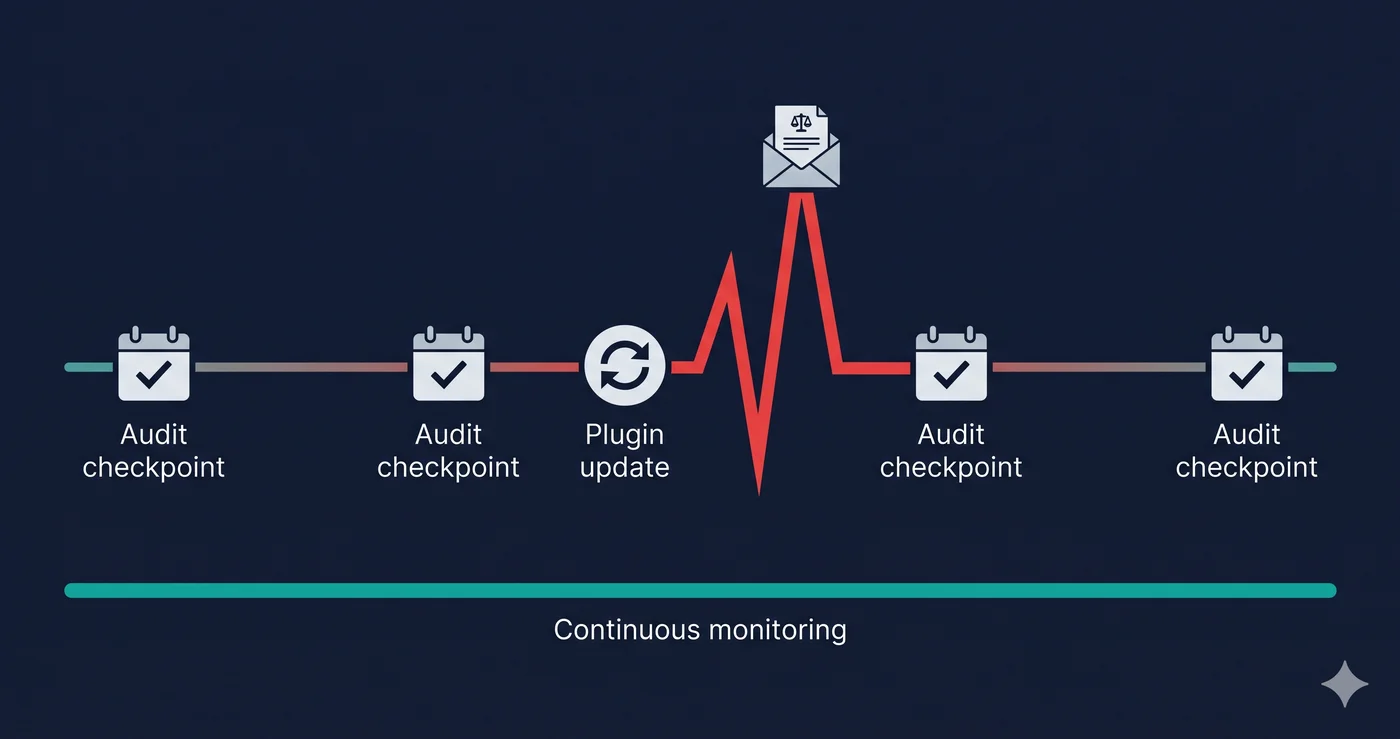
Comprehensive remediation breaks this cycle. Patching issues under legal pressure without a complete scan of your site's actual runtime violations doesn't. ADAGuard's recurring scan capability lets you schedule monthly or quarterly audits so new violations introduced by content updates, app installs, or theme changes are caught before they appear in someone else's targeting pipeline.
The 30-Second Fix
Before your accessibility statement claims another word about compliance, verify what it's claiming. Paste your URL into ADAGuard — no signup, no credit card. In under 60 seconds you'll know whether your statement is a credible promise or a documented liability. That's the only fact that matters before another Tuesday morning arrives.