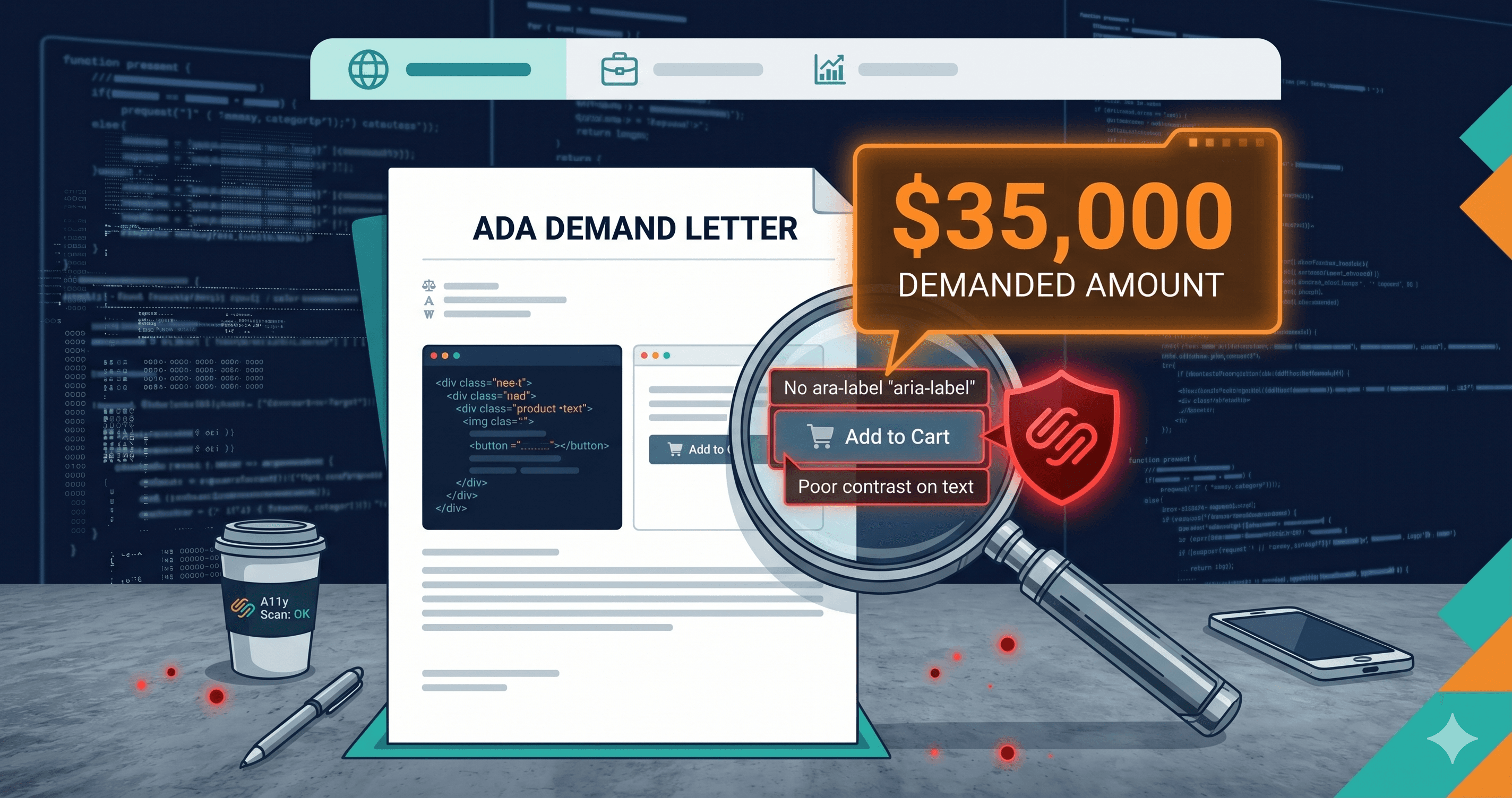
A letter arrives at your business address from a law firm you have never heard of. It describes specific failures on your website — an unlabeled checkout button, a form field without an accessible name, product images without alt text. It demands a settlement. You have 30 days to respond.
This is not a worst-case scenario. It is the median experience for thousands of eCommerce businesses that received ADA demand letters in 2025. Over 4,800 ADA web accessibility lawsuits were filed in US courts that year — a significant year-over-year increase according to UsableNet — and the majority began with exactly this kind of automated demand. The law firm didn't browse your website and notice something was wrong. They ran an ada compliance checker against a list of thousands of sites and yours generated a match.
WCAG 4.1.2 (Name, Role, Value) requires that every interactive element — every button, form control, and link — has an accessible name that screen reader software can announce. When a button has no accessible name, a blind user hears only "button" when they tab to it. They don't know whether it's Add to Cart, Remove Item, Apply Discount, or Close.
This violation appears most often in the highest-stakes locations on eCommerce sites: checkout confirmation buttons, quantity update controls, modal close buttons, cart remove-item icons, and search triggers. These aren't decorative elements — they are the controls that determine whether a blind user can complete a transaction at all.
The reason this violation is so common is also the reason it's so dangerous: it's invisible to developers testing with a mouse and a monitor. A button with no accessible name still renders correctly. It still responds to a click. The failure is in the accessibility tree — the structure that assistive technologies read — not in anything visible during standard development or QA.
How Plaintiff Law Firms Find Your Site
The programmatic reality of ADA demand letter campaigns is worth understanding precisely. Plaintiff firms are not hiring screen reader users to browse random websites. They are running automated accessibility scanners — the same tools available to anyone — against curated lists of websites at scale.
Manning Law, APC, the firm responsible for over 14% of all ADA website accessibility lawsuits filed in the first half of 2025 (EcomBack Mid-Year Report), processes thousands of site assessments at industrial scale. The violations they document — missing form labels, empty buttons, absent alt text — are detectable in seconds using any automated wcag checker. The demand letter arrives when your site's violation profile matches the pattern they're systematically targeting.
This means the first ada compliance checker scan of your site is either your scan or theirs. If it's yours, you're looking at a remediation list. If it's theirs, you're looking at a demand letter.
What Gets Cited in Demand Letters
Demand letters in 2026 typically include specific WCAG criterion references, element selectors or page locations, screen reader output demonstrating the failure, and a description of the concrete harm to users with disabilities. This documentation precision reflects the automated pipeline behind it — the same tools that generate the demand generate the documentation.
The six violations most commonly cited correspond directly to the six failure types that appear in 95.9% of websites, according to WebAIM's 2026 Million report: low contrast text, missing image alt text, missing form labels, empty links, empty buttons, and missing document language. These six categories account for 96% of all automatically-detectable accessibility errors on the web.
Empty buttons and missing form labels are the most consequential for eCommerce because they appear on high-value transaction pages and create complete barriers for blind users attempting to complete purchases. An inaccessible checkout flow is the kind of concrete, documentable harm that ADA Title III was designed to address.
What an ADA Settlement Actually Costs in 2026
The settlement figure in a demand letter is the starting number, not the total cost. Here is what the full financial exposure looks like for a mid-sized eCommerce business:
| Cost Component | Low Estimate | High Estimate |
|---|
| Demand letter settlement (pre-litigation) | $3,000 | $25,000 |
| Out-of-court settlement (post-filing) | $25,000 | $75,000 |
| Defense attorney review and negotiation | $10,000 | $50,000 |
| Accessibility expert witness or consultant | $5,000 | $20,000 |
| Third-party remediation audit | $5,000 | $25,000 |
| Court-required website remediation | $10,000 | $100,000 |
| Ongoing compliance monitoring (2–3 years) | $5,000 | $30,000 |
| Total exposure (typical resolved case) | $35,000 | $200,000+ |
Sources: Accessible.org, TestParty, WebAbility.io (2026 settlement data).
The $35,000 floor reflects what a mid-market eCommerce operator typically pays when they receive a demand letter and resolve it without formal litigation — paying the settlement, hiring defense counsel to evaluate the claim, commissioning a remediation audit as part of the consent decree, and making the required fixes. It doesn't include cases that proceed to litigation, where costs reliably exceed $100,000.
Why Small Businesses Pay the Most
The common assumption is that ADA litigation targets large corporations with deep pockets. The data says otherwise. In 2024, 67% of ADA website accessibility lawsuits targeted companies with less than $25 million in annual revenue (TestParty). Small and mid-sized eCommerce businesses are the preferred targets precisely because they're less likely to have accessibility counsel on retainer, less likely to have conducted a prior audit, and more likely to settle quickly.
The calculation plaintiff law firms make is explicit: a business operating on thin eCommerce margins, with no prior accessibility program, receives a demand for $15,000–$25,000. The cost of hiring a lawyer to evaluate whether the claim is valid may itself exceed that amount. Most businesses pay the demand. The firm moves to the next site on its scanning list.
This dynamic explains why demand letter settlements — not formal litigation — account for the majority of ADA accessibility resolutions. It also explains why businesses with documented accessibility programs and scan histories negotiate from a better position than those with no prior record of accessibility effort.
The Six Violations Law Firms Find First
Running ADAGuard before a plaintiff firm scans your site means seeing the same violation profile they would see — because both rely on automated DOM scanning against WCAG criteria. The specific violations that appear most reliably in demand letters correspond to what's most common across the web:
Empty buttons (30.6% of all websites per WebAIM 2026): Buttons with no accessible name — icon-only buttons, loading spinners, close controls — are flagged as WCAG 4.1.2 violations. On eCommerce sites, they appear most often in cart drawers and modal overlays.
Missing form labels (51% of websites): Checkout form fields without properly associated labels violate WCAG 1.3.1 and 4.1.2. Quantity inputs, coupon code fields, and address inputs are the most common offenders.
Missing image alt text (53.1% of websites): Product images without alt attributes violate WCAG 1.1.1. For eCommerce sites with large catalogs, this is often a systemic issue across thousands of SKUs.
Low contrast text (83.9% of websites): Promotional copy, secondary labels, and placeholder text frequently fall below WCAG's 4.5:1 contrast ratio requirement for normal text.
ADAGuard's scanner checks all of these — and 46 additional criteria — against your fully-rendered DOM, covering approximately 78% of WCAG 2.2 AA automatically.
What to Do When You Find Violations
When an ada compliance checker scan identifies unlabeled buttons or missing form labels on your site, the remediation path depends on where the violation originates:
Theme or template violations are fixed at the code level by your developer. Provide the WCAG criterion number from the scan report (e.g., WCAG 4.1.2) so your developer understands the precise technical requirement rather than a general description of the problem.
Third-party app violations require a support ticket to the app vendor, citing the specific WCAG criterion. Date the ticket and save the response — documentation that you reported a known violation to a vendor matters if a demand letter arrives later.
The scan report identifies not just the violation type but the specific element location in your DOM. That specificity is what separates an actionable remediation list from a general accessibility complaint.
The 30-Second Fix
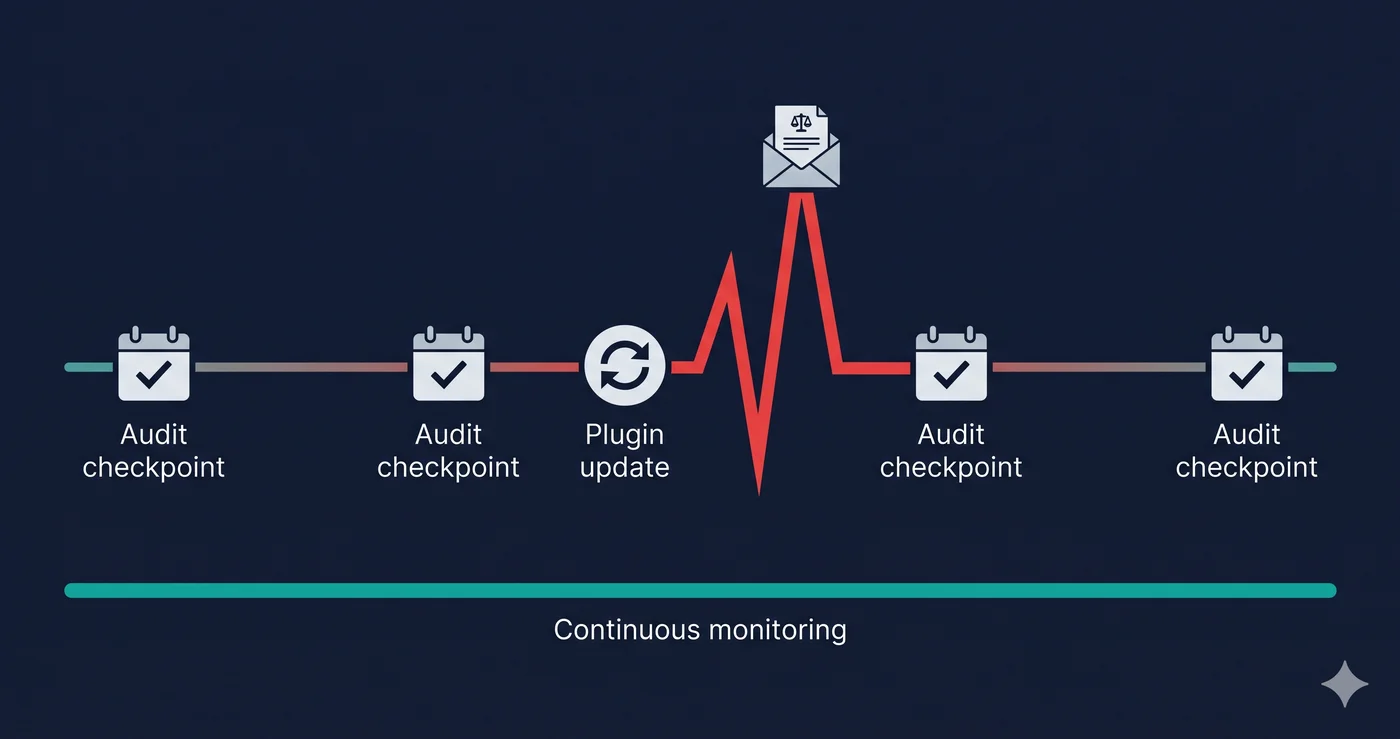
Demand letters document violations that were detectable before the attorney's scanner found them. The only meaningful difference between a business that gets a demand letter and one that doesn't is whether they ran their own scan first.
Paste your URL at adaguard.io — no sign-up required, instant results. ADAGuard checks 50+ accessibility criteria against your fully-rendered DOM, including every violation type commonly cited in ADA demand letters. If unlabeled buttons or missing form labels exist on your site, the report surfaces them with their WCAG criterion, severity level, and exact element location — before anyone else sees them.