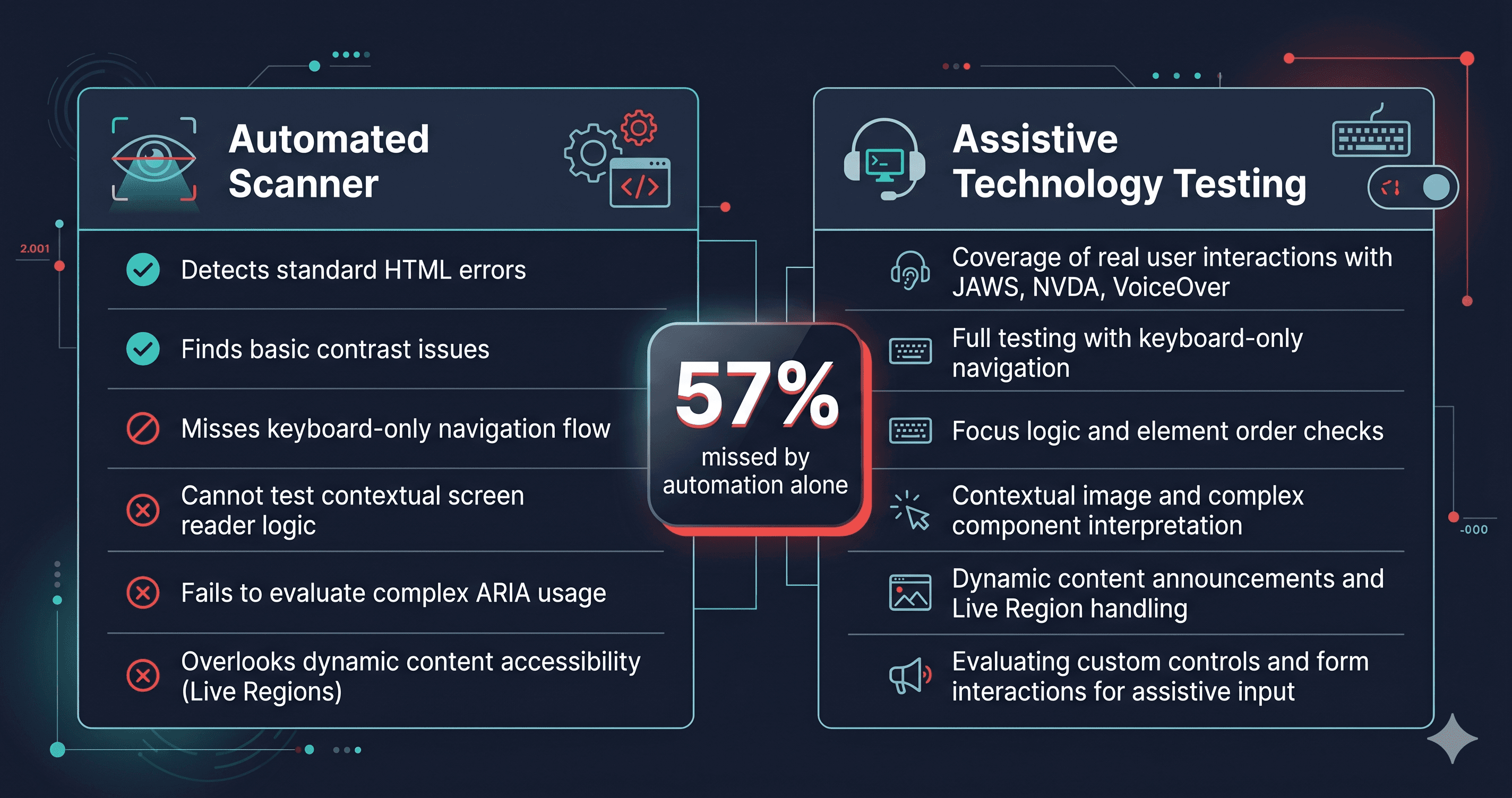
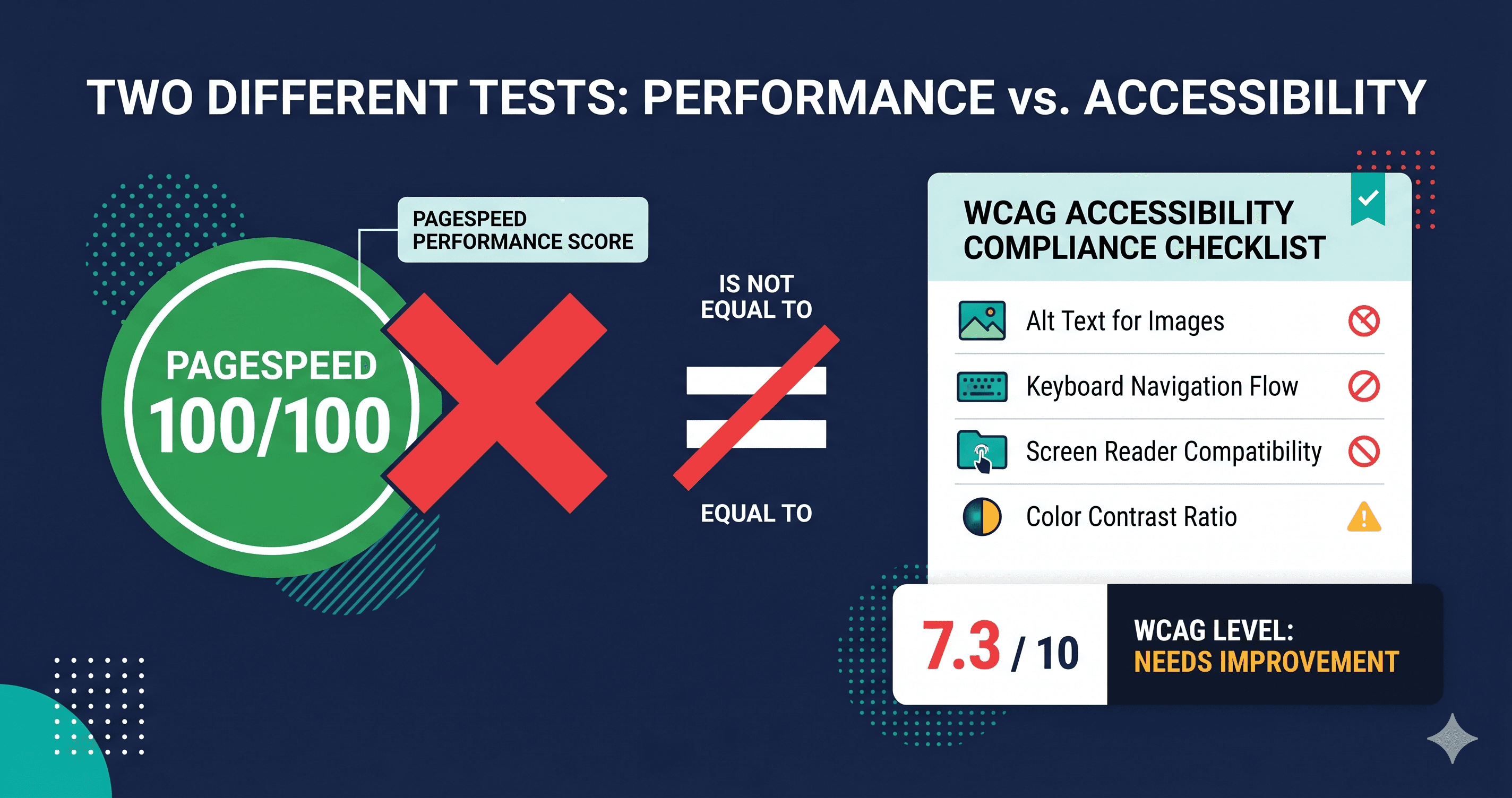
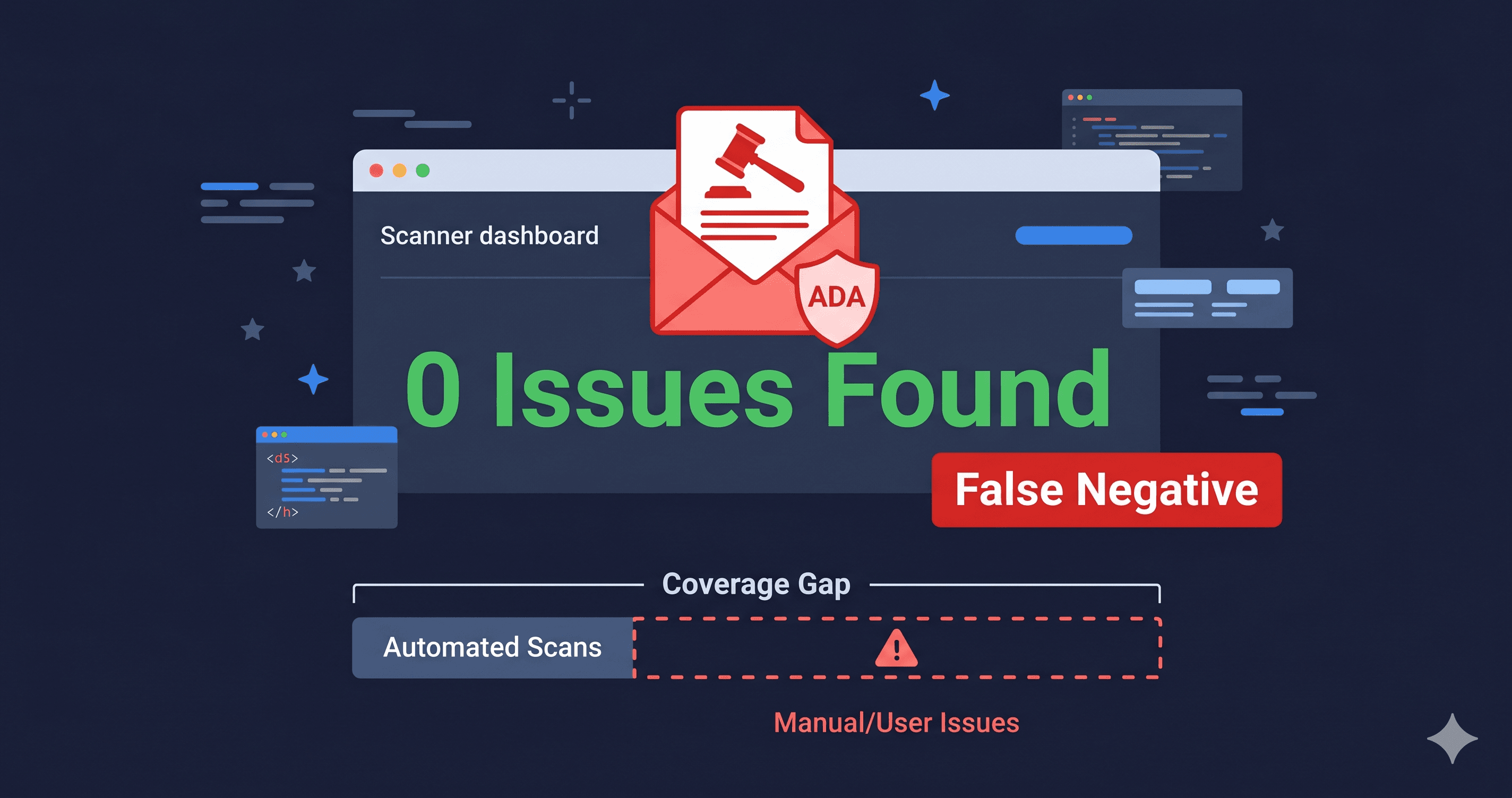
Automated accessibility scanners catch between 30% and 57% of real WCAG violations—depending on the tool. That number sounds low until you realize that most legal claims are built on exactly the violations automated tools do find: missing alt text, unlabeled form fields, insufficient color contrast, keyboard traps. The gap between "automated" and "compliant" matters enormously, but so does understanding what that gap actually contains.
4,800+ ADA web accessibility lawsuits were filed in 2025, a significant year-over-year increase (UsableNet). The vast majority cite structural violations that automated DOM scanners are explicitly designed to detect. The argument that "automation isn't enough" is true—but it doesn't mean automation doesn't matter. It means that relying on either method alone leaves you exposed.
What Automated Scanners Actually Find
Automated accessibility testing works by parsing the rendered DOM and running rule-based checks against WCAG success criteria. The violations it catches reliably are those with binary, testable conditions:
An image either has an alt attribute or it doesn't. A form field either has an associated label or it doesn't. The contrast ratio between foreground and background colors either meets 4.5:1 or it doesn't. These are machine-verifiable facts.
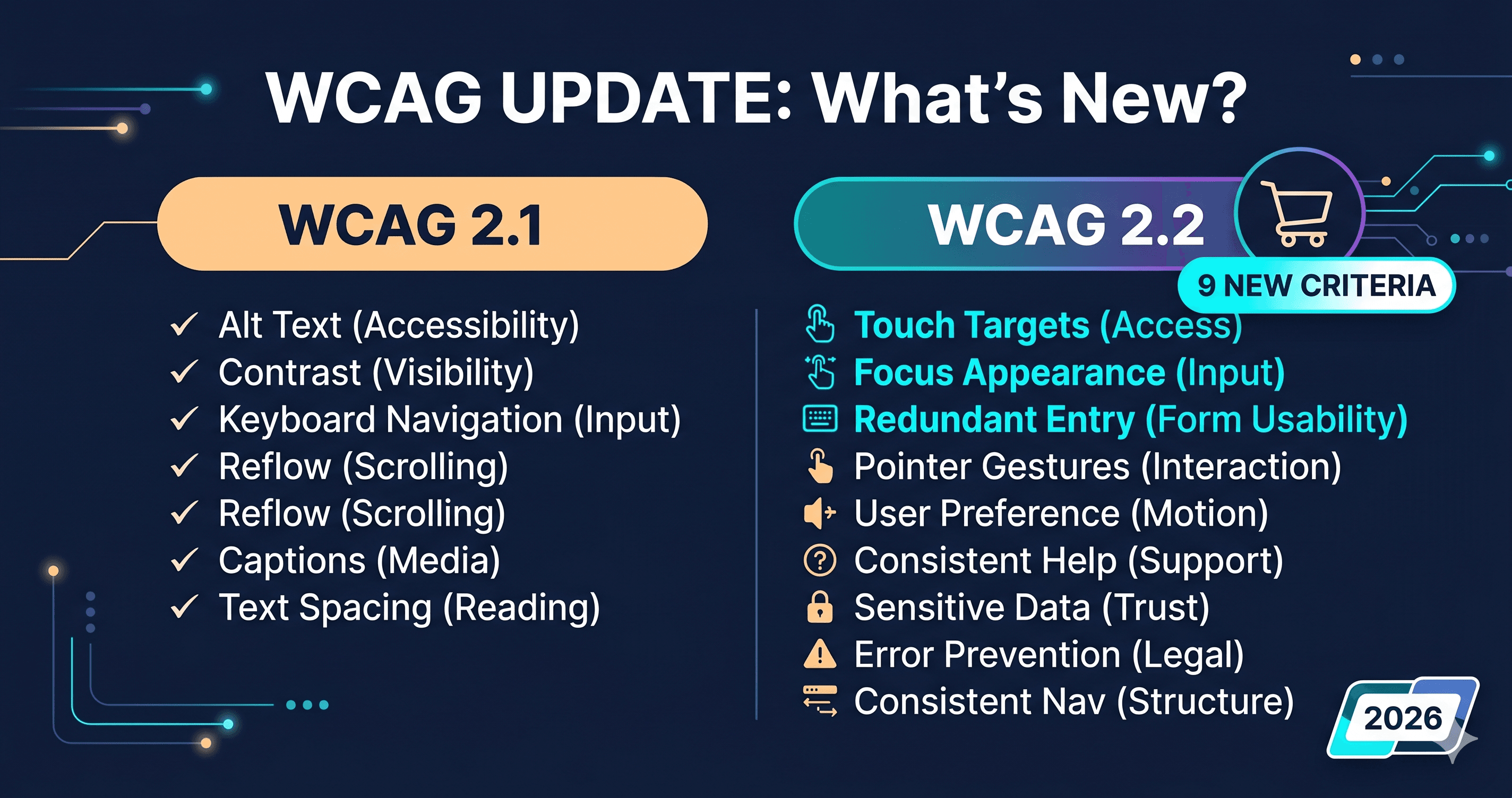
axe-core, the industry's most widely deployed automated engine, detects a share of real-world WCAG violations by issue volume (Deque research) — a different metric than criteria coverage. ADAGuard's 23-module scanner—22 custom checkers plus axe-core integration—reaches approximately 78% of WCAG 2.2 AA criteria (43 of 55), adding checks that axe-core alone misses: authenticated page scanning, WCAG 2.2-specific criteria like target size and focus appearance, heading hierarchy analysis, and third-party app violation detection.
What Automated Scanners Miss
The 22–70% of violations that automated tools miss (depending on baseline) share a common characteristic: they require semantic judgment or live user interaction to evaluate. Specifically:
Meaningful alt text quality. A scanner can detect that an alt attribute exists. It cannot determine whether alt="image123.jpg" or alt="decorative" applied to a product hero image is accurate. A screen reader user hearing "image one two three dot jay pee gee" in place of a product description is experiencing a genuine usability failure—but the automated tool records a pass.
Logical reading order. CSS can visually reorder content while leaving the DOM order illogical for screen reader navigation. A product grid that renders visually as row-by-row may read as column-by-column in the accessibility tree, disorienting users who navigate without vision. Automated tools check DOM order, not the cognitive experience of that order.
ARIA widget operability. An accordion component may have correct ARIA attributes but broken keyboard event handlers. The automated scan sees the attributes, marks them correct, and misses that pressing Enter on the trigger does nothing. Only an AT user discovers the widget is non-functional.
Cognitive load and plain language. WCAG 3.1.5 (Reading Level) and 3.1.4 (Unusual Words) are not machine-evaluable in any meaningful way. These criteria exist for users with cognitive disabilities and require human judgment to assess.
The AT Testing Stack: What Real Testing Involves
Assistive technology testing uses actual software that people with disabilities rely on daily. The primary AT combination for web testing is: JAWS (most common screen reader in enterprise), NVDA (open source, widely used), VoiceOver (macOS and iOS, critical for Apple device testing), and TalkBack (Android).
| Testing Method | Coverage | Speed | Cost | Best For |
|---|
| Automated scan (axe-core standalone) | Issue-volume based (Deque) | Minutes | Low–free | Continuous CI integration, developer workflow |
| ADAGuard (22 checkers + axe-core) | ~78% WCAG 2.2 AA | Under 2 minutes | Free–$129/mo | Full site audits, authenticated flows, third-party apps |
| Manual keyboard testing | ~15% additional | Hours per template | Internal dev time | Focus management, interaction flows |
| JAWS + NVDA screen reader testing | ~10–15% additional | Hours per flow | Specialist cost ($150–$300/hr) | Real user experience, semantic accuracy |
| Combined automated + AT testing | ~95%+ | Days per site | High | Enterprise compliance programs, legal audits |
The practical implication: a thorough automated scan with ADAGuard covers the ground that drives most demand letters, and AT testing covers the semantic and experiential layer that automated tools cannot evaluate. Neither alone achieves full WCAG 2.2 conformance.
Why Most Demand Letters Cite Automated-Detectable Violations
The 4,800+ lawsuits filed in 2025 weren't primarily built on nuanced semantic failures. The most-sued violations in 2025 were missing alt text (present in 56% of pages scanned by WebAIM), low color contrast (79.1% of pages), empty links, missing form labels, and keyboard traps in modals and overlays. These are all automated-scan-detectable violations.
This isn't a coincidence. Plaintiff law firms use automated tools to identify defendants. A firm running an axe-core scan across thousands of eCommerce sites in a single afternoon will find the sites with the highest density of critical violations. The sites that get demand letters are the ones that failed the automated scan first.
Passing the automated scan doesn't guarantee immunity—AT testing may reveal additional issues that form the basis for a claim. But failing the automated scan guarantees exposure. Automated scanning is the floor, not the ceiling.
Building a Testing Program That Covers Both
The most defensible accessibility program for an eCommerce merchant combines three elements: regular automated scanning to catch structural violations before they reach production, documented evidence of good-faith remediation for issues found, and periodic AT testing (quarterly, or after major theme changes) to validate the user experience layer.
ADAGuard makes the automated component feasible for any team size. The free tier scans any public URL and returns a prioritized list of WCAG violations with criterion numbers. The paid plans add scheduled monitoring, authenticated scanning for checkout and account flows, and multi-page site crawls—the features that close the gap between static page snapshots and real-world user journeys.
AT testing should be reserved for new checkout flows, major redesigns, and template-level changes. The automated scan tells you which criterion numbers are failing; AT testing tells you whether fixing them actually produces a usable experience for people with disabilities. Both signals matter. Neither alone is sufficient.
The Role of Continuous Monitoring
One-time audits—whether automated or AT-tested—provide a snapshot of compliance at a point in time. eCommerce stores are not static: themes update, apps release new versions, promotional content rotates, and checkout flows change with platform updates. A store that scanned clean in January may have new violations introduced by a theme update in March.
Continuous automated monitoring closes this gap. ADAGuard's scheduled scanning feature lets you run compliance checks daily, weekly, or after defined intervals, automatically flagging new violations introduced by updates before they become demand letter fodder. The monitoring runs against the same live DOM that a plaintiff attorney's scanner would test—including all loaded JavaScript, all third-party apps, and all dynamically rendered content.
AT testing, by contrast, is expensive and time-intensive enough that running it continuously isn't realistic for most merchants. The practical model is: automated monitoring as the continuous baseline, AT testing reserved for major template changes and new checkout flow deployments.
The 30-Second Fix
Start with the floor: run a free automated scan at adaguard.io. You'll immediately see which WCAG violations exist in your live DOM—including on your dynamically rendered pages. The scan covers ~78% of WCAG 2.2 AA criteria and includes checks that standalone axe-core misses. Use the report to prioritize remediation before your next AT testing cycle, and to document your compliance effort if a demand letter arrives.