"Enterprise-ready" and "ADA compliant" are not the same thing — a distinction that has cost BigCommerce merchants real money in legal settlements. The platform's SaaS architecture actually creates a unique compliance challenge: you're dependent on BigCommerce to fix platform-level issues, but you're legally responsible for everything a user experiences on your storefront.
That's a gap worth understanding in detail. For how this SaaS-platform pattern compares across other ecommerce systems, see our ecommerce accessibility checker guide.
The SaaS Compliance Trap
When you build on Magento or WooCommerce, you own the codebase. When something is broken, you fix it. BigCommerce's SaaS model means some of your accessibility surface area is outside your direct control — BigCommerce's hosted checkout, the native search experience, the account management portal. If BigCommerce's checkout has an accessibility bug, your customers can't complete purchases. And legally, that's still your problem.
BigCommerce has steadily improved its platform accessibility, and the company publishes an accessibility roadmap. But there's a gap between "committed to improving" and "fully WCAG 2.1 AA compliant today." Until every component is compliant, merchants face legal exposure for issues they cannot directly patch.
The good news: most BigCommerce accessibility failures are in territory you can control — your Stencil theme, your installed apps, and your custom front-end code.
Common Violations in Stencil Themes
BigCommerce's Stencil theme framework is well-structured compared to many alternatives, but the marketplace themes built on it vary wildly in accessibility quality. Here are the violations that appear most consistently.
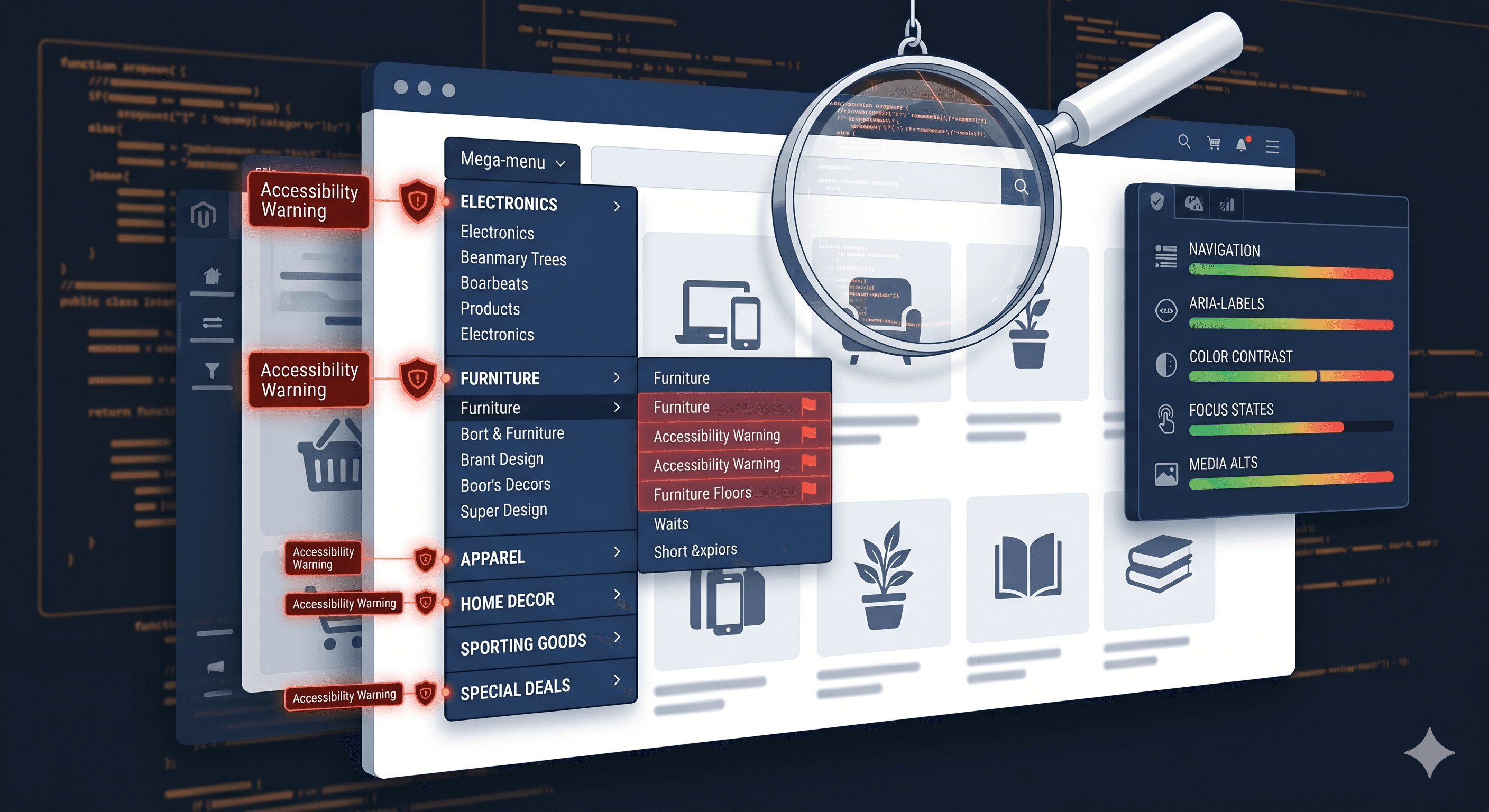
BigCommerce stores with large product catalogs often use mega-menu navigation. The default Stencil implementation collapses sub-menus on CSS :hover, which is fine for mouse users but creates a keyboard navigation dead end — keyboard focus can reach the top-level link, but there's no mechanism to expand the sub-menu. WCAG 2.1.1 (Keyboard) requires that all functionality be operable without a mouse. Whether your specific theme handles keyboard sub-menu expansion correctly needs to be verified against your live DOM.
Product Quick-View Modals
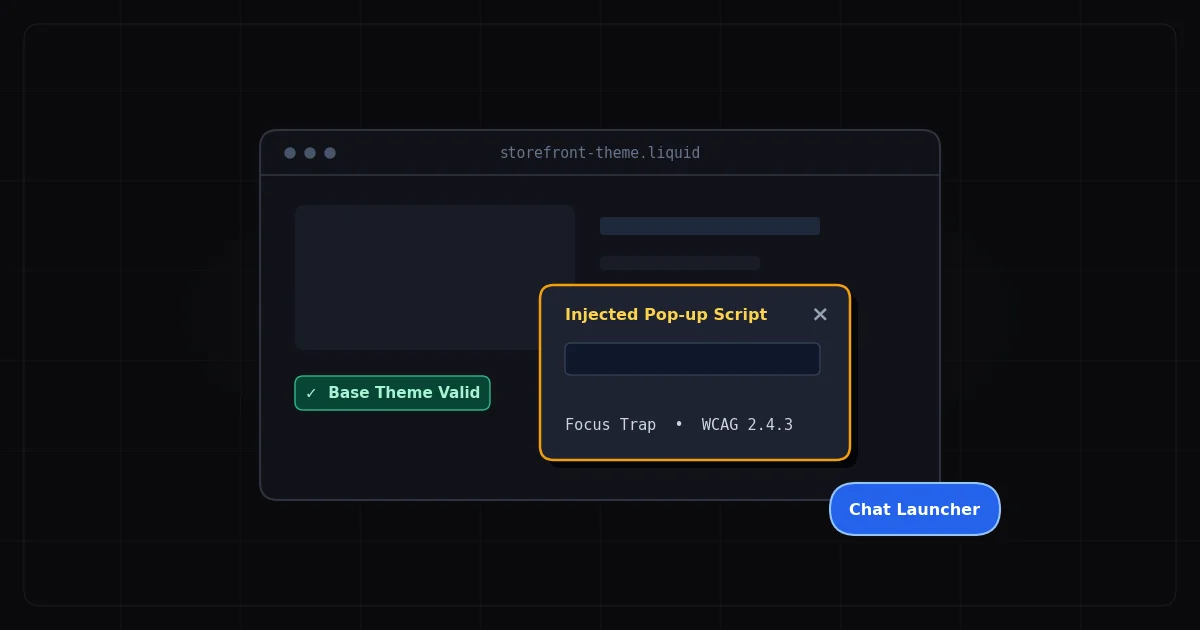
Quick-view modals are a nearly universal BigCommerce theme feature and a nearly universal accessibility failure. The pattern is: user activates "Quick View," a modal opens with product details, and the keyboard user cannot navigate it, cannot close it with Escape, and loses focus when the modal eventually closes. These failures map to WCAG 2.1.2 (No Keyboard Trap) and 2.4.3 (Focus Order) — two of the most commonly cited criteria in ecommerce demand letters.
The correct modal implementation requires focus to enter the modal on open, Escape to close it, and focus to return to the trigger element on close. Your scan report will confirm whether your quick-view modals meet these requirements on your specific theme build.
Color Contrast in Cornerstone Theme
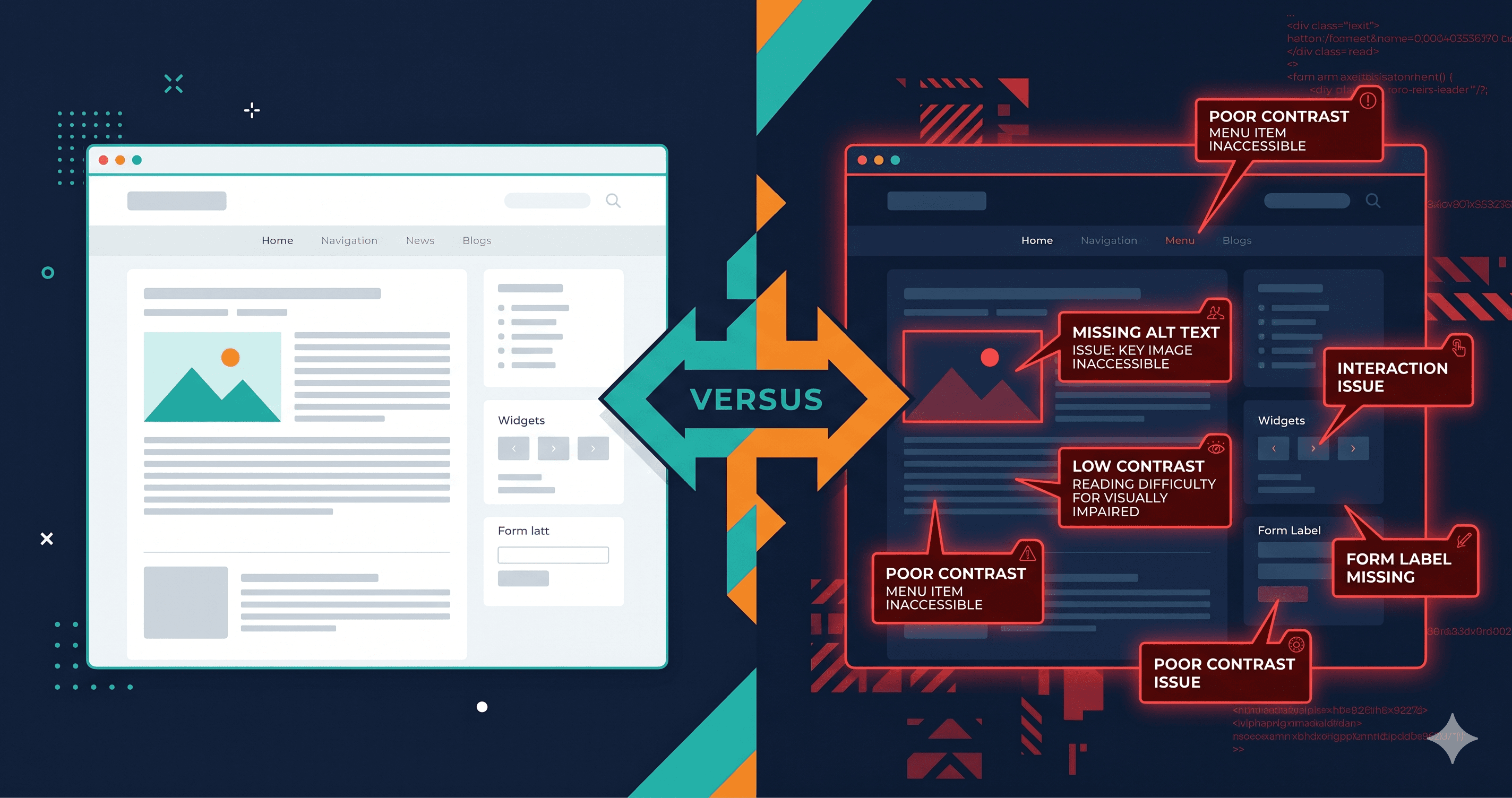
BigCommerce's Cornerstone theme uses configurable color variables — which means your specific configuration might be failing contrast requirements even if the default theme passes. Badge colors, sale price text, muted product descriptions, and placeholder text are frequent failures. WCAG 1.4.3 requires a minimum 4.5:1 contrast ratio for normal text. ADAGuard's color contrast module calculates ratios across every text element on the page automatically, including Cornerstone-specific elements that vary by your theme configuration.
BigCommerce Search: An Often-Overlooked Problem
BigCommerce's native search presents accessibility challenges that only appear during user interaction — which is why static scanners miss them. The search suggestions dropdown typically has no ARIA combobox pattern, meaning screen readers don't know that suggestions are appearing below the input. The "no results" state is displayed visually but not announced to screen readers via a live region. Search result items may lack sufficient semantic structure for screen reader navigation.
These failures (WCAG 4.1.2 and 4.1.3) appear consistently in BigCommerce audits and are exactly the type of dynamic-content violation that requires a JavaScript-rendering scanner to detect.
The App Ecosystem Problem
BigCommerce's app marketplace has hundreds of apps covering reviews, loyalty, live chat, popups, and more. Like every app ecosystem, accessibility compliance varies from "solid" to "actively harmful."
Review widgets that render star ratings as images without alt text. Loyalty point displays that update without announcement. Live chat buttons with no keyboard access. Cookie consent popups that trap focus incorrectly. Each installed app extends your compliance surface area.
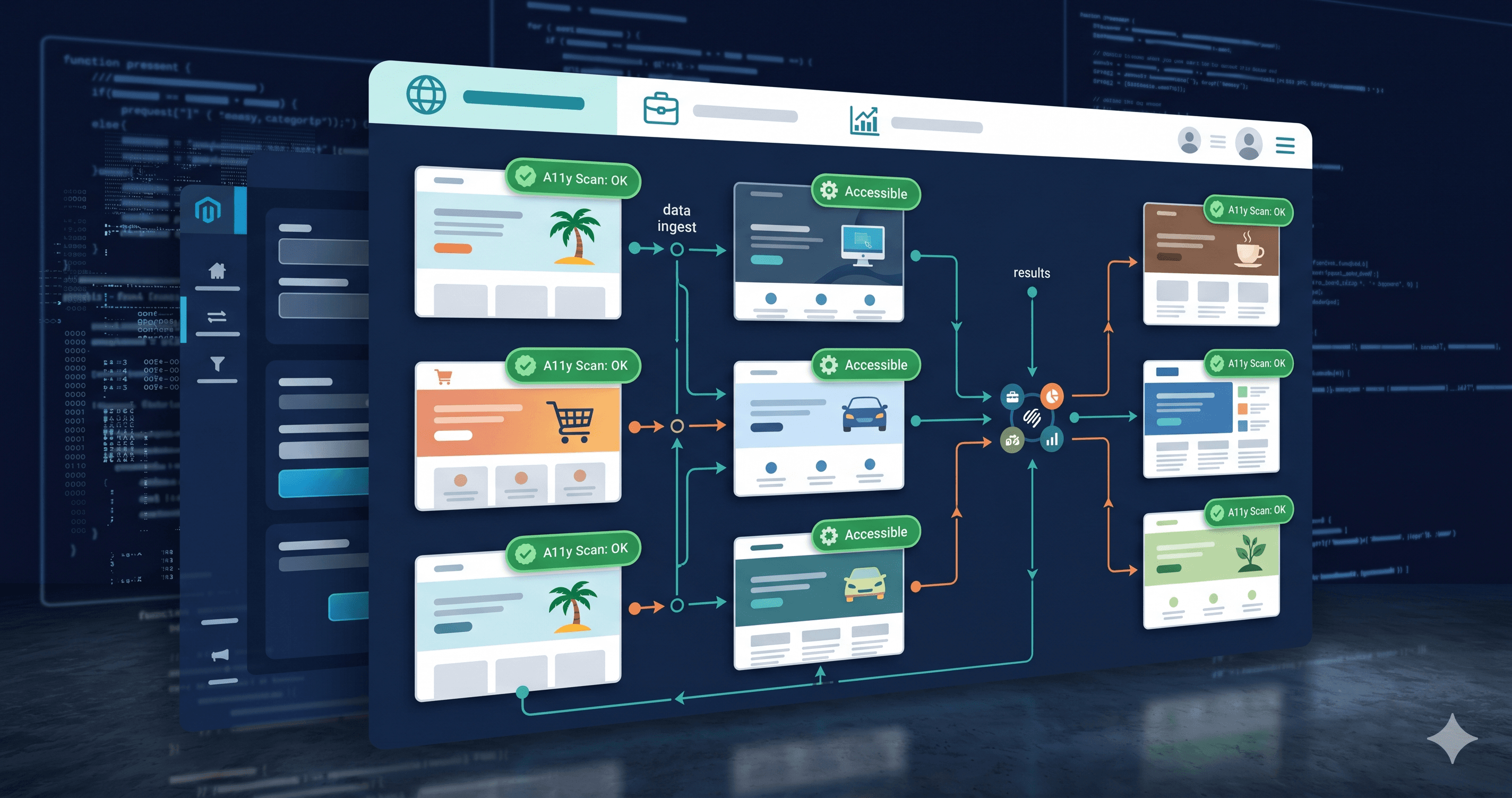
Because ADAGuard scans the fully rendered DOM after all JavaScript has executed, it catches app-injected violations that static scanners miss entirely. The 23 check categories run against everything in the DOM — your Stencil theme, your app output, and BigCommerce's own embedded components.
What BigCommerce's Own Audit Revealed
In their public accessibility documentation, BigCommerce acknowledges that the platform "is working toward WCAG 2.1 AA conformance" — the operative word being "toward." Their native one-page checkout has seen significant accessibility improvements, but the checkout experience still has known issues around focus management during step transitions and error announcement.
For merchants on BigCommerce's hosted checkout (versus a custom checkout built with the Checkout SDK), you're partially dependent on BigCommerce's release cycle to fix platform-level violations. Document these in your accessibility statement and report them through BigCommerce's feedback channels — it's both legally defensive and practically useful.
For everything in your Stencil theme and installed apps, you own it fully and should fix it proactively.
Compliance Cost Comparison
| Scenario | Cost |
|---|
| ADA demand letter response (attorney fees alone) | $5,000–$20,000 |
| Settled ADA lawsuit (typical range) | $25,000–$75,000 |
| Siteimprove enterprise monitoring | ~$28,000/year |
| Manual accessibility audit (specialist firm) | $3,000–$15,000 |
| ADAGuard Professional (5 users, annual) | $1,290/year |
| ADAGuard Free scan (no signup) | $0 |
ADAGuard covers both ADA compliance and Section 508 — relevant if your BigCommerce store serves federal agency buyers, which is increasingly common as government procurement moves online.
The 30-Second Fix
Paste your BigCommerce store URL at adaguard.io — no account needed, no credit card, instant results. You'll see exactly which WCAG criteria your store is failing, which elements are the problem, and severity rankings that help you prioritise what to fix first.
The scan runs in a real browser, executes your Stencil theme's JavaScript, loads your apps, and checks 50+ accessibility rules. Most BigCommerce merchants are surprised by what shows up — especially in the app-injected content that never gets manually reviewed.
Know where you stand before a plaintiff's attorney does.