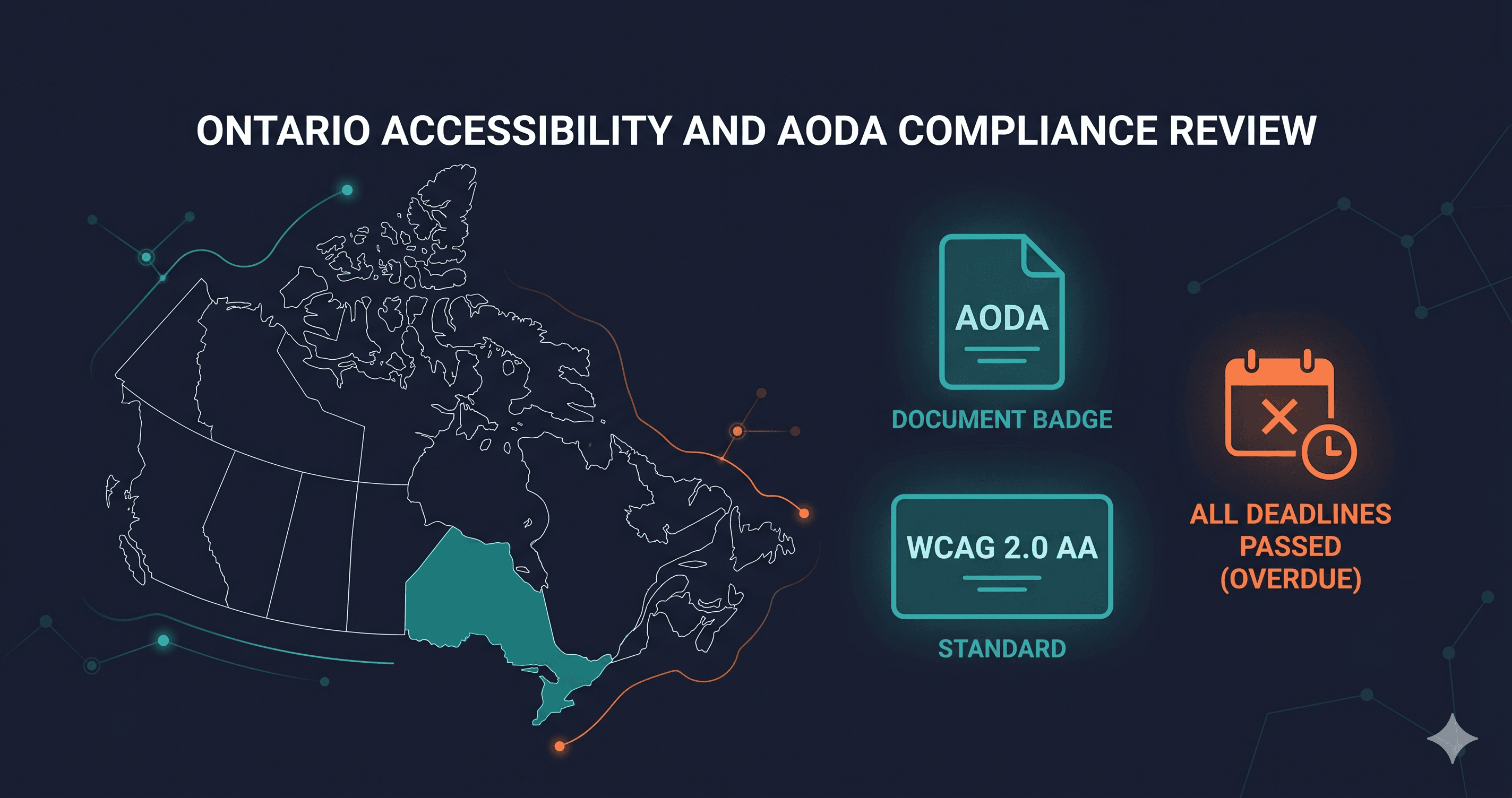
Ontario corporations that fail AODA compliance face fines of up to $100,000 per day — and 2026 is a critical filing year. The next mandatory Accessibility Compliance Report for private-sector businesses and non-profits with 20 or more employees is due by December 31, 2026. Filing that report without having addressed your website's WCAG compliance failures isn't just a paperwork problem. It's a documented admission of non-compliance to a regulator with penalty authority.
The Accessibility for Ontarians with Disabilities Act has been law since 2005 with a stated goal of making Ontario fully accessible by 2025. That milestone has passed, and compliance enforcement is ongoing. For websites, the operative standard under AODA is the Integrated Accessibility Standards Regulation (IASR) — which requires specific WCAG levels depending on your organisation's size and sector. Most Ontario businesses with a public-facing website should have been compliant years ago. Many are not.
What the AODA Requires for Websites
AODA's web accessibility requirements live in the Integrated Accessibility Standards Regulation (IASR), specifically the Information and Communications Standards. The requirements are tiered by organisation size:
| Organisation Type | WCAG Requirement | Compliance Deadline |
|---|
| Large organisations (50+ employees), private sector | WCAG 2.0 Level AA | January 1, 2021 |
| Small organisations (1–49 employees), private sector | WCAG 2.0 Level AA | January 1, 2021 |
| Large designated public sector organisations | WCAG 2.0 Level AA | January 1, 2016 |
| Small designated public sector organisations | WCAG 2.0 Level AA | January 1, 2014 |
| All organisations (new or redesigned content) | WCAG 2.0 Level AA | Upon publication |
The statutory baseline under AODA is WCAG 2.0 Level AA — the version of WCAG published in 2008. However, the Ontario government has signalled movement toward WCAG 2.1 AA as the practical benchmark, and many compliance consultants and legal advisors recommend building to WCAG 2.1 or 2.2 AA to future-proof against regulatory updates. The difference matters: WCAG 2.1 added 17 new success criteria, including mobile accessibility requirements and enhanced keyboard and low-vision support.
One critical nuance: WCAG 2.0 Level A requirements must be met without exception. WCAG 2.0 Level AA is required unless meeting it would cause undue hardship — which is a high legal bar and requires documented justification.
Who Must Comply With AODA
AODA applies to every public and private-sector organisation in Ontario, including businesses, non-profits, and public agencies. Key thresholds:
1–49 employees: Smaller compliance obligations. Web accessibility (WCAG 2.0 AA) applies once you have a public-facing website.
50+ employees: Full compliance obligations, including filing Accessibility Compliance Reports with the provincial government every three years.
Public sector organisations: Stricter obligations and earlier deadlines. Government ministries, municipalities, universities, hospitals, and school boards have been subject to AODA since 2014–2016.
Exemption: Intranet content (internal-only systems not accessible to the public) does not need to meet the web accessibility standards, but public-facing digital content — including gated content behind a login where public registration is available — generally does.
The December 31, 2026 Accessibility Compliance Report filing requirement applies to all private-sector businesses and non-profits with 20 or more employees in Ontario. If your organisation falls in this category and your website has detectable WCAG 2.0 Level AA failures, you are filing a compliance report into a non-compliant state.
The Penalty Structure: $100,000 Per Day Is Not Hypothetical
AODA enforcement is handled by the Ontario Ministry of Accessibility, primarily through an audit and compliance framework. The fine structure is severe:
- Individuals (including directors and officers): Up to $50,000 per day of non-compliance
- Corporations: Up to $100,000 per day of non-compliance
AODA enforcement has historically been lighter-touch than the penalty scale suggests — Ontario's government has preferred compliance assistance over punitive action. But enforcement posture has shifted since the 2025 deadline passed. Regulated organisations that filed Accessibility Compliance Reports claiming compliance and were subsequently found to have significant violations have faced closer scrutiny.
The more practical risk for many organisations is reputational and procurement-related: large Ontario public institutions are required to include AODA compliance obligations in procurement contracts with suppliers. A business that cannot demonstrate WCAG compliance may lose contracts with Ontario hospitals, municipalities, universities, or government agencies.
AODA vs. ACA: Federal and Provincial Frameworks
Ontario businesses often confuse AODA with the Accessible Canada Act (ACA), which is federal legislation that came into force in 2019. Understanding the difference matters:
AODA (provincial): Applies to all Ontario organisations, including private businesses. WCAG 2.0 AA required. Compliance reporting every 3 years. Ontario-specific enforcement.
ACA (federal): Applies to federally regulated organisations — banks, telecoms, broadcasting companies, federal Crown corporations, and transport operators. Also references WCAG 2.1 AA. If your organisation is federally regulated, both ACA and AODA may apply.
Other provinces: British Columbia, Manitoba, Nova Scotia, and Prince Edward Island have their own accessibility acts. BC's Accessible British Columbia Act is developing standards. Manitoba's Accessibility for Manitobans Act has a web accessibility standard under development. For national e-commerce operations, AODA is the most mature and enforced standard, but national operators should monitor provincial frameworks.
The Accessibility Gap in Ontario Websites
The 2026 WebAIM Million report found that websites average 56.1 detectable accessibility errors per page — a 10.1% increase from 2025 (WebAIM). The most common failures remain consistent year over year: low contrast text (found on 83.9% of pages), missing alt text for images, unlabelled form fields, and missing or incorrect ARIA landmarks.
These are precisely the violations WCAG 2.0 Level AA requires you to fix. An Ontario business that has been subject to AODA's web accessibility requirements since 2021 and has never run a WCAG scan is facing multiple years of non-compliance — not a single upcoming deadline.
ADAGuard scans for WCAG 2.0, 2.1, and 2.2 AA criteria across 22 custom checker categories plus axe-core integration, giving you ~78% automated coverage of WCAG violations on any public URL. Running a scan against your Ontario business's website takes under 60 seconds and produces a prioritised list of failures mapped to specific WCAG criteria.
What to Do When You Find Violations
AODA violations on your website resolve through a combination of internal development work and vendor remediation. Issues within your control — form labels, colour contrast, alt text, heading structure — go directly into your development sprint with the specific WCAG success criterion from your scan report as the ticket reference. Use the criterion numbers: "WCAG 1.4.3 (Contrast Minimum) fails on primary button text" is actionable. "Fix accessibility" is not.
For violations introduced by third-party tools — consent management platforms, CRM widgets, embedded chat tools, payment processors — raise a vendor ticket with the WCAG criterion reference and a description of the failure. Keep records of these tickets. If Ontario's Ministry of Accessibility conducts a compliance review, documented evidence that you identified violations and engaged your vendors is part of a credible compliance programme.
WCAG 2.0 Level AA is your minimum statutory obligation under AODA. Build to WCAG 2.1 or 2.2 AA in practice — the additional criteria add mobile accessibility, enhanced keyboard support, and focus visibility requirements that benefit disabled users significantly and that Ontario's standards are expected to adopt.
Filing Your 2026 Accessibility Compliance Report
The December 31, 2026 Accessibility Compliance Report covers all AODA standards — physical, employment, and information/communications (which includes websites). The filing is made through the Accessibility Compliance Reporting Tool on the Ontario government website.
The report asks you to confirm compliance with each standard. For web accessibility, you are confirming that your public-facing web content meets WCAG 2.0 Level AA. Filing without having assessed your web compliance exposes your organisation to enforcement review. The Ministry of Accessibility can request documentation supporting your filed responses.
Running a scan with ADAGuard before you file gives you documented evidence of your current compliance status — and a prioritised remediation list if gaps exist. A completed scan report is the starting point for a credible compliance programme you can reference in your filing.
The 30-Second Fix
The December 2026 compliance filing deadline is specific, documented, and enforced. Paste your website URL at adaguard.io for a free WCAG 2.2 AA scan — no signup required. ADAGuard covers 22 custom checker categories plus axe-core, giving you ~78% automated coverage of WCAG criteria. The resulting report maps every violation to a specific WCAG criterion number — exactly what your development team and third-party vendors need to prioritise remediation before your compliance report is due.