When your agency client receives an ADA demand letter for a Duda site you built, their attorney's first question will be whether accessibility was part of the project scope. The second question will be why the site's custom sections, third-party widgets, and client-added content were never scanned against the WCAG 2.1 AA standard that courts use to evaluate compliance.
Duda is the platform of choice for thousands of web design agencies, particularly those serving local businesses, SMBs, and franchise networks. The platform's white-label capabilities, team management features, and rapid site-building tools make it efficient for agency-scale production. But Duda's built-in accessibility tools — a color contrast checker in the editor and guidance toward WCAG 2.1 AA — do not constitute an ADA compliance audit. They constitute a starting point. The gap between that starting point and defensible compliance is where agencies face professional liability.
In 2025, 4,800+ ADA web accessibility lawsuits were filed in the US (UsableNet, 2025 mid-year report), a significant increase over the prior year. E-commerce retailers represent roughly 70% of targets — and Duda's agency clients include e-commerce businesses, professional service firms, and local retailers, all of which are covered under ADA Title III.
Duda has made genuine platform-level accessibility investments. The editor includes a color contrast ratio checker. The platform's core components — navigation, forms, buttons — are built with semantic HTML as a default. Alt text fields are available on all image elements. The platform language attribute is configurable. Duda's documentation guides agencies toward WCAG 2.1 AA as the target standard.
These are table-stakes features, not compliance guarantees. Duda's own accessibility documentation includes a legal disclaimer that is worth reading directly: "Unfortunately, there is no clear legal definition of website compliance with the ADA. Duda's accessibility tools help you on your path to comply with the WCAG 2.1 AA guidelines, which many U.S. and international jurisdictions use as a general guideline to determine accessibility compliance."
"Help you on your path" is not the same as "guarantee compliance." The path diverges from compliance the moment:
- A client uses Duda's content editor to publish images without alt text
- An agency developer builds a custom section using Duda's Custom Widget Builder without accessibility testing
- A third-party widget (chat, popup, booking system) is embedded into the Duda site
- A client installs an app from Duda's App Market without evaluating its accessibility output
- An animated section or interactive element is added without testing keyboard operability
Each of these events — routine in any active client engagement — can introduce WCAG violations that Duda's platform tools will not detect because they happen after the platform-level quality controls have run.
The Violation Categories That Agencies Miss
Custom Widget Builder output: Duda's Custom Widget Builder lets agencies and developers create reusable JavaScript-powered components. Components that use <div> elements as interactive controls without the appropriate ARIA roles, that implement click events without corresponding keyboard events, or that inject dynamic content without ARIA live region announcements are invisible to Duda's editor-level checks and invisible to static HTML scanners.
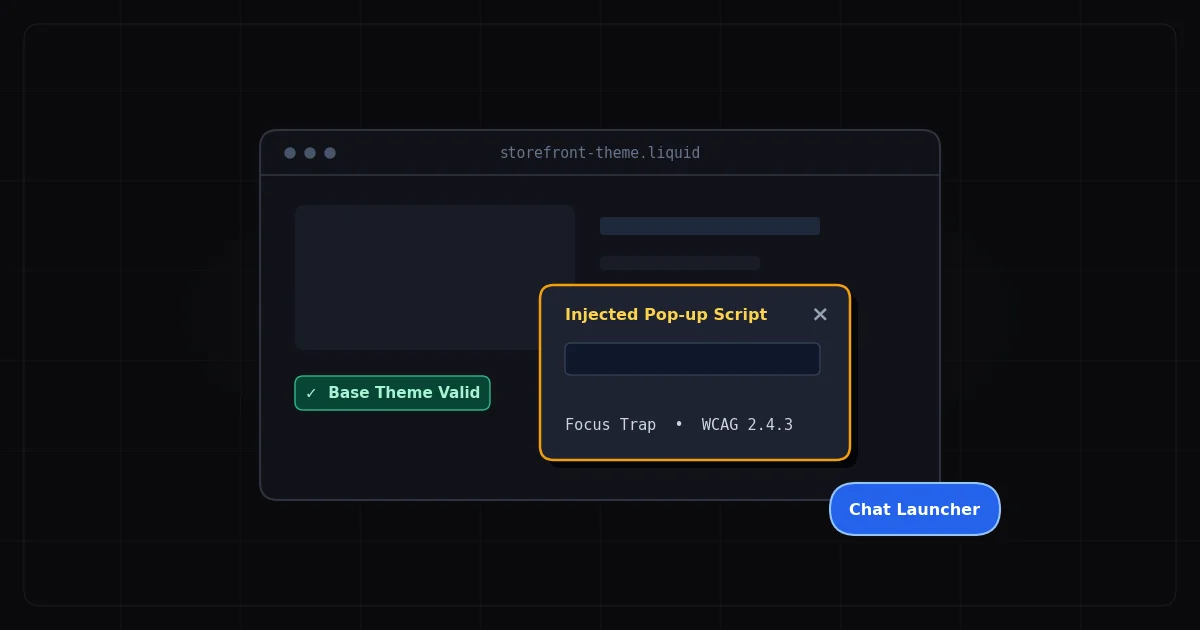
Third-party App Market integrations: The Duda App Market includes live chat widgets, booking systems, review widgets, contact forms, and email capture tools. Each of these injects its own DOM structure at runtime. A booking widget that doesn't implement proper focus management, a chat widget that creates a keyboard trap, or a review widget with decorative star icons that are read as content by screen readers — all of these are compliance liabilities that the platform does not check for.
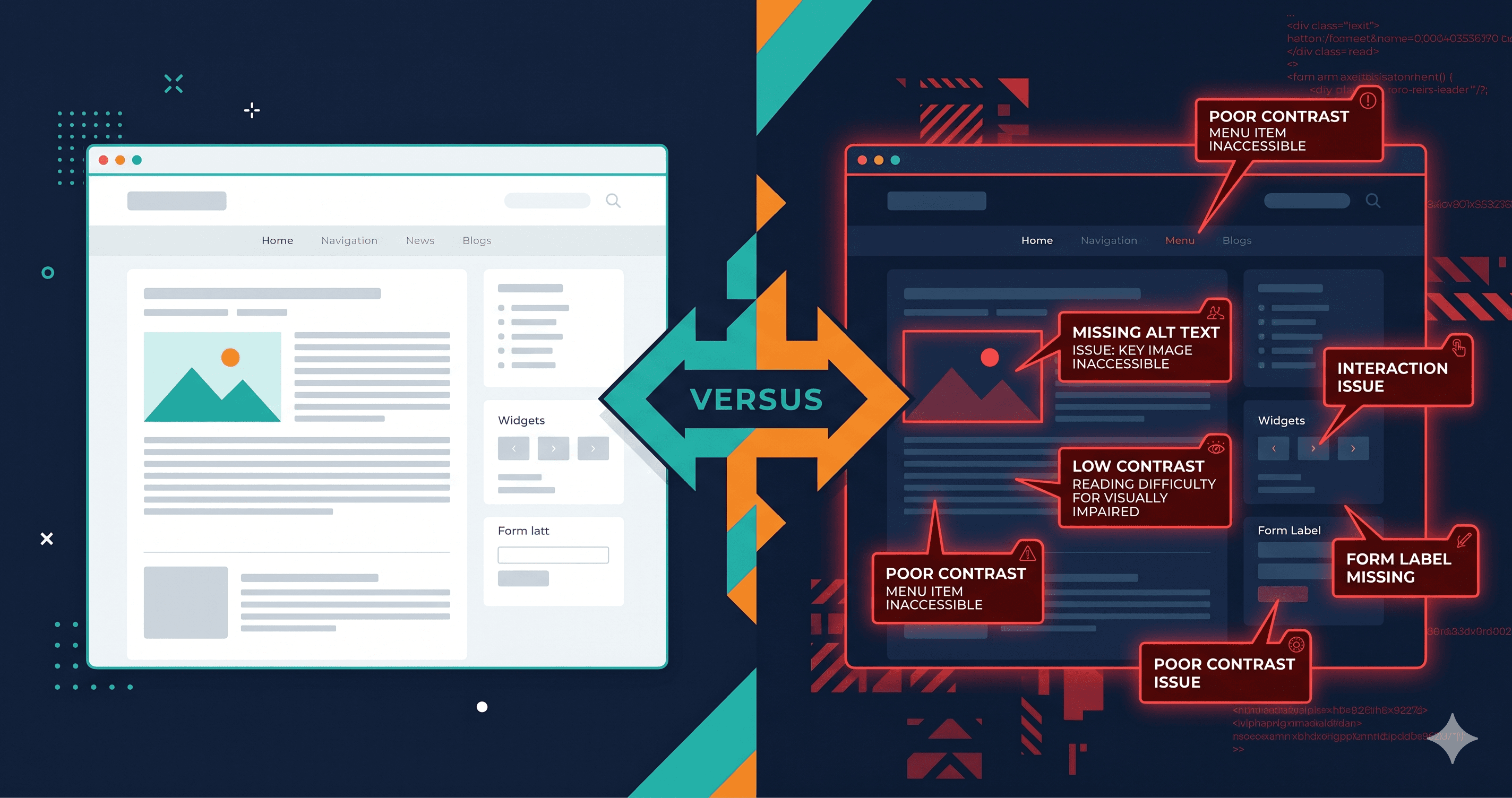
Client-generated content: After site launch, clients manage their own content. Images are uploaded without alt text. Blog posts are formatted with heading levels chosen for visual appearance. Videos are embedded without captions. Over months of content updates, a site's accessibility posture can degrade significantly from its launch state.
Popups and overlays: Client-facing popups for lead capture, cookie consent, and promotional announcements are common in agency-built Duda sites. Popup implementations must meet the full ARIA dialog pattern — including focus trapping, accessible close buttons, and focus restoration on dismissal — to be WCAG compliant. Most popup implementations do not meet this standard without explicit accessibility testing.
E-commerce functionality: Duda's eCommerce product (powered by Ecwid/Lightspeed) adds a shopping cart, product pages, and checkout to agency client sites. Checkout forms are the highest-risk elements for ADA demand letters. Form labeling, error announcements, and keyboard operability in the checkout flow must be verified through live-DOM scanning of the rendered checkout state, not through static HTML evaluation.
The Violation Table: What Live-DOM Scanning Finds on Duda Agency Sites
| Element | Common Failure | WCAG Criterion | Fix Effort |
|---|
| Custom Widget Builder | Interactive <div> with click handler — no ARIA role or keyboard support | 4.1.2, 2.1.1 Keyboard | Medium–Hard |
| Third-party chat widget | Keyboard trap on open; no keyboard-accessible close button | 2.1.2 No Keyboard Trap | Vendor fix |
| Email capture popup | Focus not trapped in popup, not dismissed by Escape key | 2.1.2, 4.1.2 | Easy–Medium |
| Client-added images | Missing alt text on images added post-launch via editor | 1.1.1 Non-text Content | Easy |
| eCommerce checkout form | Form input fields without persistent visible labels | 1.3.1, 4.1.2 | Easy–Medium |
| Navigation menu | Dropdown not keyboard-accessible in custom navigation | 2.1.1 Keyboard | Medium |
| Color scheme (client override) | Client changed brand colors post-launch below contrast threshold | 1.4.3 Contrast Minimum | Easy |
| Social media icon links | Icon-only links with no accessible text or aria-label | 2.4.4 Link Purpose | Easy |
| Embedded booking widget | Calendar date picker not keyboard operable | 2.1.1 Keyboard | Vendor fix |
| Animated sections | CSS animations without reduced motion media query | 2.3.3 Animation from Interactions (AAA) | Easy |
Why Agency-Scale Accessibility Requires External Scanning
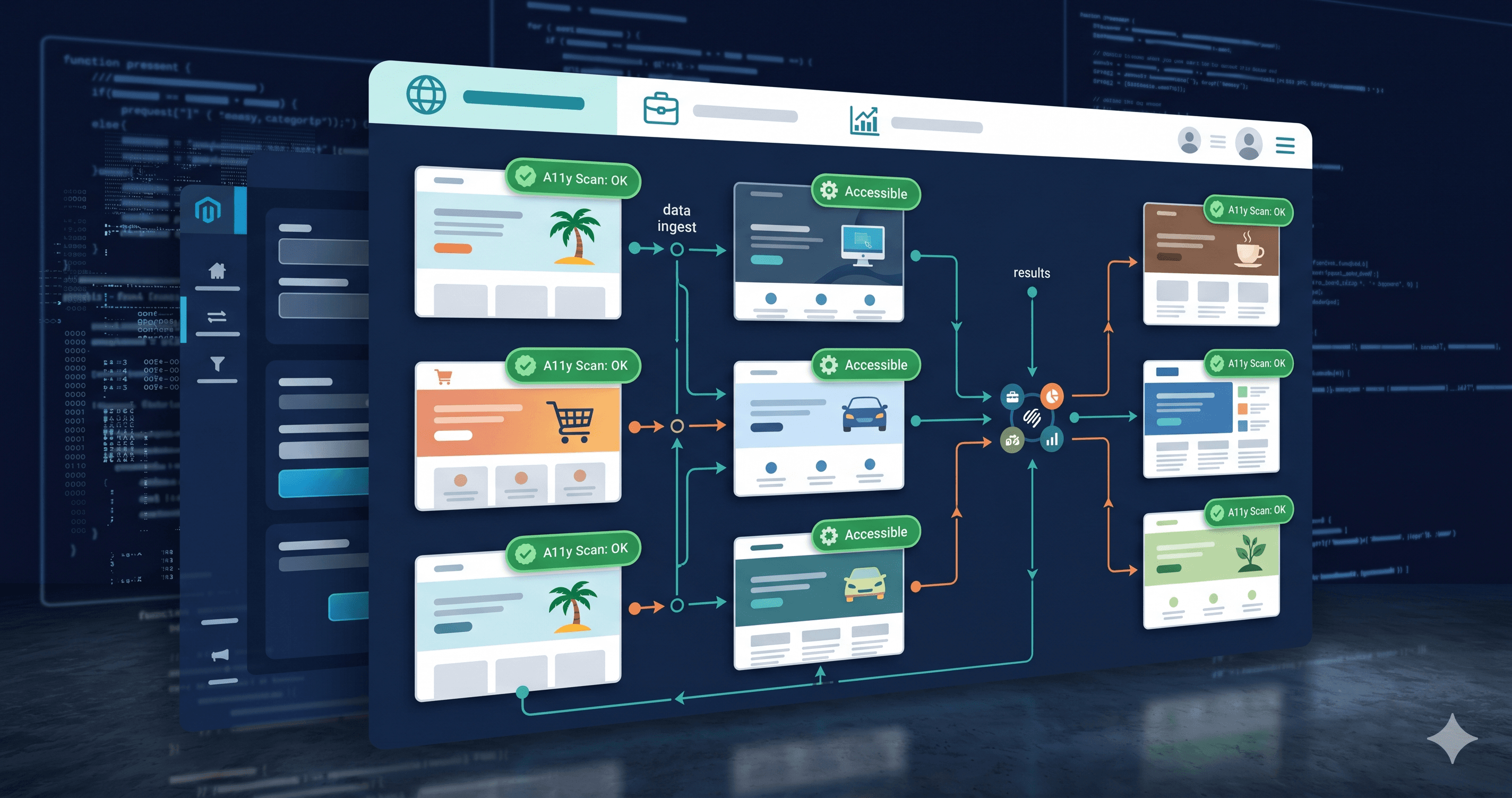
Duda's editor-level accessibility checks run at build time, against the static structure of your site template. They do not run against the rendered DOM state of your live site after widgets have loaded, clients have published content, apps have injected their JavaScript, and popups have initialized.
This is the distinction that matters for agency liability. The version of your client's site that a plaintiff's law firm scans is the live, rendered, JavaScript-executed version — not the template in your Duda dashboard. If those two versions have different compliance profiles, your dashboard check is meaningless for legal defense.
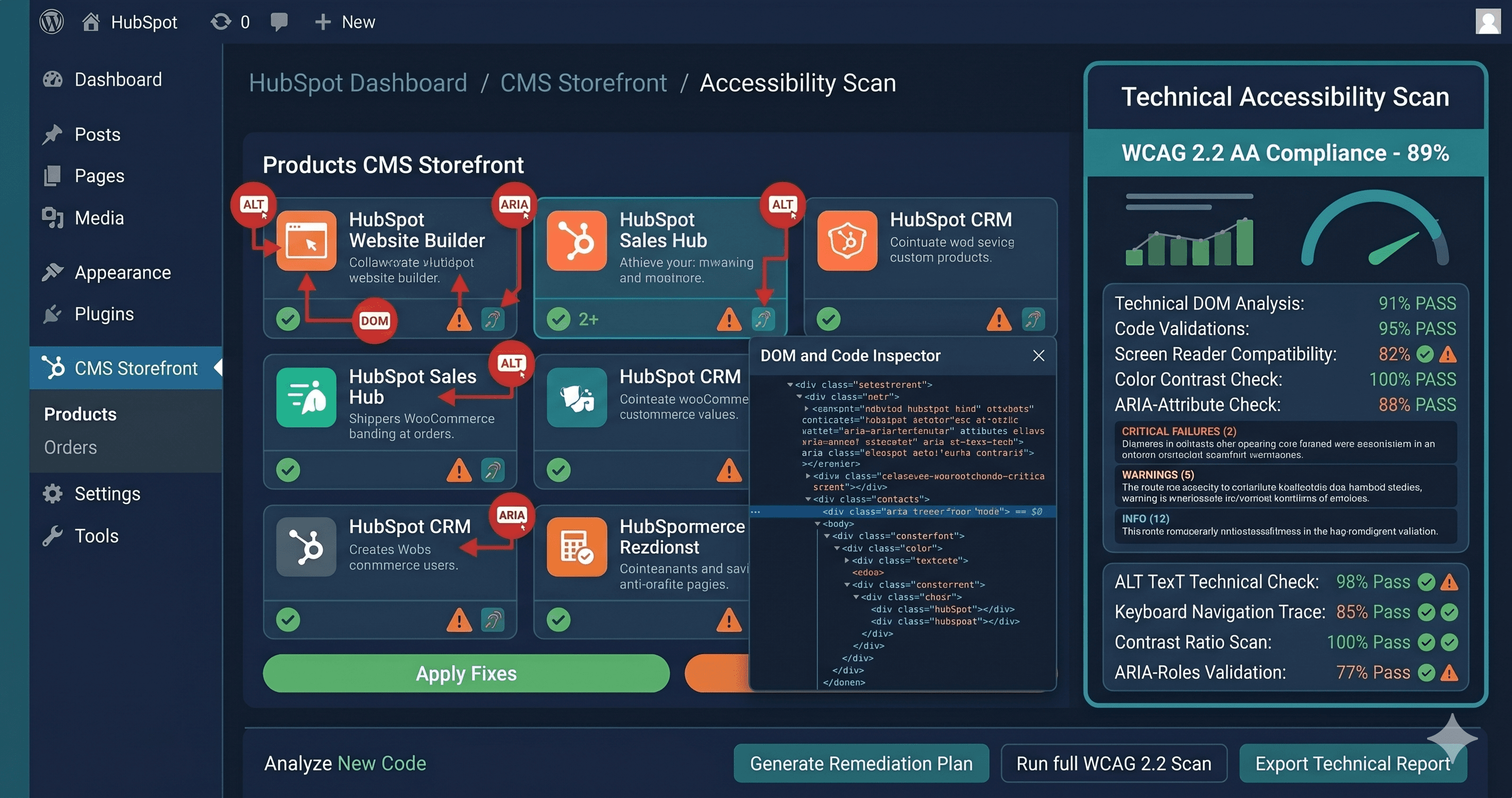
ADAGuard provides live-DOM scanning that evaluates your client's actual live site using a real Chromium browser. JavaScript executes. Dynamic components load. Widgets inject their DOM. Then ADAGuard evaluates the fully rendered page against 50+ WCAG checks across 23 categories — including checks that go beyond what axe-core-only tools surface. The result is the compliance profile of the site that your client's visitors — including users with assistive technology — actually experience.
For agencies managing 10, 50, or 100+ Duda client sites, ADAGuard's professional and enterprise tiers enable multi-domain scanning. Scan your entire client portfolio and identify which sites have active violations before a demand letter does it for you.
Building Accessibility as an Agency Service Line
The compliance gap between what Duda provides and what ADA liability requires is an agency business opportunity. Accessibility audits and ongoing monitoring are high-value, recurring service lines. Clients who have received demand letters — or know someone who has — are motivated buyers. The conversation is straightforward: you cannot guarantee their site is compliant based on platform defaults alone; you can provide documented audit reports that demonstrate due diligence.
A structured accessibility service using ADAGuard looks like this:
Pre-launch audit: Before delivering any client site, run ADAGuard against all key templates — homepage, contact/form pages, product or service pages, checkout (if applicable). Document violations, remediate developer-owned issues, and file vendor-owned issues with the relevant app developer. Deliver the client a scan report showing your compliance baseline.
Content publishing review: After site launch, schedule quarterly ADAGuard scans to catch violations introduced by client content updates. Alt text gaps, heading structure degradation, and new widget additions are the most common sources of post-launch violations.
Ongoing monitoring: ADAGuard's monitoring capability alerts you when new violations are detected on a client's live site — whether from a content change, a widget update, or a CMS platform update that altered the rendered DOM.
EAA compliance for EU-facing clients: Since June 28, 2025, digital services sold to EU customers must meet WCAG 2.1 AA. For agency clients with European customer bases, EAA compliance is a new contractual requirement to include in your accessibility service scope.
What to Do With a Scan Report
When ADAGuard returns violations on a Duda client site, the remediation path depends on violation ownership:
Agency-owned violations — custom widget accessibility, heading structure, alt text on developer-placed images, keyboard-inaccessible navigation components — are your team's responsibility. Hand WCAG criterion numbers to your developer. Each criterion maps directly to a code change.
Client-owned violations — post-launch content without alt text, client-changed color schemes, client-embedded third-party tools — require a conversation with your client about their content management practices. Your agency's accessibility SLA should define who is responsible for ongoing content compliance.
Vendor-owned violations — accessibility failures inside third-party App Market widgets, booking systems, or chat tools — require support tickets to the app developer with specific WCAG criterion references. Track these because they affect your client's compliance posture until the vendor ships a fix.
The 30-Second Fix
Duda's platform accessibility tools are the starting line, not the finish line. The violations that generate demand letters live in your clients' live, rendered sites — in JavaScript-rendered widgets, post-launch client content, and third-party app DOM — not in the editor templates you reviewed at launch. Paste any client's Duda site URL into ADAGuard to run a live-DOM scan across 23 check categories. No account required for your first scan. Use the results to build your agency's accessibility audit offering — and to stay ahead of the demand letters that are reaching your clients' competitors right now.</div></div>