Pull up a list of all links on your site and read them out loud, in order, without looking at the surrounding text. "Click here." "Read more." "Learn more." "Click here." "Click here." If that list describes your e-commerce store, a screen reader user experiences your site as an incomprehensible series of identical commands pointing nowhere.
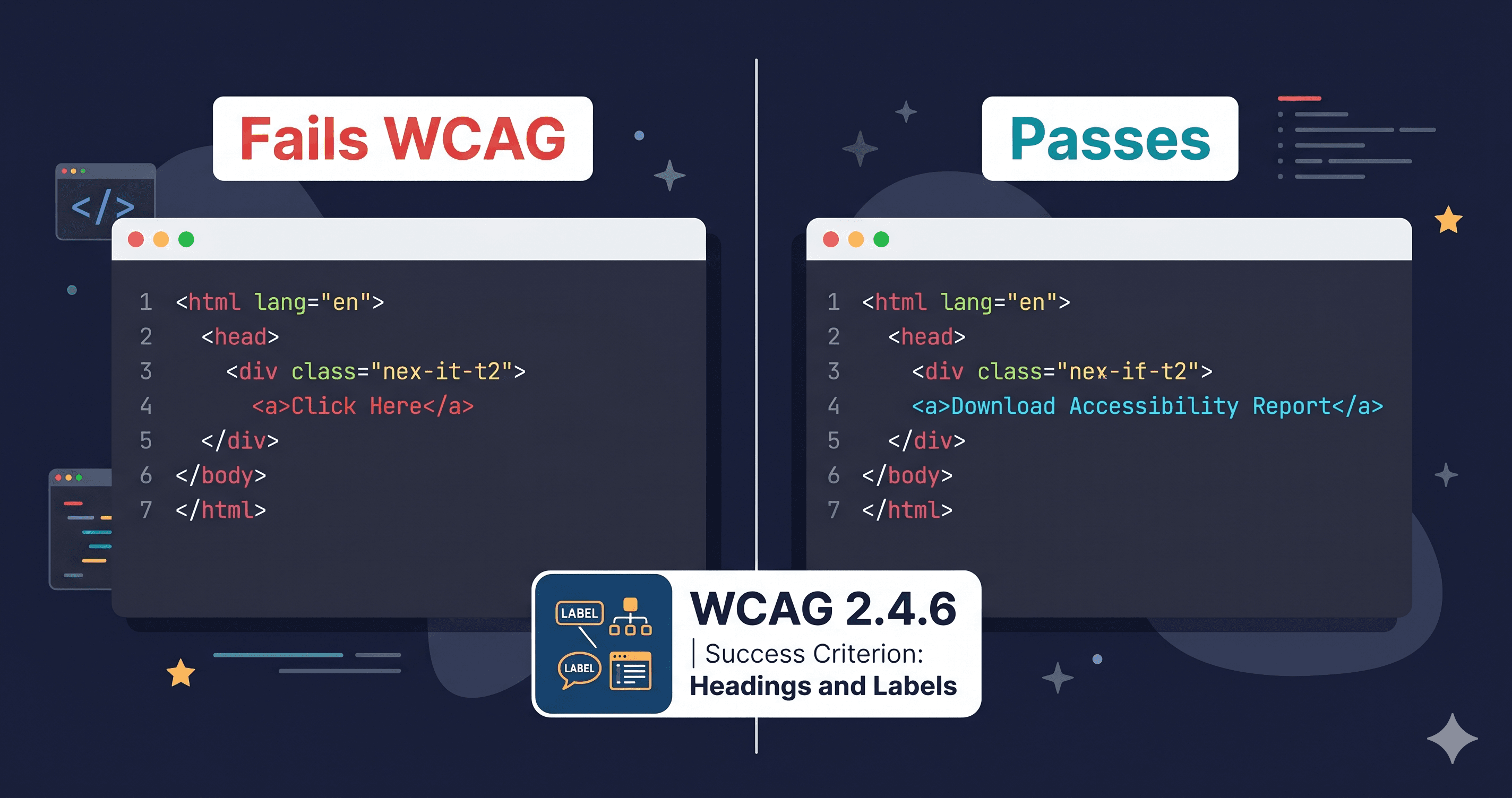
Non-descriptive link text is one of the most frequently cited violations in ADA web accessibility complaints and demand letters. It fails WCAG 2.4.4 Link Purpose (In Context), a Level AA requirement that every business subject to ADA must meet. And unlike some accessibility failures that require complex DOM analysis to discover, "click here" violations are trivially detectable by any automated scanner — including the ones law firms use to generate demand letters.
Why It Matters for Screen Reader Users
Screen readers offer a feature called the "links list" — a keyboard shortcut that extracts all hyperlinks on a page and presents them as a navigable list. For sighted users, links like "Shop Now" or "Read More" make sense in context — the surrounding image, heading, or paragraph text explains the destination. In the links list, that context disappears. The user hears only the link text itself, repeated as many times as it appears on the page.
Imagine navigating a product catalog page's links list and hearing: "Add to Cart. Add to Cart. Add to Cart. Add to Cart. Click here. Read more. Click here." Nothing tells the user which product each "Add to Cart" belongs to, where "Click here" leads, or what "Read more" expands.
According to WebAIM's screen reader user survey, the inability to navigate by links is one of the most consistently reported barriers on e-commerce sites.
Which WCAG Criteria Apply
Criterion
Level
Requirement
2.4.4 Link Purpose (In Context)
AA
Link purpose must be determinable from link text alone, or from link text + immediately surrounding context
2.4.9 Link Purpose (Link Only)
AAA
Link purpose must be determinable from link text alone, without any context
1.3.1 Info and Relationships
AA
Information conveyed by visual context (adjacent heading or image) must be programmatically determinable
For most e-commerce use cases, satisfying 2.4.4 at Level AA is the compliance target. This means a link is acceptable if either: (a) the link text alone describes the destination, or (b) the link text plus the immediately adjacent text makes the purpose clear.
"Read More" next to a product title can pass 2.4.4 — if the product title is immediately adjacent and programmatically associated. "Click Here" on a standalone button does not pass under any reading of the criterion.
The Most Common Offenders in E-Commerce
Pattern
Example
Failure Type
Generic button text
"Click Here", "Submit", "Go"
Link text alone has no purpose
Repeated partial text
Multiple "Add to Cart" buttons with no product context
Links list ambiguity
Icon-only links
Social media icons with no aria-label
Empty link text
"Read More" blog teasers
"Read More" without product/article title association
Contextual ambiguity in links list
"Shop Now" CTAs
"Shop Now" without specifying what or where
Purpose not determinable
Footer utility links
Multiple "Learn More" on feature blocks
Repeated identical text
The most problematic pattern in Shopify and WooCommerce storefronts is the repeated "Add to Cart" — every product card in a grid uses the same button text, and when extracted as a links list, there's no way to know which product each button targets.
The Fix Patterns
Option 1: Use descriptive visible text. This is always the best option. "Add Women's Running Shoes to Cart" is unambiguous. "Read the complete guide to WCAG 2.4.4" describes the destination. Visible text that describes the link benefits everyone — sighted users, screen reader users, and search engine crawlers.
Option 2: Add aria-label for context without changing visible text. When the visual design requires short text ("Add to Cart" is standard UI language), use aria-label to provide the full description to assistive technology:
[ HTML ]
<button aria-label="Add Women's Running Shoes to Cart">
  Add to Cart
</button>
This single pattern — adding aria-label values that include the product name — resolves the repeated "Add to Cart" problem across an entire product grid.
Option 3: Use aria-labelledby to reference existing text. If the product title is already in the DOM, reference it directly:
The screen reader combines both referenced elements and announces "Women's Running Shoes Add to Cart" — a complete, unambiguous description, using text that already exists on the page.
The SEO Overlap You're Leaving on the Table
Non-descriptive link text is not just a WCAG problem — it's a missed SEO opportunity. Google uses anchor text as a ranking signal. A link that says "click here" passes zero semantic information to Google's crawler. A link that says "download the 2026 WCAG compliance checklist" tells Google exactly what the destination page is about, reinforces the target page's keyword relevance, and contributes to your internal linking architecture.
The overlap between fixing WCAG 2.4.4 and improving your SEO internal linking is nearly perfect. Every descriptive link you create for screen reader users is simultaneously a keyword-rich anchor that improves your search rankings.
Case study context: When Legal & General redesigned their website with accessibility-first principles — including descriptive link text, proper heading structure, and semantic HTML — they saw a 50% increase in organic SEO traffic (W3C Business Case report). The accessibility work was also an SEO initiative, whether or not it was framed that way.
This is the compounding return on accessibility investment: fix it once, and you get legal risk reduction, a better experience for disabled users, higher organic search rankings, and improved usability for everyone else.
How Automated Scanners Detect Link Text Failures
Not all accessibility scanners catch link text violations with equal accuracy. A scanner must:
Identify the link text — including text injected by JavaScript, text that comes from aria-label overrides, and text from title attributes
Test it in context — determine whether the surrounding text (a heading, a list item, a figure caption) provides sufficient context to satisfy 2.4.4
Flag repeated identical text — catch the "Add to Cart" duplication pattern across a product grid
Static HTML scanners read the source HTML and can find obvious "click here" text, but they miss links injected by JavaScript, links whose text comes from dynamic data, and the "duplicate in context" problem that only becomes visible when you see the full rendered list of links on a page.
ADAGuard renders your full page with JavaScript running, evaluates every link in the context of the rendered DOM, and flags both naked "click here" violations and contextual failures like identical CTA text repeated across a product grid. The report shows each violation at the specific element level — so your content team or developer knows exactly which link to update.
What to Do When You Find These Violations
Violations your content team can fix without code: Blog "Read More" links, marketing CTA buttons, and standard text links can usually be updated directly in your CMS or page editor. Changing "Click Here to Download the PDF" to "Download the 2026 WCAG Compliance Guide" requires no code at all.
Violations that need a developer or theme update: Repeated action buttons in product grids, icon-only social links, and programmatically generated CTA text typically require a template or component change. When escalating to a developer, reference:
WCAG 2.4.4 (link purpose in context — repeated Add to Cart buttons)
WCAG 1.3.1 (information and relationships — icon-only links with no label)
Giving your developer the criterion number and the specific element (e.g., "the 'Add to Cart' button in the product card template") means they can fix it in one pass without a back-and-forth clarification loop.
Who Gets Targeted — and Why Link Text Issues Are a Favorite
Law firms using automated accessibility scanning tools explicitly look for link purpose violations because they are easy to demonstrate and hard to defend. Unlike some WCAG failures that require technical context to explain (duplicate IDs, ARIA attribute errors), a non-descriptive link is self-evidently problematic: "The link says 'click here.' The user has no idea where it goes."
In a demand letter or legal complaint, the violation can be shown in a single screenshot. That makes link text failures disproportionately common in demand letters relative to their technical severity. They are Level AA violations — not Level A — but they are among the most cited because they are the easiest for plaintiffs' attorneys to document, illustrate, and argue in front of a judge or mediator.
Retailers, restaurants, and hospitality businesses have the highest concentration of these failures because they frequently use templated CTAs ("Shop Now", "Book Here", "Click Here") copied across multiple sections of a page. When 15 instances of "click here" appear on a single homepage, an automated scan generates 15 separate violation records — each one individually documentable.
With over 4,800 ADA web accessibility lawsuits filed in 2025 (UsableNet), and the link text violation being consistently among the top five cited issues, the question for any e-commerce operator is not "could this happen to me?" but "when did someone last check?"
The 30-Second Fix
Open your browser, navigate to your homepage, and try the keyboard shortcut that lists all page links (NVDA: Insert+F7 on Windows). Read through the list without looking at the page. Count how many links are "Click Here," "Read More," or "Learn More." Each one is a WCAG 2.4.4 violation.
For a complete picture of every non-descriptive link across your entire storefront — including dynamically rendered product cards and JavaScript-injected CTAs — scan your site at adaguard.io. No signup required. ADAGuard's report lists every link purpose failure by page, severity, and WCAG criterion, with enough detail for your content team or developer to fix each one directly.
Who Gets Targeted — and Why Link Text Issues Are a Favorite
Law firms using automated scanning tools explicitly look for link purpose violations because they are easy to demonstrate and hard to defend. Unlike some WCAG failures that require technical context to explain, a non-descriptive link is self-evidently problematic: "The link says 'click here.' The user has no idea where it goes."
In a demand letter or legal complaint, the violation can be shown in a single screenshot. That makes link text failures disproportionately common in demand letters relative to their technical severity. They are Level AA violations — not Level A — but they are among the most cited because they are the easiest for plaintiffs' attorneys to document and illustrate clearly.
Retailers, restaurants, and hospitality businesses have the highest concentration of these failures because they frequently use templated CTAs ("Shop Now", "Book Here", "Click Here") copied across multiple sections of a page. When 15 instances of "click here" appear on a single homepage, an automated scan generates 15 separate violation records — each one individually documentable.
With over 4,800 ADA web accessibility lawsuits filed in 2025 (UsableNet), and link text violations consistently among the top five cited issues, the question is not "could this happen to me?" but "when did someone last check?"