Ghost's subscribe button — the primary revenue control on millions of creator and membership sites — frequently fails WCAG 2.1 criterion 4.1.2 because icon-only trigger buttons carry no accessible name that screen readers can announce. A platform built on clean, minimal design can still create complete barriers for the roughly 253 million people globally who use assistive technology to browse the web.
Ghost has grown from a blogging platform into a full commerce and membership system. Creators and publishers use Ghost's built-in membership, subscription, and newsletter tooling to build subscription-based businesses. But Ghost's value proposition — simplicity and speed — cuts both ways. The same minimalist theme architecture that makes Ghost sites fast to build and visually clean makes them prone to specific categories of WCAG failure that neither Ghost's team nor most theme authors have systematically addressed.
In 2025, the WebAIM Million report found that 94.8% of websites have at least one detectable accessibility failure, averaging 51 errors per page. Ghost sites that use commercial themes or default Casper with minimal customization are not exempt from this reality.
Why Minimalism Doesn't Equal Compliance
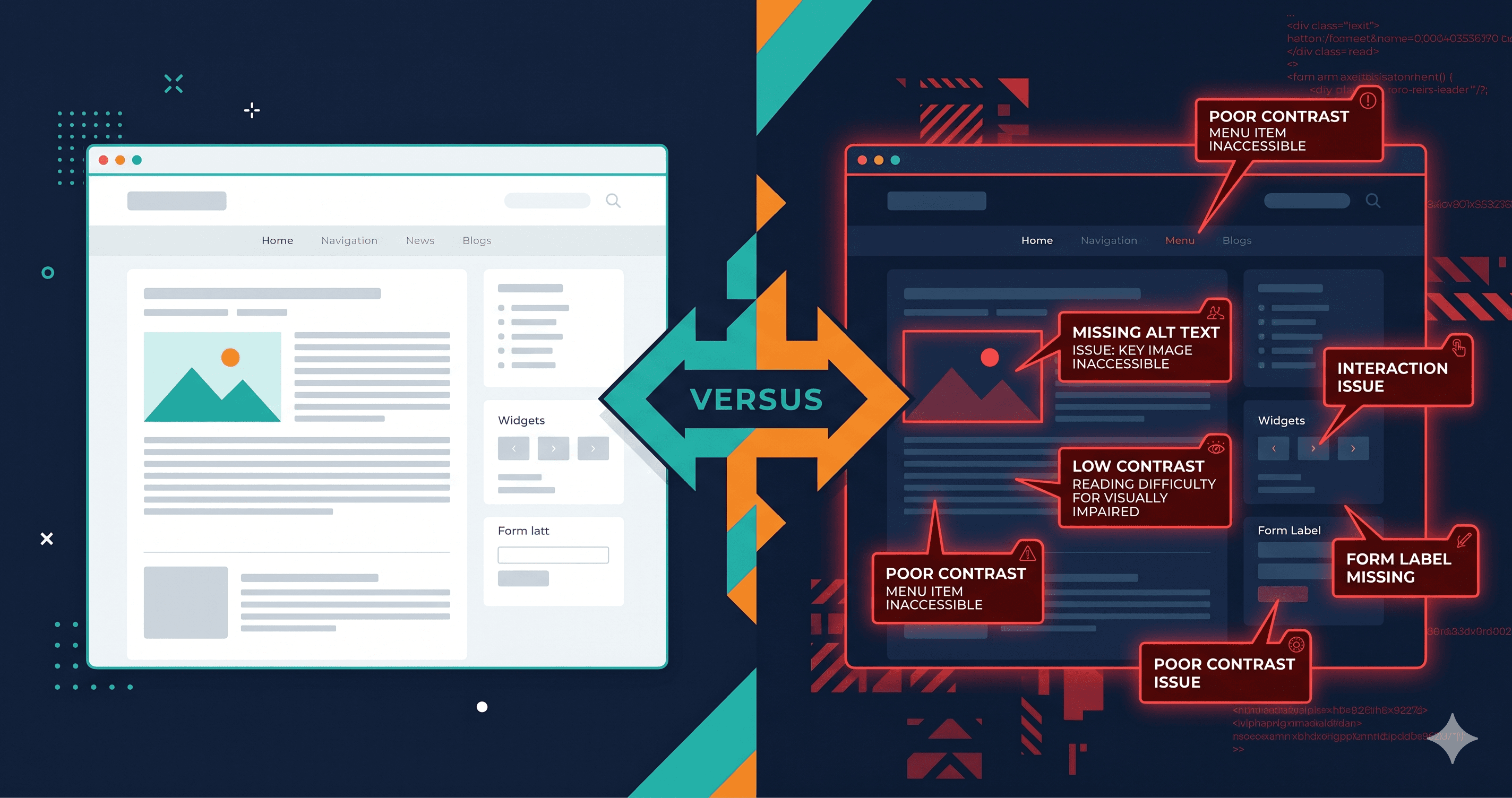
Clean design often feels accessible. Large text, ample whitespace, simple layouts — these design choices help some users. But WCAG compliance is a technical standard, not an aesthetic judgment. A Ghost site with a beautiful, minimal design can fail every one of the most common WCAG criteria simultaneously.
Ghost themes are built by independent developers and sold through the Ghost Marketplace and third-party theme shops. Accessibility quality varies dramatically. A theme optimized for visual design and Page Speed scores may have never been tested with a screen reader or keyboard-only navigation. When you install a Ghost theme, you are adopting its accessibility baseline — whatever that is.
Ghost's default Casper theme has an open forum thread from 2018 asking about Section 508 compliance that received no official response. The question of accessibility in Casper and Ghost's core components remains under-documented as of 2026.
The Commerce and Membership Risk Layer
Ghost has added commerce features that introduce a higher-stakes accessibility layer: paid membership signup, subscription management, and newsletter opt-in flows.
These are transaction-critical user journeys. When a screen reader user cannot complete the member signup flow, they cannot become a paying customer. That's both a lost revenue event and an ADA barrier to equal access — which is exactly the standard that triggers demand letters and lawsuits.
The Ghost membership portal (the /portal route that overlays on your Ghost site) is a React application injected into the page at runtime. It handles signup, login, subscription upgrades, and account management. Because it is a JavaScript-rendered React application, static accessibility scanners see nothing inside it. The violations live entirely in the rendered DOM.
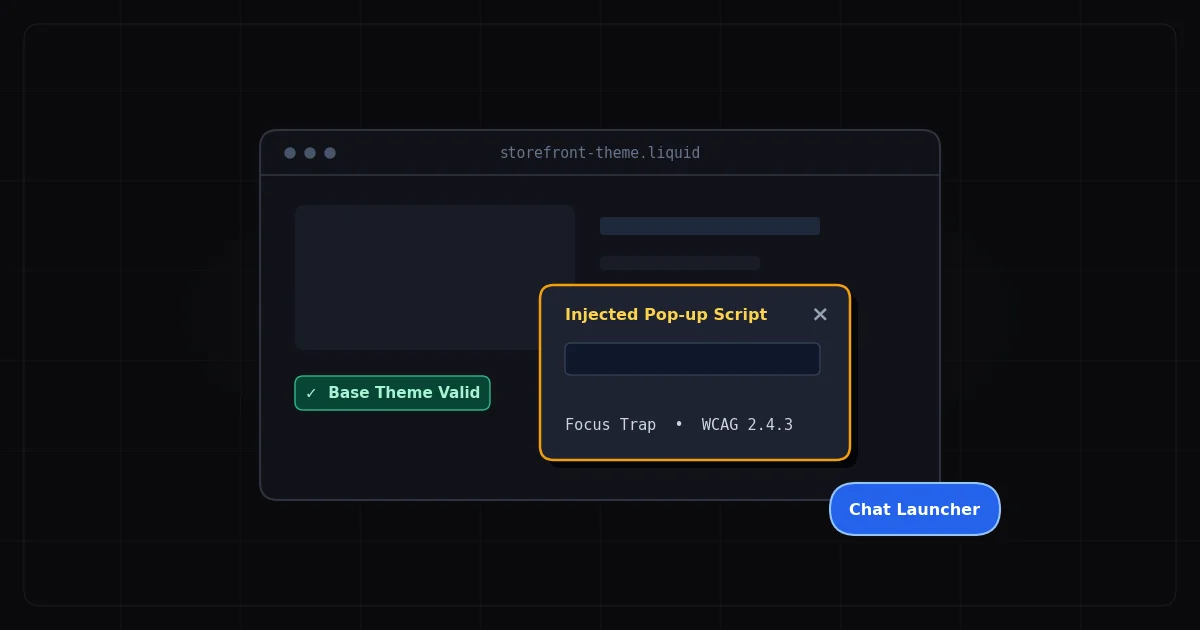
Based on the structure of Ghost's portal code and the general accessibility patterns of JavaScript-rendered modal portals, the violation categories to expect include: focus not being trapped inside the portal overlay when it opens (WCAG 2.1.2), focus not returning to the trigger element when it closes (WCAG 2.4.3), form labels that rely on placeholder text rather than visible labels (WCAG 1.3.1), and button elements with icon-only labeling (WCAG 4.1.2).
The Ghost-Specific Violation Table
| Element | Common Failure | WCAG Criterion | Fix Effort |
|---|
| Subscribe / membership portal | Focus not trapped in overlay, no aria-modal | 2.1.2, 4.1.2 | Theme/vendor fix |
| Icon-only CTA buttons | No accessible name on subscribe icon buttons | 4.1.2 Name, Role, Value | Easy |
| Newsletter signup form | Placeholder-only label on email input field | 1.3.1, 4.1.2 | Easy |
| Article featured images | Missing alt text when added via Ghost editor | 1.1.1 Non-text Content | Easy |
| Post heading structure | H-tags used for visual sizing, not semantic hierarchy | 1.3.1 Info and Relationships | Medium |
| Navigation menu | Mobile hamburger menu with no accessible name | 4.1.2 Name, Role, Value | Easy |
| Color contrast (theme) | Light gray text on white background below 4.5:1 | 1.4.3 Contrast Minimum | Easy |
| Audio/podcast content | No text transcript provided | 1.2.1 Audio-only (Prerecorded) | Medium–Hard |
| Video embeds | Third-party video without captions | 1.2.2 Captions (Prerecorded) | Medium |
| Membership payment form | Stripe iframe error messages not announced | 3.3.1 Error Identification | Vendor fix |
The Static Scanner Problem for Ghost Sites
Ghost sites present a specific challenge for static accessibility tools. Ghost themes render initial HTML with some static content, but the membership portal, member-only content gates, and dynamic newsletter signup widgets are all JavaScript-rendered after the initial HTML loads.
A browser extension or URL-based static scanner evaluating a Ghost site will:
- See the theme's static heading and navigation structure
- Miss everything inside the
/portal React application
- Miss the state of the newsletter signup widget after JavaScript initialization
- Miss the podcast player's controls
- Miss dynamically loaded comment sections
This gives Ghost site operators a false sense of compliance. The scan passes (or shows minimal violations) because the scan only sees the static shell. The actual user experience — what a blind user navigating with VoiceOver encounters — is determined by the JavaScript-rendered DOM that the static scanner never evaluated.
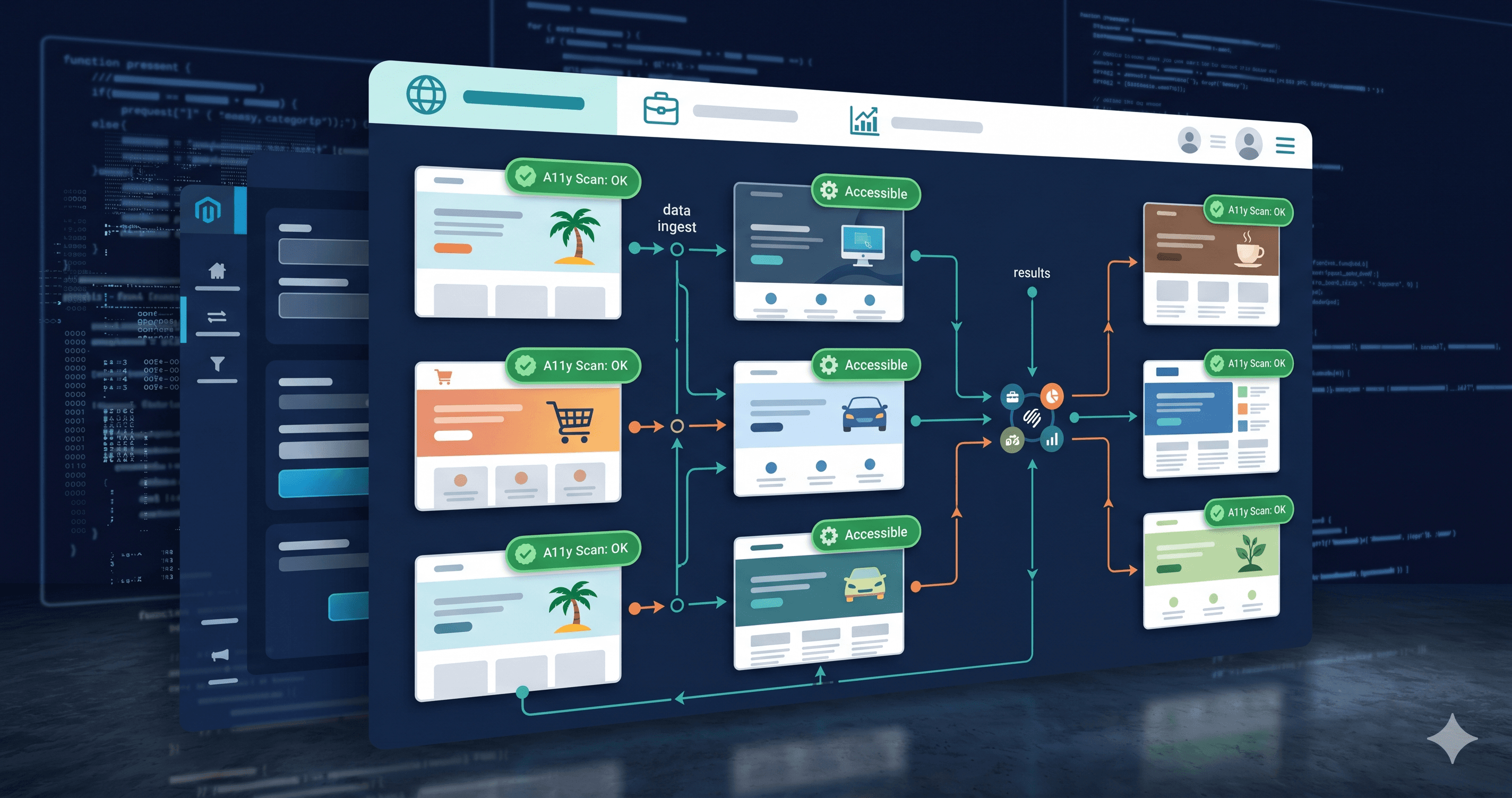
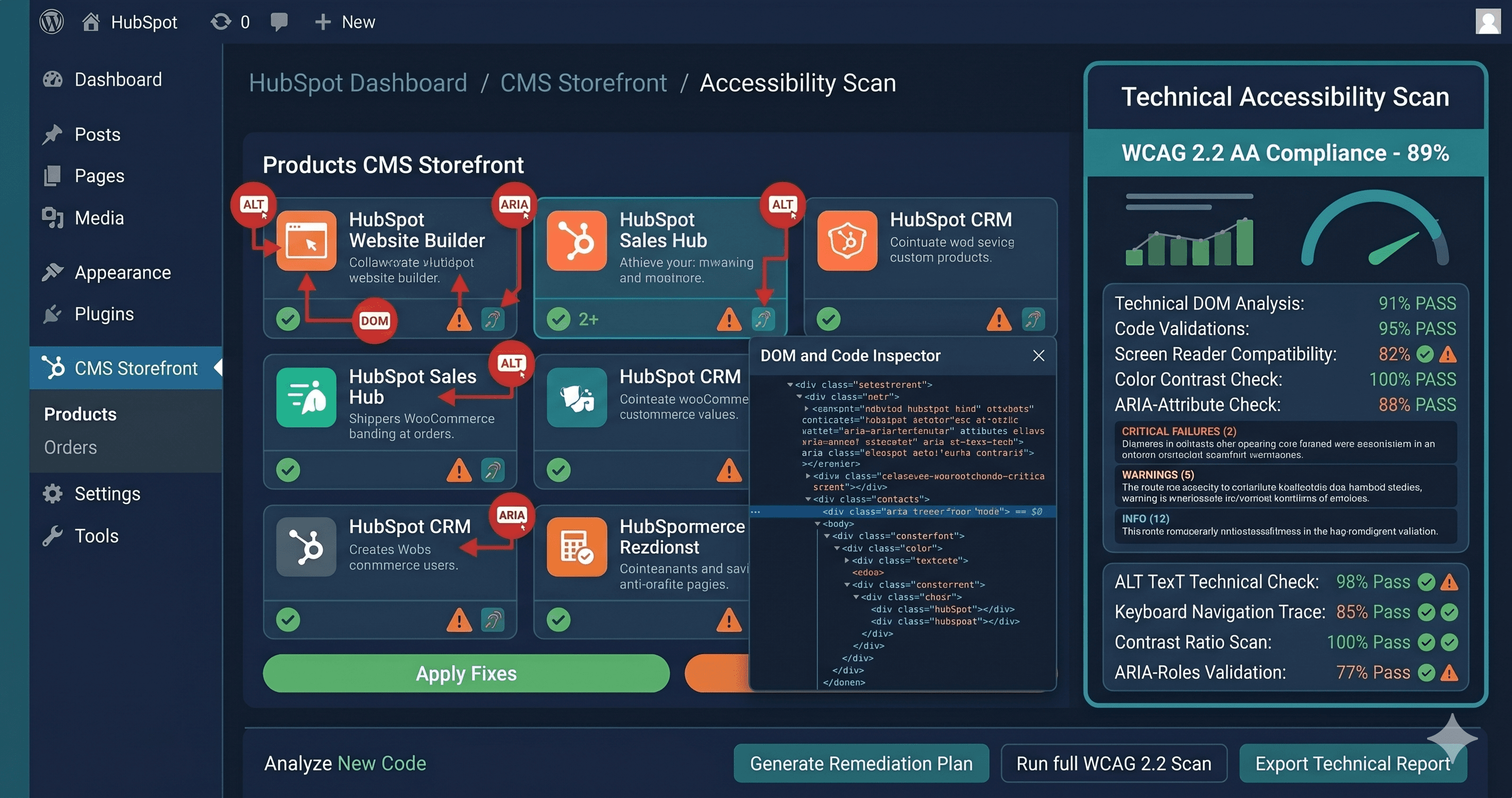
ADAGuard runs a live Chromium browser, executes the page's JavaScript including Ghost's portal application, and then evaluates the fully rendered DOM against 50+ WCAG checks across 23 categories. This is the only type of scan that accurately reflects the compliance reality of a Ghost membership site.
Why Ghost Commerce Creators Face Growing Legal Exposure
Ghost powers a significant portion of the premium newsletter and membership creator economy. Many Ghost-based businesses are structured as media companies — a category that faces specific accessibility scrutiny under the ADA. Courts have consistently ruled that websites of businesses offering goods and services to the general public are places of public accommodation under ADA Title III.
A paid newsletter with a subscriber base is offering a service to the general public. A membership community built on Ghost where some content is paywalled is providing a service with different access levels. Both are covered under ADA Title III. When a disabled user cannot access the signup flow, they have been denied equal access to a service — a textbook ADA violation.
In 2025, ADA web accessibility lawsuits increased significantly year over year, with the majority targeting e-commerce. Creator and membership businesses — once beneath the radar of plaintiff's law firms — are increasingly being targeted as the category grows in scale and revenue.
The EAA applies as well. Ghost's membership platform has EU-based customers across the creator economy. Since June 28, 2025, new digital services and membership products sold to EU users must meet WCAG 2.1 AA. A Ghost publication with European subscribers must comply.
What Self-Hosted Ghost Operators Can Control
For self-hosted Ghost installations, operators have more control over accessibility remediation than Ghost Pro users. They can:
- Modify the active theme's HTML, CSS, and JavaScript directly
- Choose themes from the marketplace with demonstrated accessibility testing
- Add proper ARIA attributes to navigation components and interactive elements
- Configure alt text fields properly in the Ghost editor for all media
What neither self-hosted nor Ghost Pro operators control is the Ghost portal application (@tryghost/portal). This is an open-source npm package maintained by the Ghost Foundation. Accessibility issues in the portal must be filed as GitHub issues against the TryGhost/Ghost repository with specific WCAG criterion references. The open-source nature of Ghost's portal means that motivated developers can submit pull requests directly — a faster path to remediation than waiting for a commercial vendor.
What to Do When Your Scan Returns Violations
Ghost site violations fall into three fix paths based on what you control:
Theme-level violations (heading structure, color contrast, icon button labeling, navigation keyboard operability) are in your control if you have theme access. Ghost's Handlebars theme system is straightforward for a developer to modify. Hand the WCAG criterion numbers from your ADAGuard report to your theme developer — each number maps to a specific fix.
Content-level violations (missing alt text, missing video captions, missing audio transcripts) require editorial process changes, not code changes. Implement an alt text policy for your Ghost editor workflow and audit existing articles for media without descriptions.
Portal-level violations (membership signup, account management, subscription flows) require GitHub issues against the Ghost Foundation's repository or direct contributions. If you're a Ghost Pro customer, file support tickets referencing specific WCAG criteria.
The 30-Second Fix
Ghost's clean aesthetic makes it easy to assume compliance — but the violations live in the JavaScript-rendered membership portal and dynamic components that static tools never see. Paste your Ghost site URL into ADAGuard to run a live Chromium-based scan across 23 accessibility check categories. Scan your homepage, your signup page, and a gated content page to get a complete picture of your compliance risk. No account required for your first scan — and the report tells you exactly which criterion each violation breaks and how difficult the fix is.