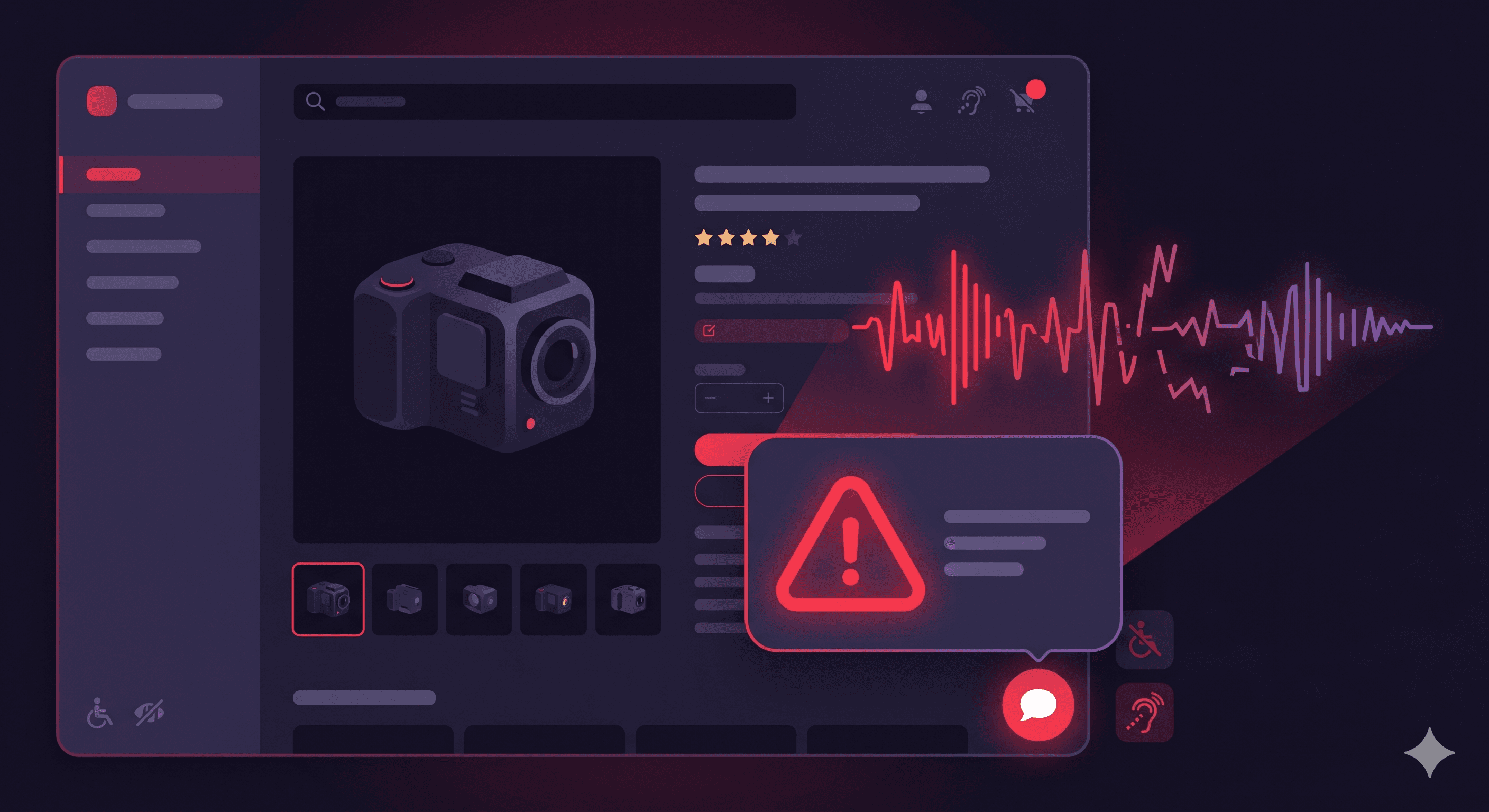
Live chat widgets are among the most commonly inaccessible elements on ecommerce websites — and Gorgias, the leading customer support platform for Shopify merchants, is no exception to the patterns that trip up chat widget accessibility. If a blind user or keyboard-only shopper can't access your chat widget, they have no way to reach your support team through that channel, which courts have treated as a barrier to equal access under ADA Title III.
In 2025, over 4,800 ADA digital accessibility lawsuits were filed in U.S. federal courts according to UsableNet — a significant year-over-year increase. Chat widgets appear in demand letters both as standalone complaints and as part of broader site audits. The irony is that chat is meant to make support more accessible and immediate — but when the widget itself is inaccessible, it achieves the opposite for disabled users.
Chat widgets like Gorgias's are JavaScript-rendered overlays that sit on top of your store content. They appear on every page, interact with the page's focus order, introduce custom interactive components (the chat bubble, the open panel, input fields, send buttons), and update dynamically as messages arrive.
From a WCAG perspective, this combination of characteristics — overlay behavior, dynamic content, custom interactive elements — places chat widgets firmly in the high-risk category. The same WCAG requirements that apply to modal dialogs and form inputs apply to chat widgets, and they're frequently not met.
Gorgias's documentation acknowledges that chat widget fonts and icon colors adjust automatically based on your configured color scheme, but color adjustment alone doesn't ensure contrast compliance — it depends entirely on what background and foreground colors you configure. The WCAG criteria that govern focus, keyboard operation, and screen reader announcements go well beyond color.
Chat bubble button without accessible name (WCAG 4.1.2)
The floating chat bubble that opens the Gorgias widget is typically an icon-only button — a chat icon or a message icon without visible text. Under WCAG 4.1.2 (Name, Role, Value), every interactive element must have a programmatic name that screen readers can announce. A chat button with only an icon and no aria-label announces to screen reader users as "button" — no context about what it does or what it opens.
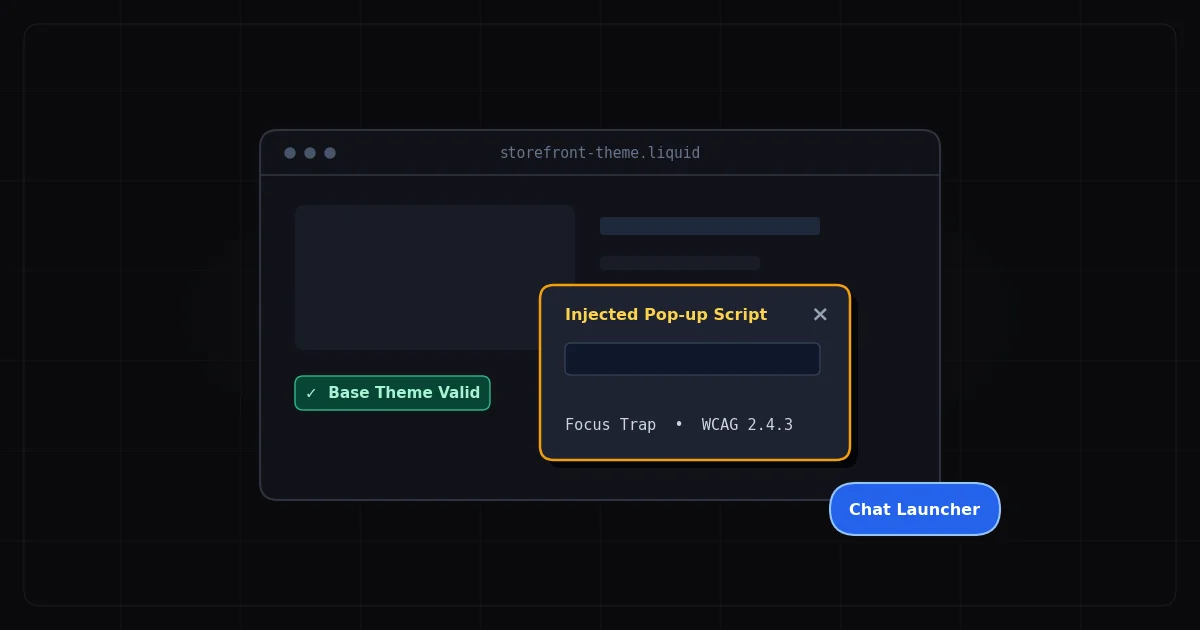
Focus not managed when chat panel opens (WCAG 2.4.3)
When a user activates the chat bubble, the chat panel expands. For keyboard and screen reader users, focus must immediately move into the chat panel when it opens — specifically to the first focusable element (typically the input field or a close button). If focus remains on the background page content, keyboard users must Tab through the entire page again to reach the input field inside the chat panel.
Background page still interactive when chat is open (WCAG 2.1.2)
When the chat panel is open, the background page content should be inert — not reachable by keyboard focus or announced by screen readers. If background links, buttons, and form fields remain in the Tab order while the chat panel is open, keyboard users are confronted with an overwhelming and confusing navigation experience. This fails WCAG 2.1.2 (No Keyboard Trap) and creates a poor experience for users of all assistive technologies.
Dynamic messages not announced (WCAG 4.1.3)
When an agent replies in the chat, the new message appears dynamically in the chat transcript. For screen reader users, this update must be announced automatically — typically via an aria-live region set to "polite" or "assertive." Without a live region, screen reader users have no idea that an agent has responded. They may wait indefinitely with no indication that the conversation has progressed.
Input field contrast and labeling (WCAG 1.3.1, 1.4.3)
The message input field in a chat widget must have an accessible label — either a visible `` element or an aria-label attribute. Input fields labeled only by placeholder text fail WCAG 1.3.1. Additionally, the input's text color and background must meet the 4.5:1 contrast ratio required by WCAG 1.4.3 for normal-sized text.
Close button without accessible name (WCAG 4.1.2)
The X or close button that dismisses the chat panel is an icon-only button in most chat widget implementations. Without an aria-label such as "Close chat," screen reader users encounter an unnamed button with no description of its function.
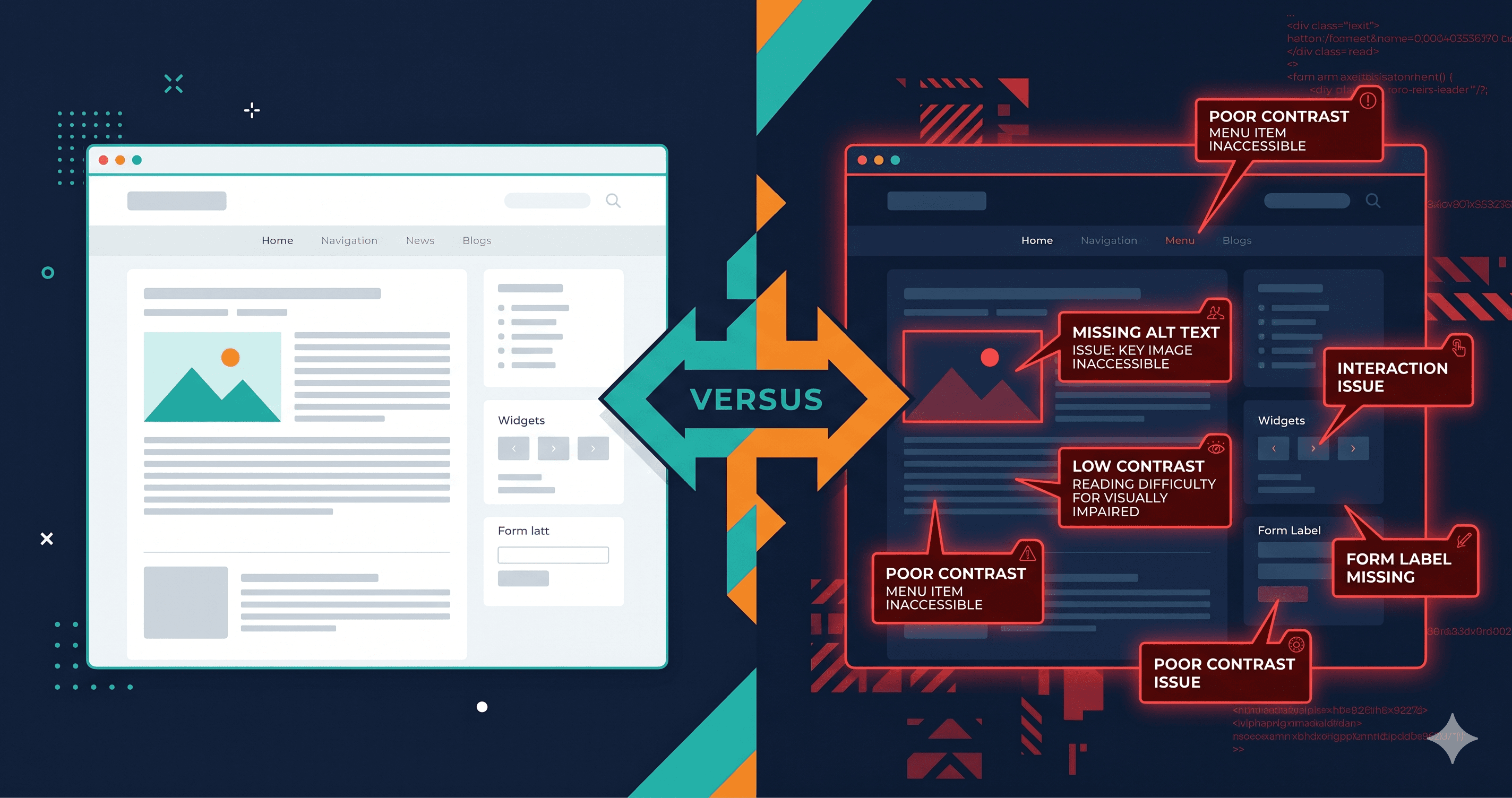
WCAG Violation Summary
| Element | Common Failure | WCAG Criterion | Fix Effort |
|---|
| Chat bubble button | No aria-label on icon button | 4.1.2 Name, Role, Value | Low |
| Panel open event | Focus not moved into chat panel | 2.4.3 Focus Order | Medium |
| Background content | Still reachable while panel open | 2.1.2 No Keyboard Trap | Medium |
| New agent messages | Not announced via ARIA live region | 4.1.3 Status Messages | Medium |
| Message input field | Labeled by placeholder only | 1.3.1 Info and Relationships | Low |
| Close button | No aria-label on icon button | 4.1.2 Name, Role, Value | Low |
| Chat panel container | Missing role="dialog" and aria-label | 4.1.2 Name, Role, Value | Low |
The Legal Exposure for Merchants
Gorgias is a third-party widget served from your domain. Under ADA Title III, the legal responsibility for the accessibility of all content and functionality on your website falls on the merchant — not the widget vendor. Courts have consistently held that merchants cannot delegate away accessibility compliance by pointing to their SaaS tools.
Notably, even deploying an accessibility overlay on top of an inaccessible chat widget doesn't solve the problem. Research from UsableNet shows that 1,416 companies using an accessibility widget or overlay were sued in 2025 — up 38% year-over-year. The specific technical violations that exist in the DOM are what plaintiff firms identify and cite. An overlay that claims to fix your site generally doesn't fix the specific ARIA and focus management failures in third-party JavaScript widgets.
The WCAG 2.2 standard, which builds on WCAG 2.1, is increasingly referenced in legal context in 2026. Criterion 2.5.3 (Focus Appearance), a new addition in WCAG 2.2, specifically addresses the visibility of keyboard focus indicators — which affects chat bubble and close button states in chat widgets.
How to Test Gorgias Accessibility
Testing a chat widget for accessibility requires three approaches:
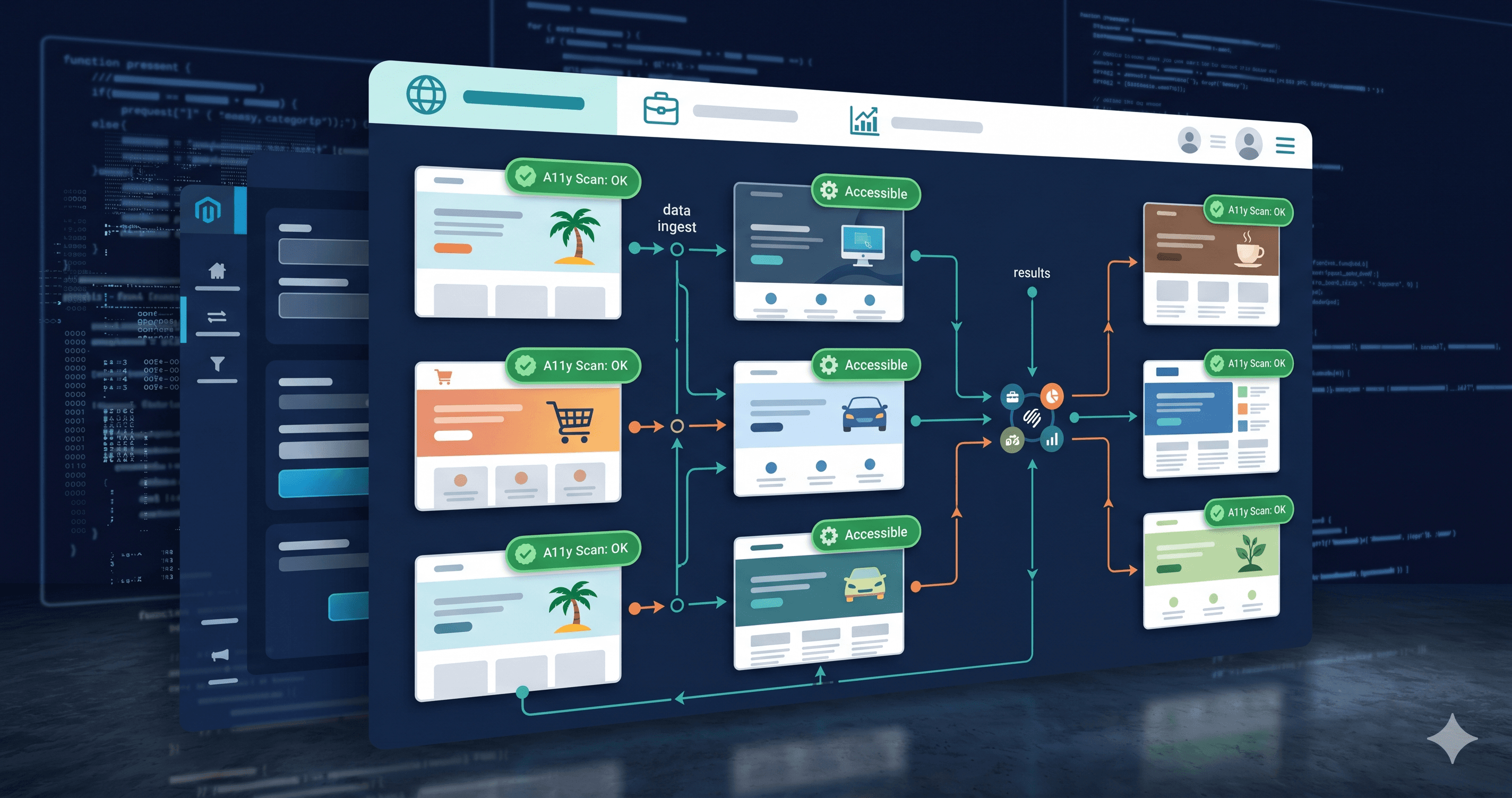
1. Live DOM scanning. ADAGuard at adaguard.io renders the full JavaScript DOM, including Gorgias's injected chat widget, before running its accessibility checks. This surfaces missing ARIA attributes, contrast failures, and missing accessible names on the chat bubble and close buttons that a static scanner would never see.
2. Keyboard-only navigation. Disconnect your mouse and navigate to your store using only the Tab, Enter, Escape, and arrow keys. Press Tab until you reach the chat bubble. Press Enter to open it. Check that focus enters the panel. Try typing and sending a message. Press Escape or Tab to the close button and close the panel. Verify focus returns to the chat bubble. This manual test surfaces focus management failures that automated tools may miss.
3. Screen reader testing. Open your store with NVDA (free, Windows) or VoiceOver (built into macOS) and navigate to the chat widget using keyboard commands. Note whether the chat bubble is announced with a meaningful label, whether the panel is announced as a dialog when it opens, and whether agent replies are announced automatically.
ADAGuard covers the automated portion of this testing comprehensively. The combination of axe-core and 22 custom check modules provides approximately 78% WCAG 2.2 AA automated coverage on your live DOM, including third-party widgets. For issues that require manual screen reader testing, ADAGuard's violation reports will indicate which criteria are involved, giving you a clear checklist for manual follow-up.
What to Do When You Find Violations
The violations ADAGuard surfaces in Gorgias widgets fall into two buckets: ones you can fix through Gorgias's own settings (widget colors, button labels if the platform exposes them), and ones buried inside Gorgias's core JavaScript bundle that require raising a support ticket with Gorgias directly, referencing the specific WCAG criteria from your scan report.
Before going to your developer with a fix list, run the scan first. ADAGuard's report tells you exactly which WCAG criteria are failing on your specific widget configuration — not every Gorgias installation has the same violations. Some merchants have already updated to newer Gorgias widget versions that resolved earlier focus issues. Others are on custom implementations that have introduced new ones. There's no substitute for scanning your actual live DOM.
The 30-Second Fix
Run a free accessibility scan at adaguard.io and include a page where the Gorgias chat widget appears — which is every page on your store. ADAGuard's live DOM scanner evaluates the rendered chat widget and reports missing ARIA attributes, contrast violations, and focus management failures. Then test manually with keyboard-only navigation: Tab to the chat bubble, open it, type a message, close it. That 60-second keyboard test is the most direct way to know whether your chat widget is accessible to disabled shoppers in 2026.