Why Holiday Sales Spikes Lead to ADA Lawsuit Spikes
E-commerce stores add holiday features without accessibility testing—and January ADA filings prove it. Here's the pattern every merchant needs to understand before Q4.
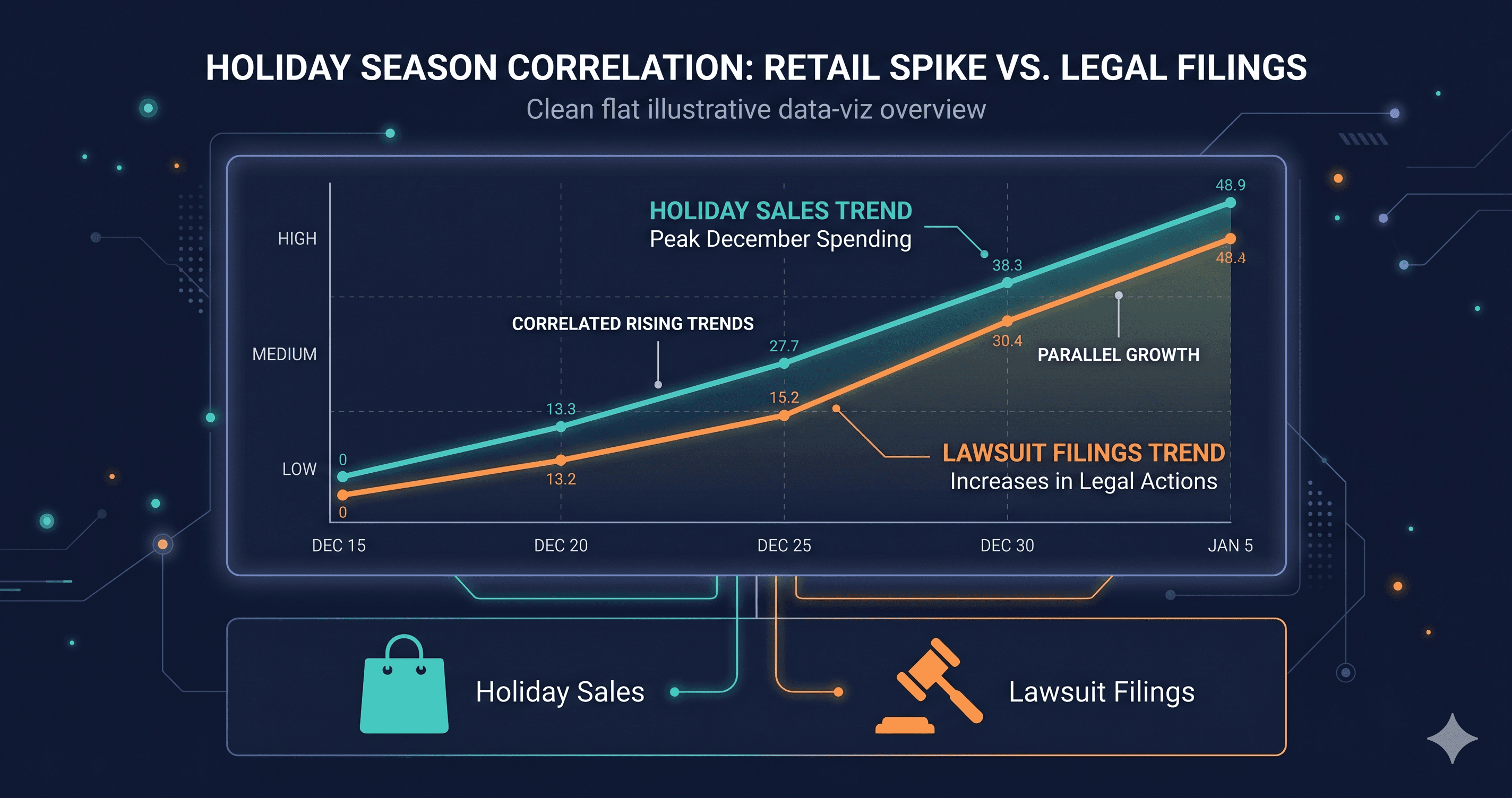
Every November, e-commerce merchants race to add features they've been testing since August: countdown timers, holiday gift finders, limited-time offer pop-ups, Black Friday promotional banners with embedded CTAs, and loyalty reward animations. None of these features are accessibility-tested before they go live. By January, the ADA filings start arriving.
This is not speculation. E-commerce accounts for nearly 70% of all ADA web accessibility lawsuits (UsableNet, 2025 mid-year report), and the significant year-over-year surge in filings correlates directly with Q4 deployments. Each seasonal feature added without accessibility testing is a documented WCAG violation sitting in your DOM — visible to automated plaintiff scanning pipelines from the moment it goes live.
Why Q4 Is Your Highest-Risk Accessibility Window
The holiday period creates a specific and predictable accessibility risk pattern for three compounding reasons.
First, you ship more code faster than at any other time of year. The pressure to have your Black Friday and Cyber Monday features live means development cycles are compressed. QA gets shortened. Accessibility review — if it exists at all — gets skipped in favor of visual and functional testing under deadline. Each new feature deployed without an accessibility check is a potential WCAG violation going into production.
Second, your site gets dramatically more traffic. More visitors means a higher probability of including users who rely on assistive technology — screen readers, keyboard navigation, switch access, and voice control. Many of the 4,800+ ADA lawsuits filed in 2025 (UsableNet) originated from plaintiffs who visited a site during high-traffic periods. More exposure to more users means more exposure to plaintiff pipelines.
Third, January is when plaintiff law firms run their post-holiday scanning cycles. The targeting process isn't random. Plaintiff attorneys track e-commerce activity, identify high-traffic merchants, and run their violation scans after the holiday rush — when new features are fully deployed, traffic has been high, and litigation decisions are made for the new quarter.
The Features Most Likely to Introduce Violations
Seasonal features follow predictable patterns of accessibility failure. The specific elements that Q4 deployments introduce most often — and that plaintiff scanners flag most reliably — break down like this:
Holiday Feature
Common Accessibility Failure
WCAG Criterion
Lawsuit Risk
Countdown timer widgets
Live region not announced; no accessible label
WCAG 4.1.3, 1.3.1
High
Pop-up promotions / exit intent modals
Keyboard trap; unlabeled close button
WCAG 2.1.2, 4.1.2
Very High
Gift finder interactive tools
Unlabeled form inputs; poor focus management
WCAG 1.3.1, 2.4.3
High
Promotional banner carousels
Images without alt text; auto-play without pause control
WCAG 1.1.1, 2.2.2
High
Holiday chatbot / support widgets
Inaccessible iframe; no keyboard access
WCAG 4.1.2, 2.1.1
Medium-High
Loyalty points / reward animations
Motion without reduce-motion support; no text alternative
WCAG 2.3.3 (AAA), 1.4.13
Medium
"Shop the look" image grids
Linked images without alt text; no focus indicator
WCAG 1.1.1, 2.4.7
High
The pop-up promotion is the highest-risk single element because it combines two of the most lawsuit-cited violations: keyboard traps (WCAG 2.1.2) and unlabeled interactive buttons (WCAG 4.1.2). A modal that a sighted user dismisses by clicking "X" becomes a permanent blocker for a keyboard-only user if the close button has no accessible label and focus cannot escape the modal. That's a concrete, documented barrier to commerce — precisely what ADA Title III addresses.
The Timing Pattern Behind the January Surge
Plaintiff law firms do not react in real-time to site violations. They operate in structured cycles. The pattern documented in 2025 filings follows a consistent sequence:
Holiday features deployed in October–November → Traffic spikes in November–December draw visibility → Plaintiff scanning pipelines run in late December through January → Demand letters and filings issued January through March.
This timing explains why Illinois saw a 745% increase in ADA web lawsuit filings in H1 2025 (EcomBack). The state saw several organized filing campaigns in early 2025 targeting e-commerce merchants who had expanded their digital presence and Q4 marketing during the holiday season — and hadn't touched their accessibility code.
Just 33 serial plaintiffs filed 50% of all 2025 ADA web lawsuits (EcomBack annual report). These are systematic campaigns, not random individual grievances. The post-holiday filing window is a structured operating period for these plaintiffs and their attorneys.
What Doesn't Protect You
Two responses to holiday accessibility risk consistently fail to provide legal protection — and are worth naming directly.
Accessibility overlays and plugins marketed as one-click compliance solutions are not a defense. In 2025, lawsuits explicitly naming accessibility overlay users increased, with complaints citing that the overlay was present but failed to remediate the underlying code violations. An overlay running on top of an unlabeled pop-up close button doesn't add the label to the DOM — it adds a widget that claims to, which plaintiff attorneys can demonstrate is ineffective in about 30 seconds with a screen reader.
Accessibility statements without underlying compliance create additional risk rather than reducing it, as covered separately in ADAGuard's post on statement liability. Posting a statement during November to coincide with your holiday launch, while deploying unaudited seasonal features, creates documented evidence of awareness combined with inadequate action.
The Revenue Stakes of an Inaccessible Holiday Season
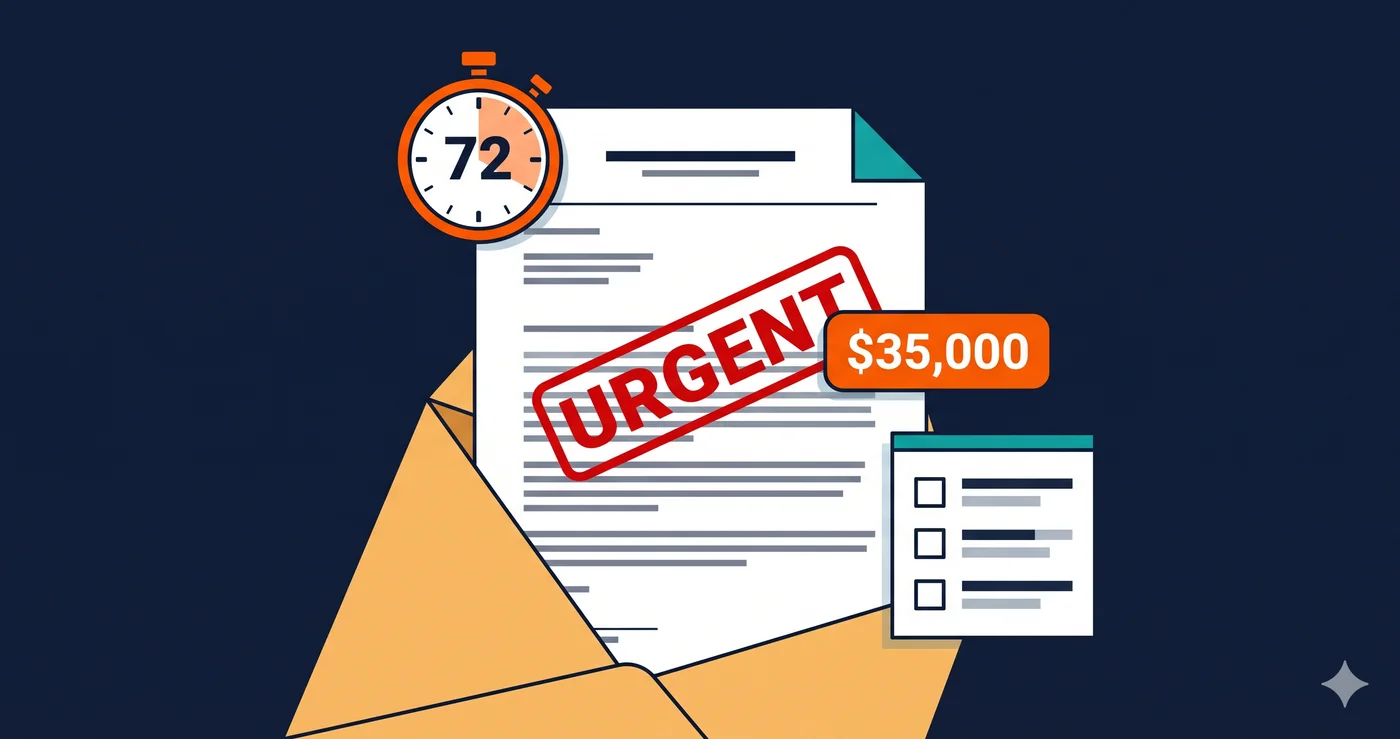
The financial exposure from a holiday ADA filing extends well beyond the settlement amount. Typical costs break down across several categories:
Cost Category
Typical Range
Notes
Legal defense fees
$30,000 – $175,000
Applies even to cases that settle early
Settlement payment
$5,000 – $75,000
Varies by violation severity and negotiation
Emergency remediation
$15,000 – $50,000
Dev work under legal deadline is expensive
Second-review audit
$5,000 – $20,000
Required to demonstrate good-faith response
Monitoring program
$1,500 – $5,000/year
Often required as settlement condition
That cost structure is not the worst outcome. If you're a repeat defendant — a company that was sued once and settled without comprehensive remediation — the second lawsuit is faster to file, more expensive to defend, and harder to settle on favorable terms. 46% of 2025 federal ADA web defendants had been sued before (UsableNet).
What to Do Before Q4 This Year
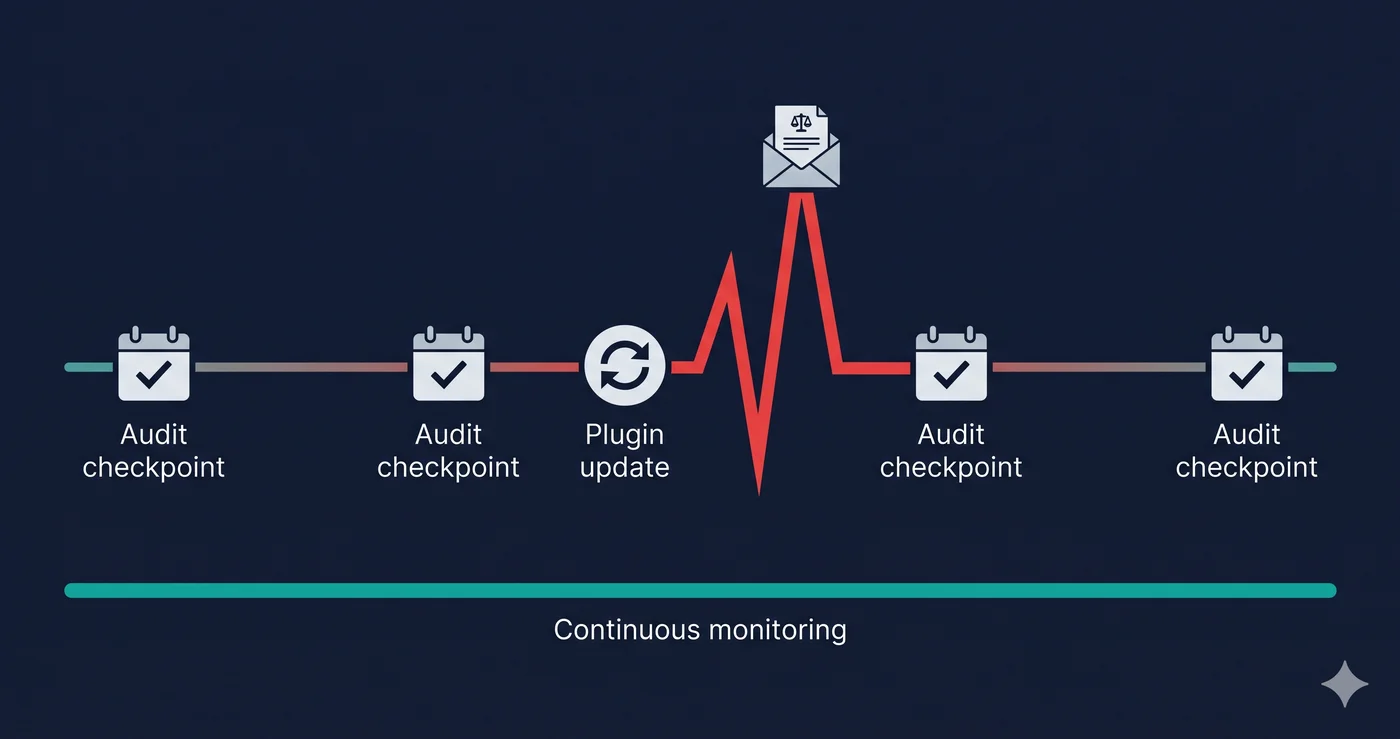
The only effective pre-holiday protection is a live-DOM accessibility scan of your site before new features deploy — and again after they're live. Checking accessibility in your staging environment misses violations introduced by third-party apps, CDN-delivered widgets, and content loaded after initial page render. Your holiday pop-up, your countdown timer, and your gift finder are usually delivered by external services that don't appear in your source code review.
ADAGuard scans your live site as a real browser would — rendering JavaScript, triggering interactions, and evaluating the actual DOM your users see. With 22 custom accessibility check categories plus axe-core, it reaches approximately 78% WCAG 2.2 AA coverage. For Shopify and WooCommerce merchants, that means your Klaviyo pop-up, your Recharge subscription modal, and your Attentive SMS opt-in widget are all included in the scan — because they're in your live DOM.
Run the scan before your holiday features go live. Run it again the week of Black Friday. The violations that appear in January demand letters are almost always detectable in November with a 60-second scan.
The ADAGuard free tier — no signup required — is enough to run a baseline check on your URL. Paste it at adaguard.io and see your live-DOM violation report before the filing window opens.
The 30-Second Fix
The demand letters that arrive in January were avoidable in November. Paste your URL into ADAGuard right now — before your next feature deployment, before your next promotional push. Your holiday campaign shouldn't come with a litigation liability attached. A 60-second scan tells you whether it currently does.