HubSpot's Meeting Scheduler widget — the iframe that powers calendar booking on tens of thousands of HubSpot CMS sites — has documented WCAG violations that customers cannot fix because they do not have access to the iframe's source code. When a screen reader user cannot book a meeting on your HubSpot-powered site, the ADA exposure belongs to you, not to HubSpot.
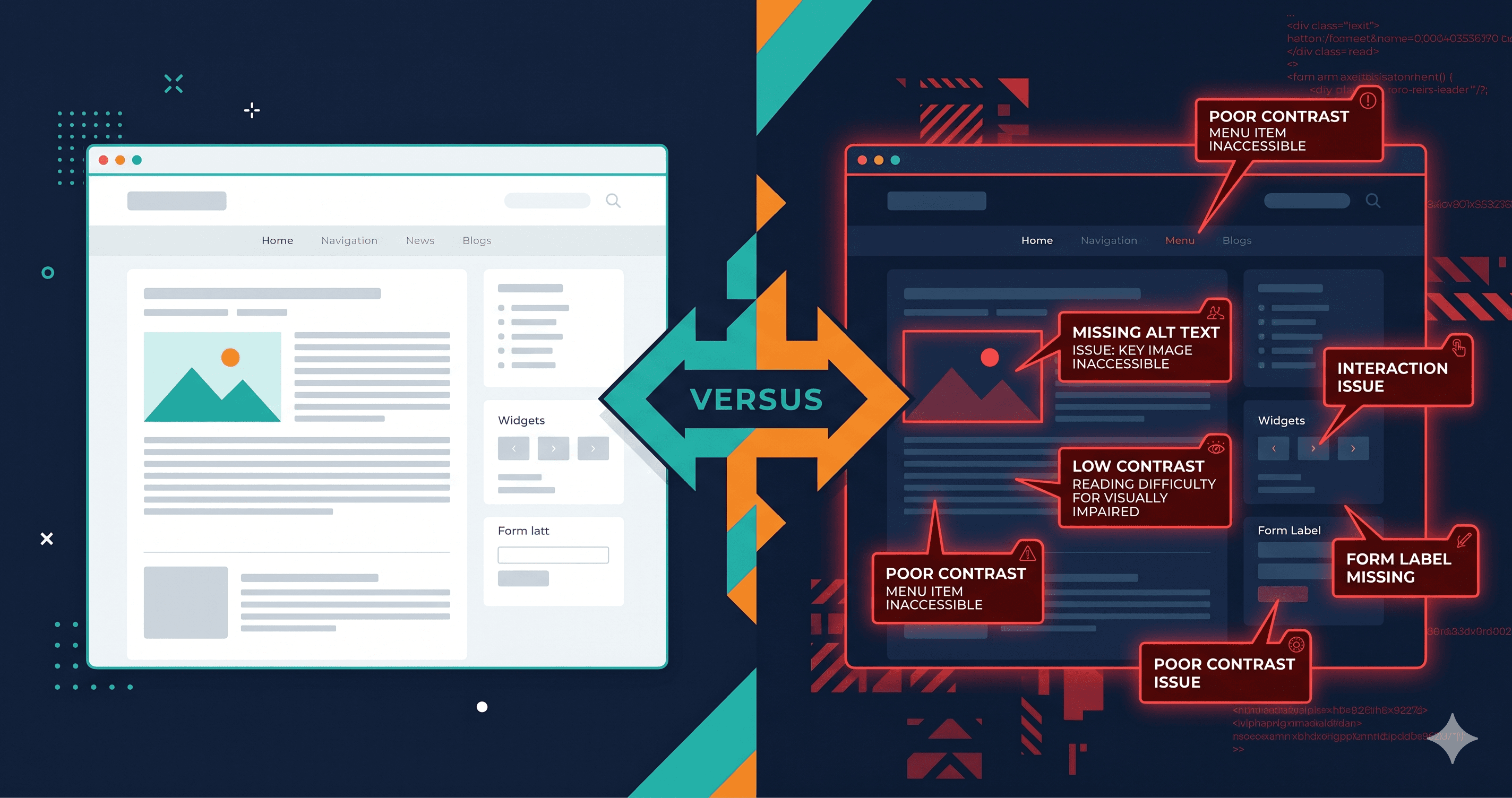
That's the compliance reality for HubSpot CMS storefronts and marketing sites in 2026. The platform provides a polished drag-and-drop experience that makes building visually professional sites fast and accessible to non-developers. But visual quality and WCAG compliance are separate dimensions. In 2025, 4,800+ ADA web accessibility lawsuits were filed in the US (UsableNet, 2025 mid-year report). Marketers who built their HubSpot sites for conversion without an accessibility lens are now sitting on undiscovered compliance risk.
The HubSpot Accessibility Landscape
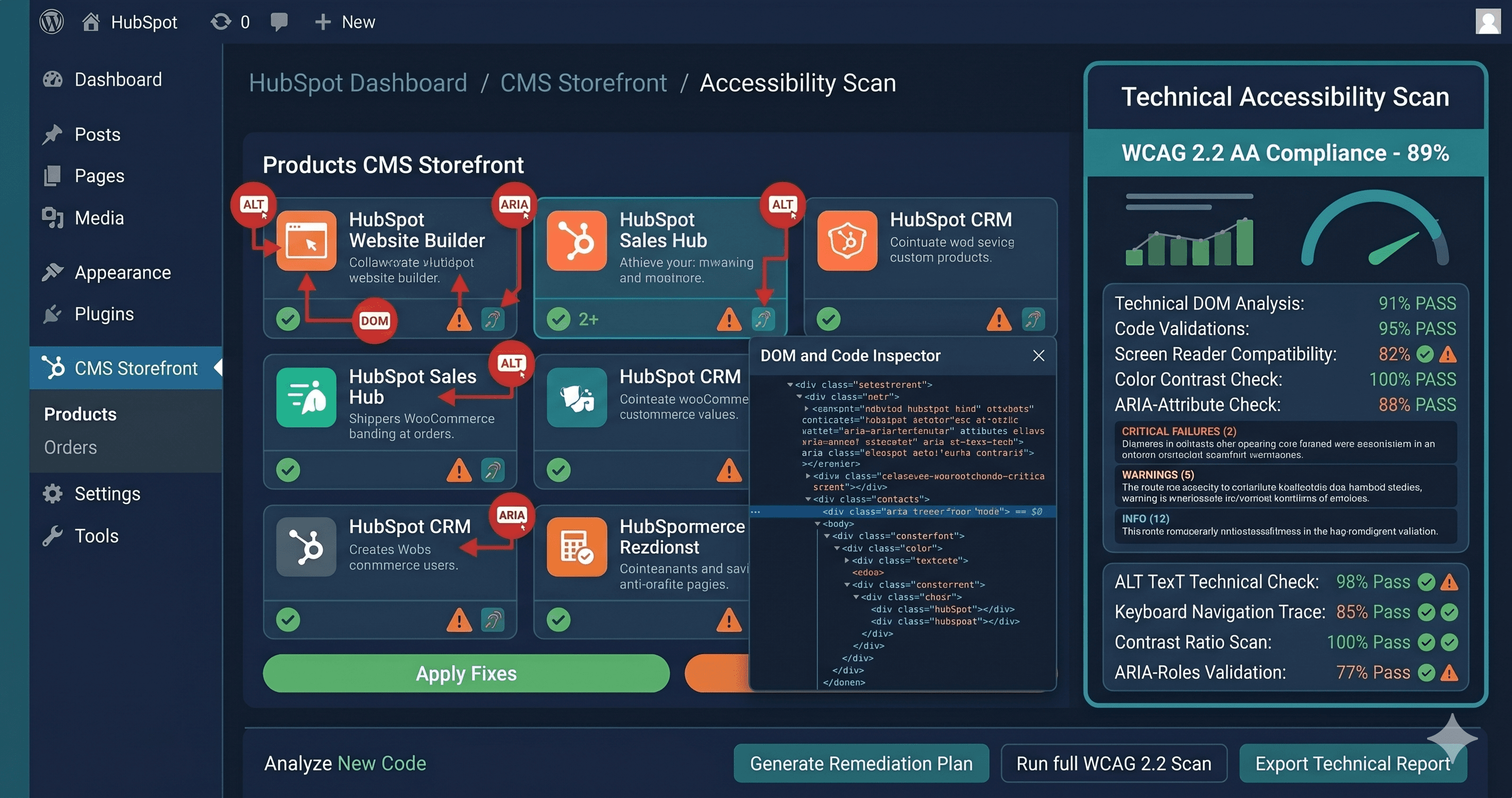
HubSpot's developer documentation provides guidance on building accessible websites within the CMS. The platform has built-in accessibility features: semantic HTML defaults in core components, support for ARIA attributes in the design manager, and alt text fields in the media library. These are genuine capabilities that a skilled HubSpot developer can use to build a WCAG-compliant site.
The operative word is "can." HubSpot's drag-and-drop builder does not enforce accessibility. A marketing team member building a landing page with the HubSpot page editor can produce a fully non-compliant page in under ten minutes without triggering a single platform warning.
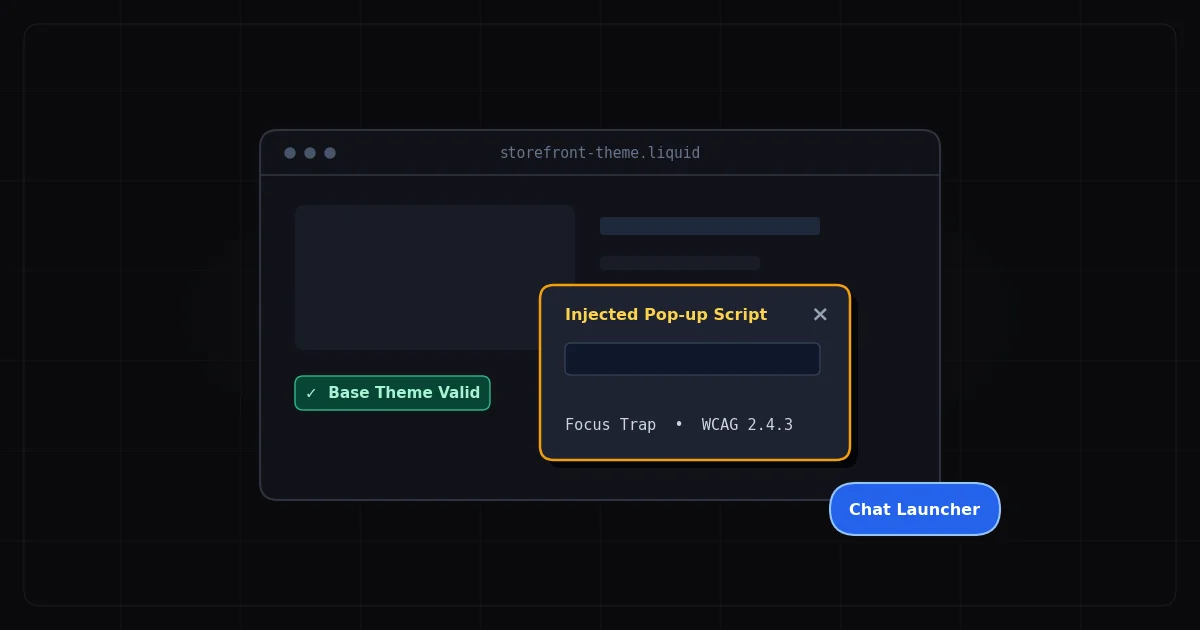
More significantly, several core HubSpot tools generate inaccessible markup that the end user cannot remediate. In January 2026, users documented critical WCAG violations in the HubSpot Meeting Scheduler — including broken ARIA list markup, improper zoom behavior, and focus management issues — in the HubSpot community forums. The response from HubSpot's team was essentially: this is inside the iframe, escalate to the accessibility team. The timeline for remediation was not committed. In the meantime, every HubSpot customer using the Meeting Scheduler widget is running a WCAG-non-compliant element on their website.
HubSpot embedded forms have a similar profile. Community requests to make embedded forms WCAG 2.0 compliant have been open since at least 2022, with users identifying the need for clear focus states for keyboard navigation, aria-required attributes on required fields, and proper error messaging that announces to screen readers.
Where HubSpot CMS Sites Accumulate Violations
Drag-and-drop landing pages are the primary source of WCAG violations on HubSpot sites. The page editor allows marketing teams to assemble pages from pre-built modules, many of which are built by third-party HubSpot partners. Module quality varies dramatically. A module that looks visually correct may be built with <div> elements where `` elements are required, custom dropdowns with no ARIA role, or click-to-expand sections with no keyboard support.
Forms are central to HubSpot's value proposition — lead capture, contact, demo request, and event registration forms. HubSpot's native form builder produces forms with structural accessibility issues: placeholder-only labeling on text inputs, insufficient contrast on placeholder text, error messages that appear visually but are not announced by screen readers, and form submission confirmations that do not receive focus. For a website that exists primarily to generate leads, every form is a compliance liability.
The Meeting Scheduler deserves its own category. It's embedded as an iframe from HubSpot's servers, which means you cannot modify its HTML. The documented issues (ARIA violations, keyboard navigation problems, zoom restrictions) fail WCAG 2.1 success criteria 1.3.1, 4.1.2, and 1.4.4 at minimum. An accessibility audit that includes this component — as it should — will flag it, and the fix requires HubSpot to update their code on their servers.
Blog content and knowledge base articles accumulate content-layer violations: images added without alt text, heading structures built for visual hierarchy rather than semantic structure, and embedded media without captions or transcripts. These violations compound over years of content publication.
Navigation and mega-menus on complex HubSpot sites often lack keyboard operability. A marketing website with multi-level dropdown navigation that responds to mouse hover but not keyboard Tab and Enter is failing WCAG 2.1.1 (Keyboard) — a Level A criterion, the most fundamental accessibility requirement.
The Violation Table: WCAG Failures on HubSpot Storefronts
| Element | Common Failure | WCAG Criterion | Fix Effort |
|---|
| Embedded forms | Placeholder-only labeling (no `` element) | 1.3.1, 4.1.2 Name, Role, Value | Easy–Medium |
| Meeting Scheduler iframe | ARIA list violations, keyboard navigation broken | 1.3.1, 4.1.2 | Vendor fix required |
| Form error messages | Validation errors visible but not announced to screen reader | 3.3.1 Error Identification | Medium |
| Landing page CTAs | Icon-only buttons with no accessible text | 4.1.2 Name, Role, Value | Easy |
| Drag-and-drop modules | Custom interactive elements built with <div> — no role | 4.1.2, 2.1.1 Keyboard | Medium–Hard |
| Blog images | Missing alt text on manually added images | 1.1.1 Non-text Content | Easy |
| Heading structure | H-tags used for sizing, not document structure | 1.3.1 Info and Relationships | Medium |
| Navigation dropdowns | Mouse-hover only — not keyboard accessible | 2.1.1 Keyboard, 2.4.3 Focus Order | Medium |
| Color contrast | Brand palette violates 4.5:1 text contrast on light backgrounds | 1.4.3 Contrast Minimum | Easy |
| Embedded video | HubSpot video module without captions | 1.2.2 Captions (Prerecorded) | Medium |
Why Static Scanning Misses the Most Dangerous Violations
HubSpot CMS renders pages through a CDN with some server-side rendering, but interactive components — the Meeting Scheduler, form submissions, dropdown navigation, modal CTAs — are JavaScript-driven. A static HTML scanner that fetches your HubSpot page's source code will see the initial render state. It will not see the Meeting Scheduler iframe after it initializes, the form validation error states, or the state of your navigation dropdown when a user opens it.
This is precisely where the compliance risk is highest. Plaintiff attorneys use automated tools that evaluate rendered page states to identify violations — the same rendered state that ADAGuard captures. ADAGuard's live-DOM scanning runs a real Chromium browser, executes JavaScript, waits for dynamic components to load, and then evaluates the fully rendered page across 50+ WCAG checks in 23 categories — including checks that axe-core-only tools miss. This gives you the same violation view that a plaintiff's scanning tool would produce.
For HubSpot specifically, scanning the live rendered page is the only way to capture Meeting Scheduler violations, form validation state violations, and dynamic navigation issues.
The Agency Dimension: Protecting Client Sites at Scale
HubSpot is an agency-first platform. Certified HubSpot partners manage hundreds of client websites built on CMS Hub. When a client receives an ADA demand letter for a site your agency built, the question of professional liability depends on whether accessibility was in scope. If it wasn't explicitly excluded from the engagement and the violations are egregious, the exposure follows the relationship.
Running ADAGuard scans on client HubSpot sites before launch and as part of ongoing maintenance creates a documented audit trail. ADAGuard's reports include violation severity, WCAG criterion, affected elements, and fix difficulty — a format that transfers directly into a client-facing accessibility report or a developer remediation ticket.
For agencies managing multiple HubSpot clients, ADAGuard's professional and enterprise tiers allow multi-domain scanning so you can audit your entire client portfolio against the same WCAG 2.1 AA standard that US courts and the European Accessibility Act both reference.
What to Do With Your Violations
HubSpot violations divide cleanly between what your developer owns and what HubSpot owns.
Developer-owned violations — drag-and-drop module selection, heading structure, alt text on custom images, form labeling configuration, navigation keyboard operability — can be fixed without platform access. Your developer needs the WCAG criterion numbers from your ADAGuard report and the specific elements flagged. Criterion numbers translate to remediation tasks without requiring the developer to interpret accessibility guidelines from scratch.
HubSpot-owned violations — Meeting Scheduler iframe, core form component behavior, platform-generated markup — require support tickets to HubSpot's accessibility team. File tickets with the specific WCAG criteria (e.g., "WCAG 4.1.2: Meeting Scheduler iframe close button has no accessible name"). HubSpot's accessibility team is responsive to specific criterion-referenced reports. Track these tickets because they affect your compliance posture until HubSpot ships the fix.
The EAA adds urgency for European market exposure. Any HubSpot site serving EU customers must meet WCAG 2.1 AA since June 28, 2025. A marketing site that collects EU leads through a non-compliant HubSpot form is actively violating EAA requirements, with potential fines ranging from €100,000 per violation in Germany to €900,000 in the Netherlands.
The 30-Second Fix
Your HubSpot site's actual WCAG compliance status is determined by the rendered DOM — forms in their validation state, Meeting Scheduler after it loads, navigation dropdowns when opened. Paste your HubSpot site URL into ADAGuard to run a live-DOM scan across 23 accessibility check categories. No account required for your first scan. The report surfaces which violations are in your control and which require a HubSpot support ticket — so you can act immediately on what you own and track what HubSpot needs to fix.</div></div>