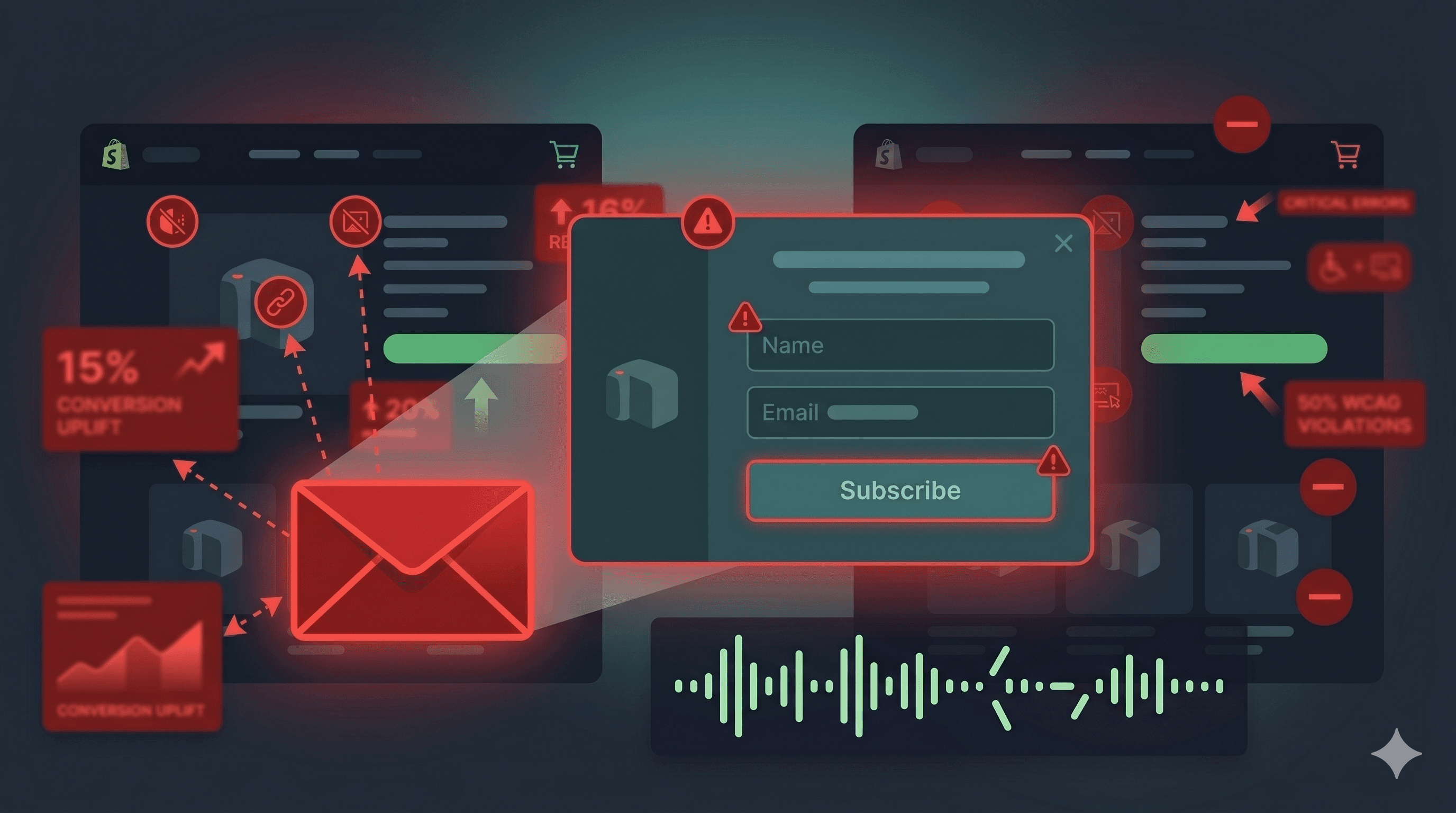
The ADA demand letter arrived on a Tuesday. The attorney firm had identified six specific accessibility violations on the merchant's Shopify store. Four of them were traced to a single source: the Klaviyo email capture popup that had been running on the site for 14 months without a single modification.
This isn't an unusual story. In the first half of 2025 alone, more than 2,000 ADA website accessibility lawsuits were filed — a significant increase over the same period in 2024, according to UsableNet's 2025 Mid-Year ADA Report — and nearly 70% targeted e-commerce retailers. Plaintiff attorneys have automated tooling that scans for specific WCAG violations across thousands of stores simultaneously. Popups, modals, and overlay elements — the kind Klaviyo deploys to capture email and SMS subscribers — are among the highest-priority targets because they're interactive, high-traffic, and frequently non-compliant.
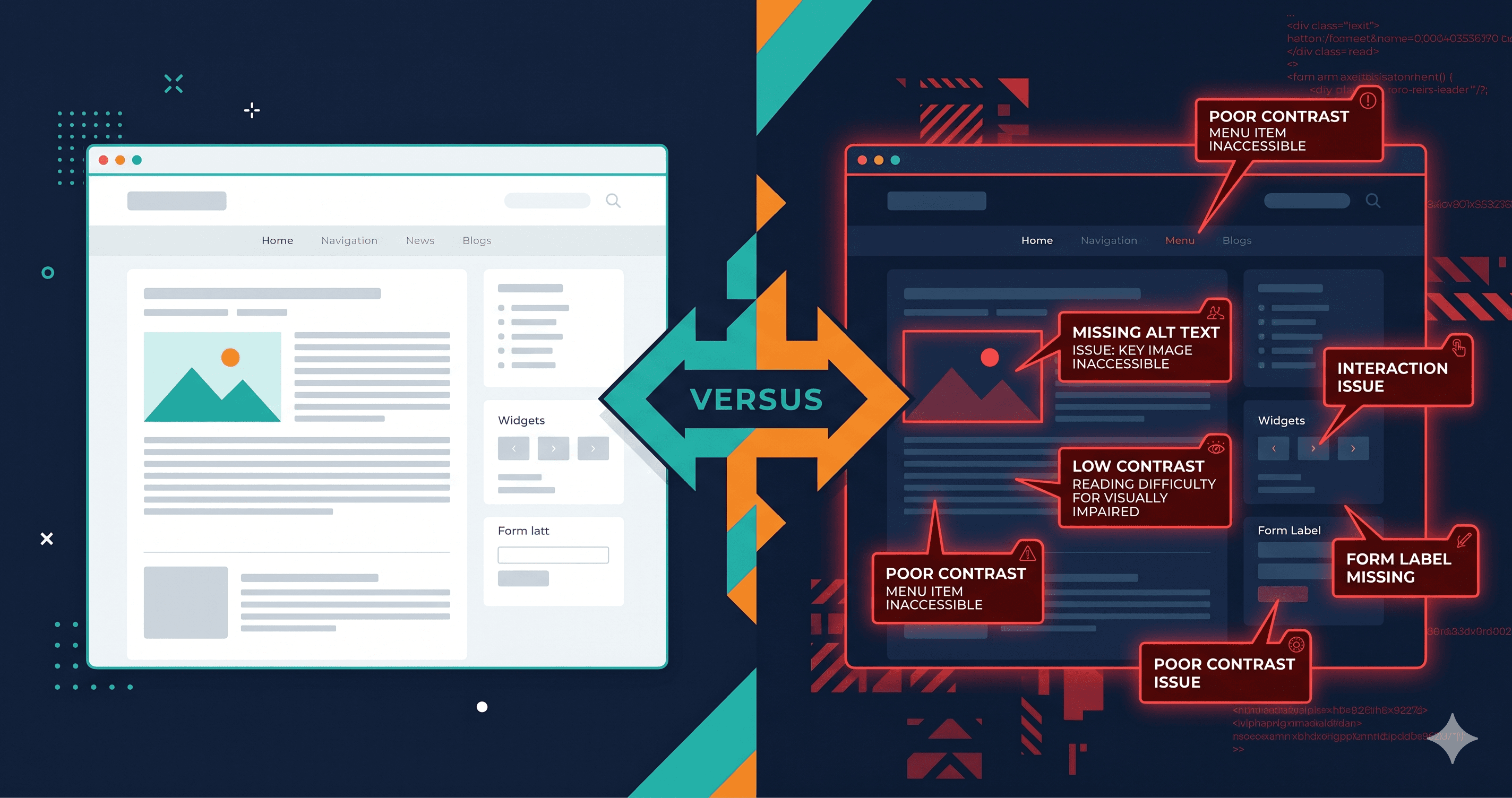
If your Klaviyo popup isn't keyboard navigable, doesn't trap focus properly, and isn't announced correctly to screen readers, it qualifies as a WCAG Level A or AA violation — the kind courts treat as an ADA accessibility barrier.
Plaintiff attorneys searching for ADA violations target popups specifically because they function as barriers: if a popup appears on page load and a keyboard-only user cannot navigate it, close it, or submit it without a mouse, the entire rest of the page becomes inaccessible. They're stuck in front of a modal they can't interact with.
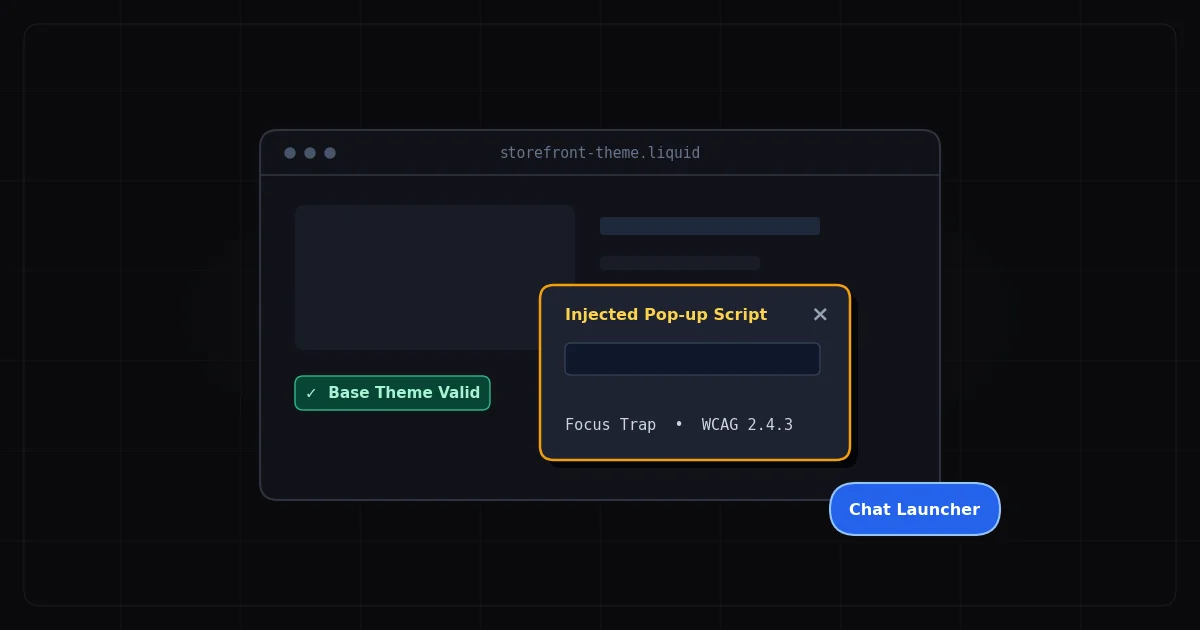
This is a WCAG 2.1.2 failure: No Keyboard Trap. The criterion requires that if keyboard focus is moved to a component, the user must be able to move focus away using only the keyboard. When a Klaviyo popup appears and a keyboard user cannot tab to the close button, cannot dismiss it with Escape, and cannot tab back to the page behind it, that's a Level A WCAG failure — the most serious compliance tier.
Level A failures are the strongest legal argument under ADA web accessibility interpretations, because they represent the most fundamental accessibility barriers — barriers that make content completely unusable, not just difficult.
What Klaviyo Actually Says About Accessibility
Klaviyo has documented accessibility support for its forms. According to their help documentation, Klaviyo forms are designed to allow keyboard navigation, permit closing via the Escape key, and support submission via Enter. The platform includes an Accessibility Assistant in the Form Alerts tab that flags common WCAG issues during form creation.
The reality, as reported in Klaviyo's own community forums, is more complicated. Klaviyo's community threads reveal specific failure patterns:
- In non-legacy forms, the page overlay can block underlying content from receiving keyboard focus, even when the popup is technically dismissible
- Screen readers may announce hidden content behind the modal — a sign that
aria-modal="true" or inert attribute handling is incomplete
- Certain links within popups (Privacy Policy, Terms of Use, Promo Details) are sometimes not keyboard accessible
- JAWS (one of the most widely used screen readers) has been reported to not detect Klaviyo sign-up forms at all without additional code snippets
These aren't hypothetical edge cases. They're documented failure modes in Klaviyo's own support community, reported by real users.
A WCAG-compliant modal dialog requires five things working together:
| Requirement | WCAG Criterion | What Klaviyo Does | Common Failure |
|---|
| Focus moves into modal on open | 2.4.3 Focus Order | Usually implemented | Focus sometimes goes to overlay, not first interactive element |
| Focus trapped within modal while open | 2.1.2 No Keyboard Trap | Partially implemented | Tab can escape to background content in some configurations |
| Escape key closes modal | 2.1.1 Keyboard | Documented feature | Inconsistent across custom implementations |
| Close button keyboard accessible | 4.1.2 Name, Role, Value | Usually present | aria-label missing on icon-only close buttons |
| Focus returns to trigger on close | 2.4.3 Focus Order | Often missing | Focus drops to top of page or disappears |
Each row in this table is its own WCAG criterion. Failing any one of them — not all five — creates a potentially actionable ADA violation.
The most commonly missed item is focus return. When a user closes a Klaviyo popup (using keyboard or Escape), WCAG 2.4.3 requires that focus return to the element that triggered the popup — typically the page itself or a specific trigger button. If focus instead drops to the document root or disappears entirely, keyboard users must re-navigate the entire page from the beginning to find where they were. For a user on a product page mid-scroll, this is genuinely disruptive.
JAWS and Klaviyo: A Known Compatibility Issue
JAWS (Job Access With Speech) is the most widely used commercial screen reader, with approximately 40% market share among screen reader users (WebAIM Screen Reader User Survey, 2024). The documented issue with JAWS not detecting Klaviyo sign-up forms is significant because it means a substantial portion of screen reader users simply don't know the popup is there — they're navigating a page that has a modal open but invisible to their assistive technology.
The root cause is usually one of two issues: the modal container lacks role="dialog" and aria-modal="true" attributes that signal to screen readers that a modal is active, or the dialog is not programmatically labeled with aria-labelledby pointing to its heading. Klaviyo's default output doesn't always include all of these attributes, and custom implementations by agencies frequently omit them.
The most common ADA lawsuit trigger in Klaviyo popups is the close button — a small × or X icon in the top-right corner that's clear to sighted users but announces to a screen reader as "button" with no further description. Users have no way to know it closes the popup. This is a WCAG 4.1.2 violation: every interactive element must have a programmatic accessible name.
The specific WCAG criteria that Klaviyo close buttons most commonly fail are 4.1.2 (Name, Role, Value) and 2.1.2 (No Keyboard Trap). Whether your implementation has these failures depends on your specific Klaviyo configuration, theme, and any custom code applied by your agency — which is exactly why a live-DOM scan is more useful than guessing.
The challenge with auditing Klaviyo popups is that they're usually hidden on page load — they appear after a delay, scroll trigger, or exit-intent detection. Static website scanners that load the page source won't see the popup at all. Even live-DOM scanners may miss it if they don't trigger the display conditions.
Effective methods:
Manual keyboard test: Load your store, trigger the popup (or use a URL parameter if you've set one up for testing), and close your mouse. Can you Tab to each element? Can you close the popup with Escape? Does focus return to the page afterward?
Screen reader test: Open your store with NVDA or JAWS running. Trigger the popup. Does the screen reader announce that a dialog has opened? Can you navigate to and activate all form elements including the close button?
ADAGuard authenticated scan: For popups that appear after user actions (scroll, time on page, exit intent), ADAGuard's authenticated scanning capability can access page states that unauthenticated scanners miss — including forms that only appear after interactions.
The 30-Second Fix
Start with ADAGuard's free scanner at adaguard.io. Paste your store URL and the scanner will identify any WCAG violations on the page in its initial state. For your Klaviyo popup specifically, use the manual keyboard test alongside the automated scan: trigger the popup, tab through every element, confirm the close button has an accessible label, and verify focus returns correctly after closing.
ADA demand letters are expensive — industry estimates place average settlement costs in the $25,000–$50,000 range plus attorney fees. A 15-minute accessibility audit of your Klaviyo popup is the cheapest insurance policy in ecommerce.
If you're an agency managing multiple Klaviyo clients, ADAGuard's monitoring plan runs scheduled scans across all your client stores, alerting you when a new campaign or popup variant introduces violations before a plaintiff's scanner finds them first.