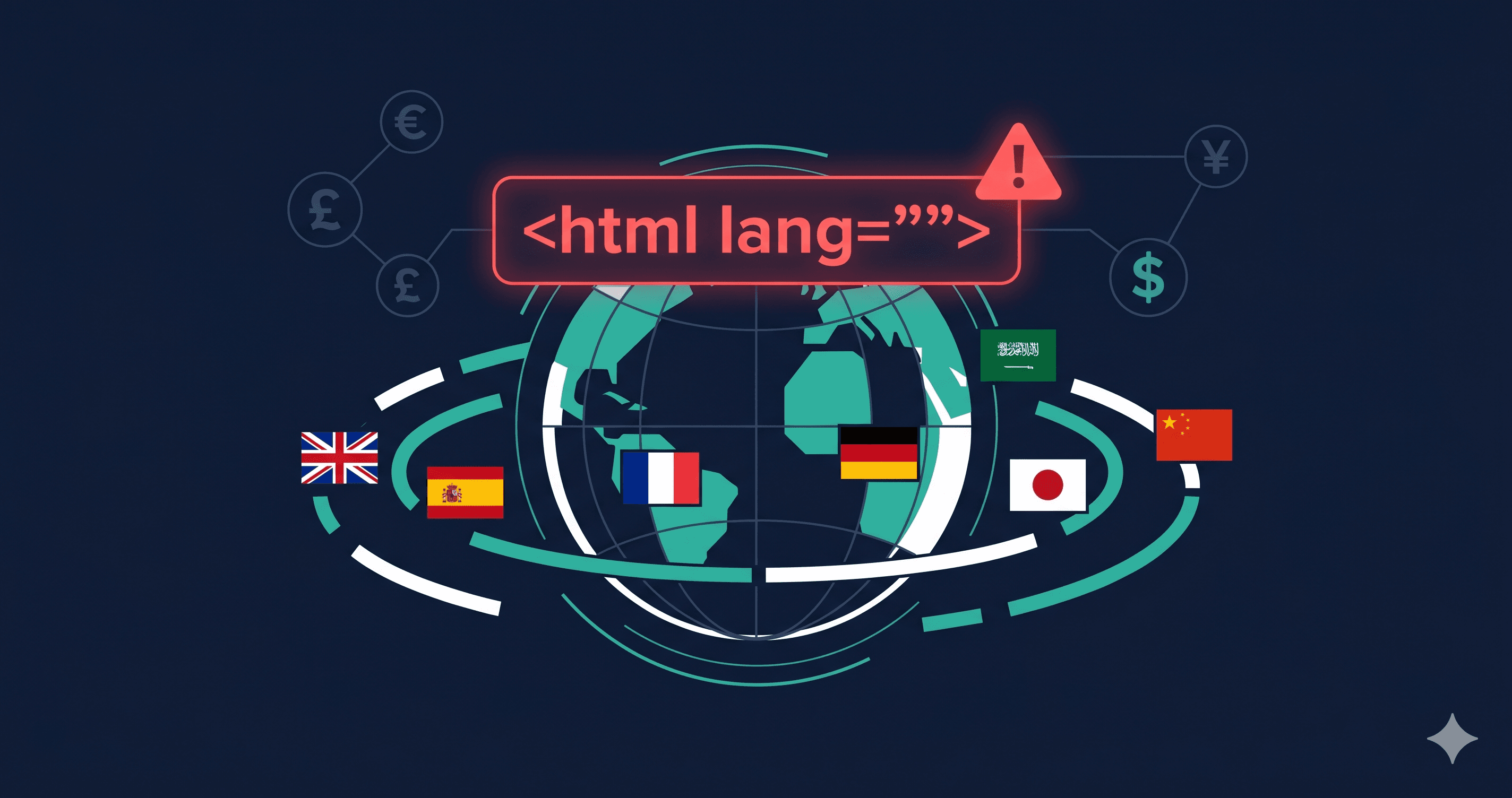
A French customer visiting your store to complete a purchase in euros hears your page read aloud in an American English accent — every French product description mispronounced, every currency label garbled. This isn't a hypothetical edge case: it's what happens when a multi-currency store gets its lang attribute wrong. According to WebAIM's 2025 analysis, missing or incorrect language attributes affected nearly 20% of the top million homepages — and for stores localizing content into multiple languages, the failure rate is higher.
With the European Accessibility Act in full enforcement since June 28, 2025, international e-commerce stores now face regulatory pressure from EU market access requirements alongside the existing ADA litigation risk in the US.
Language declarations are one of several platform-spanning ecommerce failure patterns — see our ecommerce accessibility checker guide for the full picture.
What WCAG Requires for Language Declarations
Two criteria govern language identification:
WCAG 3.1.1 (Language of Page, Level A): The default human language of each web page must be programmatically determinable. This means the `` element must include a valid lang attribute specifying the page's primary language. This is a Level A requirement — baseline accessibility.
WCAG 3.1.2 (Language of Parts, Level AA): The human language of each passage or phrase that differs from the page's primary language must be programmatically determinable. If your store sells products with French descriptions on an English-language page, those descriptions must carry lang="fr" on the containing element.
For multi-currency stores, language declarations compound: you may have a store in English serving customers who have selected EUR as their currency, with product names in German or French, shipping address forms in the customer's local language, and dynamically loaded currency symbols. Each of these scenarios has specific language declaration requirements.
The Five Language Declaration Failures Common in Multi-Currency Stores
1. Missing lang Attribute Entirely
The most basic failure. The `` element has no lang attribute. Screen readers default to the operating system or browser language setting, which may not match the page. A Japanese user's screen reader reading an English page in Japanese pronunciation creates completely unintelligible output.
2. Wrong lang Value
The store was built with lang="en" but now serves customers in France, Germany, and Spain with localized content. The `` lang attribute was never updated when localization was added. All content is still announced in English pronunciation regardless of the customer's locale.
3. Invalid lang Code
WCAG requires valid BCP 47 language tags. Invalid codes like lang="english", lang="fr-fr" (lowercase country code), or lang="cn" (not a recognized BCP 47 tag for Chinese) cause unpredictable screen reader behavior. lang="cn" is particularly common — the correct code for Simplified Chinese is zh-CN, for Traditional Chinese zh-TW.
4. Language Switching Without lang Updates
Many multi-currency stores use JavaScript to switch the displayed currency or language without a full page reload. If the lang attribute on `` isn't updated when the language switches, screen readers continue using the previous language's pronunciation rules for all new content. This is a dynamic content failure — static HTML analysis won't catch it; only JavaScript-rendering scanners will.
5. Missing Language Markup on Untranslated Passages
Some product descriptions, legal notices, or shipping policy text remain in English even on localized store versions. When these untranslated passages appear on a French-language page, they must carry lang="en" on their containing element per WCAG 3.1.2. Missing this creates pronunciation errors and comprehension failures for screen reader users.
Language Code Reference for Common Multi-Currency Markets
| Market | Language | Correct BCP 47 Code | Common Incorrect Codes |
|---|
| United States | English (US) | en-US or en | english, EN |
| United Kingdom | English (UK) | en-GB | en, english-uk |
| France | French | fr or fr-FR | fr-fr, french |
| Germany | German | de or de-DE | de-de, german |
| Spain | Spanish | es or es-ES | es-es, spanish |
| Netherlands | Dutch | nl or nl-NL | nl-nl, dutch |
| Japan | Japanese | ja | jp, japanese |
| China (Simplified) | Chinese | zh-CN | cn, zh, chinese |
| Brazil | Portuguese | pt-BR | pt, portuguese |
| Canada (French) | Canadian French | fr-CA | fr, fr-ca |
The lang attribute is case-insensitive for the language subtag but case-sensitive in practice for subtag conventions. Using fr-FR (uppercase country code) is the standard form and avoids ambiguity.
The EAA Dimension
The European Accessibility Act came into full enforcement June 28, 2025. For e-commerce stores selling to EU consumers, EAA compliance requires meeting EN 301 549, which incorporates WCAG 2.1 Level AA. WCAG 3.1.1 and 3.1.2 are both within WCAG 2.1 AA scope.
This means a multi-currency Shopify store shipping to Germany, France, and the Netherlands faces both ADA litigation risk (US-based or US-serving) and EAA regulatory enforcement (EU-serving). Language declaration errors that cause accessibility failures for EU users now carry regulatory weight, not just civil litigation risk.
Germany's BFSG (the EAA transposition) allows competitors to issue private Abmahnungen (warning letters) — similar to ADA demand letters — since August 2025. Language declaration failures are among the most mechanically detectable WCAG violations, making them easy targets for automated competitor audits.
What to Do When You Find Violations
Language declaration errors fall into two buckets:
Static lang attribute errors (missing, invalid, or wrong language): These are typically changes to the theme or template code — update the lang attribute on the `` element to the correct BCP 47 code for the page's primary language. If your platform generates this dynamically based on the selected locale, verify the locale-to-lang-code mapping in your platform settings.
Dynamic language switching failures: If your store switches languages without a full page reload, the lang attribute on `` must be updated via JavaScript when the language changes. This requires a code change in your language switching logic, or a support ticket to your headless commerce or localization plugin vendor citing WCAG 3.1.1.
Untranslated passage markup: Adding lang attributes to untranslated content fragments requires identifying every instance — which on a large catalog is impractical manually. Scanning with a tool that renders JavaScript and checks both page-level and inline language attributes is the only practical path.
ADAGuard's Detection of Language Errors
ADAGuard's 22 custom checker modules include language attribute validation that checks for missing lang, invalid BCP 47 codes, and language of parts violations. Because ADAGuard renders JavaScript on every plan, it evaluates the DOM state after dynamic content loads — catching language declaration failures that only appear after locale-switching scripts execute. This is a significant advantage over static HTML tools that only read the initial server-rendered markup.
With ~78% WCAG 2.2 AA automated coverage (43 of 55 criteria), ADAGuard surfaces language violations alongside every other category of failure on your page — giving you a complete picture of your international compliance posture, not just the language errors.
The 30-Second Fix
Paste your store URL at adaguard.io — free, no signup required, JavaScript rendered. For multi-currency stores, scan the localized versions of your pages as well as the default. The report will show language declaration failures by criterion number and element, so you know exactly what to fix or what to include in a vendor support request.