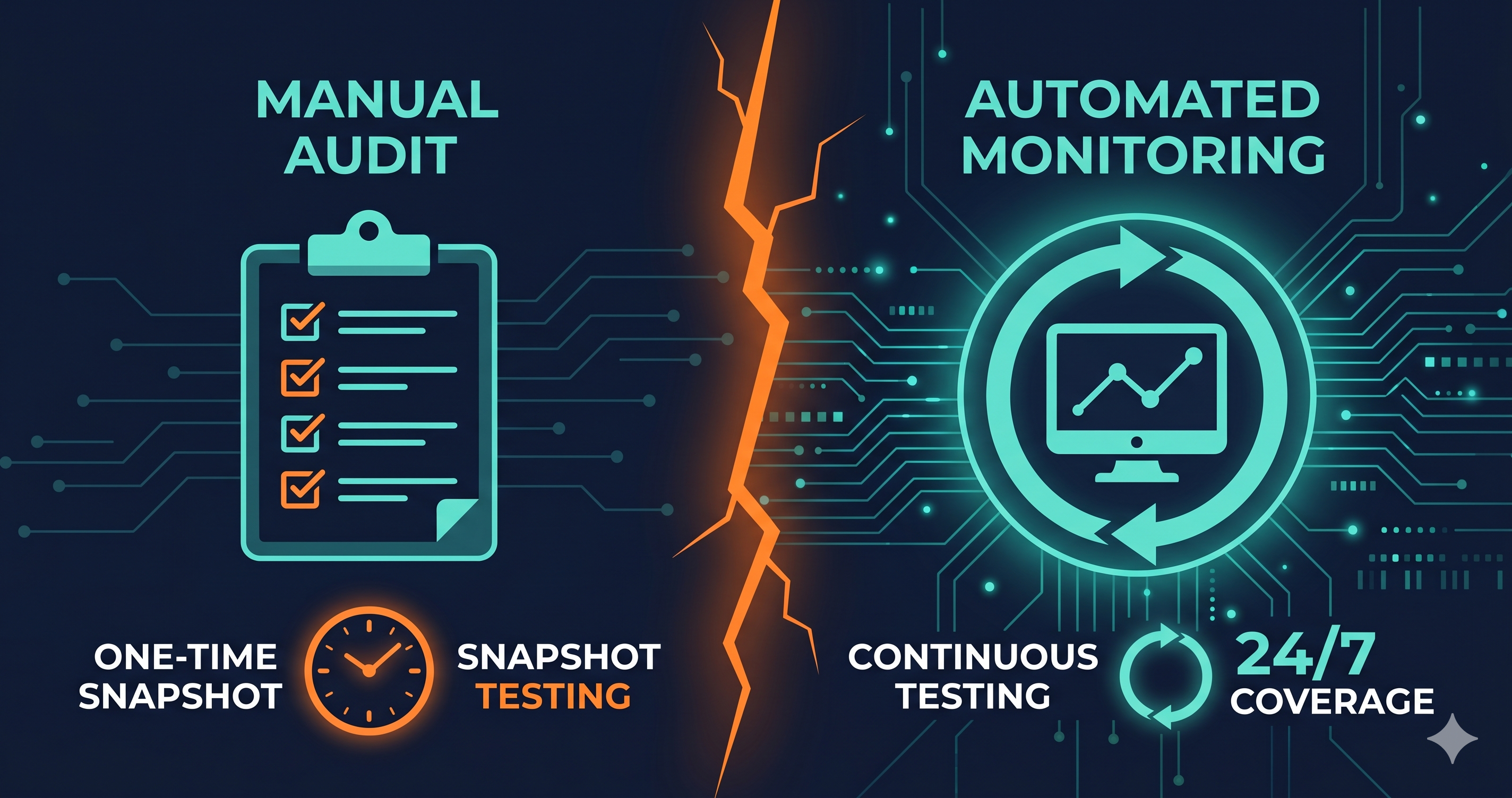
Your site passed an accessibility audit in January. A certified expert reviewed 20 pages, documented every WCAG violation, and your developer spent two weeks fixing them. You closed the ticket. Compliance: achieved.
In February, your developer shipped a new cart drawer built in React. In March, your marketing team added a Klaviyo pop-up. In April, your Shopify theme updated automatically. In May, a demand letter arrived.
The audit was accurate in January. It described the site that existed then. It says nothing about the site that exists now.
This is the fundamental failure mode of ADA compliance checker workflows that treat audits as one-time events — and it's why 4,800+ ADA website lawsuits were filed in 2025 (UsableNet), a significant year-over-year increase, despite record spending on accessibility audits.
What Manual Audits Do Well
Manual accessibility audits are the most thorough form of accessibility testing available. A certified expert — typically a CPACC, WAS, or CPWA-certified professional — navigates your site using assistive technology: screen readers (NVDA, JAWS, VoiceOver), keyboard-only navigation, and browser-based testing tools. They evaluate things no automated scanner can assess:
- Whether an image's alt text is actually accurate and helpful in context
- Whether the logical reading order of the page matches its visual presentation
- Whether form instructions are clear and usable under cognitive load
- Whether the user journey through a multi-step checkout is understandable via screen reader
- Whether timeout warnings are perceivable before sessions expire
These are judgment calls that require human understanding of disability experience. Automated tools cannot make them. A manual audit is the only way to confirm a site genuinely meets the spirit of WCAG, not just the syntax.
For VPAT generation, Section 508 compliance documentation, regulatory submissions, or legal defense documentation, a signed manual audit from a certified expert carries weight that automated reports do not.
The Cost and Coverage Problem
Manual audits are expensive and narrowly scoped by nature. According to DigitalA11Y (2026), professional manual audits cost $150–$500 per page depending on page complexity, interactive elements, and the number of user journeys tested. Enterprise-scale audits for complex e-commerce platforms can exceed $25,000–$75,000 for a single engagement (TestParty, 2025).
A typical engagement covers 10–20 representative pages. A 500-page e-commerce site gets a representative sample reviewed — not the full catalogue, the account portal, every filtered search state, or every checkout edge case. Coverage decisions are made at project inception, before the auditor knows what violations exist.
Even within those constraints, a thorough manual audit of 20 pages by a single expert takes 3–5 days. A 100-page audit for a complex application may take 3–4 weeks. Audits of this depth are typically run once or twice a year for organizations that can afford them — and quarterly is considered intensive.
The Decay Problem
Here's the structural issue that neither more thorough audits nor higher audit frequency can solve: modern websites change faster than manual audits can track them.
A typical e-commerce store running Shopify ships multiple code changes per week — theme updates, app installations, marketing stack additions, custom development. Each one can introduce new WCAG violations. A cart drawer rebuilt in JavaScript after your January audit is a new accessibility risk that didn't exist when the report was signed. A pop-up added by your marketing team in March was never in scope.
The gap between the site your audit describes and the site your users experience grows with every deployment. By the time your next audit cycle begins, you may be documenting violations that have been live — and legally exposed — for eight months.
| Workflow Element | Manual Audit | Automated Monitoring |
|---|---|---|
| Detection depth | High — human judgment, full user journey | ~78% WCAG 2.2 AA automated (ADAGuard) |
| Coverage breadth | 10–50 pages per engagement | Full site, every page, every crawl |
| Frequency | Annual or semi-annual | Continuous — scans on schedule or on-demand |
| Regression detection | No — point-in-time snapshot | Yes — catches new violations as they ship |
| Cost per scan | $150–$500 per page | Fixed monthly fee, unlimited scans |
| Turnaround time | Days to weeks | Minutes |
| VPAT documentation quality | High — expert-signed | Supporting data for VPAT |
| Catches JavaScript-rendered violations | Yes — with live browser testing | Yes — with live-DOM scanner |
| Authenticated flow testing | Yes — with credentials | Yes — ADAGuard authenticated scanning |
Why Automated Monitoring Is the Missing Layer
Automated website accessibility checker monitoring doesn't replace manual audits. It solves a different problem: catching the violations that appear between audits.
The workflow that reliably reduces legal exposure combines both methods:
Continuous automated monitoring runs on schedule — daily, weekly, or after each deployment — scanning your full site for WCAG violations in the live-DOM environment your users experience. When a new cart drawer introduces a keyboard trap, the scan flags it the same week it ships. When a theme update changes your heading hierarchy, the regression appears in the monitoring dashboard immediately. The team that shipped the code can be alerted and fix the issue before it accumulates exposure months before the next audit.
Periodic manual audits go deep on representative journeys, validate automated findings, test assistive technology compatibility in detail, and produce the expert-signed documentation that carries legal weight. They're most valuable when they start from a clean automated baseline — so experts spend their time on the complex judgment calls automated tools can't make, rather than documenting the same structural violations the scanner already found.
Together, the model is: automated monitoring keeps your surface area clean between audit cycles; manual audits go deep on complexity and produce defensible documentation.
What ADAGuard's Monitoring Provides
ADAGuard scans your site using a full Playwright browser session — not a static HTML parser. It renders your JavaScript application as a real browser would, then runs 23 accessibility check modules: axe-core plus 22 custom checkers. This catches the live-DOM violations — keyboard traps in modals, unlabelled JavaScript-rendered controls, contrast failures in interactive states — that static scanners miss and that manual auditors find only if they happen to test that specific component.
Coverage is approximately ~78% of WCAG 2.2 AA criteria automatically (43 of 55). ADA and Section 508 are covered on all tiers. Bonus WCAG AAA checks (2.5.5, 2.3.3, 2.4.13) are included in every plan, including Free.
For authenticated areas — checkout flows, login portals, subscription management, account settings — ADAGuard's authenticated scanning tests the protected journeys that represent the highest-stakes accessibility risk for real users.
What to Do When Monitoring Finds Violations
Violations surfaced by automated monitoring divide into two remediation paths. First: violations addressable through platform configuration, theme settings, or vendor-supplied accessibility updates — often fixable without a developer. Second: violations in custom code, third-party apps, or JavaScript components requiring a developer fix or vendor support ticket.
For developer escalations, route them with the WCAG criterion number from the scan report. That converts a vague accessibility flag into a precise technical requirement your team can prioritise, track, and close. When regressions are caught within days of the deployment that caused them, the fix context is still fresh — dramatically reducing remediation cost compared to catching the same issue six months later during an audit.
The 30-Second Fix
A manual audit tells you where your site stands today, in deep detail, across a representative sample. Automated monitoring tells you where your site stands every day, across every page, so violations don't accumulate undetected between audit cycles.
Paste your URL at adaguard.io — no signup required. Get a live-DOM compliance report in under a minute across 23 WCAG 2.2 AA check categories. For your checkout, login, or account portal, authenticated scanning covers the flows manual auditors and static tools both miss.
The audit you ran in January was accurate. What happened in February is what ADAGuard is designed to catch.