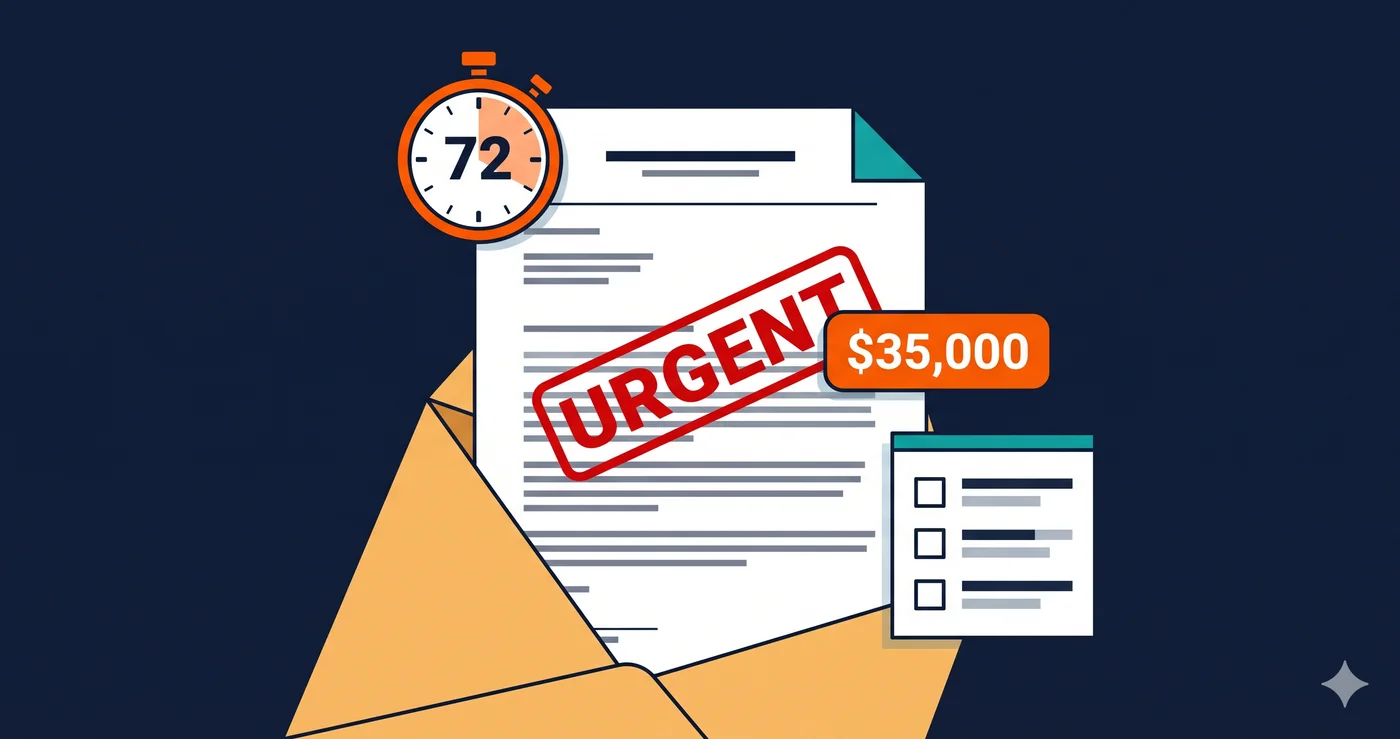
A letter arrives on a Tuesday from a law firm you've never heard of. It cites Title III of the Americans with Disabilities Act. It identifies specific pages on your site. It demands a settlement payment and a compliance commitment — typically within 30 days.
The technical basis for that letter, in more than half of all cases, is one category of failure: missing or inadequate alternative text on images. Not a broken feature. Not a missing capability. An HTML attribute. Often on product photos you added years ago without thinking about it.
Why Alt Text Is the #1 Target in ADA Demand Letters
Alternative text — the alt attribute on <img> elements — is how a blind user's screen reader understands what an image conveys. When a product photo lacks alt text, a screen reader announces "image" or reads the filename. When a promotional banner has no alt text, the offer it describes is invisible to a visually impaired visitor. When a navigation icon has no alt text, the action it represents cannot be identified without sight.
According to WebAIM's Million 2026 report, missing alternative text is present on 55.5% of websites analyzed — making it the most prevalent WCAG violation on the web. It is also among the easiest for plaintiff law firms to detect programmatically. A script that scans your pages, identifies images without alt attributes, and generates a WCAG 1.1.1 violation report takes minutes to run. That report becomes Exhibit A in a demand letter.
The ADA demand letter model is a volume business. Law firms representing serial plaintiffs scan hundreds of websites per week looking for readily documented violations. Alt text failures are ideal: they are detectable without visiting the page in person, they are unambiguous WCAG violations, and they appear on the majority of commercial websites. Over 4,800 ADA lawsuits were filed in 2025 (UsableNet), a significant increase over 2024. Many of those complaints cite missing image descriptions as a primary or contributing violation.
What a Demand Letter Actually Costs
The financial impact of an ADA demand letter varies significantly by how the business responds:
| Resolution Path | Typical Cost | Timeline |
|---|
| Demand letter settlement (small business) | $10,000–$25,000 | 30–90 days |
| Out-of-court settlement (represented counsel) | $25,000–$50,000 | 3–6 months |
| Court judgment (default or defended) | $75,000–$100,000 | 12–24 months |
| Class action settlement | $400,000+ | 2–5 years |
| Attorney fees (defendant, defended suit) | $50,000–$200,000 | Ongoing |
| Remediation cost (post-settlement) | $5,000–$30,000 | Separate |
The $15,000 figure in the title represents a common outcome for small businesses that receive an initial demand letter, engage briefly with the plaintiff's attorney, and settle without filing a formal response. It is not a worst-case number — it is the floor for businesses that resolve quickly and don't have repeat-plaintiff firms demanding more.
For mid-size e-commerce brands, the out-of-court settlement average of $25,000–$30,000 is a more realistic baseline. Fashion Nova's class action settlement in February 2026 — Alcazar v. Fashion Nova Inc. — involved a far larger sum for a site serving millions of users. In that case, the core complaint included inaccessible product images and navigation flows for blind users.
Alt Text Is Harder to Get Right Than It Looks
The simple presence of an alt attribute is not enough. Courts and WCAG auditors also evaluate whether the alternative text is meaningful. A product image with alt="image001.jpg" fails just as clearly as one with no alt attribute at all. An image described as "banner" when it contains a promotional offer with specific discount terms fails WCAG 1.1.1 just as certainly.
Common alt text failures that generate violations include: decorative images incorrectly given descriptive alt text (they should have alt=""), functional images like buttons or links with generic descriptions, product thumbnails with filename-based alt attributes, CMS-generated image names as alt text, and dynamically loaded images where alt text is never injected by the JavaScript.
That last category — dynamically loaded images — is where most e-commerce sites get into trouble. Product carousels that rotate images after page load, lazy-loaded product thumbnails in infinite scroll, image sliders in promotional banners: all of these render after the initial HTML. A static HTML accessibility checker won't even see them. A browser-based scanner that waits for JavaScript to execute will.
The Repeat Lawsuit Problem
One of the most revealing statistics from 2025 ADA litigation data: 1,427 of the 4,800+ lawsuits filed in 2025 targeted companies that had already been sued before for web accessibility (UsableNet). That is roughly 30% of all filings going to repeat defendants.
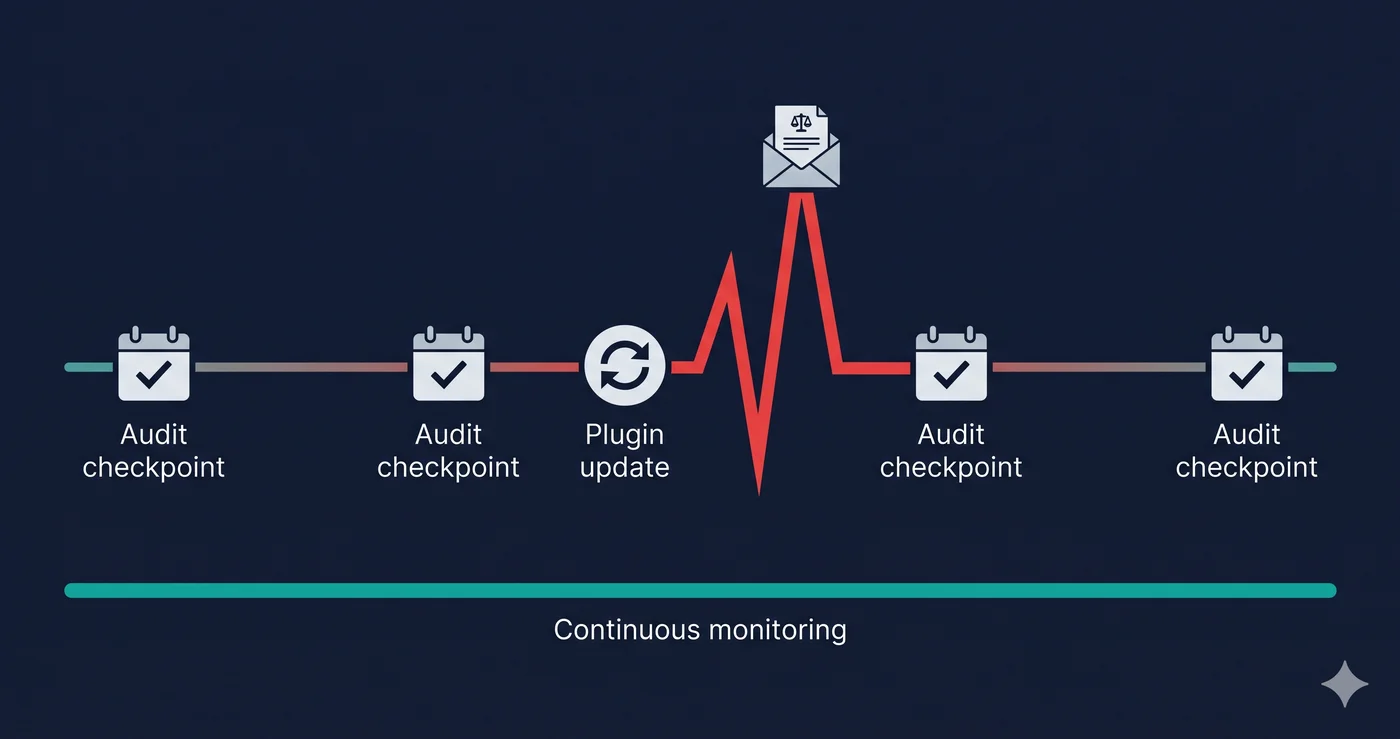
The pattern is predictable: a company receives a demand letter, pays a settlement, fixes some of the cited issues, and does not run a comprehensive scan afterward. The same law firm (or a different one) scans the site six months later, finds remaining violations or new ones introduced by a site update, and files again.
Alt text failures regenerate constantly. Every new product added through a CMS without an alt attribute, every promotional image uploaded by a marketing team member who doesn't know the requirement, every third-party app that injects images without alt text — each one is a potential violation. A one-time fix is not sufficient.
How ADAGuard Catches What Others Miss
ADAGuard scans for alt text violations across all 23 check modules — including dynamically loaded images that only appear after JavaScript executes. The scan renders your page in a real browser, waits for lazy-loaded content, and checks alt attributes on every image element in the final accessibility tree, not just those in the initial HTML.
This matters for e-commerce specifically: product grids, image carousels, promotional banners, and user-generated review photos are almost always loaded dynamically. The scanner that only reads your source HTML will miss the majority of alt text violations on a product listing page. ADAGuard, running at approximately 78% WCAG 2.2 AA coverage, catches them in context.
The free scan at adaguard.io runs against your live URL, requires no signup, and gives you a categorized violation report within minutes — including every flagged image element with its source and selector.
What to Do When You Find Violations
When your scan report identifies missing or inadequate alt text violations (WCAG 1.1.1), the fix type depends on the image's purpose: descriptive images need meaningful alt text, decorative images need empty alt attributes (alt=""), and functional images used as links need alt text that describes the action. Your developer or CMS administrator can work through these systematically using the element references in the report.
The more important action is setting up an ongoing monitoring process — because alt text violations return with every new product upload, every site update, every third-party integration that injects images. A single scan tells you where you stand today. Regular scanning tells you before a plaintiff's attorney does.
The 30-Second Fix
Find out how many images on your site are missing adequate alternative text — right now, before a demand letter arrives. Scan your URL for free at ADAGuard. No signup, no install, results in under a minute. The $15,000 settlement starts with an image tag.