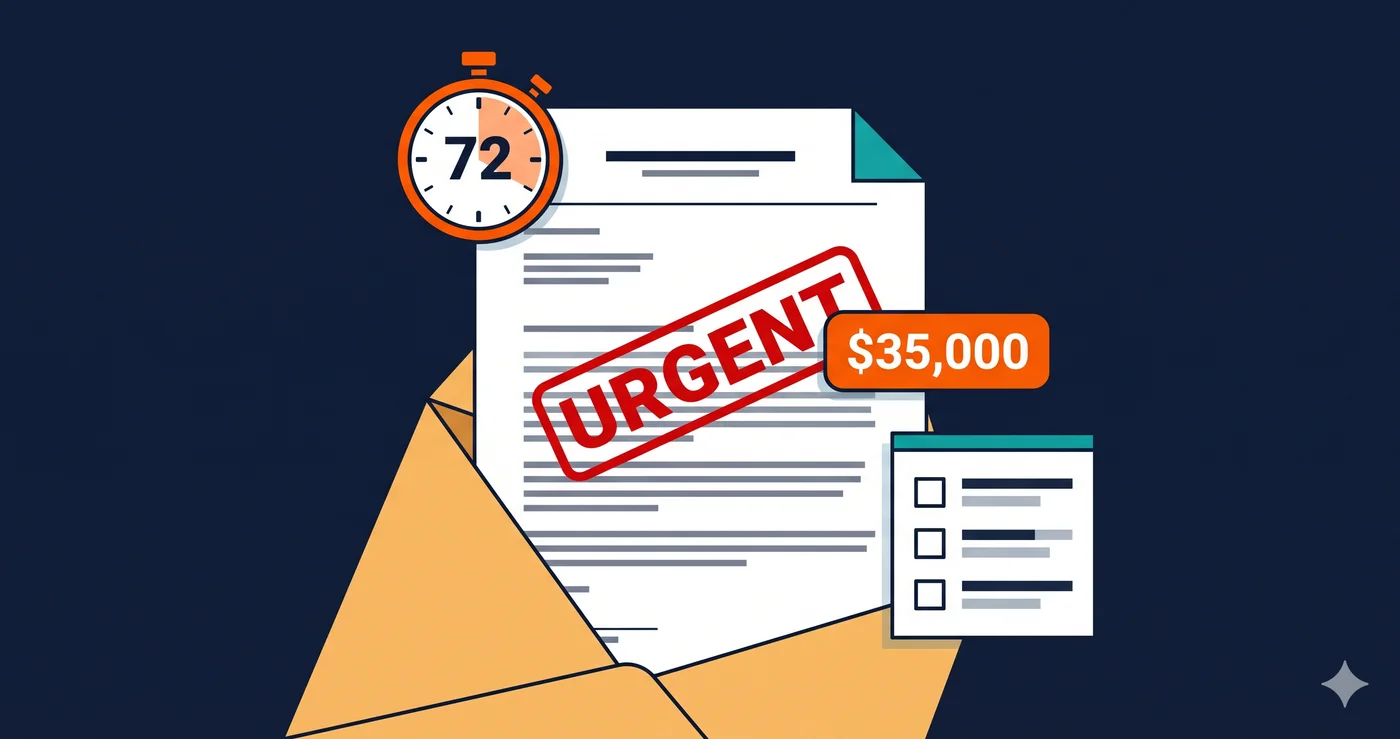
A company receives an ADA demand letter. They settle for $28,000, spend another $12,000 on emergency developer remediation, and update their accessibility statement. Fourteen months later, a second demand letter arrives from a different law firm. The complaint cites the same categories of violations — different specific elements, same WCAG criteria. The second settlement costs $45,000, because the company's first response is now evidence that they were on notice and still failed to fix the problem comprehensively.
This is the repeat defendant pattern. 46% of federal ADA web cases in 2025 involved repeat defendants — companies that had already been sued and were sued again (UsableNet, 2025). That statistic is not about bad luck. It's about what partial accessibility remediation actually produces in practice: a more expensive second lawsuit.
What Courts Look For When You're Sued
ADA Title III cases involving web accessibility are not simply won or lost on whether violations exist. Courts evaluate defendants on a spectrum that includes: whether the company was aware of accessibility requirements, how they responded when aware, how comprehensive their response was, and whether they maintained an ongoing compliance program.
The legal principle at the center of most settlements is "good faith effort." Businesses that can demonstrate documented, comprehensive, ongoing accessibility remediation work are substantially better positioned than those who fixed a handful of issues under legal pressure and moved on.
Quantitatively, the difference is measurable: businesses demonstrating good-faith accessibility programs — documented audit records, remediation tracking, published program descriptions, and recurring scans — typically see settlement reductions of 40–60% compared to defendants with no documented compliance history (InclusiveWeb, 2026). That differential exists because plaintiff attorneys know courts respond to good-faith evidence, and a case that's harder to win on full damages is more likely to settle for less.
"Good faith effort" is not the same as "effort." Hiring a developer to fix the issues specifically named in a demand letter is effort. Running a wcag checker scan of your entire site, documenting the results, triaging all violations, and fixing them in documented sprints is good faith effort. The difference shows up in whether a second plaintiff finds the same WCAG criteria violations fourteen months later.
The Anatomy of a Repeat Defendant Case
The repeat defendant pattern follows a reliable sequence:
First filing: Plaintiff attorney runs an automated scan of your site. Finds missing alt text, unlabeled form inputs, or keyboard traps. Files or sends a demand letter citing WCAG 1.1.1, 1.3.1, or 2.1.2. You engage defense counsel. Settle for $15,000–$50,000. Your developer fixes the specific elements named in the complaint.
The remediation gap: The developer fixed the checkout form label that was specifically mentioned. They did not scan the entire site. The gift card flow, the loyalty portal, the account management page, the mobile cart drawer — all remain untouched because they weren't named in the complaint. Your accessibility statement is updated to reference the settlement as evidence of your commitment to compliance.
Second filing: A different plaintiff attorney — or in some cases the same firm representing a different plaintiff — runs the same type of scan fourteen months later. The checkout form label is fixed. The account management page still has four missing labels. The mobile cart drawer still has an unlabeled close button. New demand letter. Same WCAG criteria. Higher settlement demand, because the prior settlement establishes that you were on notice.
This is not speculation. The 46% repeat defendant figure from UsableNet's 2025 data reflects exactly this cycle playing out at scale across the 4,800+ ADA lawsuits filed that year (UsableNet mid-year report).
What "Near-Perfect" Actually Means Operationally
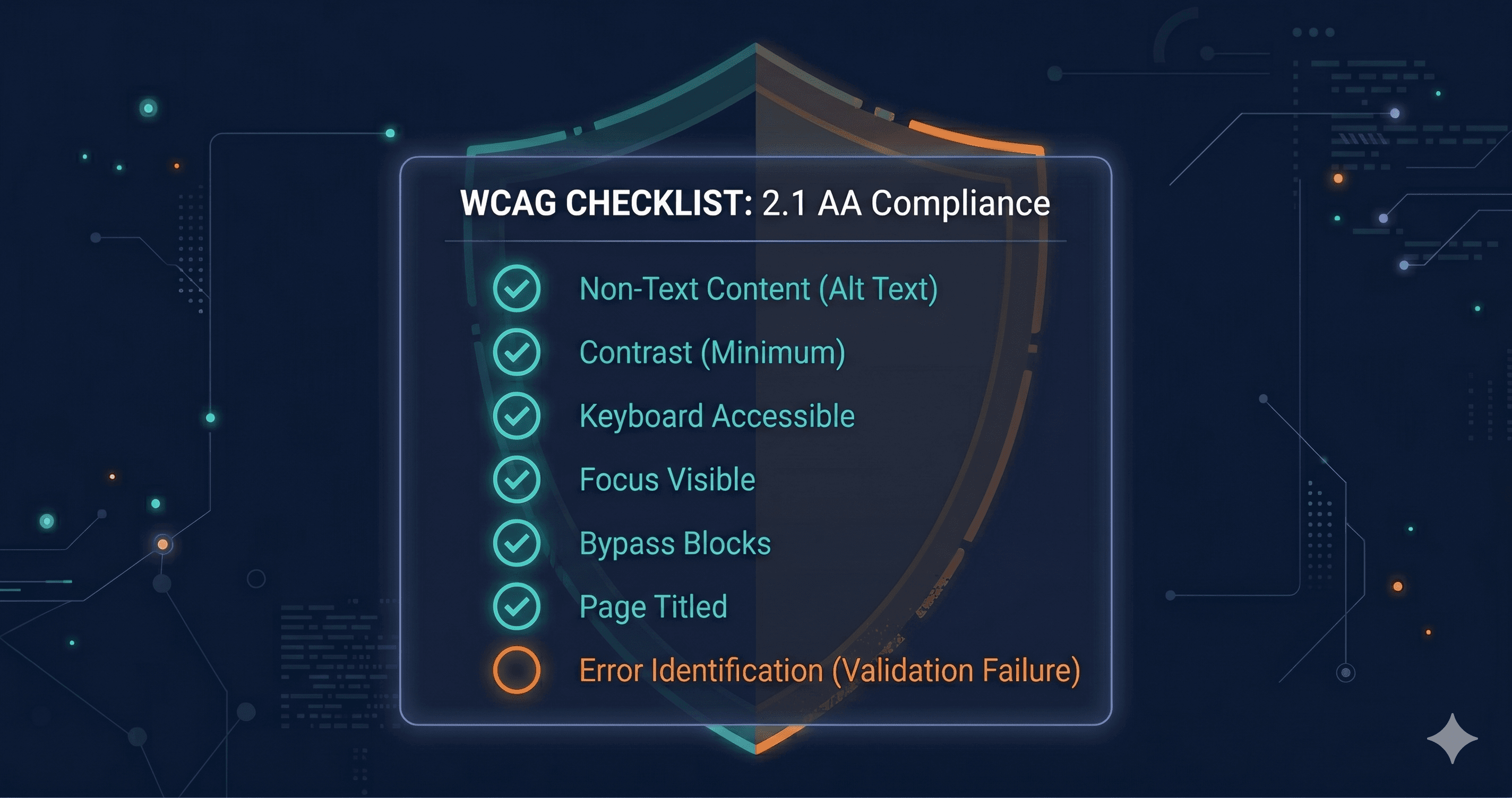
Near-perfect accessibility is not a mythological standard that only large enterprise companies with dedicated accessibility teams can achieve. It is a documented state of having identified and systematically addressed violations across your site's actual runtime DOM — not just your source code, not just the pages named in a complaint.
It means three things in practice:
Comprehensive coverage. A scan that doesn't render JavaScript misses violations in pop-ups, cart drawers, modals, and dynamically loaded content — which is where keyboard traps and unlabeled interactive elements most often live. Coverage that matters for legal purposes is coverage of your live DOM, not your HTML source.
Documented remediation. A scan report with a timestamp. A remediation log showing which violations were addressed, by whom, and when. A WCAG criterion reference for each fix. This documentation is what transforms "we fixed accessibility issues" from a verbal claim into court-admissible evidence of good faith effort.
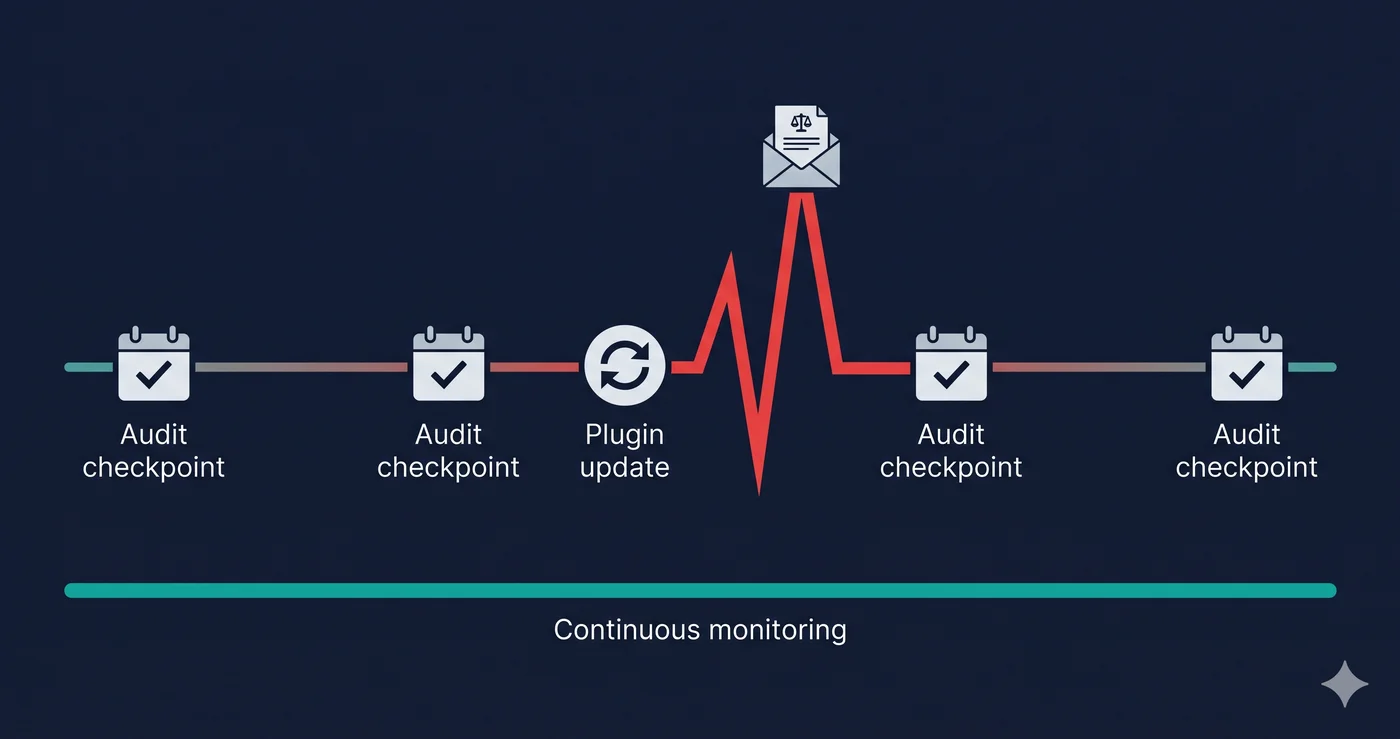
Recurring monitoring. Accessibility violations return. Every app you install, every theme update you apply, every new feature you deploy introduces potential regressions. A compliance state achieved in January may be compromised by an app update in March. Near-perfect accessibility requires knowing when your compliance state changes — which requires ongoing scanning.
What "Partial" Compliance Actually Looks Like in Practice
Companies that have done partial accessibility work look credible until a plaintiff's scanner looks more carefully. Partial compliance typically means:
| Compliance State | What Was Fixed | What Was Missed | Legal Status |
|---|
| Post-demand-letter remediation | Specific elements named in complaint | Everything else on the site | High repeat-lawsuit risk |
| CMS-level fixes only | Alt text in media library, visible form labels | Pop-ups, modals, cart drawers, dynamic content | High risk for JS-rendered violations |
| Theme-level WCAG pass | Base theme accessibility features | Third-party app widgets in live DOM | High risk for app-introduced violations |
| Static page scan pass | Source HTML violations | JavaScript-rendered, post-interaction content | Moderate risk |
| Live-DOM comprehensive scan | Full runtime violations identified | Requires remediation and monitoring to maintain | Low risk with ongoing compliance |
The pattern: the most dangerous partial compliance state is post-demand-letter remediation. It creates the appearance of responsiveness while leaving the majority of violations in place — and it establishes documented awareness of the standard, making the second lawsuit cheaper to file.
Just 16 law firms filed over 90% of ADA website accessibility lawsuits in H1 2025 (UsableNet). These firms are sophisticated enough to track prior settlements, identify companies that settled without comprehensive remediation, and target them specifically as second-lawsuit candidates. Prior settlement history is public record in federal court. A company that settled a WCAG-related ADA case is marked as "aware" and "previously non-compliant" — exactly the factual predicate that makes a second filing easier.
This is also why accessibility overlays specifically increase repeat-lawsuit risk. An overlay installed after a demand letter creates a documented record of knowing about accessibility and choosing a widget-based response rather than code-level remediation. When the widget demonstrably doesn't fix the underlying violations — and plaintiff attorneys verify this with screen reader testing — the company has now documented deliberate indifference at scale.
What Documentation You Need to Build a Good-Faith Defense
Courts and plaintiff attorneys look for the same categories of evidence when evaluating whether a good-faith defense is credible:
Third-party audit reports — scan results from a recognized tool with timestamps. These establish what violations existed at a specific date and show that you conducted an audit.
Remediation tracking — a record of which violations were addressed, the WCAG criterion, the specific element or page, the date of fix, and verification that the fix resolved the violation. A developer ticket log with "fixed accessibility bug" is not sufficient; WCAG criterion references are required.
Recurring scan cadence — evidence that you scan on a regular schedule, not only in response to legal pressure. Monthly or quarterly scan reports with timestamps demonstrate an ongoing program rather than reactive patching.
Accessibility statement describing process — not a binary compliance claim, but a description of your audit cycle, remediation approach, and contact mechanism for user-reported barriers.
ADAGuard generates timestamped scan reports for every URL you scan, including a severity breakdown across all 23 check categories. The report structure — violation type, WCAG criterion, affected element, severity — provides exactly what you need for a remediation tracking log. For businesses using ADAGuard's monitoring features, recurring scans create the scan history record that documents an ongoing compliance program.
What to Do When You Find Violations
Run a full live-DOM scan of your site — not just your homepage. Include your checkout flow, your account pages, your cart experience, your mobile version, and any pages that load differently after user interaction. These are where repeat-lawsuit violations most commonly hide.
When violations surface, the remediation process breaks into two buckets. Platform-configurable issues — alt text, visible form labels, link text in your CMS — can often be addressed without developer work. Code-level issues — keyboard traps, ARIA implementation failures, focus management errors — require developer or vendor involvement with the specific WCAG criterion numbers from your scan report.
Once remediated, document the work. Keep the before-and-after scan reports. Keep the developer tickets with criterion references. Schedule your next scan. That documentation is what separates a company with a good-faith accessibility program from a company that fixed three things after receiving a demand letter.
ADAGuard's free scan at adaguard.io is the starting point. No signup required. It shows you what your live DOM currently exposes — to users, and to plaintiff scanning pipelines.
The 30-Second Fix
The repeat defendant cycle starts with incomplete remediation. Before you decide your site's accessibility is "good enough," run a live-DOM scan that renders your JavaScript and checks your actual runtime environment. Paste your URL into ADAGuard in 60 seconds and find out what "good enough" actually covers. Near-perfect accessibility is a documented process — and it starts with knowing your full violation inventory, not just the items named in someone else's complaint.