Okendo's review and loyalty widgets inject content dynamically into your store's DOM. Static accessibility scanners miss most of the violations — here's how to find them.
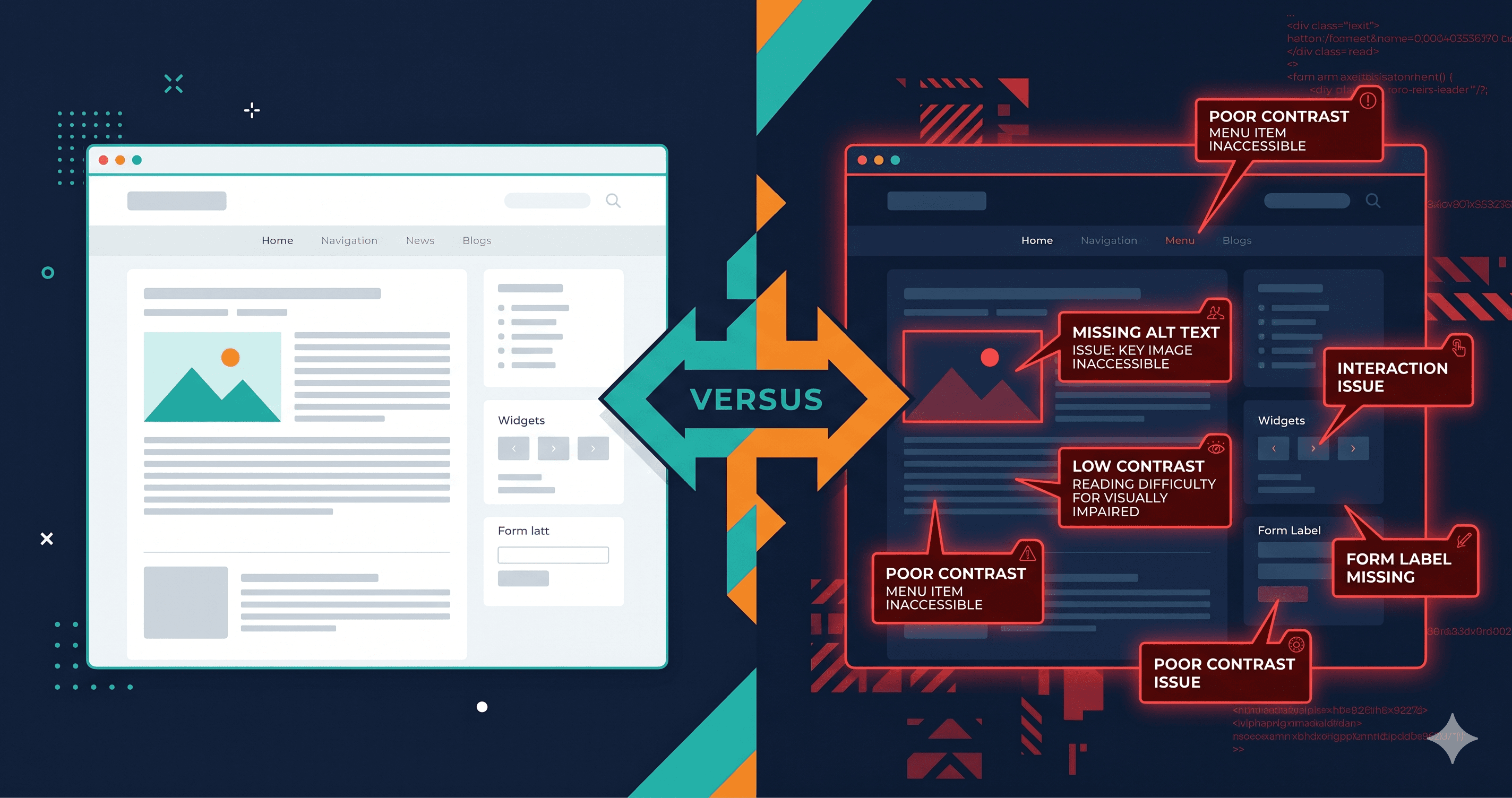
Review widgets, loyalty programs, and quiz interfaces are among the most frequently flagged elements in ADA demand letters targeting Shopify stores — and Okendo, which injects all of these into your DOM via JavaScript after page load, creates accessibility exposures that most merchants never discover until a plaintiff attorney does. What static scanners show as a clean report on your Okendo sections is often a false negative: the widgets aren't in the source HTML, so the scanner never evaluated them.
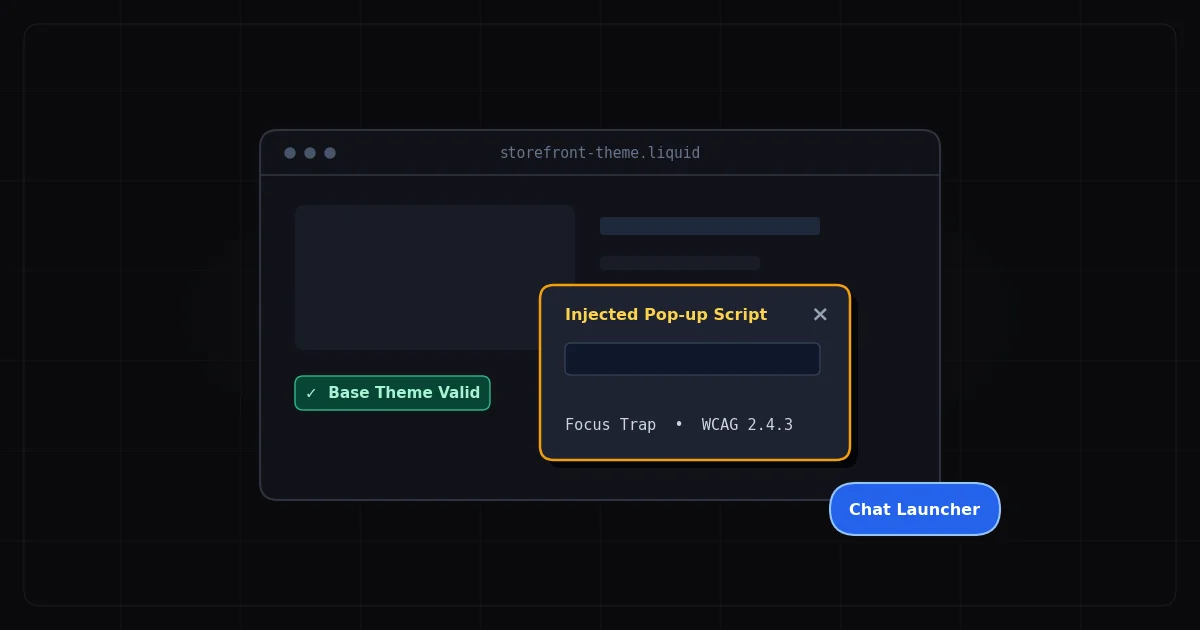
The specific challenge with Okendo — and why standard free scanners won't help you — is that its widgets are entirely JavaScript-rendered. The review section, star rating display, photo gallery, loyalty point balance, and quiz interface don't exist in your Shopify theme's HTML. They're injected into the DOM by Okendo's JavaScript bundle after the page loads. Run most free WCAG checkers on a page with Okendo installed and you'll see a clean report on those sections, because the scanner read the source HTML before Okendo's JavaScript had a chance to run. That false negative is dangerous.
Why DOM Injection Makes Accessibility Harder to Test
Static WCAG scanners work by fetching a page's HTML source and analyzing it. For traditional websites where most content is in the initial HTML response, this approach works reasonably well. For Shopify stores running apps like Okendo, it fails completely on those widget sections.
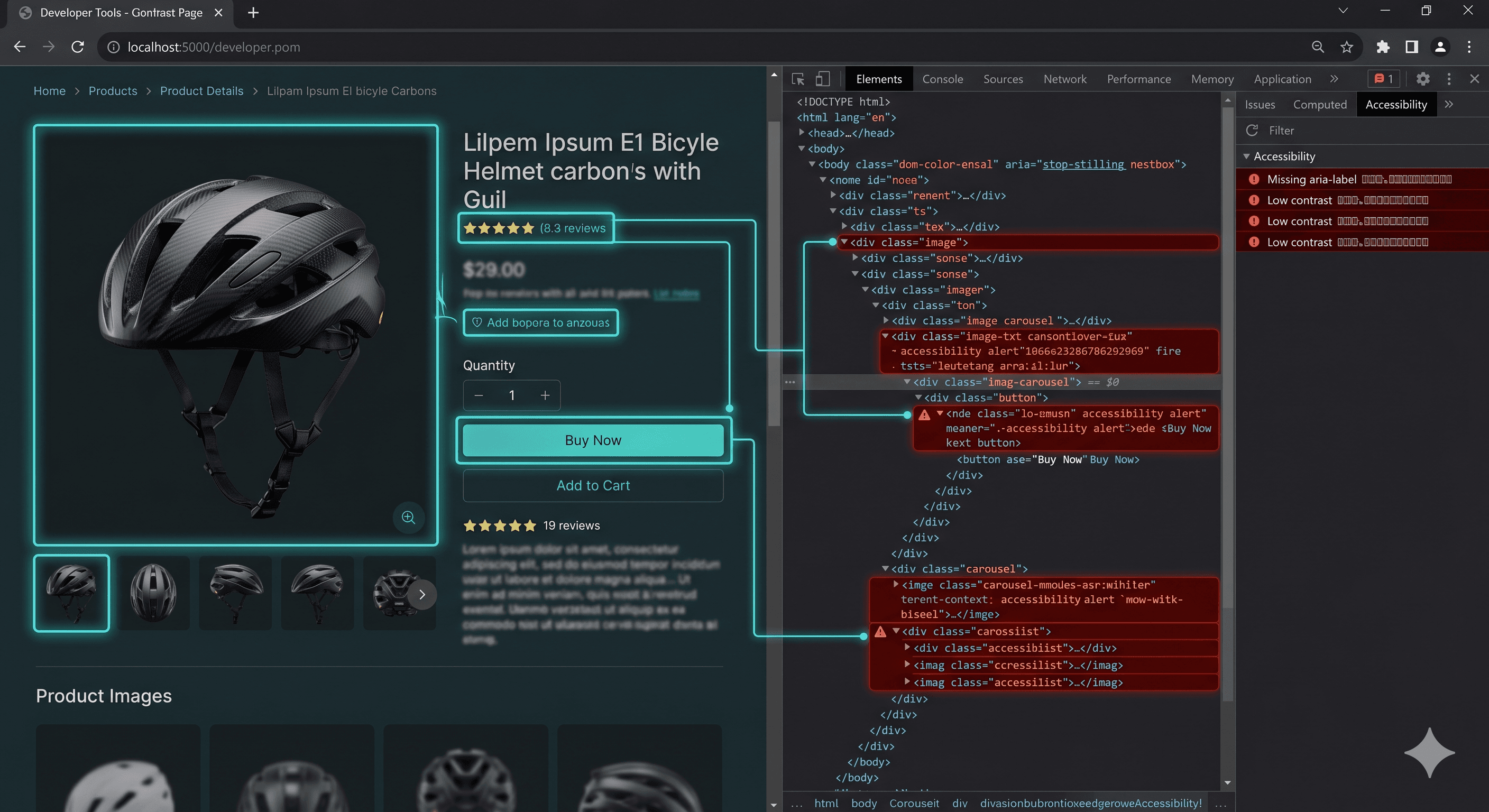
Okendo renders its widget content at runtime, which means the ARIA roles, button labels, form inputs, contrast levels, and interactive controls in your reviews section only exist in the live browser DOM — not in the HTML source that a static scanner reads. A developer testing with browser DevTools will see entirely different markup from what a static scanner analyzes.
This matters because Okendo's widgets, by their nature, involve interaction patterns that are high-risk for WCAG failures: star rating selection, photo upload, filtering and sorting reviews, pagination, loyalty point displays, quiz answer selection, and referral code copy buttons. Each of those patterns has specific WCAG requirements that are easy to miss without live DOM testing.
Common WCAG Violations Found in Okendo Widgets
Star rating input without keyboard support (WCAG 2.1.1)
The star rating selector in Okendo's review submission form is typically implemented as a group of SVG or CSS elements that respond to mouse clicks. For keyboard users, tabbing to a five-star rating selector and pressing Enter or the arrow keys to select a rating must work correctly. When star ratings are built with clickable icons rather than native radio inputs or properly ARIAed alternatives, keyboard users cannot submit a rating — blocking them from the entire review submission flow.
Missing widget container roles (WCAG 4.1.2)
When Okendo's review section renders, the container element should carry a landmark role or ARIA label so screen reader users can navigate to it directly. Screen reader users navigate pages by jumping between landmarks (main, navigation, complementary, etc.) and by using heading structure. A review section injected by JavaScript without a heading or landmark role is invisible to this navigation pattern.
Image alt text on customer-submitted photos (WCAG 1.1.1)
User-submitted review photos in Okendo almost universally carry empty alt text or machine-generated file names as alt text. WCAG 1.1.1 requires that images conveying meaning have descriptive text alternatives. Customer product photos provide social proof context — "photo of product in use" is meaningful content that screen reader users miss when alt text is blank or says "IMG_4721.jpg."
Low contrast on secondary review metadata (WCAG 1.4.3)
Review metadata — the reviewer's name, date, verified purchase badge, and star count — is often styled in lighter, muted text to create visual hierarchy. When that text falls below the 4.5:1 contrast ratio required by WCAG 1.4.3 for normal-sized text, it becomes inaccessible to users with low vision who are browsing without a screen reader but cannot distinguish low-contrast text.
Pagination controls without accessible names (WCAG 4.1.2)
Review section pagination — "Previous," "Next," page numbers — is commonly implemented with arrow icon buttons that lack aria-label attributes. A screen reader user encounters buttons that announce only as "button" with no indication that they navigate review pages.
Sort and filter controls (WCAG 1.3.1, 4.1.2)
Review sort menus ("Most Recent," "Top Rated," "With Photos") and filter controls in Okendo are typically `` elements or custom dropdown components. Custom dropdown components that aren't built with proper ARIA disclosure patterns fail both 1.3.1 and 4.1.2 — they look like interactive controls but don't behave that way for screen reader users.
WCAG Violation Summary
Element
Common Failure
WCAG Criterion
Fix Effort
Star rating input
Not operable by keyboard
2.1.1 Keyboard
High
Review section container
No landmark role or heading
1.3.1 Info and Relationships
Low
Customer photo gallery
Empty or file-name alt text
1.1.1 Non-text Content
Medium
Reviewer metadata text
Contrast below 4.5:1
1.4.3 Contrast (Minimum)
Low
Pagination arrows
No aria-label on icon buttons
4.1.2 Name, Role, Value
Low
Sort/filter dropdowns
Custom component missing ARIA
4.1.2, 1.3.1
Medium
Loyalty point badge
Dynamic update not announced
4.1.3 Status Messages
Medium
The Scanner Gap and Why It Matters Legally
This scanner gap — static tools returning false-clean results on dynamically rendered widgets — creates a specific legal risk. A merchant who runs a free WCAG checker, sees no violations reported on their product pages, and concludes their store is compliant, may not discover that their Okendo review section has five separate WCAG failures until a demand letter arrives.
In 2025, over 4,800 ADA digital accessibility lawsuits were filed against U.S. businesses, per UsableNet, with ecommerce accounting for 69–77% of cases. Plaintiff firms use more sophisticated tools than free static scanners. They render the live DOM, including JavaScript-injected widgets, before checking for violations — the same approach ADAGuard takes.
The merchant's responsibility under ADA Title III covers all content served from their domain, regardless of whether it was injected by a third-party app. From a legal standpoint, the Okendo widget on your product page is part of your website.
How to Find Okendo DOM Violations
ADAGuard at adaguard.io renders the full JavaScript DOM before running accessibility checks — which means your Okendo review widgets, loyalty displays, and quiz interfaces are evaluated in their live, interactive state. Paste in a product page URL, and ADAGuard's scanner will load the page in a headless browser, wait for JavaScript to execute, and then analyze the full rendered DOM including all Okendo-injected content.
ADAGuard applies axe-core plus 22 additional custom check modules, covering approximately 78% of WCAG 2.2 AA on the live DOM. The resulting report maps each violation to its specific WCAG criterion, shows the problematic HTML element, and provides severity ratings and recommended fixes. You'll see exactly which Okendo-rendered elements are inaccessible — not just what's in your theme's source.
For loyalty features and quiz interfaces that only appear to logged-in users, ADAGuard's authenticated scanning captures those states as well.
Fixing Okendo Widget Issues
Many Okendo accessibility violations require either raising a support ticket with Okendo directly or applying custom JavaScript/CSS fixes in your theme. Here are the most common addressable issues:
Fix star rating input with radio pattern:
[ HTML ]
<fieldset>
  <legend>Rate this product</legend>
  <label><input type="radio" name="rating" value="5"> 5 stars</label>
  <label><input type="radio" name="rating" value="4"> 4 stars</label>
  <!-- etc. -->
</fieldset>
Add a landmark to the review section:
[ HTML ]
<section aria-label="Customer reviews">
  <!-- Okendo widget renders here -->
</section>
Fix pagination button labels:
[ HTML ]
<button aria-label="Go to previous page of reviews">
  <svg aria-hidden="true"><!-- arrow --></svg>
</button>
Fix contrast: After identifying which metadata elements fail contrast in ADAGuard's report, update the CSS color values for those specific elements to meet the 4.5:1 ratio. Reviewer name, date, and badge text are the most common culprits.
For issues within Okendo's JavaScript bundle itself (star rating keyboard handling, ARIA roles on dynamic elements), contact Okendo support and reference the specific WCAG criteria violated. Accessibility compliance is increasingly expected from SaaS vendors, and Okendo has incentive to address these issues for their merchant base.
The 30-Second Fix
Run a live DOM accessibility scan on your product pages now at adaguard.io — free, no account needed. Unlike static scanners that miss JavaScript-rendered content, ADAGuard evaluates your Okendo widgets in their actual live state and reports every WCAG violation in the rendered DOM. Don't rely on a scanner that can't see what your customers — and plaintiff attorneys — actually see.