PageFly Landing Pages: High Conversion, Low Compliance?
PageFly helps Shopify merchants build conversion-optimized landing pages — but the same design techniques that lift CVR often tank WCAG compliance. Here's where the gap shows up.
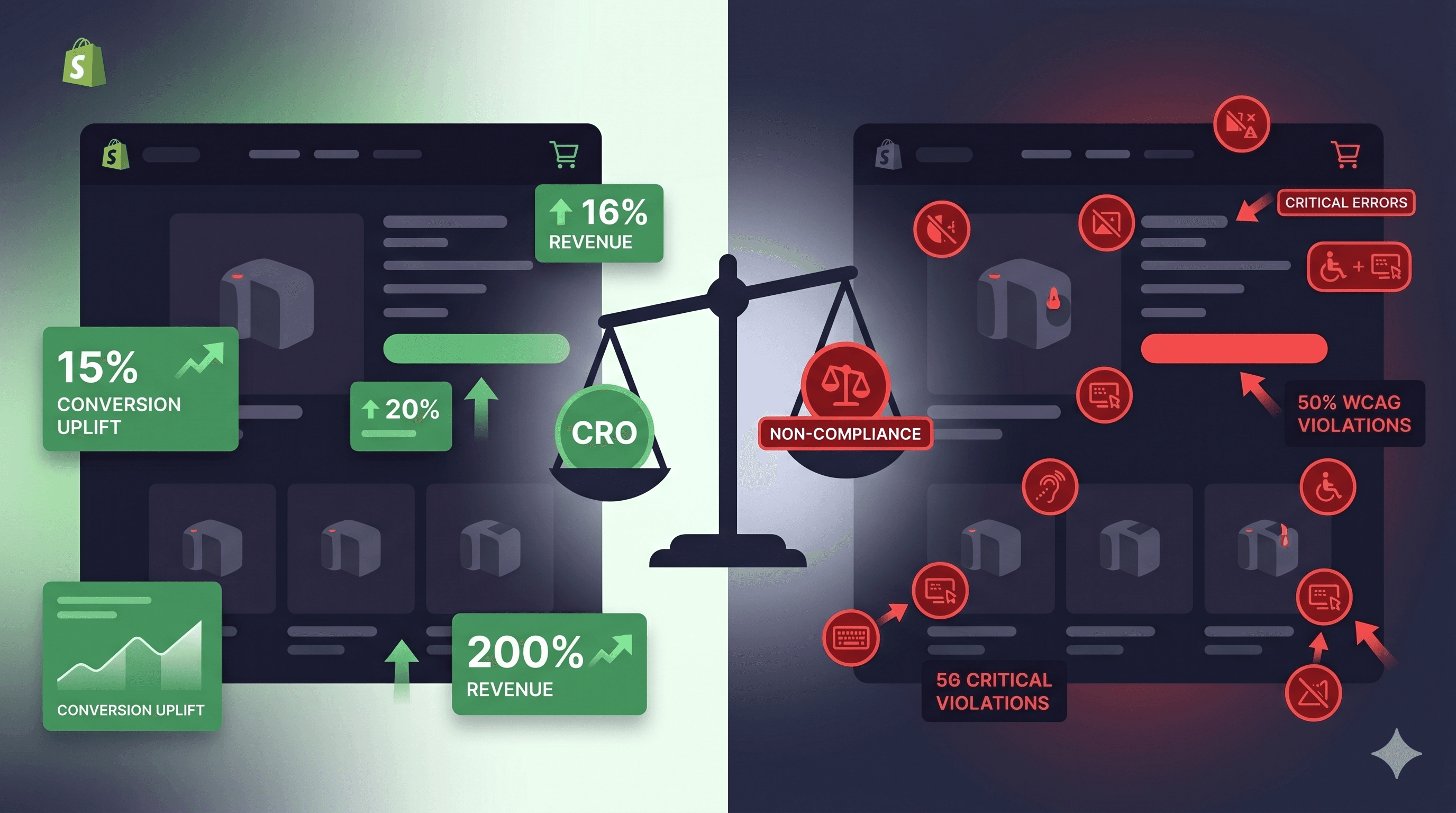
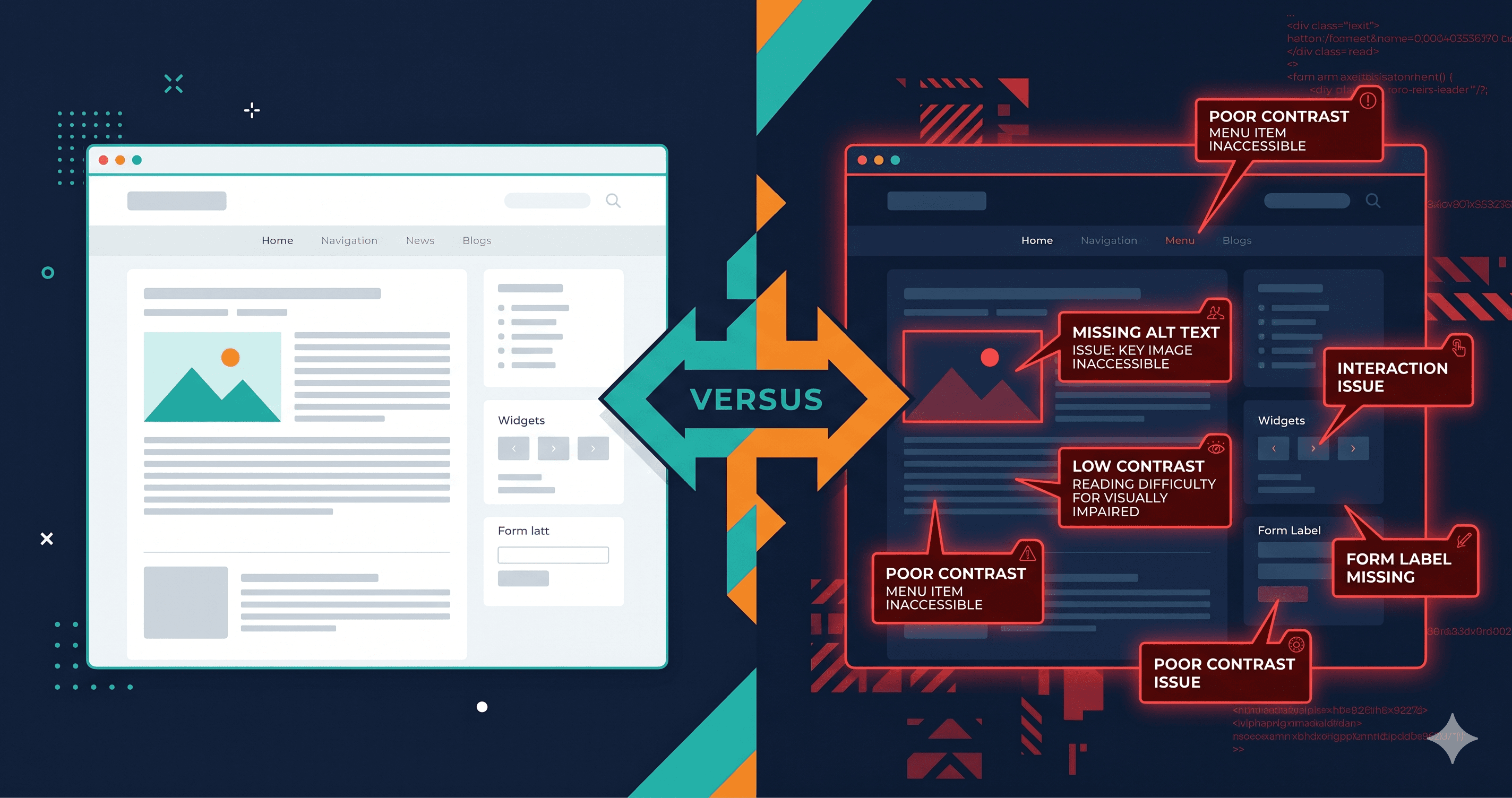
Landing pages built for conversion are among the most frequently inaccessible pages on Shopify stores — and PageFly pages show up in ADA demand letters at a disproportionate rate. The design techniques that lift conversion rates — high-contrast oversized CTAs, countdown timers, popup overlays, hero images with text embedded in them — are exactly the patterns that introduce WCAG 2.1 AA violations that make those same pages completely unusable for a significant portion of potential customers.
An estimated 1 in 5 people in the US has some form of disability — many of which directly affect how they interact with web pages (CDC, 2023). These users represent real purchasing power: over $490 billion in annual disposable income in the US alone (American Institutes for Research). When a PageFly landing page fails WCAG 2.1 AA, merchants don't just expose themselves to legal risk — they're actively blocking a substantial segment of their potential customer base.
And the legal risk is real. Shopify stores account for a disproportionately high share of ADA web accessibility lawsuits, and landing pages — the highest-traffic, highest-stakes pages on a store — are frequent targets for plaintiff attorneys running automated accessibility scans.
How Conversion Optimization Conflicts With Accessibility
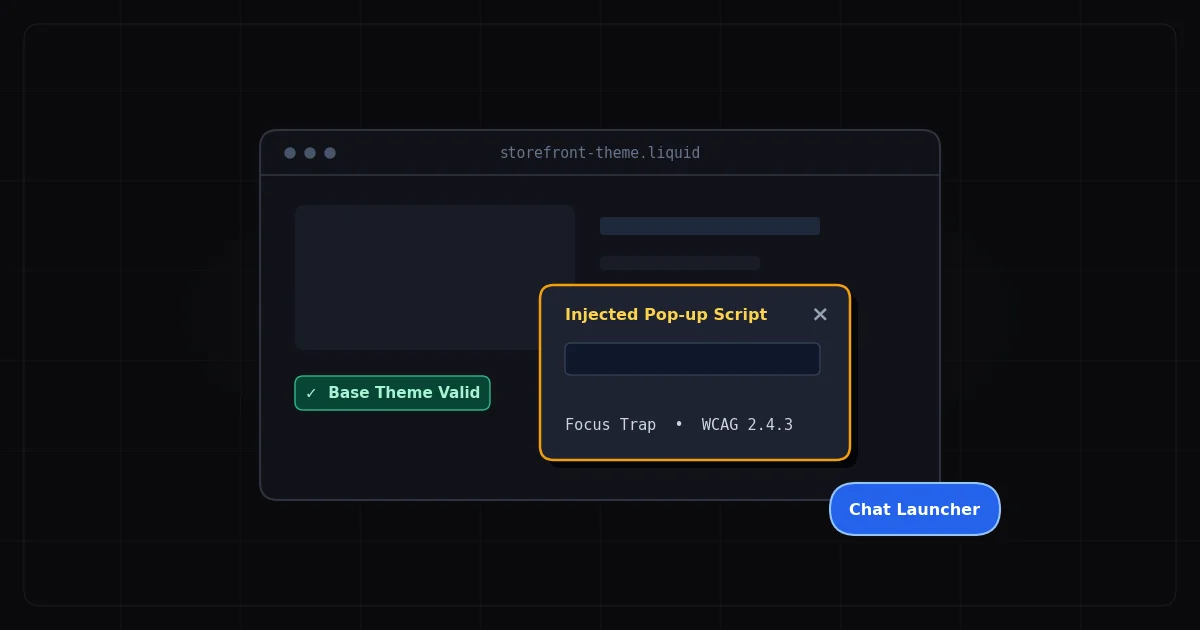
The tension between CRO and accessibility is structural. High-converting landing page techniques tend to include urgency triggers (countdown timers, low-stock indicators), visual hierarchy tricks (oversized contrast-less CTAs, hero images with text overlays), engagement tactics (popups, slide-ins, chat widgets), and complex interactive elements (multi-step forms, accordion FAQs, tabbed product details). Every one of these is a potential WCAG failure point.
PageFly provides the building blocks. The merchant and their design team make the choices. And those choices — made for conversion metrics, not accessibility — routinely produce WCAG violations that are genuinely invisible until a live-DOM scanner runs against the rendered page.
The 7 Most Common WCAG Failures in PageFly Landing Pages
Element
Common Failure
WCAG Criterion
Fix Effort
Hero text over image
Text fails contrast against image background
1.4.3 Contrast (Minimum)
Low-Medium — add overlay or switch text color
Countdown timer
Auto-moving content with no pause control
2.2.2 Pause, Stop, Hide
Medium — add pause button
Multi-step form
Error messages not announced to screen readers
3.3.1 Error Identification
Medium — add aria-live announcements
Testimonial carousel
Images without alt text, auto-advances
1.1.1 + 2.2.2
Medium — add alt text and pause control
CTA button ("Get Deal Now")
Color contrast below 4.5:1
1.4.3 Contrast
Low — adjust color value
FAQ accordion
Expanded/collapsed state not announced
4.1.2 Name, Role, Value
Medium — add aria-expanded
Social proof icons
Logo images without alt text
1.1.1 Non-text Content
Low — add meaningful alt text
The Hero Image Contrast Problem
The PageFly hero section is a primary conversion driver — a full-width image with an overlaid headline and CTA button. It also produces the most common WCAG violation on PageFly-built pages: text that fails contrast requirements when measured against its actual background.
The issue is that images are variable. The background color under a headline might be a light sky at one viewport width and a dark mountain range at another. Automated contrast checkers often sample the most common color from the underlying image area — but the actual color under the text depends on image positioning, browser rendering, and viewport size.
The safest fix is a semi-transparent dark overlay behind any text placed on images. A dark overlay at 60-70% opacity brings nearly any image background dark enough that white text meets the 4.5:1 minimum ratio. Alternatively, placing text outside the image area entirely — in a separate section below or beside the hero — eliminates the variable-background problem entirely.
The WebAIM 2026 Million Crawl found low contrast text on 83.9% of home pages tested (WebAIM, 2026) — and landing pages built with PageFly routinely see contrast failures concentrated in exactly the hero and CTA areas where contrast tends to be most carefully designed for brand aesthetics rather than compliance.
Form Errors That Fail Silently
PageFly's multi-step lead capture forms and email signup forms are powerful conversion tools. They're also a common source of WCAG 3.3.1 violations: error identification failures where form validation messages appear visually but aren't announced to screen readers.
A keyboard-only user tabbing through a PageFly form who submits with missing required fields may see a red border and a "This field is required" message appear — but if that message isn't programmatically associated with the field and announced via an aria-live region, a screen reader user gets no feedback. They hear nothing. From their perspective, the form didn't respond.
The technical fix involves two parts. First, the error message needs to be associated with the form field via aria-describedby. Second, the error container needs an aria-live="polite" attribute so screen readers announce it when it appears dynamically. PageFly's visual builder doesn't add either by default, so custom code additions are required.
[ HTML ]
<!-- Before (inaccessible error) -->
<input type="email" name="email" />
<span class="error">Please enter a valid email address.</span>

<!-- After (accessible error) -->
<input type="email" name="email"
  aria-describedby="email-error"
  aria-invalid="true" />
<span id="email-error" role="alert">
  Please enter a valid email address.
</span>
The role="alert" attribute creates an implicit aria-live region that announces immediately when content is inserted. This requires no separate aria-live declaration.
Countdown Timers and the Pause Problem
Urgency-based countdown timers are among the most popular PageFly elements on sale pages and promotional landing pages. They're also a consistent WCAG 2.2.2 failure: auto-updating content that lasts more than 5 seconds must be pauseable by the user.
WCAG 2.2.2 (Pause, Stop, Hide) is a Level A requirement — the most basic compliance tier. Failing a Level A criterion is the fastest way to end up in legal trouble, because Level A failures are the most clear-cut violations under ADA interpretation.
A pause button doesn't need to be prominent — a small "Pause timer" link in or near the countdown element satisfies the requirement. More importantly, for SEO and conversion, there's evidence that static urgency messaging ("Sale ends tonight") performs comparably to animated countdowns in A/B tests, without the accessibility risk.
The Testimonial Carousel Trap
The rotating testimonials section is a PageFly staple. It's also a dual WCAG failure. First, testimonial carousel images — customer photos, brand logos, trust seals — almost universally lack alt text in PageFly-built implementations. Second, auto-advancing carousels violate WCAG 2.2.2 for the same reason countdown timers do: content that auto-updates must be pauseable.
Adding alt text to carousel images inside PageFly requires accessing each image element's settings individually. Adding a pause control requires either using a PageFly element that natively supports pausing (few do) or injecting a custom pause button via the custom code block.
The practical recommendation for most merchants: set carousel auto-advance to off by default, relying on visible prev/next controls for navigation. Users who want to browse through testimonials can do so manually; users who find auto-advancing content disorienting are no longer blocked.
Why Static Scanners Give PageFly a False Pass
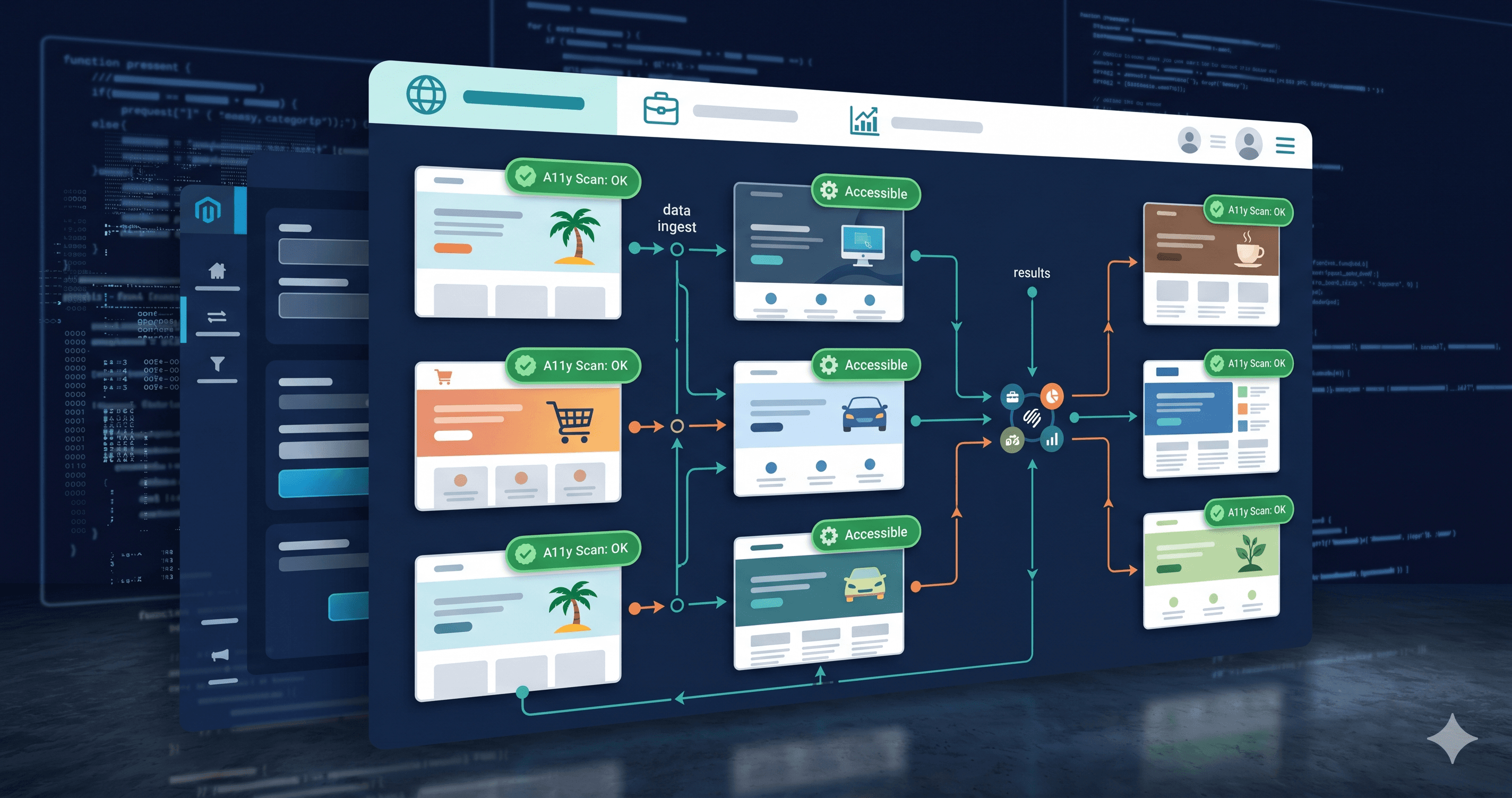
PageFly renders its pages dynamically. Section elements, product tiles, countdown timers, personalization overlays, A/B test variants — all of this is written into the DOM after the initial page load via JavaScript. A scanner that downloads the raw HTML source will see a skeleton, not the live page.
Approximately 30-40% of WCAG violations on JavaScript-heavy pages are invisible to static HTML scanners — they only appear when the page is actually rendered in a browser. This means a merchant who runs a PageFly landing page through a basic free checker, gets a clean report, and considers themselves compliant may still have a dozen active WCAG failures that a plaintiff attorney's live-DOM scanner will find immediately.
ADAGuard uses a Playwright headless browser engine that executes JavaScript, waits for dynamic content to settle, and evaluates the fully rendered DOM — covering 23 check categories including all the PageFly-specific failure patterns described above.
The 30-Second Fix
Paste your PageFly landing page URL into adaguard.io and get a live-DOM WCAG audit in under 30 seconds — no signup required. ADAGuard's scan engine executes JavaScript before evaluating, which means you get the actual accessibility state of your page, not a static HTML guess. The free plan covers all the critical checks: color contrast, heading structure, missing alt text, ARIA labels, keyboard navigation, and 14 more categories.
High conversion and WCAG compliance aren't mutually exclusive — but you won't know which violations your PageFly page is serving without a scanner that sees what your visitors actually see.