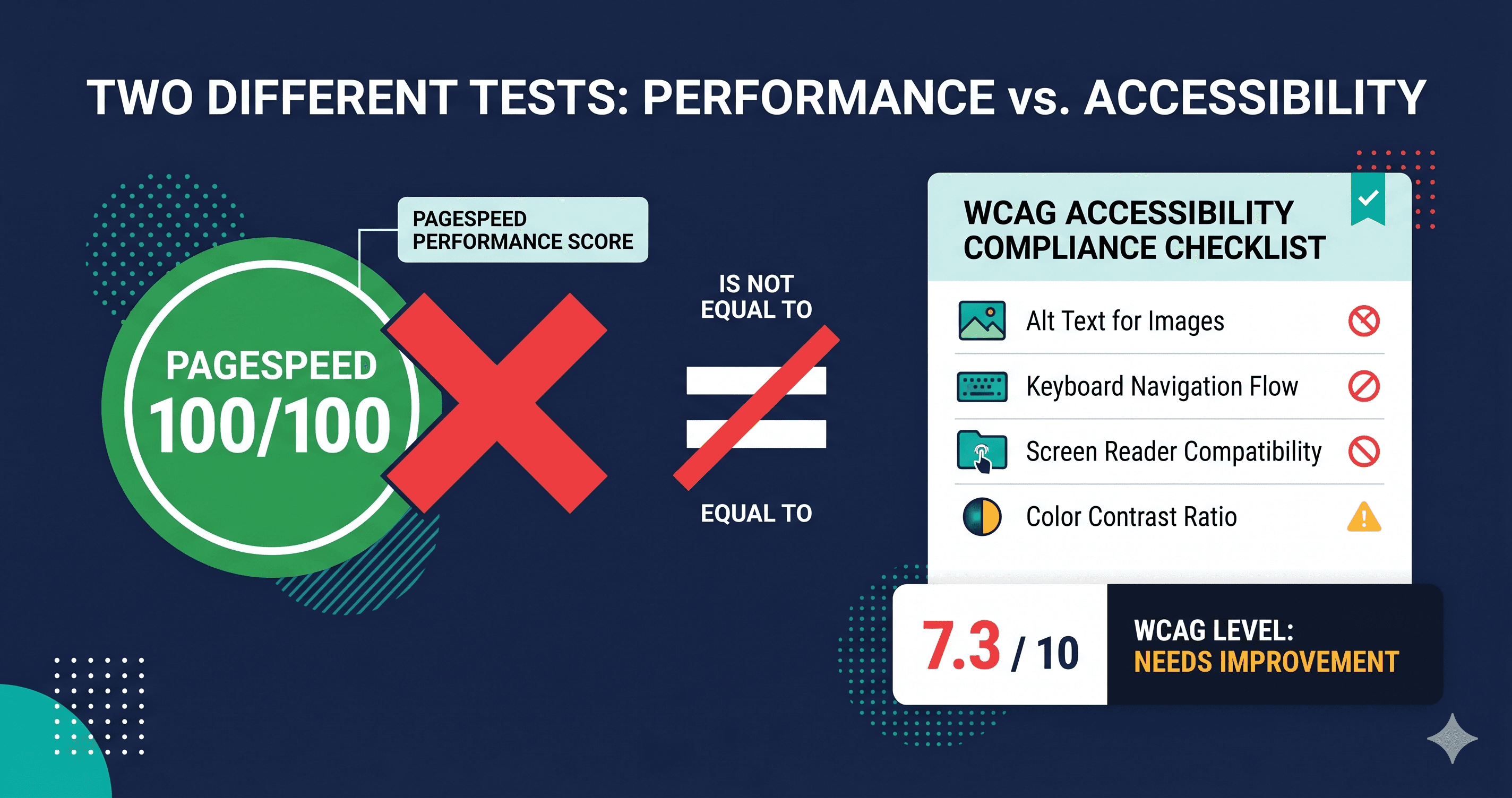
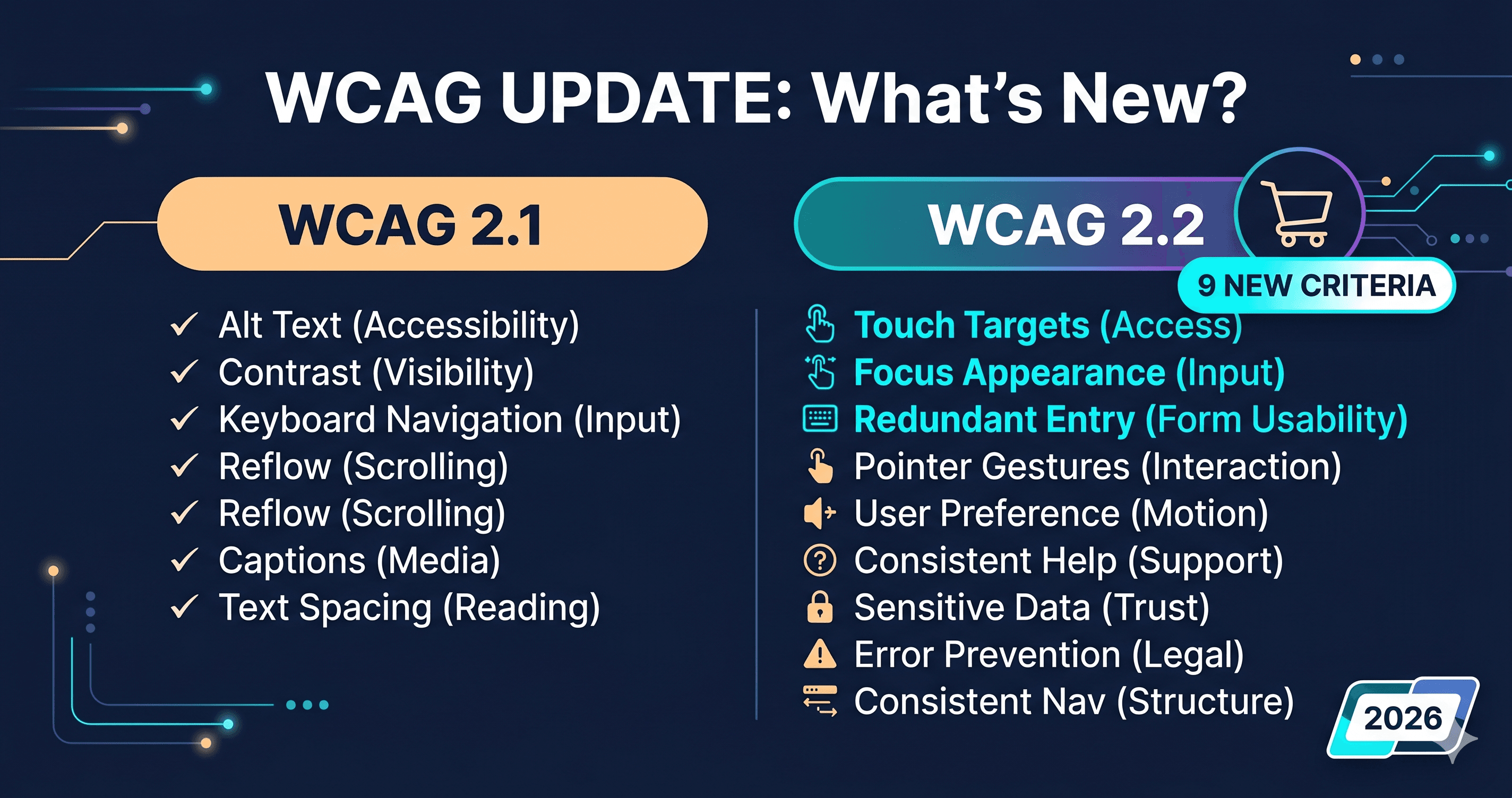
A perfect 100 on Google PageSpeed Insights does not mean your website is ADA-compliant. It doesn't even mean your website passes a single WCAG 2.2 criterion. These are different measurements of different things, and confusing them is one of the most expensive mistakes an eCommerce merchant can make—because plaintiff attorneys don't test your load speed.
In 2026, 95.9% of home pages contain at least one detectable WCAG failure, averaging 56 distinct errors per page according to the WebAIM Million 2026 report. Many of those sites have perfectly optimized Core Web Vitals. PageSpeed and accessibility are orthogonal metrics: improving one has no guaranteed effect on the other, and a high PageSpeed score provides zero legal protection under the ADA or the European Accessibility Act.
What PageSpeed Insights Actually Measures
Google's PageSpeed Insights (PSI) uses Lighthouse to evaluate four categories: Performance, Accessibility, Best Practices, and SEO. The Performance score—the number most merchants track—is calculated from Core Web Vitals metrics: Largest Contentful Paint, Cumulative Layout Shift, Interaction to Next Paint, and a few others. This score measures how fast your page loads and responds. It has nothing to do with whether a blind user can navigate your checkout.
The Lighthouse Accessibility score within PSI is a separate calculation that checks a subset of WCAG-related rules. It is not a WCAG compliance test. The score ranges from 0–100, but a score of 90—the minimum Shopify Theme Store requires—does not mean 90% WCAG compliance. It means the automated rules Lighthouse checks returned a weighted result above a threshold.
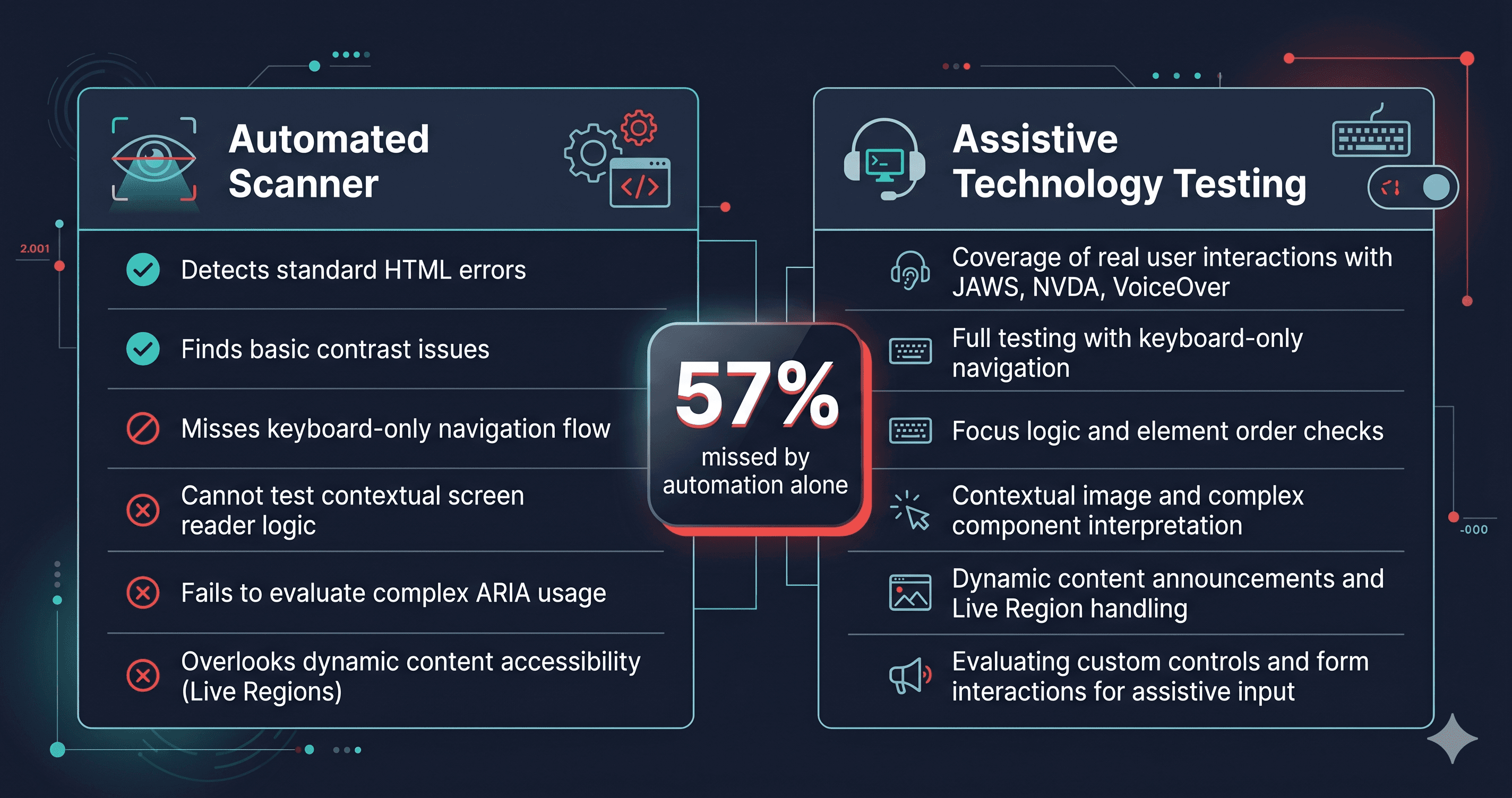
Lighthouse checks only a subset of WCAG success criteria. It misses violations that require evaluating live DOM behavior, semantic meaning, reading order, and user interaction patterns that a static rule-checker cannot assess.
| Testing Tool | What It Measures | WCAG 2.2 AA Coverage | Catches Live DOM Violations | Legal Defense Value |
|---|
| PageSpeed Insights (Performance) | Load speed, Core Web Vitals | Not applicable | No | None |
| Lighthouse Accessibility Score | Subset of WCAG-like rules | Partial — rule subset | Limited (static snapshot) | Partial |
| WAVE (browser extension) | WCAG violations in DOM | Partial — structural checks | Basic | Partial |
| axe-core (standalone) | WCAG violations (issue volume) | Partial — rule-based | Yes | Moderate |
| ADAGuard (22 checkers + axe-core) | Full WCAG 2.2 AA scan | ~78% of criteria (criterion-by-criterion audit) | Yes — full JS render | Strong (documented report) |
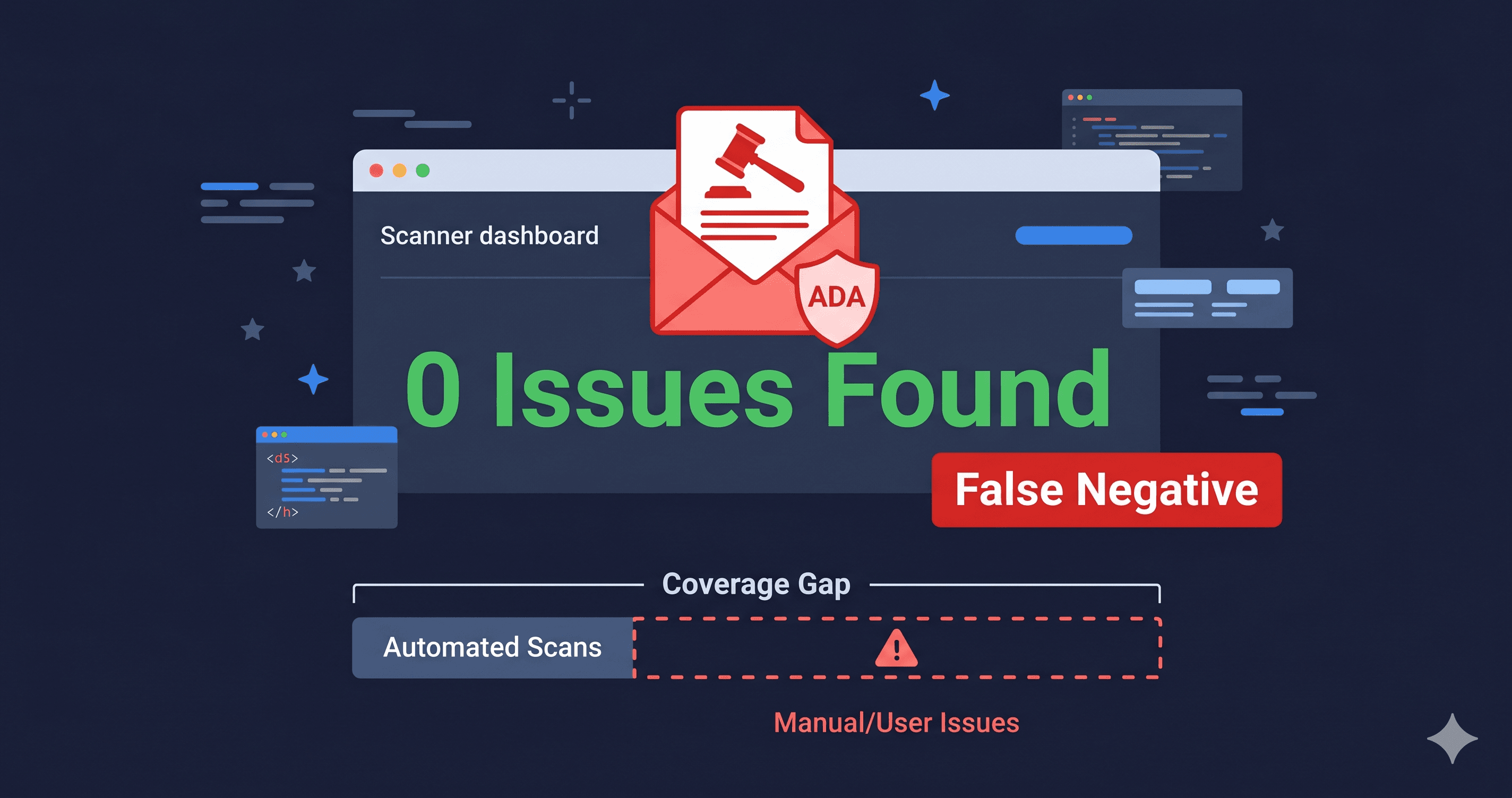
The coverage gap between a static rule subset and ADAGuard's ~78% represents the violations that live in your site's dynamic behavior: modal keyboard traps that only appear when a button is clicked, ARIA attribute errors introduced by third-party apps after page load, focus indicator violations hidden by sticky elements, and authentication barriers that only appear when a user tries to log in. These are the violations that appear in demand letters. Lighthouse doesn't test them.
Three Violations That Make PageSpeed Irrelevant
Keyboard traps in overlapping UI elements. When your site scores 100 on PageSpeed, your cart drawer animation is smooth and your LCP is under 2.5 seconds. But if the keyboard focus enters that cart drawer and the user cannot exit it without pressing Escape—and Escape doesn't work because the close button has no keyboard event listener—that's a WCAG 2.1.2 failure. No performance optimization touches this. PageSpeed Insights never tests it.
Missing accessible names on icon buttons. The cart icon in your header, the wishlist heart on product cards, the search magnifying glass—these icon-only buttons are among the most frequently cited violations in ADA demand letters. If they have no aria-label or visible text label, a screen reader announces "button" with no context, and the user cannot complete the action. This violation doesn't affect your load time by a single millisecond.
Color contrast failures in promotional elements. That high-converting banner with white text on a yellow background? WCAG 1.4.3 requires a 4.5:1 contrast ratio for normal text. Yellow-on-white or light-on-light color combinations that test teams choose for aesthetic reasons regularly fail this criterion. They load instantly. They score well on PageSpeed. They appear in demand letters.
Why Developers Conflate the Two Scores
The confusion is understandable: both scores appear in the same Lighthouse report, they're both expressed as 0–100 numbers, and many developers optimize both simultaneously. A developer who fixes ARIA attribute errors will often also clean up JavaScript that was degrading performance. The metrics can move together.
But they measure fundamentally different user experiences. Performance measures whether the page loads quickly for all users. Accessibility measures whether the page is usable by users with disabilities. A page can be useless to a blind user in under 1.5 seconds. Optimizing for one doesn't optimize for the other.
The legal exposure sits entirely in the accessibility column. Under the ADA, a disabled user who cannot complete a purchase because your modals trap keyboard focus has a cognizable claim regardless of how quickly those modals loaded.
The SEO Connection That's Actually Relevant
There is one real intersection between performance and accessibility: Google's search ranking factors. Google's crawler uses accessibility signals—heading structure, image alt text, semantic HTML—as ranking inputs. Sites with strong accessibility tend to rank better because accessible HTML is better-structured HTML. But this connection doesn't work in reverse. Ranking well doesn't prove accessibility. Accessibility tools that find violations are also surfacing SEO improvements, but SEO improvements don't surface accessibility violations.
ADAGuard's 23-module scanner reports accessible name violations, heading hierarchy failures, and image alt text gaps. These issues simultaneously affect screen reader usability, WCAG compliance, and—indirectly—search ranking. The scan output serves both your compliance program and your SEO team.
What to Do When You Find Violations
Don't try to fix every violation at once. Violations fall into two buckets: those your developer can fix by editing the theme (ARIA attributes, heading order, button labels), and those requiring a support ticket to your platform vendor or third-party app provider with the specific WCAG criterion number. Your developer needs the latter—a WCAG criterion number, the element path, and a description of the failure—not a PageSpeed report.
What a High Lighthouse Score Actually Tells You
A Lighthouse accessibility score above 90 is worth something: it means your page doesn't have the easiest-to-detect, most obvious violations. Missing alt text on all images, empty form labels, and text with severe contrast failures—those would drop your score below 90. A clean Lighthouse score means you've passed the basic structural checks.
What it doesn't tell you is whether your page works for a blind user completing a purchase. It doesn't tell you whether your cart drawer is keyboard-escapable. It doesn't tell you whether your promotional banner colors meet contrast requirements. It doesn't tell you whether the third-party review widget loaded after your DOMContentLoaded event has any accessible names on its interactive elements.
The Lighthouse score is the entry exam. WCAG 2.2 AA compliance is the actual standard. Running a deeper DOM scan with ADAGuard after you've passed Lighthouse shows you the distance between where you scored and where you need to be. For most stores, that distance contains the specific violations that appear in demand letters—not abstract edge cases, but the cart icon without an accessible name, the popup without focus management, the sticky header obscuring keyboard focus.
The 30-Second Fix
Run a free scan at adaguard.io. Paste your URL and you'll receive a compliance score, a list of critical violations with WCAG criterion numbers, and element-level detail your developer can act on immediately. The scan takes under a minute. The difference between your PageSpeed 100 and your ADA exposure will be immediately apparent.