A subscription business lives and dies by its customer portal — and if that portal is inaccessible to the 26% of U.S. adults who have a disability, you're not just losing revenue. You're also exposed to ADA litigation. Recharge is the most widely used subscription platform for Shopify, but its customer portal UI introduces WCAG 2.1 AA violations that merchants rarely check and plaintiff attorneys increasingly do.
In 2025, over 4,800 ADA web accessibility lawsuits were filed in U.S. federal courts — a significant increase year-over-year according to UsableNet. Subscription portals sit at the intersection of several high-risk accessibility failure categories: complex forms, dynamic content, date pickers, and account management flows that depend heavily on JavaScript interaction. If any of those elements can't be operated by keyboard or understood by a screen reader, your store is exposed.
What Makes Subscription Portals High-Risk for WCAG
Standard Shopify storefronts are complex enough — product pages, cart drawers, checkout forms. Subscription portals add another layer of dynamic UI: skip-shipment controls, billing date calendars, address editing forms, product swap interfaces, and account cancellation flows. Every one of those elements must be keyboard-operable and announced correctly to screen readers under WCAG 2.1 Level AA.
Recharge's customer portal is rendered dynamically. The portal isn't a static HTML page — it's a JavaScript-driven interface that pulls subscription data and presents it through interactive components. That means static HTML accessibility scanners that don't execute JavaScript will miss most of the issues. You need a live DOM scanner that renders the portal the way a real browser does.
Another complication: the Recharge portal sits on a separate domain or subdomain from the main store. Merchants often audit their storefront and forget to test the portal at all — leaving a gap that plaintiff firms can exploit.
Common WCAG Violations in Recharge Portals
Unlabeled form controls
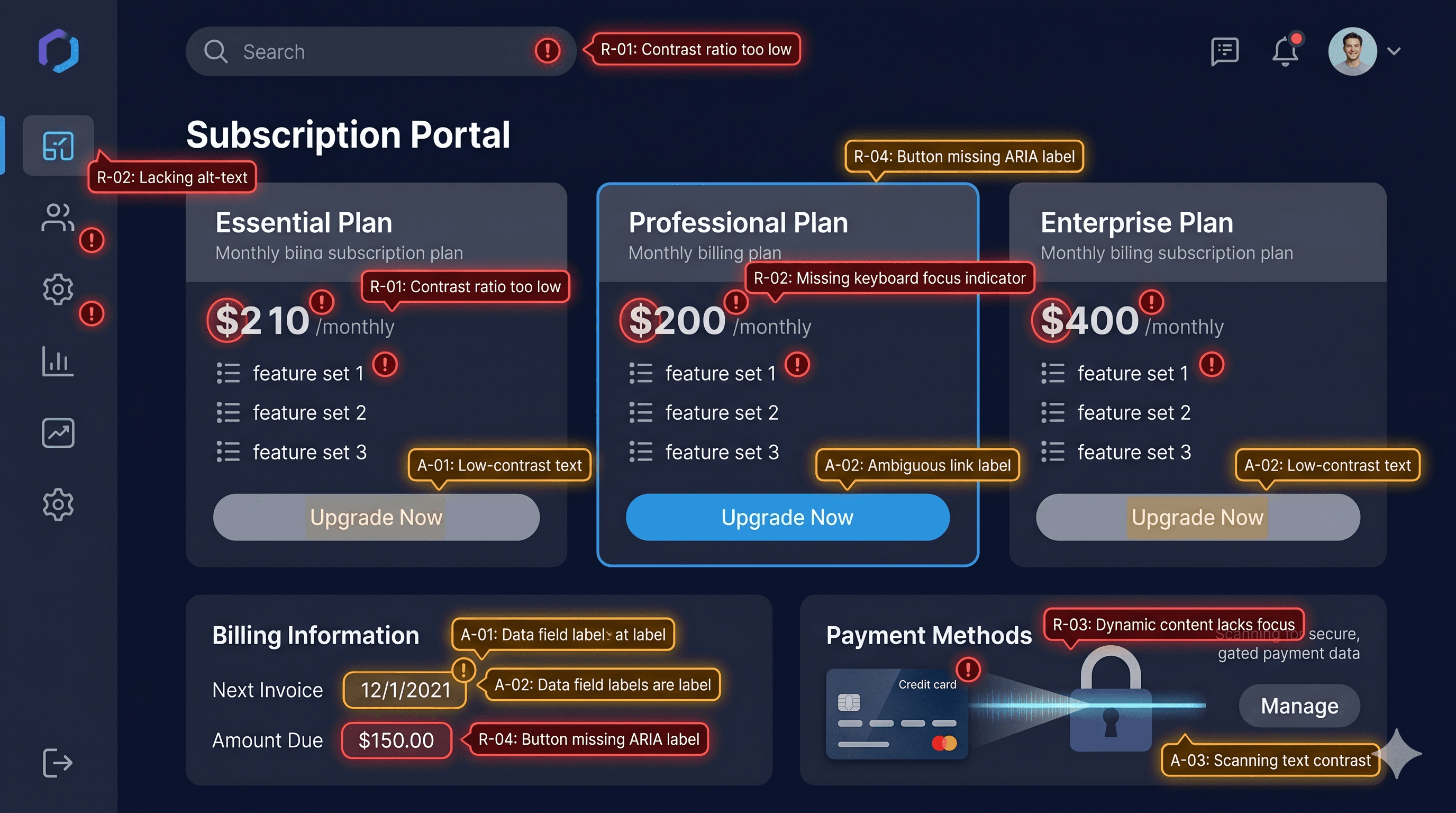
Account management forms in Recharge — address fields, skip-shipment toggles, frequency selectors — regularly lack properly associated `` elements. When a label element's for attribute doesn't match the input's id, screen readers cannot tell the user what the field is for. A user navigating by keyboard might encounter a blank input with no description.
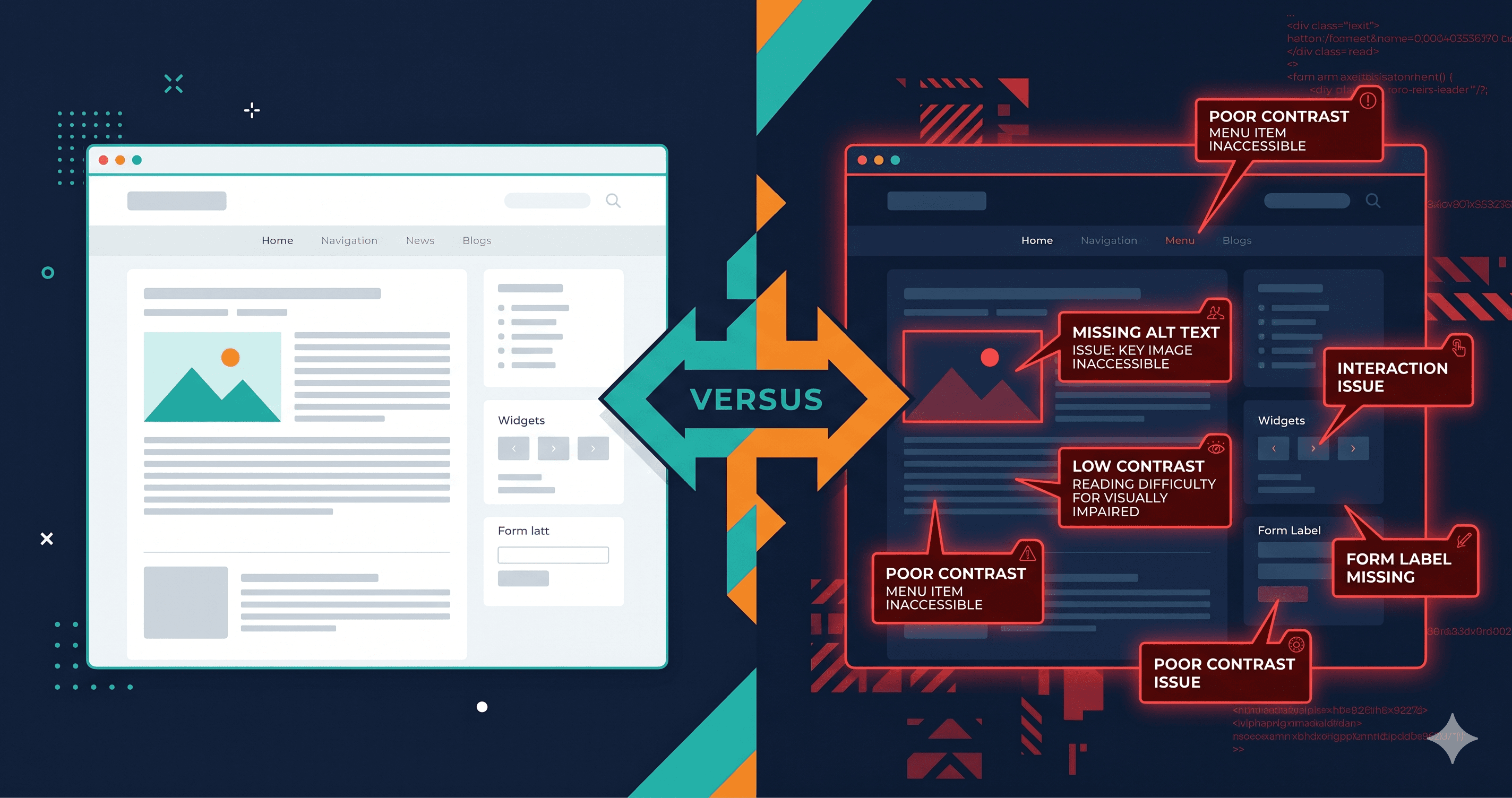
WCAG 1.3.1 (Info and Relationships) and 4.1.2 (Name, Role, Value) both require that form controls have programmatic names. Unlabeled inputs are consistently among the top violations cited in ADA demand letters targeting ecommerce.
Inaccessible date pickers
Billing date modification features in Recharge often rely on calendar widget components. Calendar date pickers are notoriously difficult to make accessible — they typically require complex ARIA grid patterns, keyboard navigation between cells using arrow keys, and screen reader announcements of the selected date. Most third-party calendar widgets fail at least part of this requirement.
WCAG 4.1.2 and 2.1.1 (Keyboard) apply here. If a subscriber using a screen reader cannot change their billing date without a mouse, that's a direct WCAG failure.
Missing error announcements
When a user submits a form incorrectly — for example, entering an invalid address — the error messages that appear must be announced to screen readers. If errors are displayed visually but not in a way that triggers an ARIA live region or shifts focus to the error, screen reader users may submit the form repeatedly without understanding what went wrong.
WCAG 3.3.1 (Error Identification) and 3.3.3 (Error Suggestion) require that errors are identified, described, and suggestions for correction are provided where possible.
Low-contrast status labels
Subscription status badges — "Active," "Paused," "Cancelled" — are often displayed in small colored chips with insufficient contrast. A light green badge with white text for "Active" can easily fall below the 4.5:1 contrast ratio required by WCAG 1.4.3 for normal-sized text.
Keyboard focus loss on dynamic updates
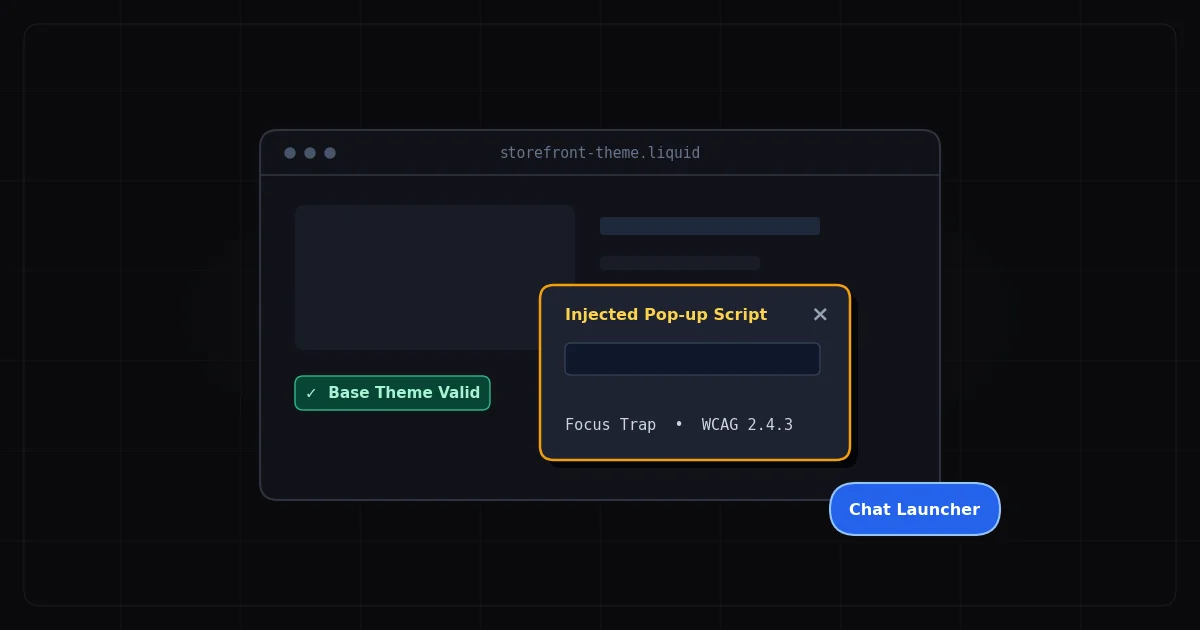
When a user skips a shipment or swaps a product, the portal updates dynamically via JavaScript. If keyboard focus disappears after the update — a common issue in AJAX-heavy interfaces — keyboard users lose their position and must start navigating from the top of the page. WCAG 2.4.3 requires that focus order is logical and maintained.
WCAG Violation Summary
| Element | Common Failure | WCAG Criterion | Fix Effort |
|---|
| Address form inputs | Missing or broken label associations | 1.3.1, 4.1.2 Name, Role, Value | Low |
| Billing date picker | No keyboard navigation, missing ARIA grid | 2.1.1 Keyboard, 4.1.2 | High |
| Error messages | Not announced to screen readers | 3.3.1 Error Identification | Medium |
| Skip shipment toggle | No accessible name on icon button | 4.1.2 Name, Role, Value | Low |
| Status badges | Contrast ratio below 4.5:1 | 1.4.3 Contrast (Minimum) | Low |
| Dynamic update focus | Focus lost after AJAX action | 2.4.3 Focus Order | Medium |
| Cancel flow | Multi-step process missing progress indicator | 2.4.1 Bypass Blocks | Medium |
The ADA Risk for Subscription Merchants
Subscription merchants have a higher-than-average exposure to accessibility litigation for a specific reason: their customers return to the portal repeatedly, and when a disabled customer cannot manage their own subscription, the impact is ongoing and documentable. A blind customer who cannot skip a shipment using a screen reader and is subsequently charged for an unwanted order has both an accessibility complaint and a consumer protection complaint.
The number of ecommerce accessibility lawsuits targeting subscription and membership businesses has grown alongside overall ADA litigation, which reached over 4,800 filings in 2025, per UsableNet. Additionally, the DOJ's 2024 final rule under ADA Title II set WCAG 2.1 AA as the binding standard for government websites — reinforcing the same benchmark courts have already applied in private-sector Title III litigation for years, which is exactly what plaintiff firms cite against ecommerce merchants.
Auditing a Recharge Portal with ADAGuard
Because Recharge portals require a logged-in user session, a standard unauthenticated scan won't reach most of the portal's functionality. ADAGuard's authenticated scanning mode lets you provide login credentials, after which the scanner navigates the portal as a real subscriber would — reaching skip-shipment forms, address editors, and billing date controls that wouldn't be visible to an unauthenticated scanner.
ADAGuard combines axe-core with 22 custom check modules, achieving approximately 78% WCAG 2.2 AA automated coverage on the live DOM (43 of 55 criteria). That's significantly broader than tools that rely on a single rule engine, which cover only a subset. After running an authenticated scan, you'll see a full report of violations found inside the portal, organized by severity and mapped to specific WCAG criteria.
Start with a free unauthenticated scan at adaguard.io to catch any public-facing issues on your storefront. Then use the authenticated scanning feature to reach the portal itself.
What to Do When You Find Violations
Violations found in a Recharge portal fall into two categories: ones you can address through Recharge's own theme settings or portal customization options, and ones embedded in Recharge's core JavaScript that require raising a support ticket with Recharge directly.
The right first step is always to scan and get your specific report. Recharge portal implementations vary — different themes, different customizations, different Recharge versions. The violations in your portal are not necessarily the same as those in another merchant's. ADAGuard's authenticated scan report tells you exactly which WCAG criteria are failing in your portal, organized by severity, which is the document to hand to your developer or Recharge's support team.
When escalating issues to Recharge, cite specific WCAG criterion numbers (e.g., "WCAG 4.1.2: skip-shipment button has no accessible name") rather than general accessibility feedback. This creates a precise record and helps Recharge's engineering team locate the specific component that needs updating.
The 30-Second Fix
Before your next Recharge portal update goes live, run a free accessibility scan at adaguard.io. The JavaScript-rendering scanner will evaluate your live DOM and flag the form label errors, contrast failures, and ARIA violations that plaintiff firms find programmatically. For a complete picture of portal-specific issues, use ADAGuard's authenticated scan to reach the logged-in subscription management interface. Catch the violations before your subscribers do.