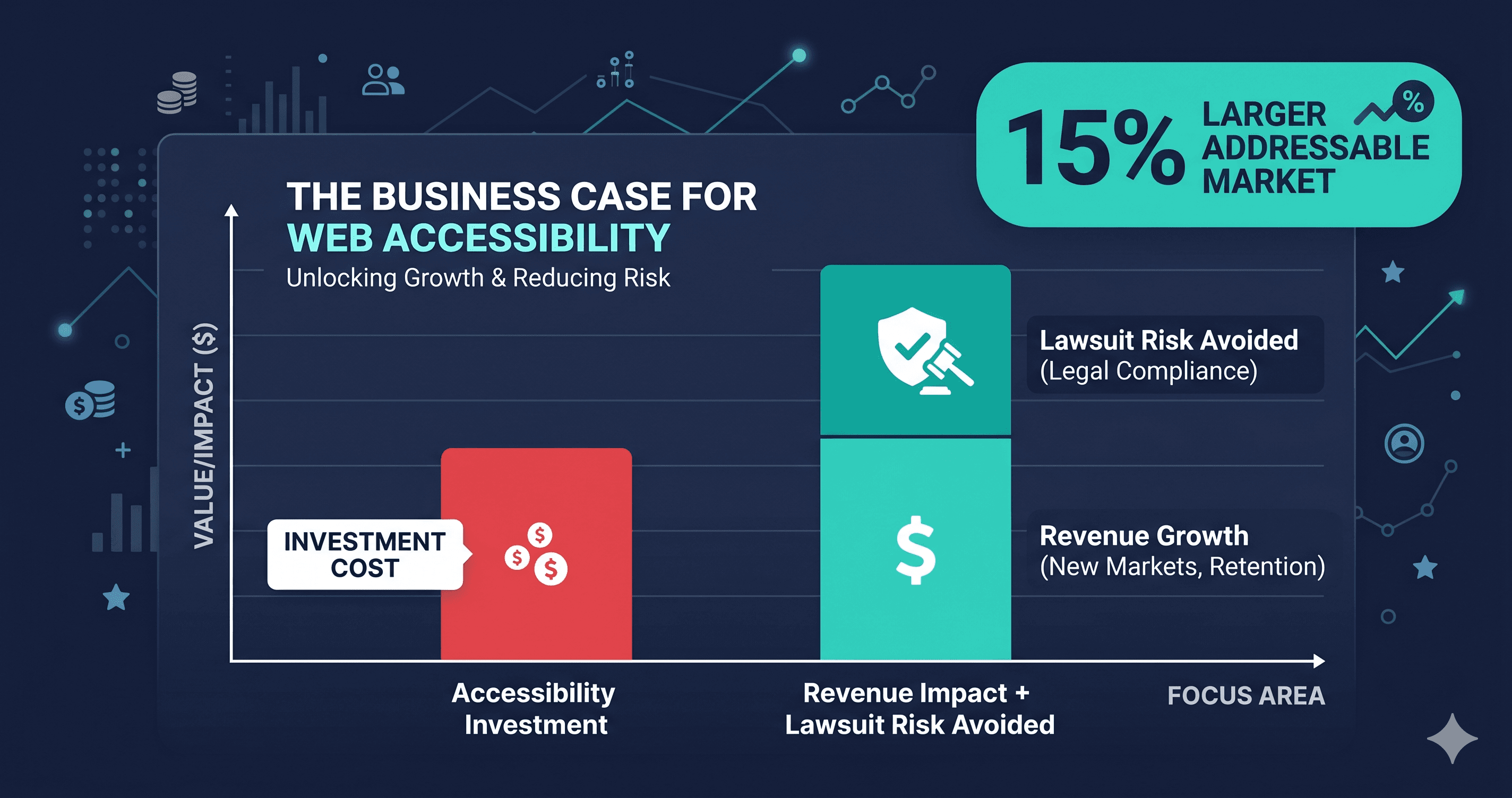
Every conversation about web accessibility starts in the same place: lawsuits. And the lawsuit risk is real — over 4,800 ADA web accessibility cases were filed in the US in 2025 alone, a significant year-over-year increase according to UsableNet. But building your entire accessibility strategy around fear means you're framing a $13 trillion revenue opportunity as a compliance tax.
That framing costs you money.
This post makes the case — with numbers — for treating accessibility not as risk management but as a growth lever. The ROI shows up in revenue, in SEO, in conversion rates, and in the customers who quietly leave your site and never tell you why.
The Disability Market Is Not a Niche
Before getting into the mechanics of ROI, get the market size right. According to the World Health Organization, 1.3 billion people globally live with a significant disability — roughly 16% of the world's population. In the United States, the CDC reports that 61 million adults, or 26% of the adult population, have some form of disability.
The purchasing power of US adults with disabilities is estimated at $490 billion annually (American Institutes for Research). Globally, the disability market — including family members and friends who choose accessible businesses in solidarity — represents approximately $13 trillion in purchasing power.
This is not a niche segment. This is roughly the size of the EU economy.
When your site traps a keyboard user in a broken modal, or serves up a product image with no alt text, or renders a checkout form that a screen reader cannot parse — you are not just failing a compliance test. You are sending 26% of your potential customer base to a competitor who built their store correctly.
What the Research Says About Revenue Impact
The link between accessibility and revenue isn't theoretical. Accenture conducted a four-year study of 140 companies comparing disability inclusion leaders against their industry peers. The results:
- 28% higher revenue over the study period
- 2× higher net income
- Shareholder returns 2.6× higher over four years
That is not a marginal effect. That is a compounding revenue advantage.
A separate analysis by Return on Disability found that 53% of online shoppers say they would pay more — or shop exclusively with — brands that treat disabled customers well. When accessibility is visible, it becomes a brand signal.
The Conversion Rate Math
The conversion gap between accessible and inaccessible sites is measurable. Research published by Contentsquare found that inaccessible e-commerce sites post cart abandonment rates near 69%. Accessible sites in the same category average closer to 23%.
That gap isn't fully explained by accessibility alone — page speed, UX, and trust signals are also factors — but accessibility touches all of them. Focus indicators help keyboard users complete forms. Proper heading structure helps users with cognitive disabilities orient themselves in the checkout flow. Alt text helps users on slow connections who turn images off understand your products.
Every fix you make to accessibility also makes your site easier to use for the 74% of users who don't identify as disabled but use accessibility features situationally — in bright sunlight, with a broken hand, on a noisy commute with no headphones.
The SEO Dividend
Google's crawlers cannot see your images. They read the alt text you write, the heading hierarchy you build, and the semantic HTML you either use or skip. Accessibility best practices and SEO best practices overlap significantly — and when you invest in one, you get the other for free.
Concrete results from published case studies:
- CNET added video transcripts for accessibility and saw a 30% increase in Google search traffic
- Legal & General redesigned for accessibility and saw a 50% increase in organic SEO traffic
- Tesco built an accessible grocery delivery site and reduced development maintenance costs by 66%
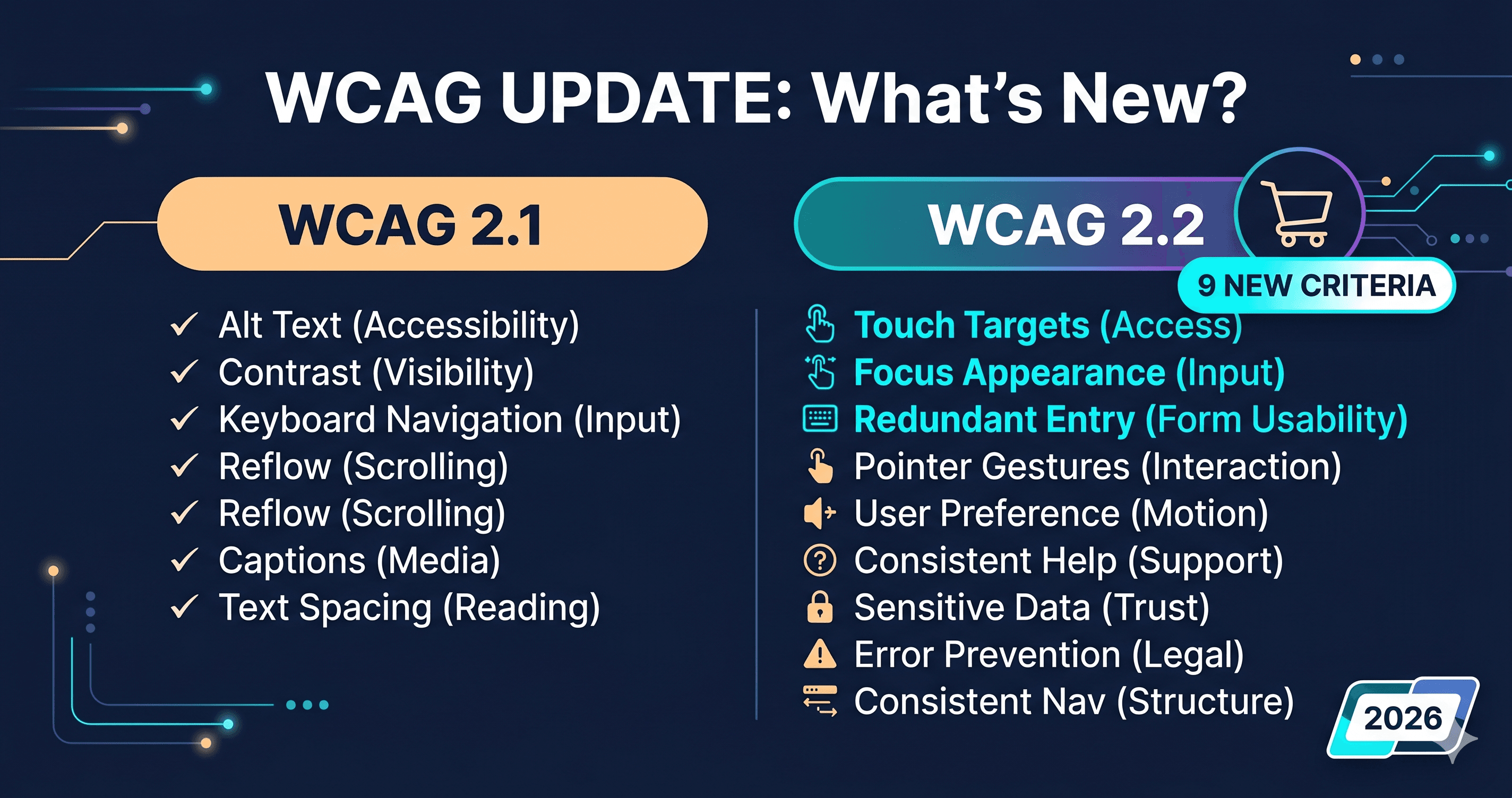
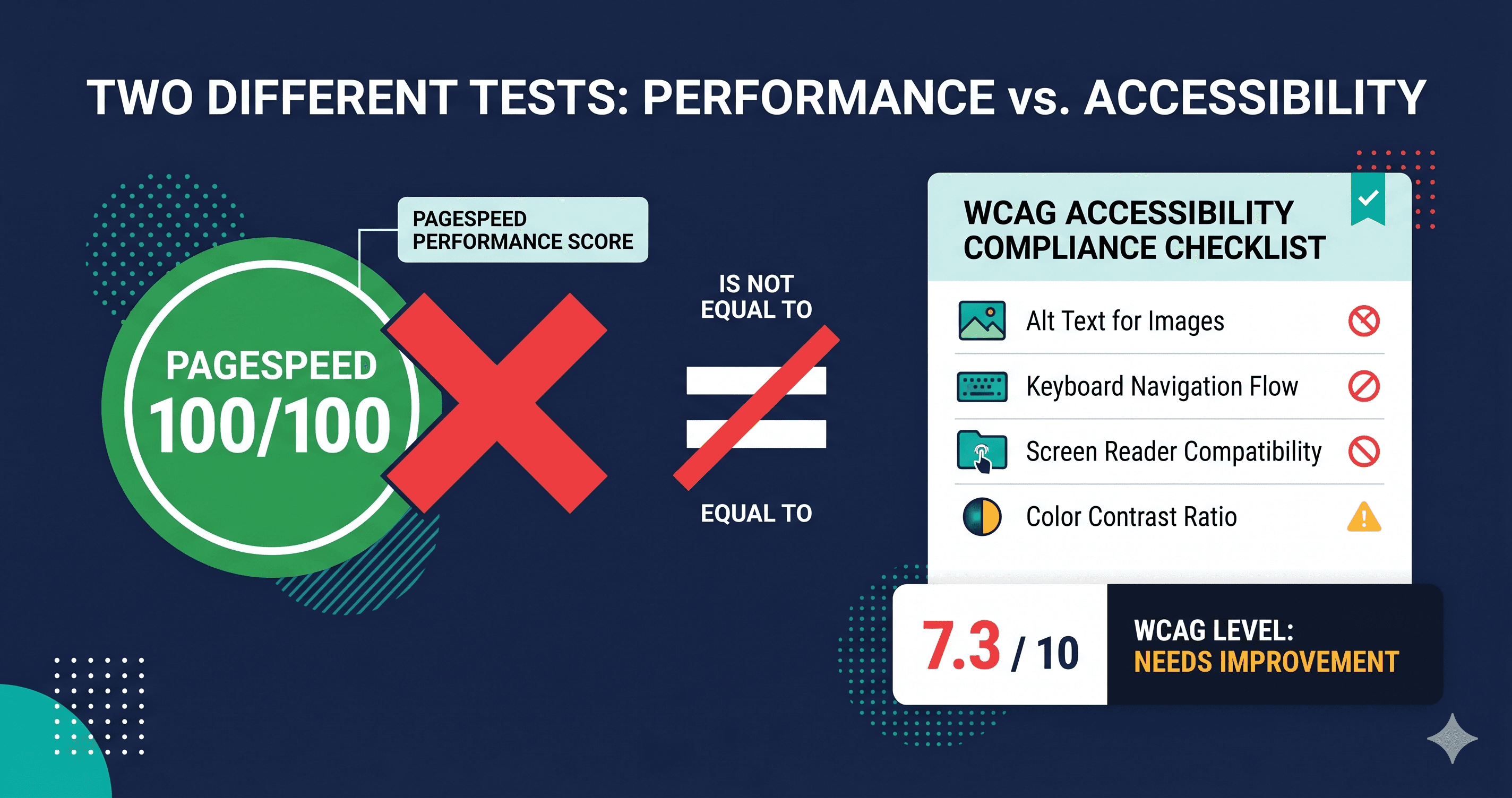
WCAG 2.2 AA compliance means you're using semantic HTML, descriptive headings, labeled form fields, and proper image alt text. Every one of those items is also a Google ranking factor. ADAGuard's scan reports surface these issues in one pass — the same scan that finds your ARIA violations also tells you which images are missing alt text and which form fields lack labels.
| Tool | WCAG 2.2 AA Coverage | JavaScript Rendered? | Authenticated Scanning? |
|---|
| WAVE | Partial — structural checks | No | No |
| Lighthouse | Partial — rule subset | Partial | No |
| axe-core alone | Partial — rule-based | No | No |
| ADAGuard | ~78% of WCAG 2.2 AA criteria | Yes | Yes |
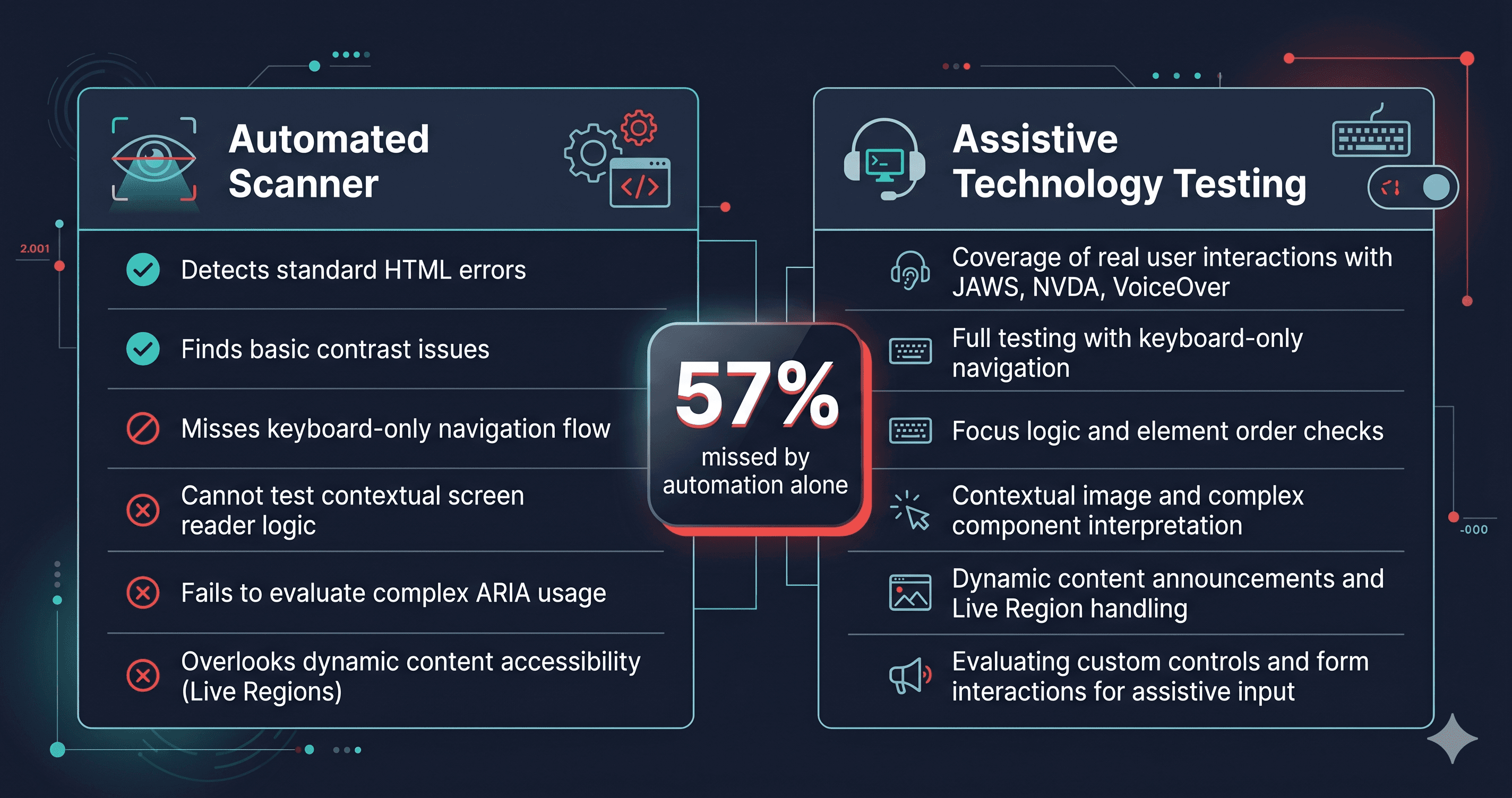
Most free tools test static HTML. But your cart drawer, your checkout form, and your product filter sidebars don't exist in static HTML — they render in JavaScript after page load. A scanner that doesn't run JavaScript will miss the majority of your actual violations.
ADAGuard runs 22 custom accessibility checkers on top of axe-core, covering the full rendered DOM including dynamically loaded components. That 78% WCAG 2.2 AA coverage gap versus a 40% tool means finding roughly twice as many issues per scan — issues that could be sitting in your checkout flow right now.
The Cost of Building vs. Retrofitting
Here is a figure that should change how your engineering team thinks about accessibility tickets: organizations that build accessibility in from the start spend approximately 67% less on compliance than those who retrofit it later (W3C, 2023).
The math is straightforward. Fixing a label on a form input during the design phase takes five minutes. Fixing it after a demand letter has arrived — after legal counsel, after the audit, after remediation, after the settlement — costs you an order of magnitude more.
ADA demand letters are not always the opening move. Law firms using automated scanners often send hundreds of letters before litigation. One scan of your site today surfaces the issues that would show up in that attorney's report.
What to Do When You Find Violations
When an ADAGuard scan identifies issues, they fall into two buckets:
What your settings can often fix: Image alt text can frequently be added through CMS settings or your platform's media library. Language declarations can be set in your platform's settings. Title tags and meta descriptions are usually editable in your CMS.
What requires a developer or vendor support ticket: Keyboard traps, broken ARIA references, missing form labels, and focus management failures in dynamic components require code-level fixes. When escalating these to a developer or vendor, include the specific WCAG criterion number from your scan report (e.g., "WCAG 2.1.2 — keyboard trap in cart drawer modal"). Developers and vendor support teams respond faster when given the exact criterion, not a vague description.
The scan report is the specification. Your developer doesn't need to guess what to fix — the report tells them exactly which element, which criterion, and how severe it is.
The 30-Second Fix
Accessibility ROI doesn't require a six-month project. It starts with knowing what's broken. Paste your URL into ADAGuard — no signup required — and get a full report in under two minutes. The issues that cost you customers and attract lawsuits are the same issues blocking your SEO. Fix one, fix both.
The disability market is $13 trillion. You already built a store. Make sure they can use it.