Close your mouse. Navigate to your Shopify store using only your keyboard and a screen reader. Open the cart drawer, update a quantity, and reach the checkout button.
If you're running a standard Shopify store with a popular theme, there's a strong chance the experience just broke down. WebAIM's 2026 Million report found that Shopify-powered stores averaged 75.1 accessibility errors per page — 33.9% above the web-wide average. Cart drawers are where the most severe of those errors live: focus management failures, unlabeled controls, and missing keyboard traps that create experiences that are effectively impassable for blind users attempting to complete purchases.
The cart drawer is the highest-stakes interactive element on a Shopify store. It's where customers review their selections, update quantities, apply discount codes, and initiate checkout. Making it inaccessible doesn't just create legal exposure under the ADA. It directly prevents a segment of your customers from buying — and from returning.
Why Cart Drawers Fail WCAG Requirements
Cart drawers are modal overlays — panels that appear over the page when a user adds an item to their cart. Modal overlays have specific WCAG requirements that the vast majority of Shopify theme developers don't implement correctly, for a straightforward reason: these failures are invisible to a developer testing with a mouse and a monitor. They are also invisible to anything that reads your theme files rather than the live page, which is why a Shopify accessibility checker has to open the drawer and test it as rendered.
Focus management failure. When a cart drawer opens, keyboard focus must move into the drawer automatically (WCAG 2.4.3). If focus stays on the Add to Cart button that triggered the drawer, a screen reader user has no announcement that anything changed. They continue tabbing through the page content behind the overlay, unable to reach the cart at all.
Focus trap absent. While the cart drawer is open, keyboard focus should be constrained within it (WCAG 2.1.2). Without a focus trap, a user can tab past the last element in the drawer and reach the page behind it — losing the context of being in an overlay with no reliable way back.
Unlabeled close control. The button that closes the drawer must have an accessible name (WCAG 4.1.2). An X icon with no aria-label announces as "button" to screen reader users — with no indication of what the button does or that pressing it will close the cart.
Unlabeled quantity inputs. Quantity fields in cart drawers are almost universally implemented without `` elements or aria-label attributes. A screen reader user tabbing to the quantity field hears "edit text" or a generic equivalent — no indication of which item's quantity it controls or what unit is expected.
Together, these failures don't create individual inconveniences. They create a complete wall between a blind user and your checkout process.
What the Data Shows About Shopify Accessibility
The scale of the problem is documented. WebAIM's 2026 Million report — the most comprehensive automated accessibility analysis ever conducted — found that Shopify-powered sites averaged 75.1 accessibility errors per page. That's 33.9% above the web-wide average of 56.1 errors per page, and it places Shopify stores among the worst-performing platforms in the entire dataset.
For context: Shopify stores fail more often than fashion sites, automotive sites, entertainment sites, and news sites. The Shopping category overall — Shopify's primary use case — averaged 71 errors per page, the second-worst category in WebAIM's entire industry analysis.
Across ADAGuard scans of Shopify stores, cart drawer violations appear with particular consistency:
| Violation | WCAG Criterion | Severity | Fix Location |
|---|
| Focus not captured when drawer opens | WCAG 2.4.3 | Critical | Theme JavaScript |
| No keyboard focus trap in open drawer | WCAG 2.1.2 | Critical | Theme JavaScript |
| Close button with no accessible name | WCAG 4.1.2 | Critical | Theme template |
| Quantity inputs without accessible labels | WCAG 4.1.2 | Critical | Theme Liquid/JS |
| Remove-item buttons with no accessible name | WCAG 4.1.2 | Critical | Theme template |
| Cart item changes not announced to screen readers | WCAG 4.1.3 | Warning | Theme JavaScript |
| Discount code input missing label association | WCAG 1.3.1 | Critical | Theme template |
These violations appear across Shopify's own default themes — Dawn, Craft, Sense — and are frequently compounded by third-party cart apps that replace the native drawer with their own implementation.
Third-Party Cart Apps Make It Significantly Worse
Many Shopify merchants install specialized cart apps — Slide Cart Drawer, CartHook, EasyCart — to customize the cart experience with conversion features like countdown timers, upsell prompts, and custom animations. These apps replace Shopify's native cart drawer with a JavaScript-rendered component that operates entirely outside the theme.
Third-party cart apps are among the most common sources of keyboard trap violations on Shopify stores. They are built to maximize visual conversion metrics, and accessibility is rarely part of the development specification. When ADAGuard scans a store with a third-party cart app, the cart violations frequently dwarf the theme violations.
The critical implication for merchants: your theme may be as clean as possible, and your store may still have a non-compliant cart because of a third-party app. The only way to know is to scan the fully-rendered DOM — the actual page built by the browser after all JavaScript has executed and all app scripts have loaded. Static HTML scanners and most browser extensions don't catch these violations because the violations don't exist until the page is fully rendered.
The Revenue Angle Beyond the Legal Risk
Before the legal exposure, there's the revenue impact. Approximately 26% of US adults — about 61 million people — have some form of disability (CDC). Among screen reader users specifically, we're talking about a population that uses the internet daily and shops online regularly. These are customers with purchasing power who want to buy from your store.
An inaccessible cart drawer doesn't create a "suboptimal experience." It creates a complete barrier. A blind user who cannot navigate your cart drawer cannot complete a purchase — period. They leave. They don't come back. They don't recommend your store to others in the disability community, which has well-documented strong intra-community purchasing influence.
The business case for accessible cart experiences is both defensive (ADA compliance reduces lawsuit exposure) and offensive (removing a barrier that currently prevents some portion of your traffic from converting).
What the Legal Exposure Looks Like
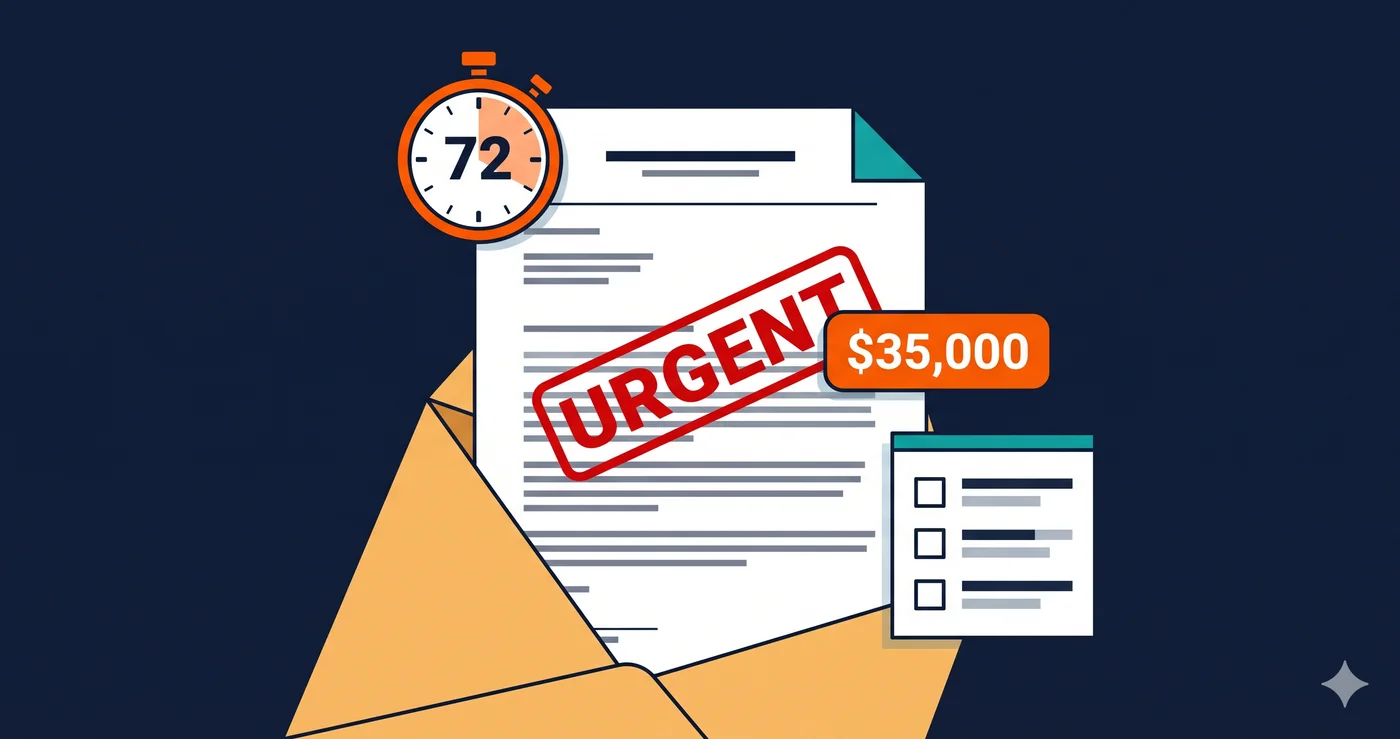
Cart drawer violations are not a theoretical compliance gap. Inaccessible checkout and cart flows are among the most commonly cited failures in ADA demand letters targeting eCommerce sites. Over 4,800 ADA web accessibility lawsuits were filed in 2025 — a significant year-over-year increase according to UsableNet — with eCommerce accounting for approximately 70% of all filings.
The direct harm created by an inaccessible cart — a blind user who cannot complete a purchase — is precisely the kind of barrier that generates legally viable ADA claims. Unlike a color contrast issue on a blog post, a non-functional cart drawer prevents the completion of the business's core transaction. That makes it both easy to document and straightforward to litigate.
For Shopify merchants specifically, the risk is compounded by the platform's error profile. WebAIM data shows Shopify sites running 34% above the web's average error count. Plaintiff firms scanning for targets are more likely to find exploitable violations on the average Shopify store than on most other platforms.
What to Do When You Find Cart Drawer Violations
After an ada compliance checker scan surfaces cart drawer violations, the remediation path splits based on what's causing them:
Native theme violations require changes to Liquid templates and theme JavaScript. Your developer will need the WCAG criterion numbers from the scan report — specifically the criterion references like WCAG 4.1.2, WCAG 2.1.2, and WCAG 2.4.3 — to understand the exact technical requirements. Criterion-referenced tickets are resolved faster than general accessibility complaints.
Third-party app violations require a support ticket to the app developer citing the specific WCAG criteria. If the vendor cannot provide a remediation timeline, evaluate alternative apps with documented accessibility compliance. In either case, date the ticket and save the response — documented vendor notification matters if an ADA claim arrives later.
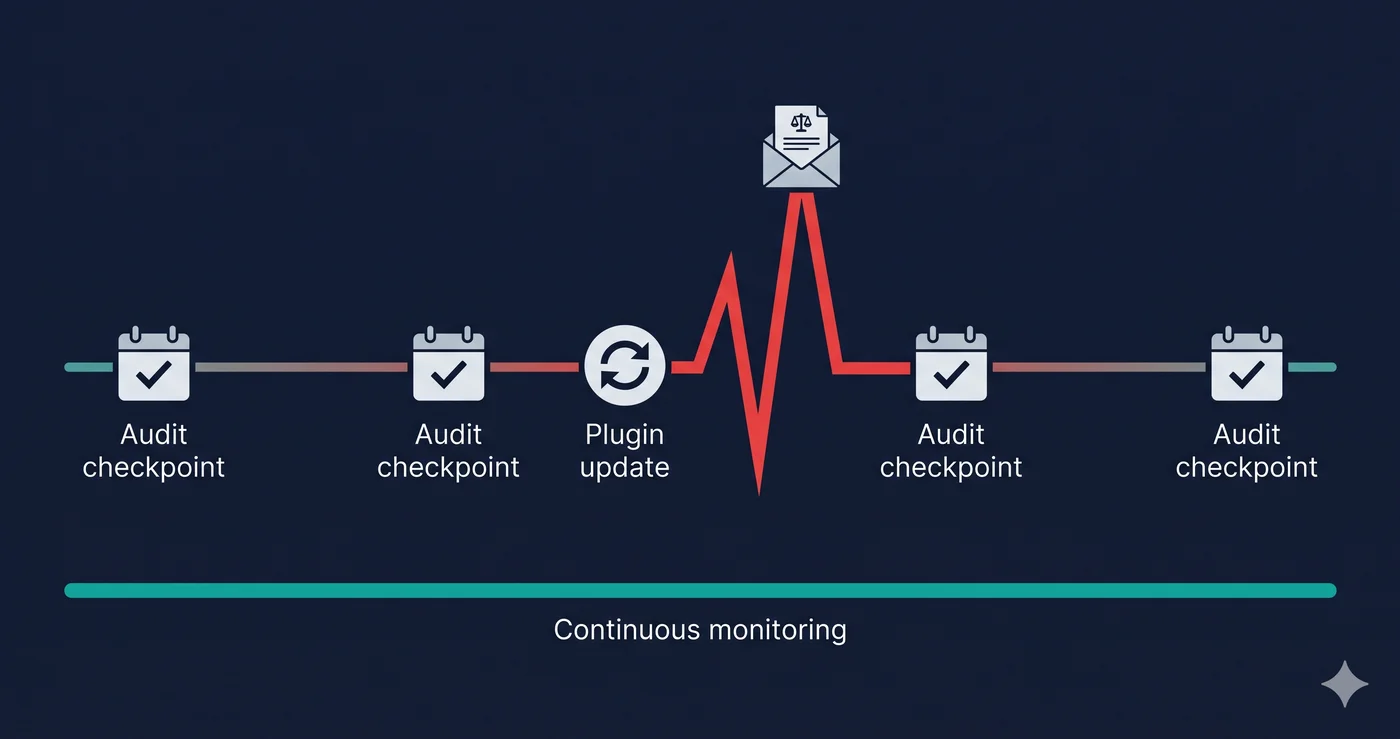
The most important step is scanning your store before assuming the cart is compliant. Cart drawer violations are among the hardest accessibility failures to detect without a full DOM-level scanner, because the cart drawer doesn't exist in your site's HTML source. It's built dynamically by JavaScript when a user interacts with the page.
The 30-Second Fix
Find out whether your Shopify cart drawer is accessible before a plaintiff attorney's scanner generates that answer for them. Paste your store URL at adaguard.io — no sign-up required, instant results. ADAGuard's scanner renders your store in a full Chromium browser, executes all JavaScript including third-party cart apps, and reports every violation mapped to its WCAG criterion, severity level, and specific DOM element. If your cart drawer has focus management failures, missing labels, or unlabeled controls, the report surfaces them — along with which team needs to fix each one.