Why Your Shopify Theme Claims to Be Accessible (But Probably Isn't)
Giriprasad Patil·· 7 min read·Comparison & Strategy
Shopify stores represent 32.42% of all platform-specific ADA web accessibility lawsuits filed in 2025—the highest share of any single eCommerce platform—despite Shopify requiring every Theme Store theme to score at least 90 on Google's Lighthouse accessibility audit. The gap between that 90-point score and actual WCAG 2.2 compliance is where demand letters are born.
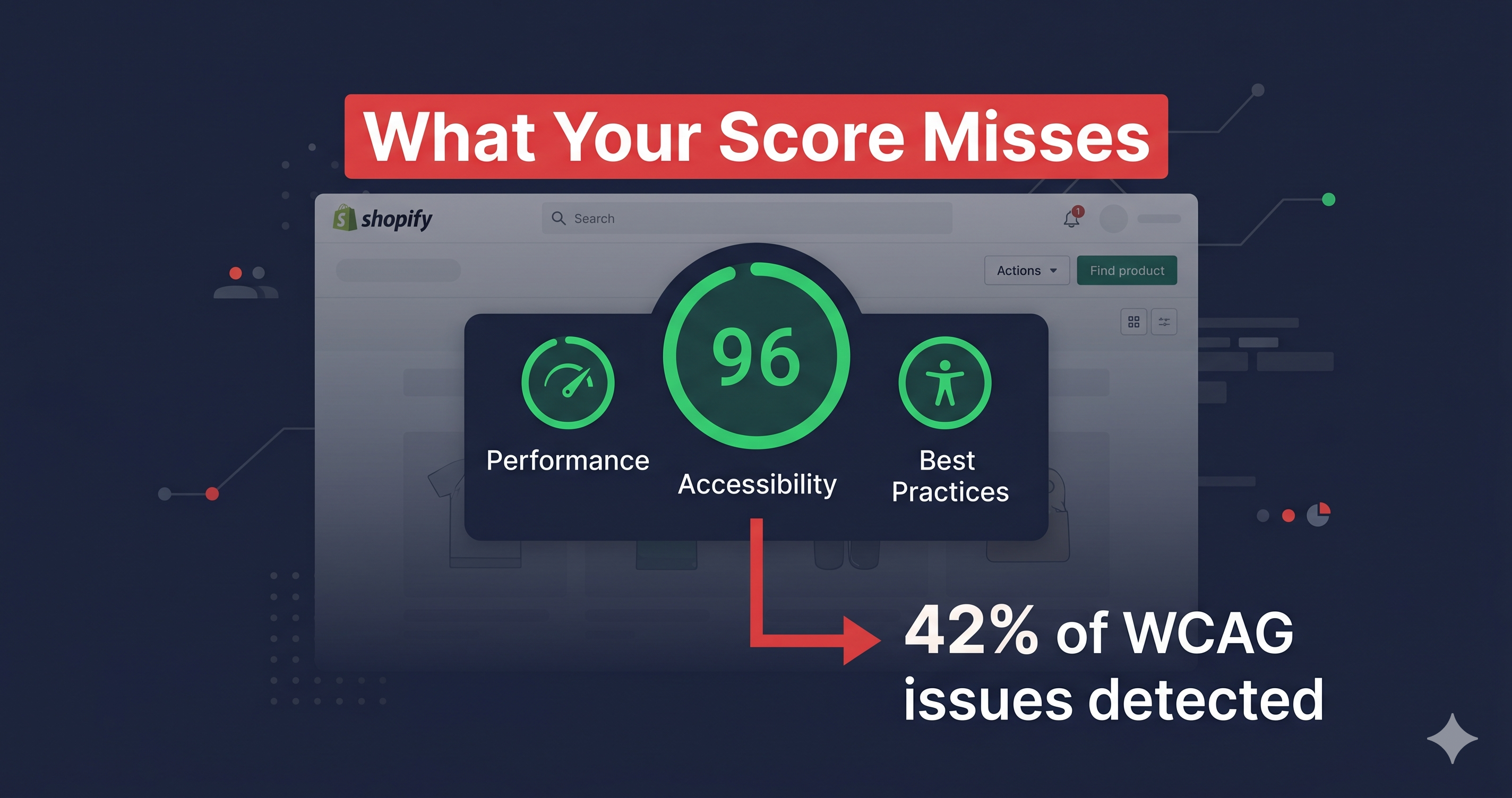
The Lighthouse accessibility score measures a specific subset of WCAG-like rules that are machine-checkable in a static page snapshot. It does not scan the rendered DOM with JavaScript executing, third-party apps loaded, and user interactions simulated. **Lighthouse catches approximately 42% of real WCAG accessibility issues**, according to WebAIM analysis. A theme that scores 90 on Lighthouse has passed 90% of a test that covers 42% of the actual standard. That's not the same as being WCAG compliant, and plaintiff attorneys know it.
## What the 90-Point Lighthouse Score Actually Certifies
Shopify's Theme Store accessibility requirement is meaningful, but limited. Themes that meet the 90+ Lighthouse threshold have been checked for common, statically-detectable violations: alt text presence, label associations on visible form fields, basic color contrast on default color palettes, and heading structure in the default layout.
What that 90-point score does not cover:
The violations introduced when you install your first third-party app. The keyboard trap created by your email capture popup. The contrast failure on your promotional banner using brand colors. The missing accessible name on your cart icon. The focus management failure in your slide-out cart drawer. The ARIA attribute errors introduced by your product review widget.
None of these appear in the base-theme Lighthouse audit. All of them appear in ADA demand letters.
## The Violations That Live Between Lighthouse and WCAG
Ecommerce sites account for 69% of all ADA web accessibility lawsuits filed in 2025 (UsableNet). Within that category, Shopify's market share makes it the most frequently sued platform by raw volume. The violations that show up in those lawsuits are not abstract edge cases—they're the interactive patterns that define a modern Shopify store.
| Element | Common Failure | WCAG Criterion | Fix Effort |
|---|---|---|---|
| Cart drawer / fly-out cart | Keyboard focus enters but cannot exit (trap); no ARIA role | 2.1.2 No Keyboard Trap, 4.1.2 Name/Role/Value | Medium — component-level code fix |
| Email capture popup (Klaviyo, Privy, Attentive) | No `aria-label` on close button; focus not returned to trigger on close | 2.1.2, 4.1.2 | Medium — requires app-level or JS fix |
| Icon-only cart/wishlist/search buttons | No accessible name (`aria-label` missing); announced as "button" with no context | 4.1.2 Name/Role/Value | Easy — add `aria-label` attribute |
| Product image carousels | Arrow buttons unlabeled; carousel state not announced to screen readers | 4.1.3 Status Messages, 4.1.2 | Medium |
| Product filter sidebar (AJAX) | Filter changes not announced via `aria-live`; focus lost after selection | 4.1.3 Status Messages | Medium — requires live region |
| Sticky header on scroll | Covers keyboard focus indicator for elements below (WCAG 2.2 violation) | 2.4.11 Focus Not Obscured | Easy–Medium — adjust z-index + focus behavior |
| Review widget (Yotpo, Okendo, Junip) | Widget injected post-load with invalid ARIA; not detectable in static scan | 4.1.2, 1.3.1 Info and Relationships | Medium — support ticket to vendor |
| Mobile touch targets (quantity buttons, filter chips) | Below 24×24 CSS pixels (WCAG 2.2 requirement) | 2.5.8 Target Size | Easy — CSS padding increase |
| Checkout form (Shopify-managed) | Largely accessible, but custom fields added via checkout extensibility may not be | 1.3.1, 4.1.2 | Depends on customization |
The critical column in that table is the last one: "Fix Effort." Most of these are easy-to-medium fixes that require specific WCAG criterion numbers and element paths to action. They are not discoverable from a Lighthouse report alone—they require a live DOM scan that captures the page after all JavaScript has executed and all third-party apps have loaded.
## Third-Party Apps: The Accessibility Liability No Theme Can Pre-Approve
Shopify's App Store does not audit apps for accessibility before approval. A Lighthouse-90 theme installed on a store with six third-party apps is only as accessible as the least accessible of those apps—and none of them were part of the theme certification.
The pattern is consistent across Shopify audits: the base theme is relatively clean. The violations cluster in the conversion-optimization layer—the email capture modals, the social proof widgets, the upsell overlays, the product recommendation carousels. These are injected at runtime, long after any static Lighthouse check would run.
ADAGuard's scanner captures the page in its fully-rendered, post-JavaScript state. Every app that has loaded, every widget that has injected content, every dynamic element that your checkout flow produces—all of it is in scope for the scan. That's the difference between a theme certification audit and an actual compliance audit of your live store.
## Why "The Theme Said It's Accessible" Is Not a Legal Defense
Courts reviewing ADA Title III claims evaluate whether the disabled user could actually complete the transaction. The threshold question is not whether you purchased an accessible theme or installed an accessibility overlay. It is whether the specific interaction the plaintiff attempted—navigating the cart, completing the checkout, using the search—was actually functional with a screen reader or keyboard.
A theme developer's Lighthouse score is not documentation of good-faith compliance remediation. What courts and settlement negotiations have recognized as a meaningful compliance defense is evidence of an active remediation program: documented scans showing known violations, timestamped evidence of fixes applied, and ongoing monitoring to catch new violations introduced by updates.
ADAGuard's scan reports provide exactly that documentation: dated, specific, violation-level evidence of what was found and when. That paper trail has real value if a demand letter arrives.
## What to Do When You Find Theme-Level Violations
Violations fall into two categories: those fixable through your theme's Liquid code or CSS (button labels, contrast, target sizes), and those requiring a support ticket to the app vendor with the WCAG criterion number attached. Your developer or the vendor's support team needs the specific criterion number—not a vague "make this accessible" request—to resolve it correctly.
Scan first. The scan tells you which violations apply to YOUR specific store, with YOUR specific apps installed. Not every store has the same violations. The scan output is what you hand to your developer or include in the vendor support ticket.
## Authenticated Scanning: Testing What Lighthouse Can't Reach
Shopify's checkout—the most legally sensitive flow on any store—is partially managed by Shopify itself. The base checkout markup has been audited by Shopify's accessibility team. But checkout extensibility, app blocks, and custom checkout fields added via Shopify Functions or the Checkout UI extensions inject content that is not covered by the base theme certification.
More critically, the account portal, subscription management pages, and any password-protected content on your store cannot be tested by a standard automated scan. These pages are invisible to a scanner that doesn't log in. ADAGuard's authenticated scanning feature navigates through your login flow, captures the post-authentication state of your store, and scans the pages that actually contain your most sensitive customer interactions—the pages where a compliance failure would stop a disabled user from managing their own account.
This is the category of violation that static Lighthouse scans cannot reach by definition. If your account pages, order history, or subscription portals have WCAG failures, no amount of base theme certification tells you they exist. A live, authenticated scan does.
## The 30-Second Fix
Run a free scan at [adaguard.io](https://www.adaguard.io). Paste your Shopify store URL and receive a live-DOM compliance report that shows you the violations Lighthouse missed—the ones that live in your cart drawer, your popup, your review widget, and your mobile navigation. The scan runs against your actual rendered page with all JavaScript executing, exactly as a screen reader user would experience it. Your Lighthouse score will still say 90. Your ADAGuard report will tell you what actually needs fixing.