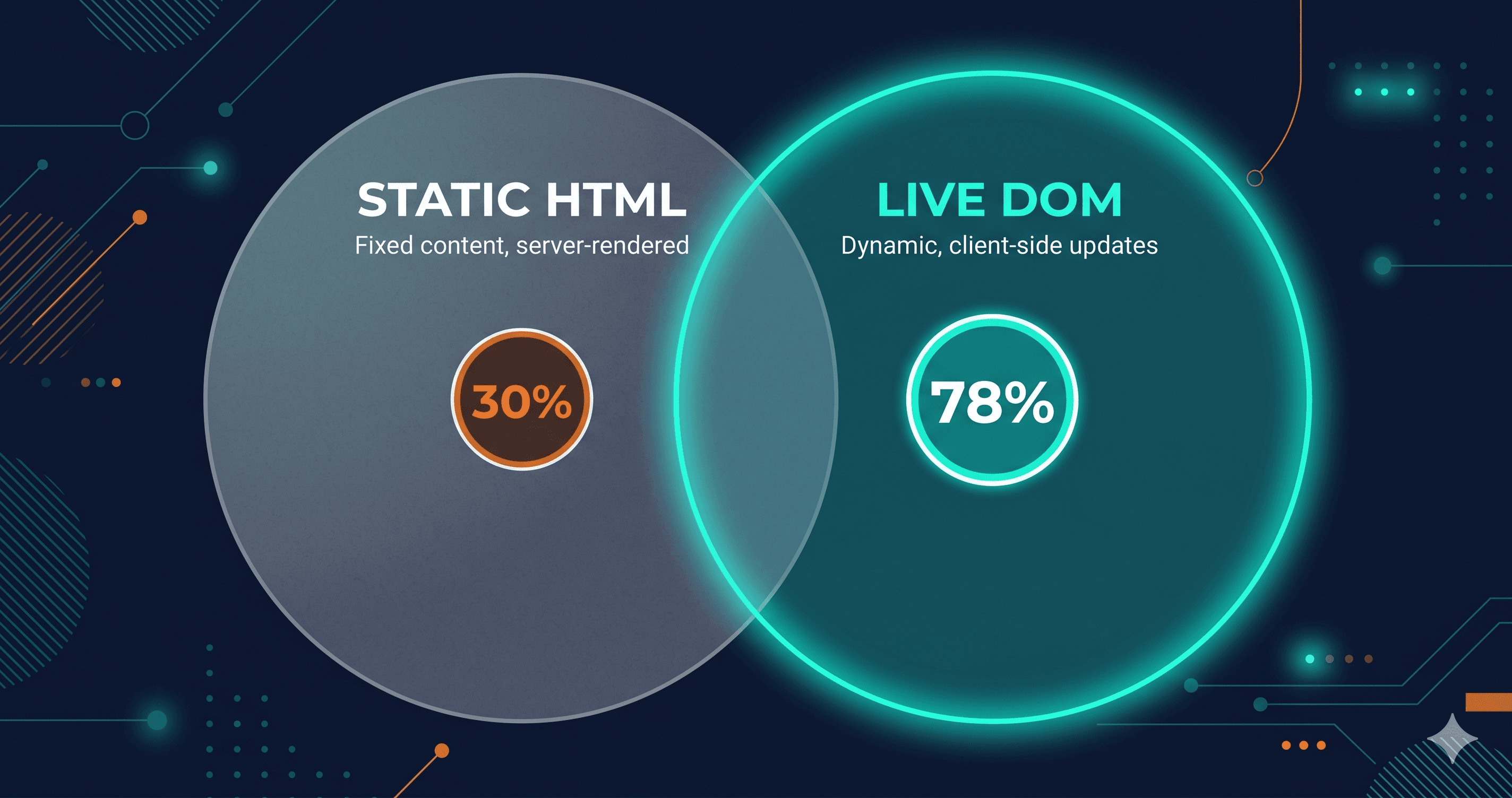
Static HTML accessibility scanners identify fewer than 30% of real-world WCAG violations — because most of those violations don't exist in your source HTML. They exist in what your browser builds from it after JavaScript executes, styles resolve, and third-party scripts load.
Run a static scan today and you might see a score of 90/100. Open that same site with NVDA, tab through the modal that appears when a user clicks "Add to Cart," and watch it break in four different ways the scanner never reported. That modal didn't exist when your scanner ran. It appeared after JavaScript fired.
The Gap Between Source HTML and What Users Actually Experience
The web has fundamentally changed. In 2010, a page's source HTML and what a browser displayed were nearly identical. In 2026, the average homepage contains 1,437 elements (WebAIM Million 2026), most of them generated, modified, or injected at runtime. Your product filter, checkout flow, cookie banner, live chat widget, and newsletter popup all appear after the initial HTML has loaded and parsed.
A website accessibility checker that reads raw markup before JavaScript executes is scanning the skeleton of your site, not the building users inhabit. According to Mordor Intelligence, even robust automated tools detect approximately 30% of WCAG compliance issues when tested against pages users actually see. WebAIM's Survey of Web Accessibility Practitioners found only 17.6% of respondents believe automated tools can detect 50% or more of accessibility issues — and a strong majority rated existing tools as "not very effective" or "not effective at all."
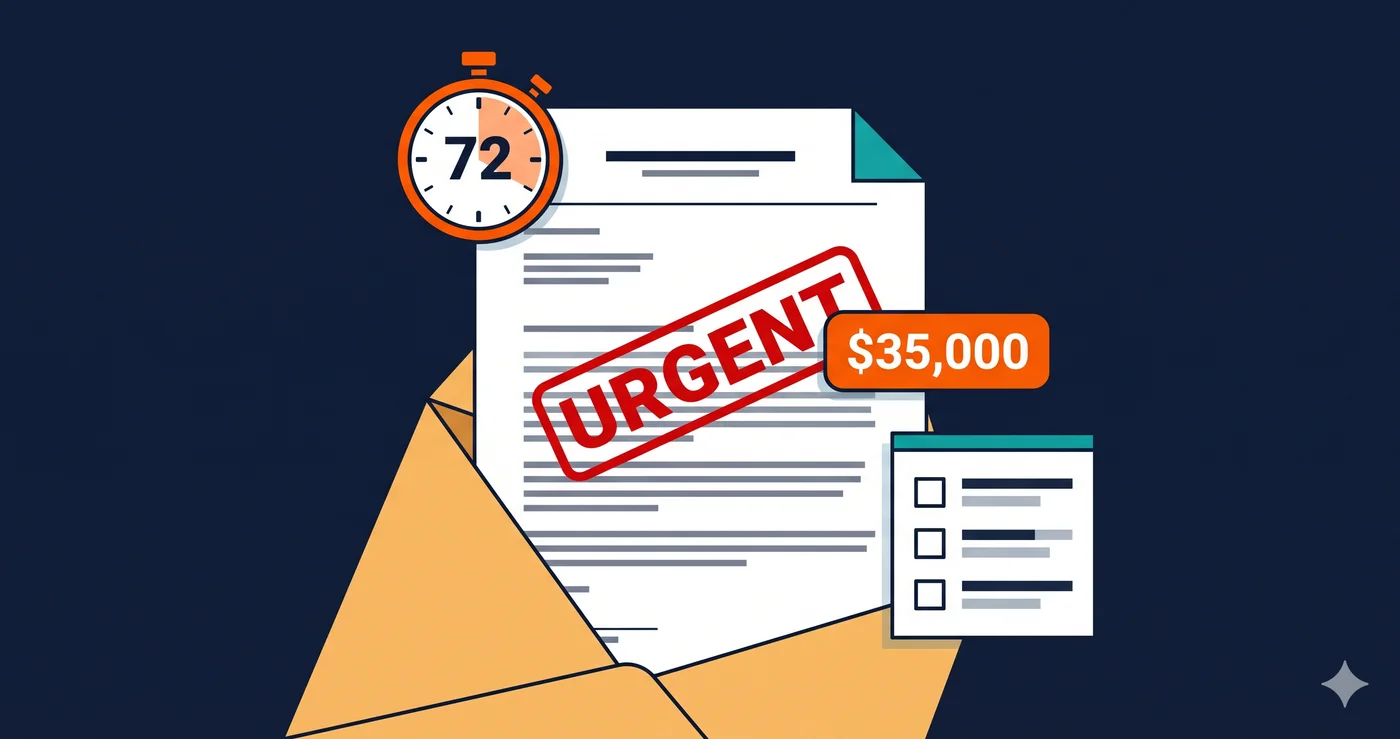
This is not a minor gap. It is the difference between thinking you're compliant and actually being testable by a plaintiff's attorney.
What Static Scanners Cannot See
The failures that static tools consistently miss are not edge cases. They are the exact violation categories cited most frequently in ADA demand letters and WCAG audits.
Focus trap violations in modals and dialogs. When a dialog opens, keyboard focus should be contained inside it and not allowed to reach elements behind it. This is a runtime behavior — the modal doesn't exist in source HTML. A static wcag checker sees no modal and flags no issue.
ARIA state errors on dynamic components. Accordions, dropdowns, date pickers, and tab interfaces use ARIA attributes like aria-expanded, aria-selected, and aria-hidden that JavaScript updates as users interact. The static HTML typically shows these in their default state. The violation happens in the expanded or active state — which only exists after user interaction.
Missing screen reader announcements on dynamic content. When a form validation error appears, a product adds to the cart, or a search result updates without a page reload, screen readers need explicit notification via ARIA live regions. Whether those announcements are correctly configured can only be tested in a rendered, interactive environment.
Color contrast failures on interactive states. A button might have adequate contrast in its resting state and fail WCAG 1.4.3 when hovered or focused. Those states don't appear in source HTML — they're generated by CSS pseudo-classes that static tools cannot evaluate.
Third-party widget violations. Your chat widget, review carousel, or payment form is injected by an external script. Static scanners typically do not execute those scripts. The popup with an unlabeled close button, the review widget with inaccessible navigation, the payment frame missing appropriate labels — none of these appear in your source markup.
Coverage Comparison: Static Scanner vs. Browser-Based Testing
| Failure Category | Static HTML Scanner | Browser-Based Scanner |
|---|
| Missing alt text on static images | ✅ Detects | ✅ Detects |
| Low contrast on static text | ✅ Detects | ✅ Detects |
| Missing form label elements | ✅ Detects | ✅ Detects |
| Missing lang attribute | ✅ Detects | ✅ Detects |
| ARIA errors on dynamic components | ❌ Misses | ✅ Detects |
| Focus trap in JavaScript modals | ❌ Misses | ✅ Detects |
| Dynamic form validation announcements | ❌ Misses | ✅ Detects |
| Third-party script violations | ❌ Misses | ✅ Detects |
| Hover and focus state contrast | ❌ Misses | ✅ Detects |
| Violations behind login | ❌ Misses | Requires auth scanning |
| Live region configuration | ❌ Misses | ✅ Detects |
The pattern is clear: static tools perform well on markup that is fixed at HTTP response time. Everything that appears, changes, or loads after that is invisible to them.
Why This Matters for ADA Litigation in 2026
Over 4,800 ADA website accessibility lawsuits were filed in 2025 according to UsableNet — a significant increase year over year. E-commerce accounts for nearly 70% of those filings (UsableNet 2025 Annual Report). The violation categories most frequently cited in those complaints — focus traps, inaccessible checkout flows, unlabeled dynamic elements — are precisely the categories static scanners cannot detect.
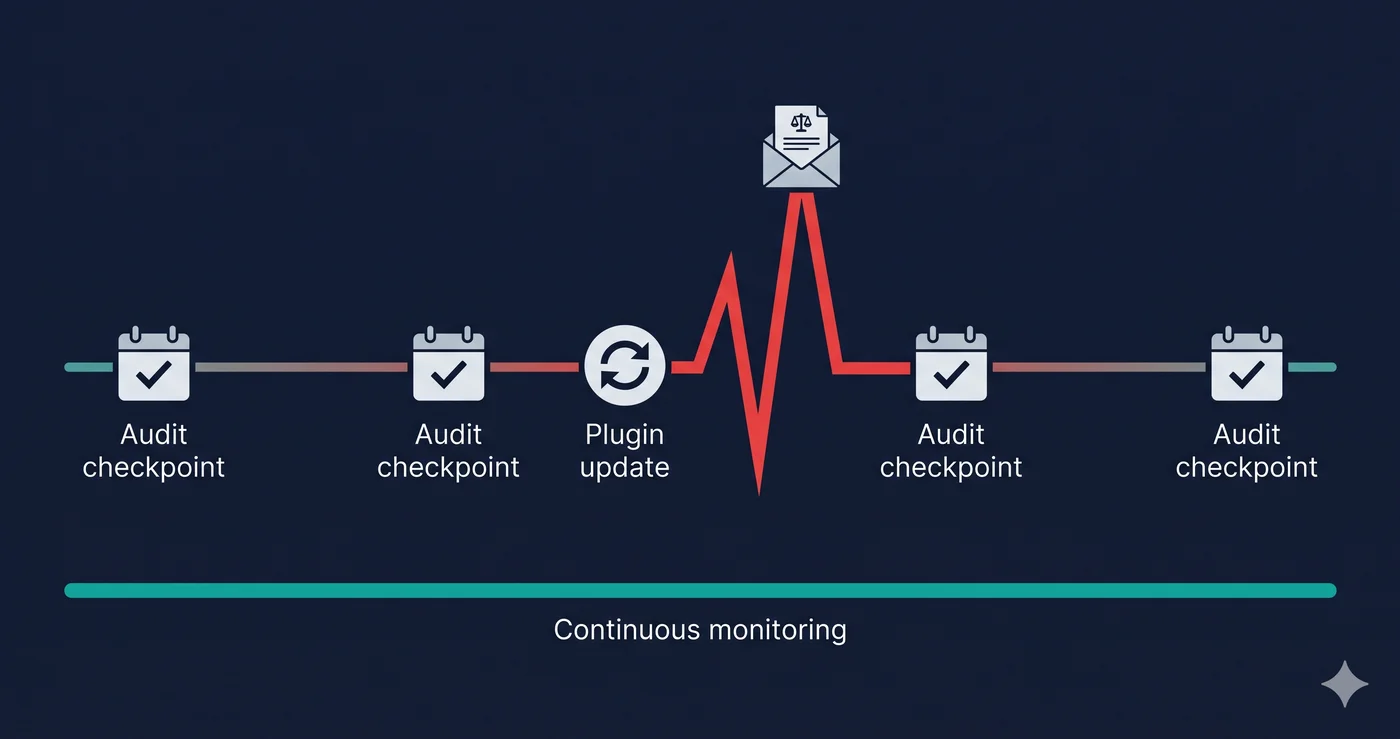
Here is the critical asymmetry: plaintiff law firms are not using static HTML parsers to identify violations. They use rendered-page scanning and manual screen reader testing that documents exactly what a disabled user experiences when they visit your site. Your static scanner said you passed. Their rendered-page test produced the complaint.
The WebAIM Million 2026 report found that detected errors on home pages increased 10.1% in a single year — 56.1 errors per page on average — and WCAG failure rates climbed back to 95.9%. More ARIA code is being added to the web, but it is often added incorrectly, in JavaScript, where static tools can't see it.
How ADAGuard Tests Differently
ADAGuard runs every scan inside a real Chromium browser with JavaScript fully executed. The scanner navigates to your URL, waits for dynamic content to load, and runs 22 custom accessibility checker modules alongside full axe-core integration — achieving approximately 78% WCAG 2.2 AA automated coverage (43 of 55 criteria). Lighthouse and WAVE test the rendered DOM but with far fewer custom check categories.
The architecture matters. Using Playwright to drive a real browser means ADAGuard tests the same interactive environment a disabled user — or a plaintiff's auditor — would encounter. Every ARIA state update, every dynamically injected component, every third-party script that injects markup gets scanned in context.
ADAGuard also supports authenticated scanning: if violations exist behind your login — on member dashboards, inside checkout, within account settings — authenticated scan mode reaches those pages. Plaintiff firms can file complaints about pages that require login access. Most website accessibility checkers stop at your homepage.
What to Do When You Find Violations
Your scan report will tell you exactly which violations apply to your specific site — not generic warnings, but specific WCAG criterion numbers and element references. A focus trap failure cites WCAG 2.1.2. An unlabeled close button cites WCAG 4.1.2. An inaccessible dynamic error message cites WCAG 4.1.3.
Take those criterion numbers to your developer or your platform vendor's support team. These are fixable bugs. The violations that generate demand letters are largely structural issues developers can resolve once they know where to look — and once they have a scan report that found them in the first place.
The difference between sites that get sued and sites that don't is often simply whether a thorough, rendered-page scan happened before a plaintiff's auditor ran their own.
The 30-Second Fix
Paste your URL into ADAGuard — free, no signup required. You'll get a full rendered-page scan against 23 check modules in under a minute. Find out what your static scanner missed before someone else does.