Harvard paid $1,575,000 in attorneys' fees for inaccessible video content. Netflix settled with the National Association of the Deaf for $755,000. These are not obscure edge cases — they are the legal precedents that accessibility attorneys now cite when sending demand letters to e-commerce brands whose product videos, explainer clips, and brand films lack proper captions.
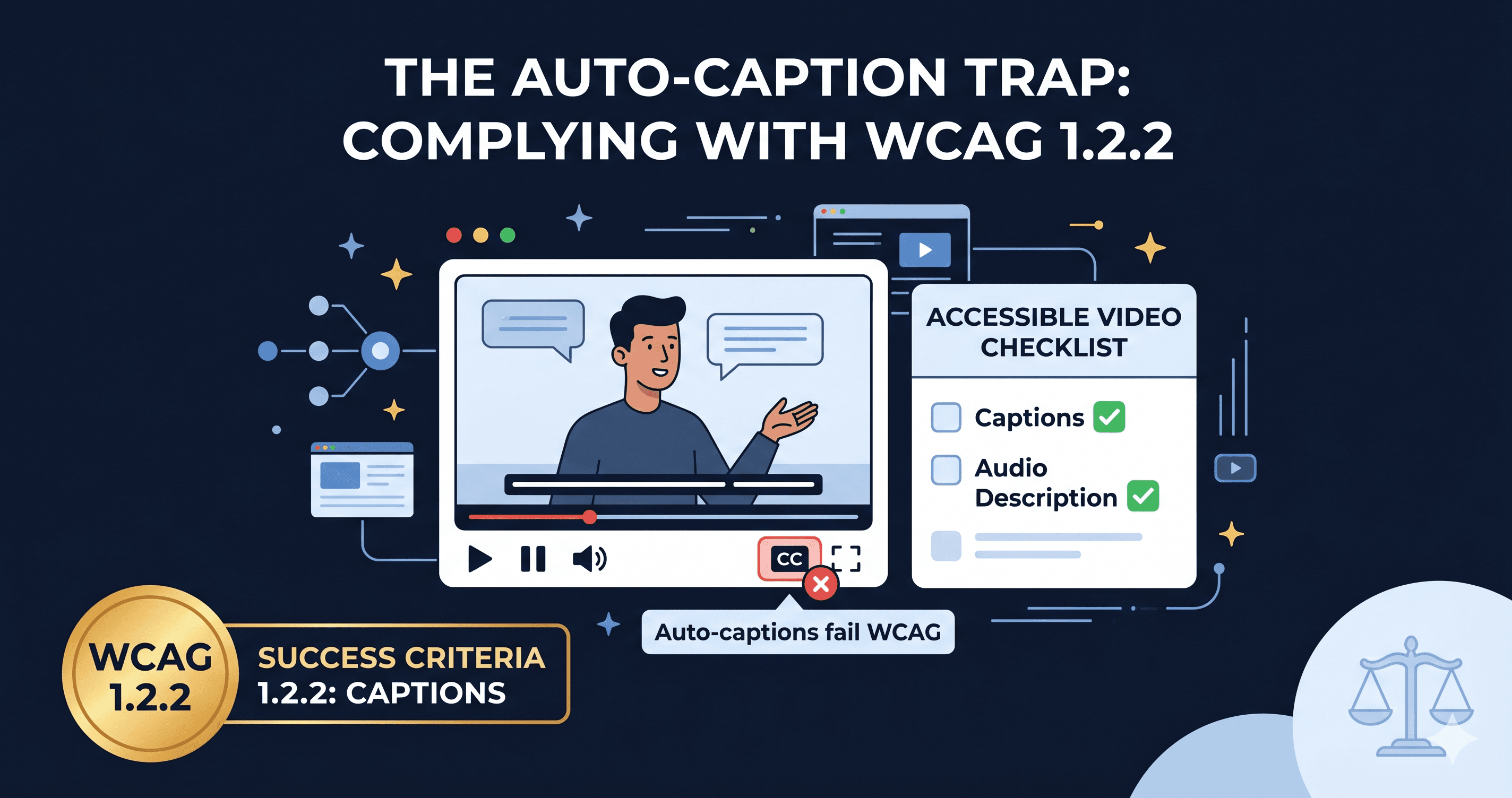
If you have video on your site, you have a WCAG 1.2 compliance obligation. And auto-generated captions from YouTube or Vimeo almost certainly don't meet it.
The WCAG 1.2 Requirements for Video
WCAG groups its video requirements under Guideline 1.2 (Time-Based Media). The specific criteria that apply to e-commerce video content are:
| Criterion | Level | What It Requires |
|---|
| 1.2.1 Audio-only and Video-only (Pre-recorded) | A | Video-only content needs a text alternative or audio description |
| 1.2.2 Captions (Pre-recorded) | A | All pre-recorded video with audio must have synchronized captions |
| 1.2.3 Audio Description or Media Alternative | A | Pre-recorded video needs either audio description or full text alternative |
| 1.2.4 Captions (Live) | AA | Live video with audio must have real-time captions |
| 1.2.5 Audio Description (Pre-recorded) | AA | Pre-recorded video must have audio description for visual-only information |
| 1.2.8 Media Alternative (Pre-recorded) | AAA | Full text alternative for all pre-recorded video |
For most e-commerce businesses, compliance with Level A (1.2.2 and 1.2.3) and Level AA (1.2.5) is the legal target. That means: synchronized captions on every pre-recorded video and audio descriptions that convey information visible in the video but not spoken aloud.
What Counts as a Compliant Caption
This is where most e-commerce brands fall short. A compliant caption is not:
- Auto-generated speech-to-text with uncorrected errors
- A transcript dumped as a text block beneath the video
- Subtitles that include only the spoken dialogue
A compliant caption must:
- Be synchronized — text appears on screen at the moment the audio occurs, not before or after
- Be accurate — the industry standard is 99% word accuracy; auto-generated captions average 80–90% and fail on technical terms, brand names, and accented speech
- Include non-speech audio — sound effects, music cues, speaker identification, and emotional tone must be noted (e.g., "[dramatic music]", "[narrator]", "[applause]")
- Be properly formatted — no more than two lines, no more than 32 characters per line, adequate reading speed
Auto-captions generated by YouTube, Vimeo, or any AI tool are a starting point, not a finished product. They must be reviewed, corrected, and supplemented with non-speech audio descriptions before they satisfy WCAG 1.2.2.
What Audio Description Means for E-Commerce
Audio description is the element most e-commerce brands have never heard of — and the one that generates the most confusion in compliance reviews.
Audio description is a narrated track that describes visual information that appears in the video but is not conveyed by the existing audio. For an e-commerce product video, this might include:
- The color, material, and texture of a product being shown
- Text appearing on screen (sale prices, feature labels, call-to-action overlays)
- Visual demonstrations (e.g., "the zipper slides smoothly from end to end")
- Scene changes or visual context (e.g., "the model is shown wearing the jacket in an outdoor setting")
A product video that shows a handbag being opened, the interior compartments displayed, and a price overlay appearing on screen — with only background music and no voiceover — is a pure visual presentation. A blind user watching this video with a screen reader and no audio description gets nothing. That is a WCAG 1.2.3 (Level A) failure.
For e-commerce brands, the most practical approach to audio description is recording a voiceover narration that describes the visual elements in the gaps between existing audio — or, for simpler product demos, adding an extended text alternative that describes every visual element the audio does not cover.
The Legal Landscape for Video in 2026
The DOJ's April 2024 final rule establishing WCAG 2.1 AA as the ADA Title II standard applies explicitly to video content. For public entities (government, universities, federally funded organizations), the original compliance deadline was April 24, 2026 for larger entities — but a DOJ interim final rule issued in April 2026 extended that deadline to April 26, 2027 (entities serving 50,000+ people) and April 26, 2028 for smaller entities. The extension doesn't reduce the underlying obligation or litigation exposure in the meantime.
For private e-commerce businesses, ADA Title III applies. Digital accessibility lawsuits filed in 2025 numbered over 4,800 according to UsableNet (a significant year-over-year increase), and the share targeting multimedia content — specifically uncaptioned product videos and inaccessible video players — is growing.
Settlement values in multimedia-specific cases tend to be higher than standard interface violations, partly because the case is straightforward to demonstrate (play the video, show the missing captions) and partly because the precedent set by Harvard and Netflix established that video accessibility is a non-negotiable obligation.
77% of digital accessibility lawsuits filed in 2023 targeted organizations with annual revenue under $25 million (Stripo, citing industry data). E-commerce brands with product videos are exposed regardless of size.
The Video Player Itself Must Be Accessible
Beyond the captions and audio description, the video player interface must be fully keyboard operable and screen reader compatible. This means:
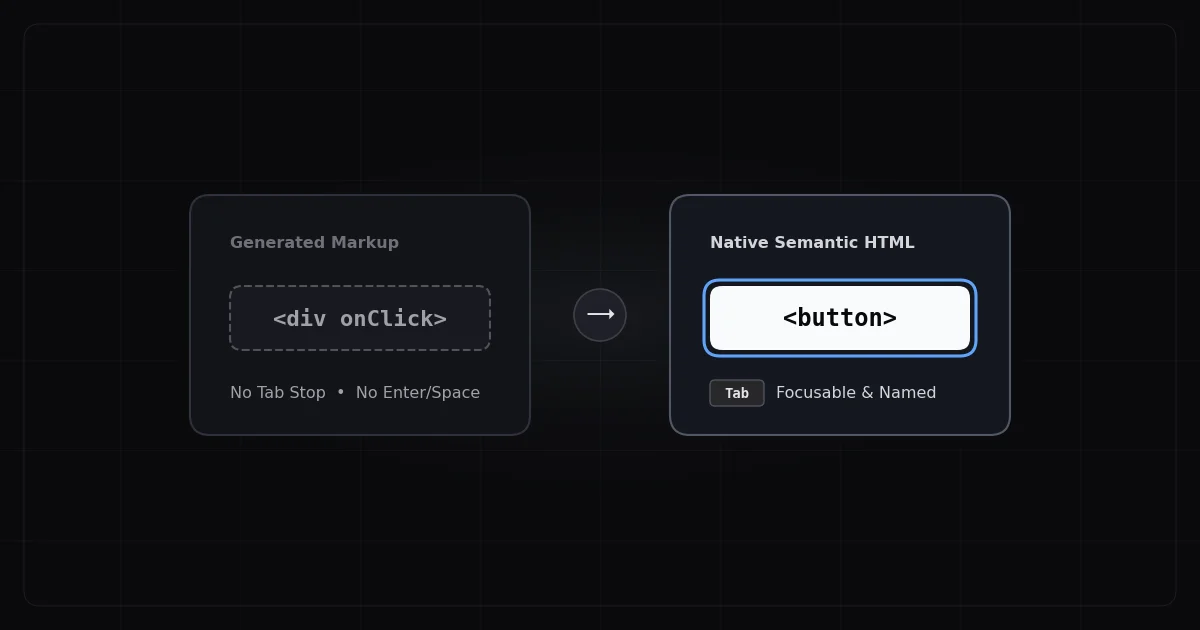
- Play, pause, volume, and fullscreen controls must be reachable by Tab and operable by keyboard
- Caption and audio description tracks must be togglable by keyboard
- The player must not auto-play with audio (WCAG 1.4.2 Audio Control)
- Progress bar must have an accessible label and keyboard support
Native HTML5 `` elements with properly labeled controls satisfy most of these requirements. Third-party embedded players (YouTube, Vimeo, Wistia) have varying accessibility support — test each one specifically rather than assuming.
What to Do When You Find Video Violations
ADAGuard scans detect the presence of video elements and checks for associated caption tracks, player keyboard accessibility, and auto-play audio violations. When the scan identifies video compliance issues, they typically fall into two resolution tracks:
What a content update can fix: Adding a properly formatted SRT or VTT caption file to an existing video player is a content task, not a code task. YouTube and Vimeo both support caption file uploads directly in their video management dashboards. This resolves the caption violation without any developer involvement.
What requires a developer or vendor ticket: Auto-play with audio, keyboard-inaccessible player controls, and missing audio description tracks require either player configuration changes or a new recording. When escalating to a developer or vendor, cite:
- WCAG 1.2.2 (captions, pre-recorded) — missing or inadequate captions
- WCAG 1.2.5 (audio description, pre-recorded) — missing audio description
- WCAG 2.1.1 (keyboard) — video player controls not keyboard accessible
- WCAG 1.4.2 (audio control) — auto-play violation
The 30-Second Fix
Turn on your browser's audio and load your most-watched product video. Now mute your speaker completely and watch the whole thing. What information did you miss? That's what a deaf or hard-of-hearing customer experiences. Now close your eyes and listen to only the audio. What visual information was shown on screen but never spoken? That's what a blind customer misses without audio description.
If either answer is "something important," your video has a WCAG 1.2 violation. Scan your site at adaguard.io to surface every multimedia accessibility issue across your full storefront — including player accessibility and missing caption track detection — then prioritize based on severity. No signup required.