Close your mouse. Tab through your website using only a keyboard — no clicks, no trackpad, just the Tab key. Now try to close that newsletter popup, navigate the product filter, and add something to your cart. If you got stuck anywhere, you just found an ADA violation that is completely invisible to the naked eye.
This is the compliance gap that attorneys are paid to find, and it has nothing to do with how your site looks. It lives in the code that disabled users — and the law firms who represent them — actually read. A well-designed website can fail every automated WCAG check on the books while earning five-star design awards.
Why Visual Design and ADA Compliance Are Two Different Things
Your designer can deliver pixel-perfect work. Your developer can build it to spec. And it can still fail every accessibility criterion that matters under the law.
ADA compliance, treated by courts as adherence to WCAG 2.1 Level AA — the de facto standard for private businesses, since the DOJ's own WCAG 2.1 AA regulation applies only to state and local government websites, not private businesses — governs how assistive technologies interact with your HTML structure. Screen readers do not see pixels. They parse code. A button can have beautiful visual contrast, a clear icon, and a descriptive tooltip — and still be completely non-functional to a screen reader user if it is built as a <div> with a click handler instead of a proper `` element.
According to the WebAIM Million 2025 report, 95.9% of the top one million websites failed basic WCAG criteria, with an average of 56.1 distinct accessibility failures per homepage. Most of those businesses had professional designs and had never received a complaint. They simply never evaluated the code layer where compliance actually lives.
In 2025, over 4,800 ADA web accessibility lawsuits were filed in US federal courts — a significant year-over-year increase (UsableNet 2025 Mid-Year Report). A large portion of those defendants believed their sites were fine. Their designers believed the sites were fine. Visually, nothing looked wrong.
The Violations No One Can See
Here are the failures that appear most frequently in ADA demand letters and that are invisible to any sighted user browsing with a mouse:
Missing alternative text on images. Your product photo displays perfectly in every browser. To a screen reader, it reads as "image_4783.jpg" or announces nothing at all. Missing alt text is the single most commonly cited violation in ADA web lawsuits, appearing in over 55% of demand letter filings reviewed by accessibility researchers.
Keyboard traps. Chat widgets, cart drawers, and modals frequently capture keyboard focus and refuse to release it. A mouse user clicks outside to dismiss the modal. A keyboard user — someone navigating via Tab key, voice control software, or a switch device — is stuck in a loop they cannot escape. Keyboard traps are among the top five violations triggering accessibility litigation.
Color contrast failures. That elegant light-grey body text on a white background looks refined and minimal. It fails WCAG Success Criterion 1.4.3, which requires a 4.5:1 contrast ratio for normal text. A user with low vision cannot read it. A sighted user with 20/20 vision on a calibrated monitor does not notice anything wrong.
Unlabeled interactive elements. Icon-only buttons — the hamburger menu, the search icon, the cart icon — look self-explanatory visually. Without aria-label attributes, a screen reader announces them as unlabeled buttons. Users who rely on screen readers have no idea what the button does.
Suppressed focus indicators. Developers and designers frequently add outline: none to CSS to clean up the visual design. This removes the browser's default focus ring. Keyboard-only users lose all visible indication of where they are on the page. This violates WCAG 2.4.7 and the newer 2.4.11 criterion introduced in WCAG 2.2.
None of these failures appear in a browser screenshot, a Figma preview, or a Lighthouse performance score. All of them appear in a DOM-level accessibility scan — and in a demand letter.
What These Violations Actually Cost
| Violation Type | Visible to Sighted Mouse User | WCAG Criterion | Typical Settlement Range |
|---|
| Missing alt text | No | 1.1.1 | $25,000 – $75,000 |
| Keyboard trap in modal | No | 2.1.2 | $15,000 – $50,000 |
| Low color contrast | Sometimes | 1.4.3 | $10,000 – $50,000 |
| Unlabeled form field | No | 1.3.1 / 4.1.2 | $20,000 – $60,000 |
| Missing focus indicator | No | 2.4.7 / 2.4.11 | $15,000 – $45,000 |
| ARIA misuse on dynamic content | No | 4.1.2 | $20,000 – $55,000 |
Attorney fees and settlement costs typically run $25,000 to $100,000 for a single defendant in an ADA web accessibility case. Beyond the settlement, there is usually a consent decree requiring remediation within 60 to 90 days — work that costs money regardless of whether the case is won or lost.
When businesses first learn about accessibility violations, many reach for overlay plugins — one-script solutions that claim to make any site compliant. In 2025, the FTC reached a $1 million consent order with an overlay vendor over misleading accessibility compliance claims. And in the same year, 22.6% of ADA lawsuits targeted websites that already had accessibility overlay widgets installed (UsableNet, 2025).
The reason overlays fail is the same reason visual design fails: they operate at the surface layer. An overlay widget can offer a font-size toggle or a high-contrast mode for users who choose to activate it. It cannot retroactively add proper semantic structure to HTML that was never built accessibly. It cannot fix keyboard traps inside a third-party checkout widget. It cannot provide ARIA attributes for dynamic components that your JavaScript framework renders after page load. And it has no knowledge of custom features a developer shipped last month.
When an overlay is present alongside serious structural violations, it does not reduce legal exposure. In some documented cases, its presence was cited in the complaint as evidence of misleading compliance claims.
What Your Page Looks Like to a Screen Reader
A screen reader does not render your design. It announces a linear stream of content derived from your HTML structure and ARIA attributes. If your product navigation has three nested dropdown levels with no aria-expanded state management, a screen reader user hears an undifferentiated wall of link announcements. If your "Quick Add" button is wrapped inside an anchor tag that already wraps the product card, the result is a nested interactive control — a WCAG failure that breaks expected keyboard interaction patterns.
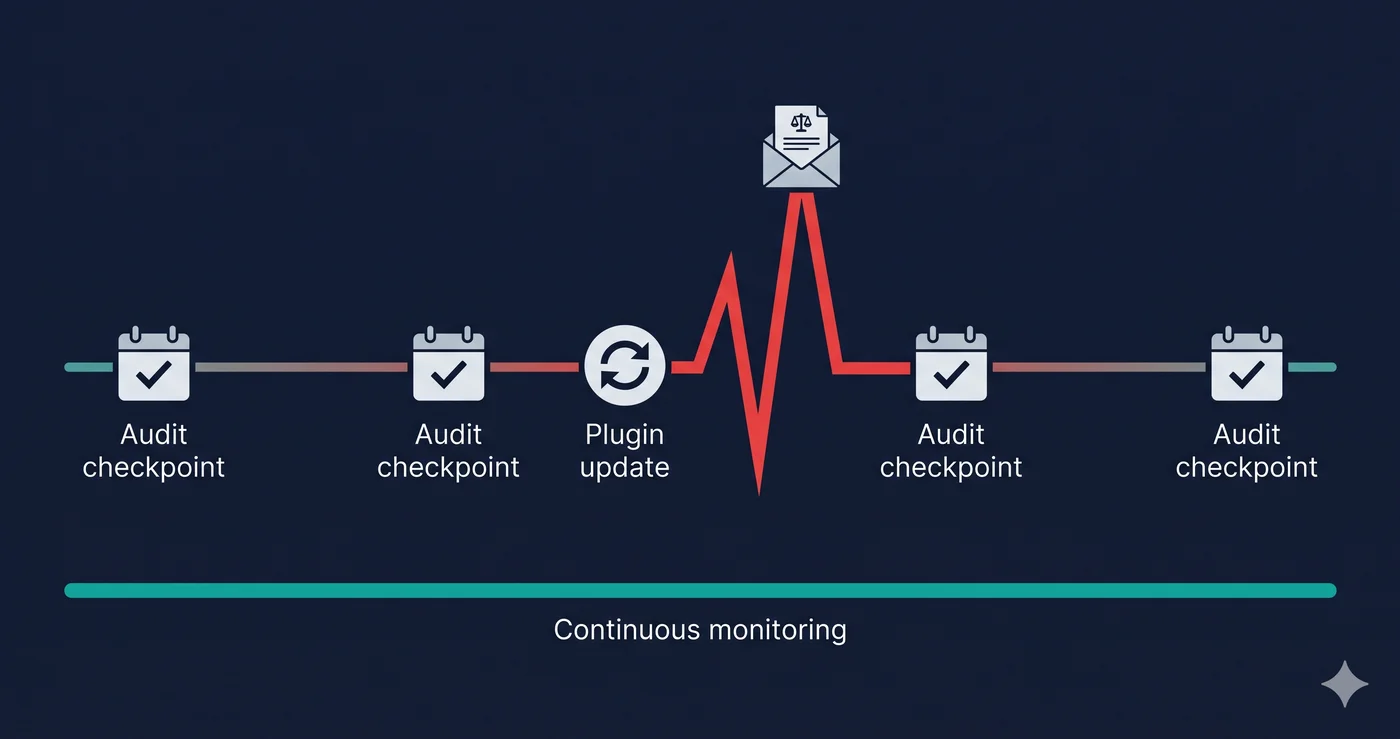
The deeper issue: most real-world accessibility violations only exist in the live DOM, after JavaScript has executed. A static HTML file scan — which is how most free browser extensions and basic website checkers work — never sees the page that real users and real screen readers encounter. It misses violations generated by dynamic components, lazy-loaded content, third-party apps, and client-side rendering frameworks.
ADAGuard runs a full JavaScript-rendered scan using a real browser engine, evaluating your page exactly as it appears after all scripts have run across 50+ check categories. It captures the DOM-level violations that static tools routinely miss — and that demand letters routinely cite. You can run a free website accessibility checker scan at adaguard.io with no signup required.
What to Do When Your Scan Reveals Violations
After running an ADAGuard scan, violations fall into two categories:
Fixes within your control — alt text, heading hierarchy, language declarations, and basic form labels can typically be addressed by your own developer or content team without touching third-party apps.
Fixes requiring vendor action — if a third-party widget, chat tool, or checkout app is generating inaccessible dynamic content, you need the vendor to remediate it. Your ADAGuard report gives you specific WCAG criterion numbers (such as 2.1.1, 4.1.2, or 1.3.1) to include in a support ticket. Vendors respond to WCAG criterion numbers. They are far less responsive to vague "our site has accessibility issues" requests.
The key: you cannot allocate fixes correctly until you know which violations exist at the DOM level on your specific site. Not every site has the same issues, and not every theme or plugin combination produces the same failures.
The 30-Second Fix
You cannot determine ADA compliance by looking at your website. Run a free scan at adaguard.io — no account required, results in under 60 seconds. Paste your URL and ADAGuard evaluates your live, JavaScript-rendered page against 50+ WCAG criteria, returning a compliance score and a prioritized violation list. Find out what is invisible to the naked eye before someone with a legal brief does.</div>