The Difference Between WCAG 2.1 and 2.2 for eCommerce (And Why It Matters in 2026)
WCAG 2.2 adds 9 new success criteria that directly target eCommerce: touch targets, authentication, focus indicators, and more. Here's what changed and what your store needs to fix.
If your development team last audited your site to WCAG 2.1 AA and hasn't revisited since October 2023, you are already out of step with the standard that US courts apply in ADA Title III litigation and that the European Accessibility Act references — and, for government websites, the standard the DOJ's own 2024 Title II rulemaking made mandatory. WCAG 2.2 is the current version. The 9 new success criteria it introduced aren't abstract guidelines—several of them target the exact interaction patterns that define eCommerce: product carousels, checkout flows, login screens, filter sidebars, and mobile touch targets.
95.9% of home pages contained at least one detectable WCAG failure in 2026, averaging 56 errors per page—a 10.1% increase from 2025, according to the WebAIM Million 2026 report. WCAG 2.2 didn't cause that increase. What it did do is expand the surface area of testable violations.
For the complete breakdown of every WCAG 2.2 success criterion — not just the ones specific to ecommerce — see our WCAG 2.2 compliance guide.
Why WCAG Versions Matter for Legal Exposure
The ADA itself doesn't name a specific technical standard. Courts and the DOJ use WCAG as the de facto benchmark because it's the only published, testable specification for web accessibility. The DOJ's April 2024 final rule for Title II entities explicitly references WCAG 2.1 AA. For Title III (private businesses), courts routinely apply WCAG 2.1 AA in settlement negotiations—and plaintiff attorneys have begun citing WCAG 2.2 violations in demand letters as the standard continues to propagate.
The EAA references EN 301 549, which currently incorporates WCAG 2.1 AA—but EN 301 549 is actively being updated to include WCAG 2.2. Any business that sells into EU markets and achieves only WCAG 2.1 compliance is operating on a standard with a documented expiration date.
The 9 New Success Criteria in WCAG 2.2
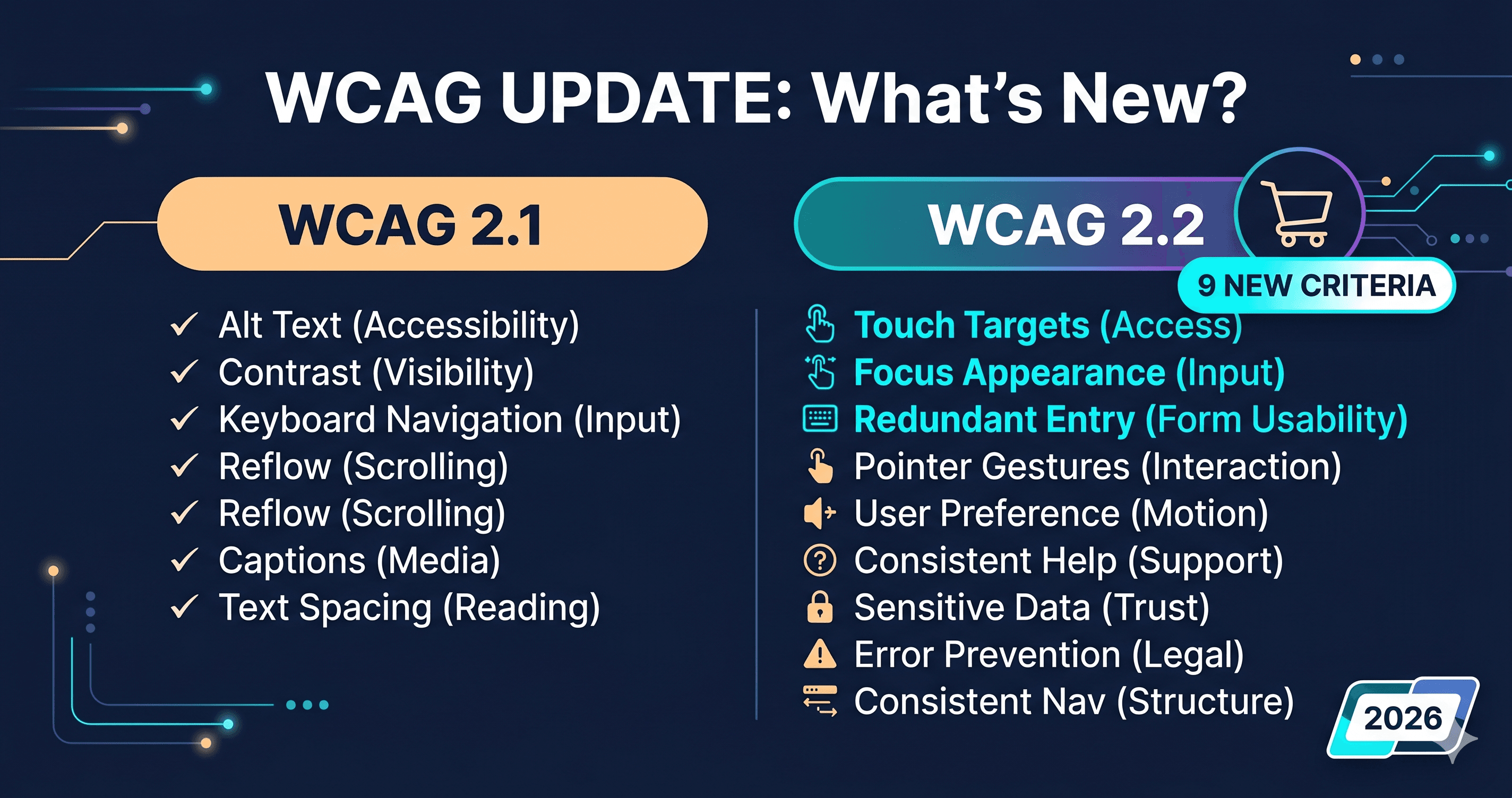
WCAG 2.2 removed one criterion (4.1.1 Parsing, which had become redundant with modern browser behavior) and added nine new ones. The table below shows each new criterion, its level, and its direct relevance to eCommerce.
Criterion
Level
What It Requires
eCommerce Impact
2.4.11 Focus Not Obscured (Minimum)
AA
Keyboard focus indicator must not be fully hidden by sticky headers or overlapping UI
Sticky nav bars covering focused checkout fields
2.4.12 Focus Not Obscured (Enhanced)
AAA
Focus indicator must be entirely visible
ADAGuard checks this on all plans
2.4.13 Focus Appearance
AAA
Focus indicator must meet size and contrast requirements
ADAGuard checks this on all plans
2.5.7 Dragging Movements
AA
Any drag-and-drop action must have a single-pointer alternative
Product image reorders, file upload zones
2.5.8 Target Size (Minimum)
AA
Interactive targets must be at least 24×24 CSS pixels
Mobile product filter checkboxes, icon-only cart buttons
3.2.6 Consistent Help
A
Help mechanisms (chat, support link) must appear in consistent location across pages
Inconsistent chat widget placement
3.3.7 Redundant Entry
A
Users shouldn't re-enter info already provided in the same session
Shipping/billing address duplication in checkout
3.3.8 Accessible Authentication (Minimum)
AA
Cognitive tests (CAPTCHA, remember-this-image) cannot be the only auth method
Login screens, checkout account creation
3.3.9 Accessible Authentication (Enhanced)
AAA
Removes even more cognitive test exceptions
ADAGuard checks this on all plans
The three AAA criteria marked above—2.4.12, 2.4.13, and 3.3.9—are included in every ADAGuard plan, including the free tier. Most scanners don't check AAA criteria at all. ADAGuard does, because these are the criteria where user impact is highest even if they're not yet legally mandated.
The eCommerce Violations That Will Get You Sued in 2026
Three of the new criteria deserve particular attention for eCommerce stores because they represent the most common WCAG 2.2 failures in live store audits.
2.5.8 Target Size (Minimum) affects almost every Shopify and WooCommerce storefront using icon-only buttons. The "add to wishlist" heart, the cart icon in mobile headers, quantity increment/decrement buttons—these frequently render below 24×24 pixels on mobile. WCAG 2.1 had no target size requirement at AA level. WCAG 2.2 does.
3.3.8 Accessible Authentication directly targets checkout flows. If your login page requires users to identify objects in images, solve text-based CAPTCHAs, or demonstrate any cognitive function test without an alternative pathway, that's now a WCAG 2.2 AA failure. A sign-on option or "copy and paste from email" flow would satisfy the criterion; most stores haven't added one.
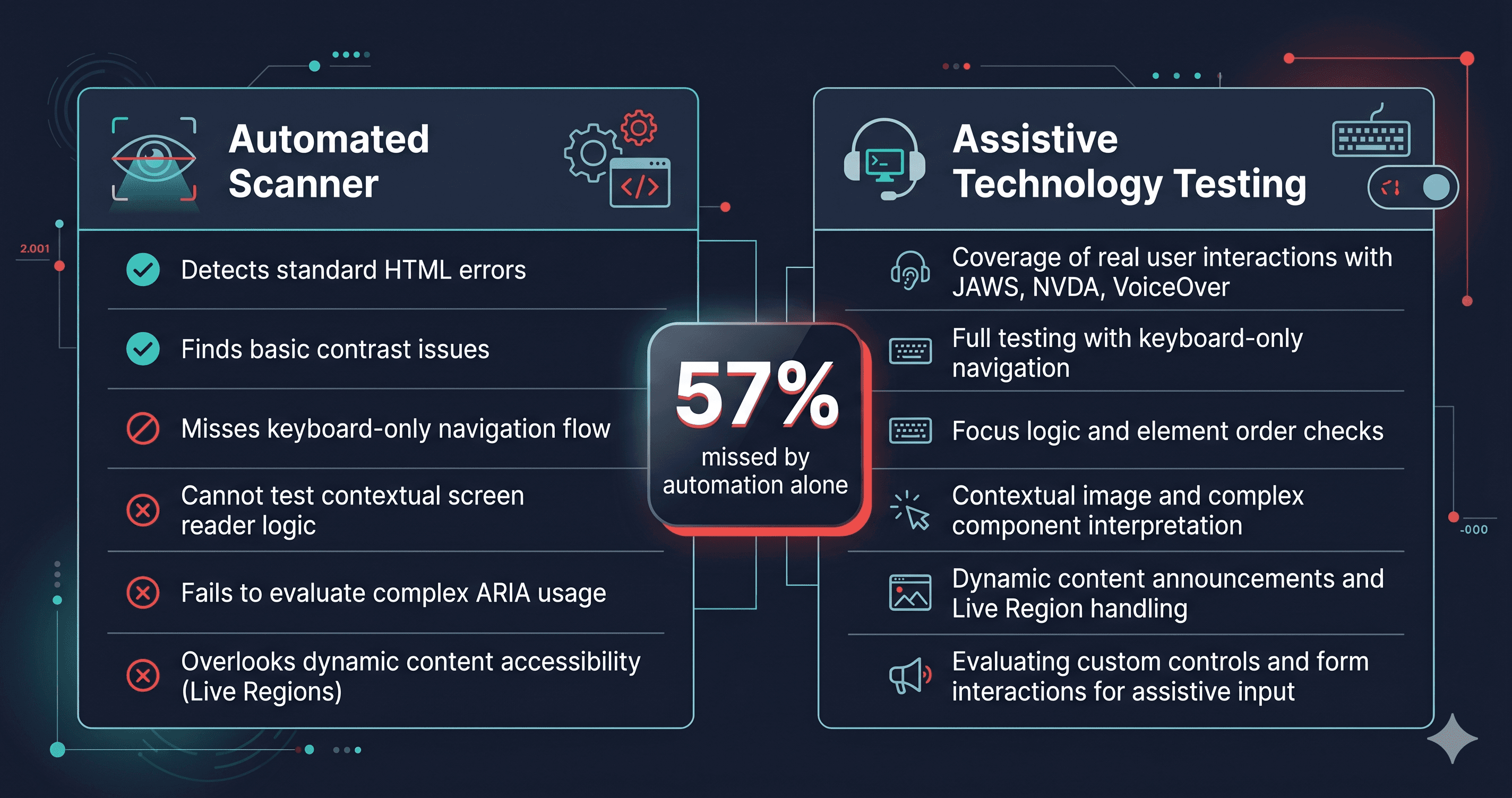
2.4.11 Focus Not Obscured is a violation introduced by the very UX patterns that modern eCommerce themes favor: sticky headers, floating cart drawers, and persistent notification banners. When a keyboard user tabs to a form field that sits beneath a sticky element, and the focus indicator is hidden behind that element, that's now a documented failure. Static HTML scanners miss this entirely—the violation only appears when the page is rendered with JavaScript active and the sticky element in its final position.
WCAG 2.1 vs 2.2: What Changed, What Stayed, What Was Removed
Standard
Success Criteria (AA)
Mobile/Touch Focus
Cognitive Disability Focus
Status
WCAG 2.0
38
Minimal
Minimal
Superseded
WCAG 2.1
50
Added touch/pointer criteria
Added some cognitive criteria
Current legal minimum
WCAG 2.2
56 (net)
Target size, dragging alternatives
Auth, redundant entry, consistent help
Current recommended standard
WCAG 2.2 is backward-compatible. A site that fully conforms to WCAG 2.2 AA also conforms to WCAG 2.1 AA and WCAG 2.0 AA. A site that conforms only to WCAG 2.1 AA has nine unresolved criteria—and three of them (Target Size, Accessible Authentication, Redundant Entry) are highly likely to produce real user complaints and, increasingly, demand letters.
What to Do When You Find WCAG 2.2 Violations
WCAG 2.2 violations fall into two categories: those fixable through your platform's settings or theme editor, and those requiring a support ticket to your vendor with specific WCAG criterion numbers attached.
Platform-level settings can sometimes resolve 3.3.8 (authentication) by enabling email magic link or social SSO options. Target size (2.5.8) and focus visibility (2.4.11) almost always require developer intervention in the theme code or component library—your developer needs the specific element selectors and WCAG criterion numbers to know exactly what to fix.
Scan your store first. ADAGuard's report identifies which of the WCAG 2.2 criteria are failing on your specific URLs, with element paths and criterion numbers attached to each violation. That output is what you hand to your developer or submit as a support ticket to your theme vendor.
How Scanners Handle WCAG 2.2
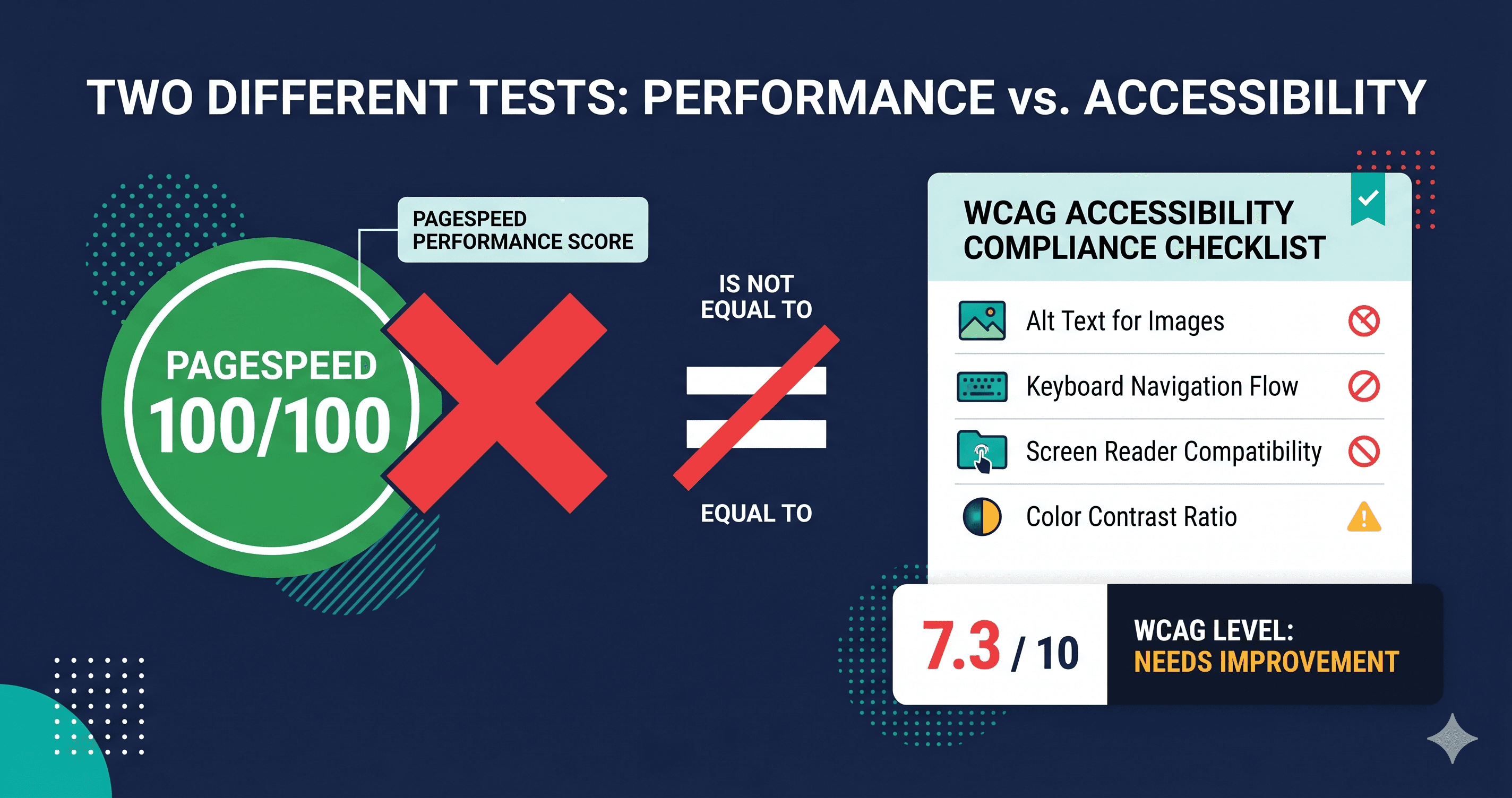
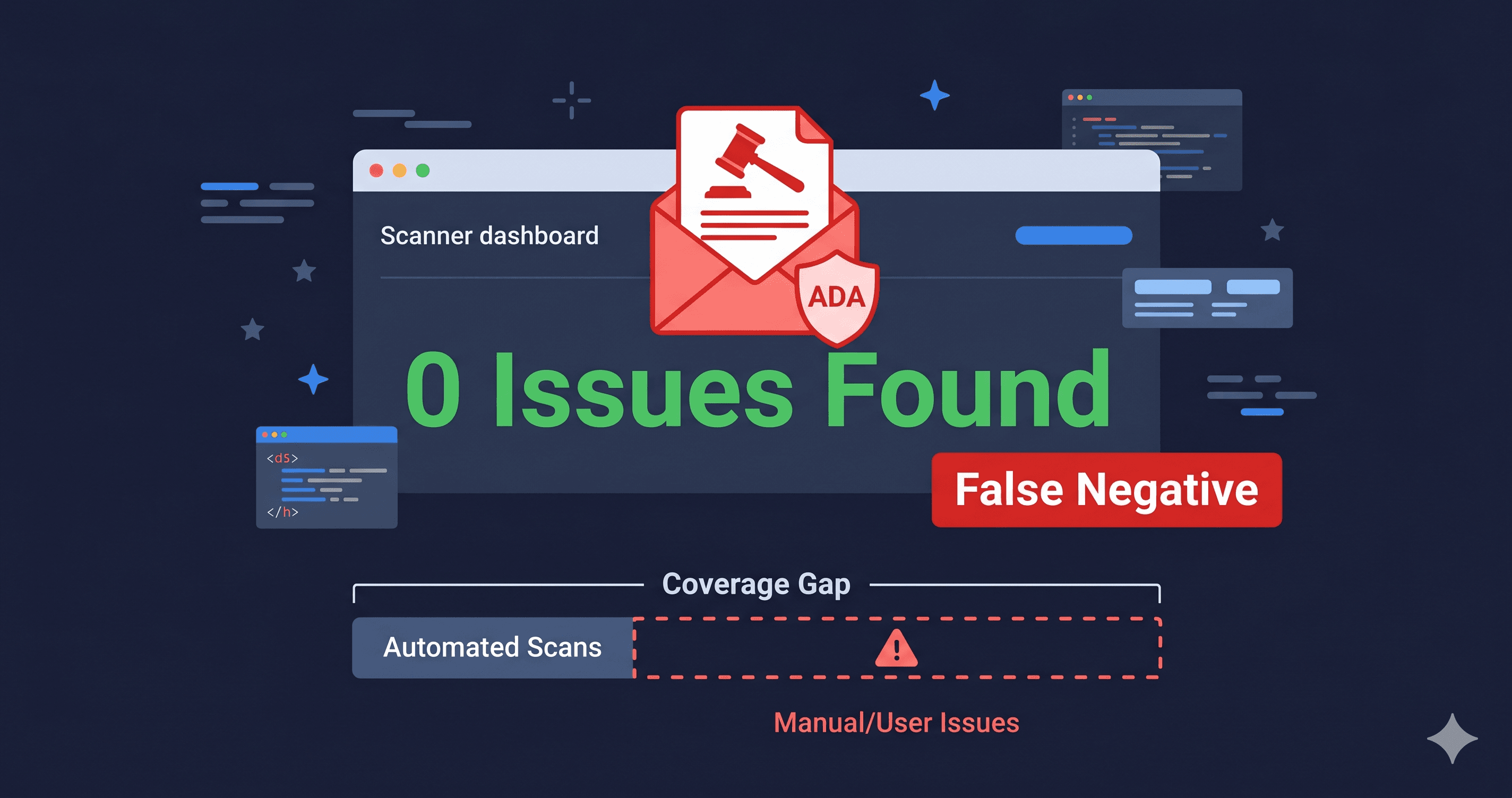
Not all accessibility scanners cover WCAG 2.2 criteria. Many tools in the market were built against WCAG 2.1 and have not been updated to check the 9 new criteria introduced in October 2023. This matters because a scan that returns a clean result against WCAG 2.1 rules may contain multiple WCAG 2.2 failures—particularly in the focus, target size, and authentication criteria that are most common in eCommerce.
ADAGuard's scanner checks all WCAG 2.2 AA criteria, plus three AAA criteria (Focus Not Obscured Enhanced, Focus Appearance, and Accessible Authentication Enhanced) that are included in every plan because their user impact is disproportionately high. When you run a scan at adaguard.io, the report distinguishes between WCAG 2.1 violations and WCAG 2.2-specific failures—so your developer knows exactly which standard each fix serves and can prioritize accordingly.
The 30-Second Fix
The fastest way to know whether your store has WCAG 2.2 violations—and specifically which of the 9 new criteria you're failing—is a live DOM scan. Run a free scan at adaguard.io. ADAGuard checks all 56 WCAG 2.2 AA success criteria plus the AAA criteria that matter most, against the rendered state of your actual page. Your results include WCAG criterion numbers, element-level detail, and a compliance score—everything your developer needs to prioritize remediation in 2026.