Your Last WCAG Audit Is Already Outdated — 9 New Rules That Could Get You Sued
WCAG 2.2 landed in October 2023. If your last compliance audit checked against 2.1, you now have violations you didn't have before — and legal exposure to match. Here's exactly what changed and how to fix it fast.
Your compliance team ran a WCAG audit. Passed. Filed it away. Done.
Except WCAG changed in October 2023. And if your audit was against WCAG 2.1, it missed 9 new success criteria — any one of which could now be a violation on your site.
This isn't a minor update with technical edge cases. Several of the new rules target things that are completely standard in modern web design: CAPTCHAs on login forms, drag-and-drop file uploaders, tiny icon buttons, and invisible focus rings. Patterns your developers ship every day.
Here's exactly what's new, what it means in practice, and a 6-step audit checklist you can run this week.
For the full picture of what WCAG 2.2 requires across every criterion — not just what's new since 2.1 — see our WCAG 2.2 compliance overview.
What Is WCAG and Why Does It Matter Legally?
WCAG (Web Content Accessibility Guidelines) is the international technical standard for web accessibility, published by the W3C.
Courts, regulators, and government procurement offices in the US, EU, UK, Canada, and Australia use WCAG as the legal benchmark for:
ADA compliance (Title III)
Section 508 (federal contractors)
EU Web Accessibility Directive
UK Accessibility Regulations
AODA (Ontario/Canada)
Three conformance levels exist:
Level A — bare minimum, severe barriers if failed
Level AA — what almost every law requires
Level AAA — best practice, rarely mandated
Most lawsuits reference WCAG 2.x Level AA. That used to mean 2.1. Now it increasingly means 2.2.
The 9 New Criteria in WCAG 2.2 (With Real Examples)
1. Focus Appearance (2.4.11 — AA) ⚡ High Risk
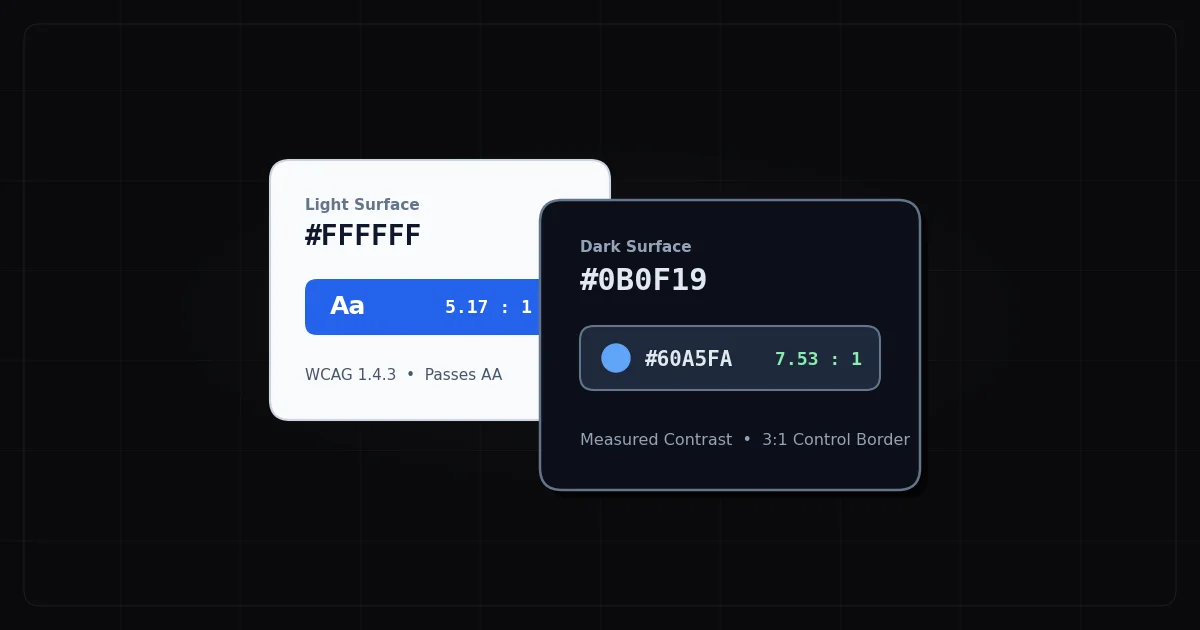
The rule: Keyboard focus indicators must be visible with minimum size (at least the perimeter of the element) and at least 3:1 contrast ratio.
Why it gets flagged so often: The single most common "fix" designers do is outline: none because the browser default focus ring looks ugly. That's now a direct WCAG 2.2 AA violation.
[ CSS ]
/* ❌ This one line kills keyboard navigation for millions of users */
:focus { outline: none; }

/* ✅ Style it, don't kill it */
:focus-visible {
  outline: 3px solid #005FCC;
  outline-offset: 2px;
  border-radius: 2px;
}
> 💡 Quick check: Tab through your homepage right now. Can you see where focus is at every step? If the answer is "sometimes" — you're failing 2.4.11.
2. Dragging Movements (2.5.7 — AA)
The rule: Any feature that requires dragging (file upload zones, kanban boards, range sliders, sortable lists) must also work without dragging.
Why it matters: Users with hand tremors, motor impairments, or switch access devices cannot reliably perform drag gestures.
The fix is simple: Add an alternative. Browse-files button alongside drag zone. Number inputs alongside a price slider. The drag can stay — it just can't be the only path.
3. Target Size — Minimum (2.5.8 — AA) ⚡ High Risk
The rule: All interactive targets must be at least 24×24 CSS pixels, or have enough spacing from adjacent targets to compensate.
Common failures right now on most sites:
Social share icons (usually 16–18px)
"X" close buttons on modals and tags
Inline links in dense text
Nav menu items on mobile
> 🔑 Note: Level AAA requires 44×44px (2.5.5). Level AA just needs 24×24px or adequate spacing — achievable without a full redesign.
4. Consistent Help (3.2.6 — A)
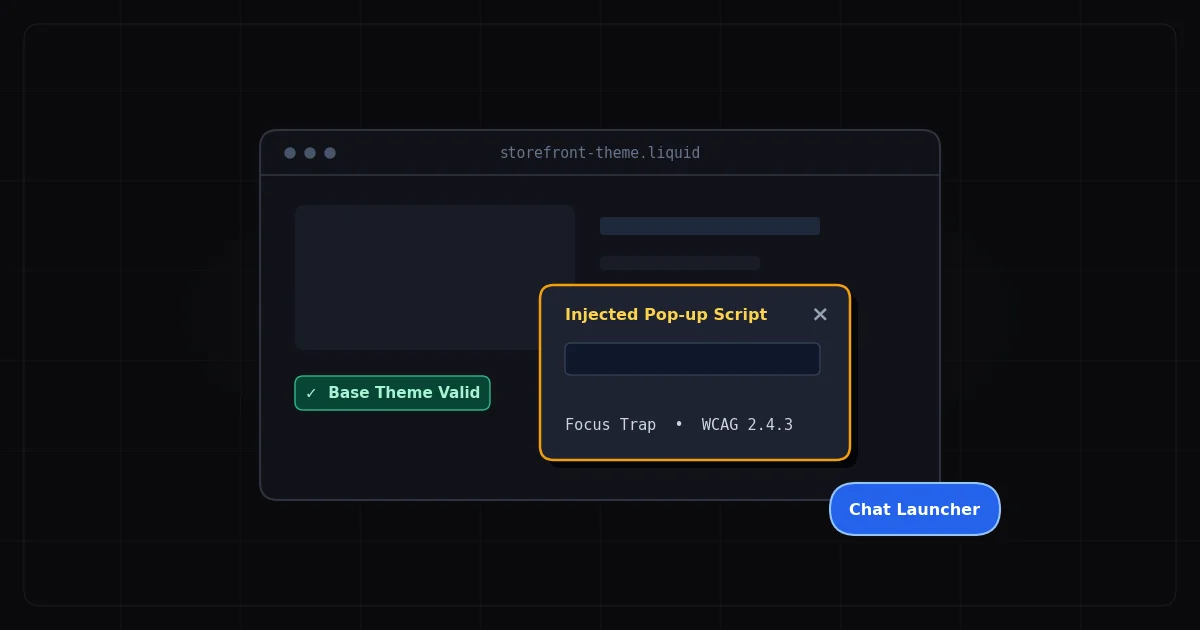
The rule: If a help mechanism (chat widget, phone number, contact link, FAQ) appears on multiple pages, it must appear in the same relative location on every page.
If your chat bubble is in the bottom-right on the homepage but disappears on pricing and reappears in the header on the contact page — that's a failure.
5. Accessible Authentication — No Cognitive Tests (3.3.8 — AA) ⚡ High Risk
The rule: Login and sign-up flows must not require users to solve a cognitive function test (math puzzle, distorted text CAPTCHA, object identification) unless an alternative is provided.
This directly targets standard CAPTCHAs. If you have a standard image-grid or text-transcription CAPTCHA on your login form, you may now have an AA violation.
Compliant alternatives:
Invisible reCAPTCHA (behavior-based, no user interaction)
Email magic links
SMS verification
Passkeys / WebAuthn
hCaptcha with accessibility mode enabled
6. Accessible Authentication — Repetition (3.3.7 — A)
Closely related to 3.3.8 — this Level A criterion says authentication should not rely on user memory of information (like "what was your first pet's name?") without an alternative.
7. Redundant Entry (3.3.7 — A)
The rule: In a multi-step process, users should not be required to re-enter information they already provided in an earlier step.
Classic failure: a checkout flow that asks for billing address, then shipping address, with no "same as billing" checkbox. That's a violation — and also just bad UX.
8–9. Focus Not Obscured (2.4.12 AA / 2.4.13 AAA)
When a user navigates by keyboard and a component receives focus, that component must not be entirely hidden by sticky headers, cookie banners, or chat widgets.
If your sticky nav covers the focused element so users can't see it — that fails 2.4.12. This is surprisingly common on sites with tall sticky headers.
What Was Removed: 4.1.1 Parsing
WCAG 2.2 also removed one criterion: 4.1.1 Parsing.
This used to require clean HTML (no duplicate IDs, no unclosed tags). It was removed because modern browsers and assistive technologies handle malformed HTML gracefully enough that the rule was no longer necessary.
If you've been spending time fixing duplicate IDs purely for compliance — under WCAG 2.2, that work is no longer required. Redirect that time to the new criteria above.
Which Laws Reference WCAG 2.2 Right Now?
Region
Current Standard
WCAG 2.2 Status
USA (ADA/DOJ)
WCAG 2.1 AA
Courts beginning to cite 2.2 in cases
USA (Section 508)
WCAG 2.0
HHS pushing toward 2.2 alignment
EU (EAA)
EN 301 549 / WCAG 2.1
Update to 2.2 in progress
UK Accessibility Regs
WCAG 2.1 AA
2.2 adoption expected
Canada (AODA)
WCAG 2.0 AA
2.2 under discussion
The honest reality: Even where laws haven't formally updated, plaintiffs' attorneys are already using WCAG 2.2 as the reference in demand letters. You don't need the law to catch up for it to cost you.
> 📌 Bottom line: Audit against 2.2 today. The compliance curve only moves in one direction.
Your 6-Step WCAG 2.2 Audit Checklist
Step 1: Run an automated WCAG 2.2 scan.
Tools that only check 2.1 won't flag Focus Appearance (2.4.11) or Target Size (2.5.8). Use a scanner updated for 2.2 — like ADAGuard, which covers all new criteria.
Step 2: Keyboard-test your top 5 pages.
Tab through everything. Is focus always visible? Can you reach every button, link, and input? Can you complete your primary user flow (purchase, sign-up, contact form) without a mouse?
Step 3: Audit your CAPTCHA.
What type of CAPTCHA is on your login/registration/checkout? If it requires reading distorted text or clicking images — flag it. Research an invisible or alternative approach.
Step 4: Check all drag interactions.
List every drag feature on your site. For each one: is there a non-drag alternative? File upload? Add "Browse files." Range slider? Add a text input.
Step 5: Measure interactive target sizes.
Open DevTools. Inspect your icon buttons, close buttons, and nav links. Anything below 24×24px CSS without adequate spacing is a potential 2.5.8 failure.
Step 6: Test sticky elements for focus obscuring.
Tab through pages with sticky headers or cookie banners. Does the focused element ever disappear underneath the sticky layer? That's 2.4.12.
Share This (Tweet-Ready Lines)
> "Adding outline: none to your CSS is now a WCAG 2.2 AA violation. Millions of sites fail this. Check yours before a lawsuit does."
> "WCAG 2.2 means standard image CAPTCHAs on login pages may now be an accessibility violation. Time to switch to invisible reCAPTCHA or passkeys."
> "If your WCAG audit was done before October 2023, it's already outdated. There are 9 new criteria — and they target patterns most dev teams ship every day."