Your Wix store is not ADA compliant by default — and Wix says so explicitly. The platform's own Help Center states: "Wix cannot guarantee that the use of its services is compliant with the accessibility laws and regulations of all regions." That's the company telling you, politely, that the legal risk is yours.
In 2025, over 4,800 ADA digital accessibility lawsuits were filed across US federal and state courts — a significant increase over 2024 — with e-commerce accounting for nearly 70% of cases (UsableNet, 2025). Small businesses on Wix are in that pool. Running an ada compliance checker before a plaintiff does is now a basic risk management step, not an optional extra.
The Wix Accessibility Promise vs. Reality
Wix has invested in accessibility features. The platform offers ARIA attributes in some core widgets, a Wix Accessibility Wizard, skip-to-content links in newer templates, and keyboard navigation support in core components. For the baseline, Wix is meaningfully better than it was several years ago.
But "better" and "compliant" are very different words.
The Wix Accessibility Wizard is a self-assessment tool — it asks you questions and flags obvious issues. It is not an automated WCAG scanner and does not catch the majority of failures that appear in a real accessibility audit. The wizard is a starting point, not a finish line.
Why Wix Stores Keep Failing ADA Audits
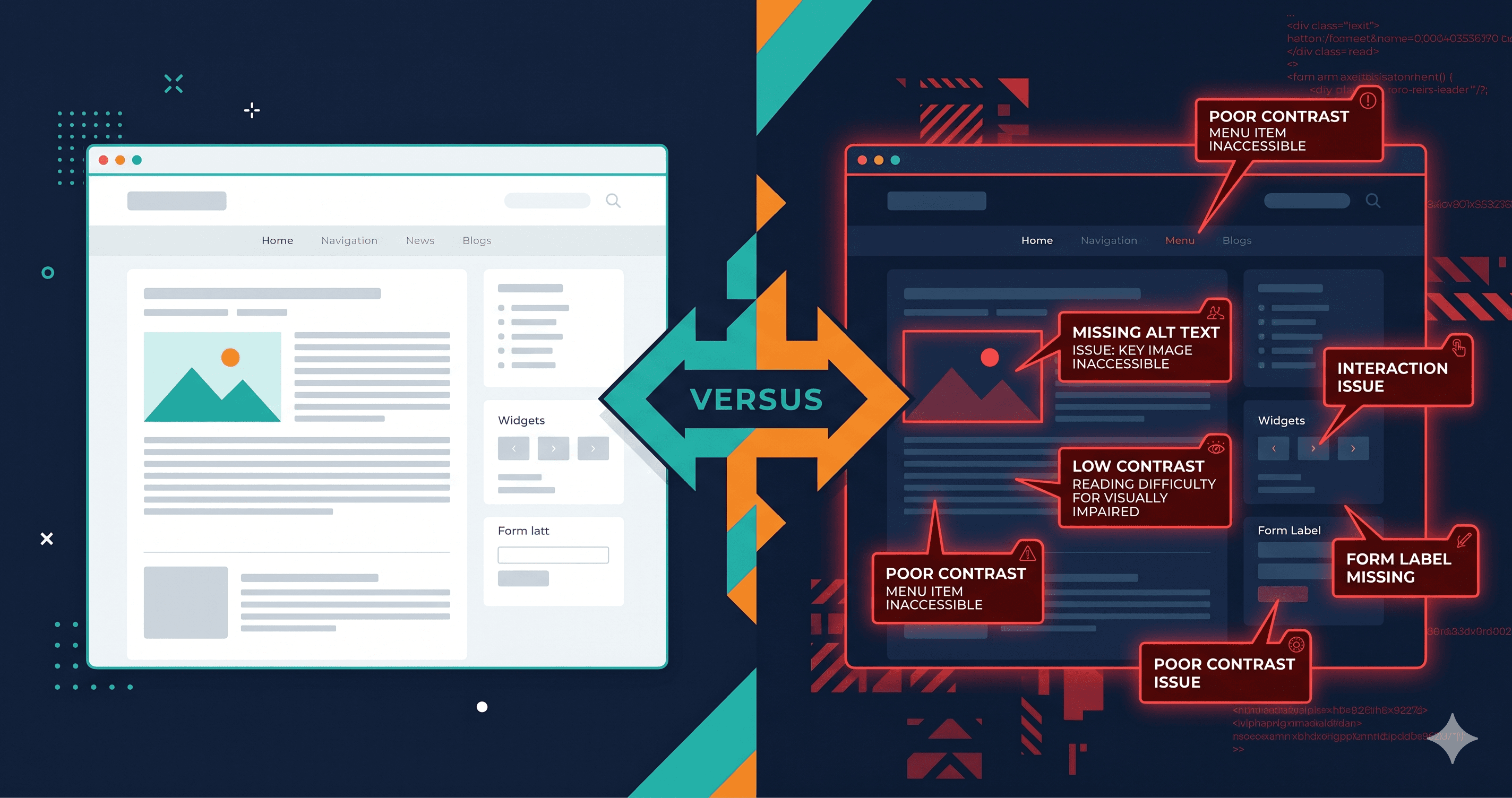
The failures in Wix stores cluster around several predictable areas. Here are the most common violations found when running an ada compliance checker against Wix-built stores:
| Element | Common Failure | WCAG Criterion | Fix Effort |
|---|
| ProGallery widget | Images without descriptive alt text | 1.1.1 Non-text Content | Low — edit in gallery settings |
| Wix Chat widget | Dialog not keyboard-accessible | 2.1.1 Keyboard | Medium — widget limitation |
| Slideshow widgets | Auto-advance without pause mechanism | 2.2.2 Pause, Stop, Hide | Medium — requires settings change |
| Background video | No pause control, no audio alternative | 1.2.5 Audio Description | High — design decision required |
| Template color themes | Brand colors below 4.5:1 contrast ratio | 1.4.3 Contrast (Minimum) | Medium — color change required |
| Wix Forms | Error messages not programmatically associated | 3.3.1 Error Identification / 4.1.3 | Medium — form configuration |
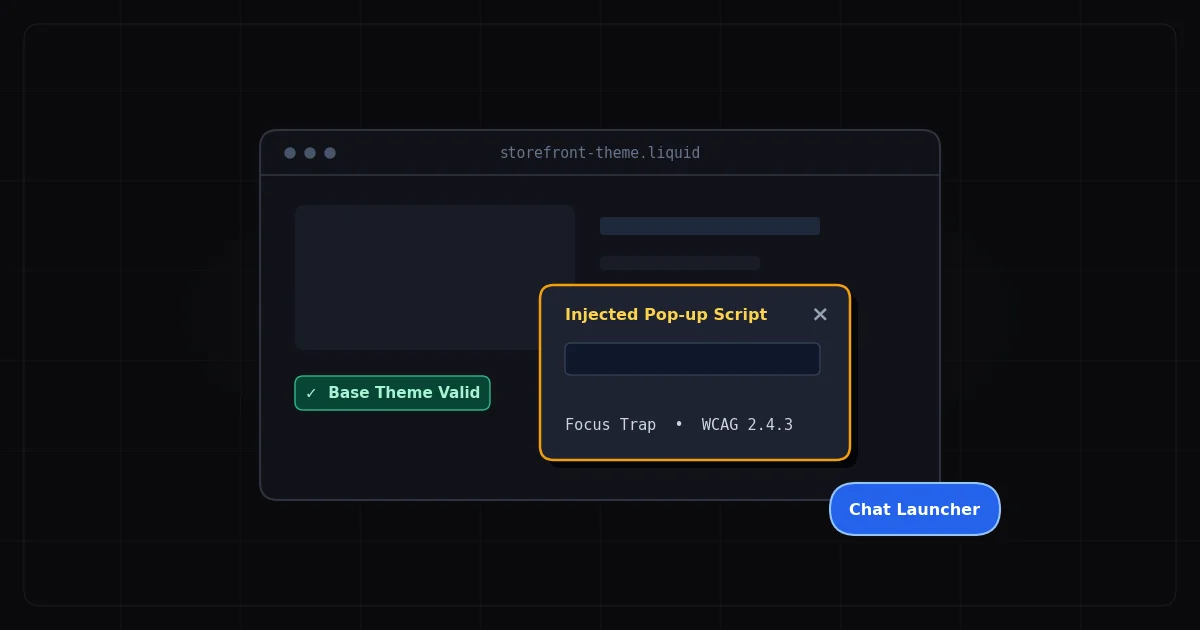
| Cart and checkout modals | Focus trap missing on dialog open | 2.1.2 No Keyboard Trap | High — platform limitation |
| Decorative dividers and icons | Missing aria-hidden | 4.1.2 Name, Role, Value | Low — HTML attribute |
The cart and checkout row deserves special attention. Only 11% of cart and checkout pages across the industry meet minimum WCAG standards (2025 eCommerce Accessibility Study). Wix's checkout flow is heavily JavaScript-driven with modal dialogs — and modals are among the hardest components to implement correctly for screen reader users. When a modal lacks proper focus management, a keyboard user can navigate into background content, completely losing their place in the checkout flow.
Wix's biggest accessibility liability is its App Market. The platform lists hundreds of third-party widgets: countdown timers, popups, review widgets, live chat, loyalty programs, booking systems, and more. Every one of these apps loads its own JavaScript into your store pages.
When a Wix App Market widget isn't keyboard-accessible or screen reader-compatible, your site fails — not the app developer's site. Plaintiffs sue site owners, not app vendors.
A website accessibility checker that renders JavaScript will catch these widget failures. A static HTML crawler won't — because the widget only appears after JavaScript executes. ADAGuard's scanner renders each page with a full JavaScript engine (Playwright-powered Chromium), replicating what a real screen reader user experiences, including all dynamic widget content.
The Color Contrast Trap
Wix's default template color palettes lean toward trendy minimalism: light grays, soft pastels, white text on brand-colored buttons. These look clean in design previews. They frequently fail WCAG 1.4.3.
WebAIM's 2025 analysis of one million home pages found low-contrast text on 79.1% of pages (WebAIM Million Report, 2025). Wix stores are statistically right in the middle of that figure. When you pick a Wix template, check the color contrast of every interactive element — buttons, links, navigation items — against the WCAG 4.5:1 ratio for standard text and 3:1 for large text before you go live.
What "Mobile-Friendly" Doesn't Mean
Wix heavily markets mobile optimization. Mobile-friendly and accessible are not the same thing. Screen readers on iOS (VoiceOver) and Android (TalkBack) follow WCAG guidance — they announce landmarks, headings, and ARIA roles. A site that looks perfect on a phone screen can still be completely unusable for a blind user on that same device.
ADAGuard's scanner tests the rendered DOM, not the visual layout. It checks ARIA attributes, heading structure, landmark regions, and keyboard focus order regardless of whether the page looks clean in Wix's mobile preview panel.
EAA and Your Wix Store
If you sell to customers in the EU, Wix's accessibility limitations create dual legal exposure. The European Accessibility Act — enforceable since June 28, 2025 — requires WCAG 2.1 AA compliance for all e-commerce platforms serving EU consumers. Non-compliance risks range from €100,000 per violation in Germany (BFSG, 2025) to €900,000 in the Netherlands (ACM, 2025).
Running two separate audits for ADA and EAA is inefficient: both frameworks reference WCAG 2.1 AA as the technical standard. One ADAGuard scan simultaneously covers your US ADA exposure and your EU EAA obligations.
Do Overlays Help?
Wix makes it easy to install accessibility overlay apps from its App Market. Here's the problem: in 2025, 1,416 companies using accessibility overlay widgets were sued — up 38% year-over-year (UsableNet, 2025). Overlays are increasingly recognized by plaintiffs' attorneys as a surface-level fix that doesn't address underlying WCAG failures in the DOM.
Fix the violations. Don't mask them.
How to Run a Proper Wix Compliance Audit
A thorough Wix accessibility audit needs to cover more than the homepage:
- Main navigation — keyboard behavior, focus visibility, mobile hamburger menu
- Product listing pages — alt text, filter keyboard accessibility
- Product detail pages — variant selection, add-to-cart keyboard flow
- All App Market widgets — run individually if possible, at minimum scan pages that contain them
- Complete checkout flow — guest and logged-in, with keyboard-only navigation
- Contact and booking forms — label association, error messages, CAPTCHA alternatives
ADAGuard's 23 check categories — including custom checks beyond axe-core for color contrast with computed CSS, ARIA validation, and heading structure — provide approximately 78% WCAG 2.2 AA automated coverage (43 of 55 criteria), well beyond what single-engine tools cover. This is the difference between finding 5 issues and finding 20.
The 30-Second Fix
Run your Wix store URL through ADAGuard's free ada compliance checker at adaguard.io — no account needed. You'll get a full scan with specific violations, WCAG criterion references, and the exact elements causing failures. Most Wix stores have between 8 and 20 detectable issues. Find them before a plaintiff does.