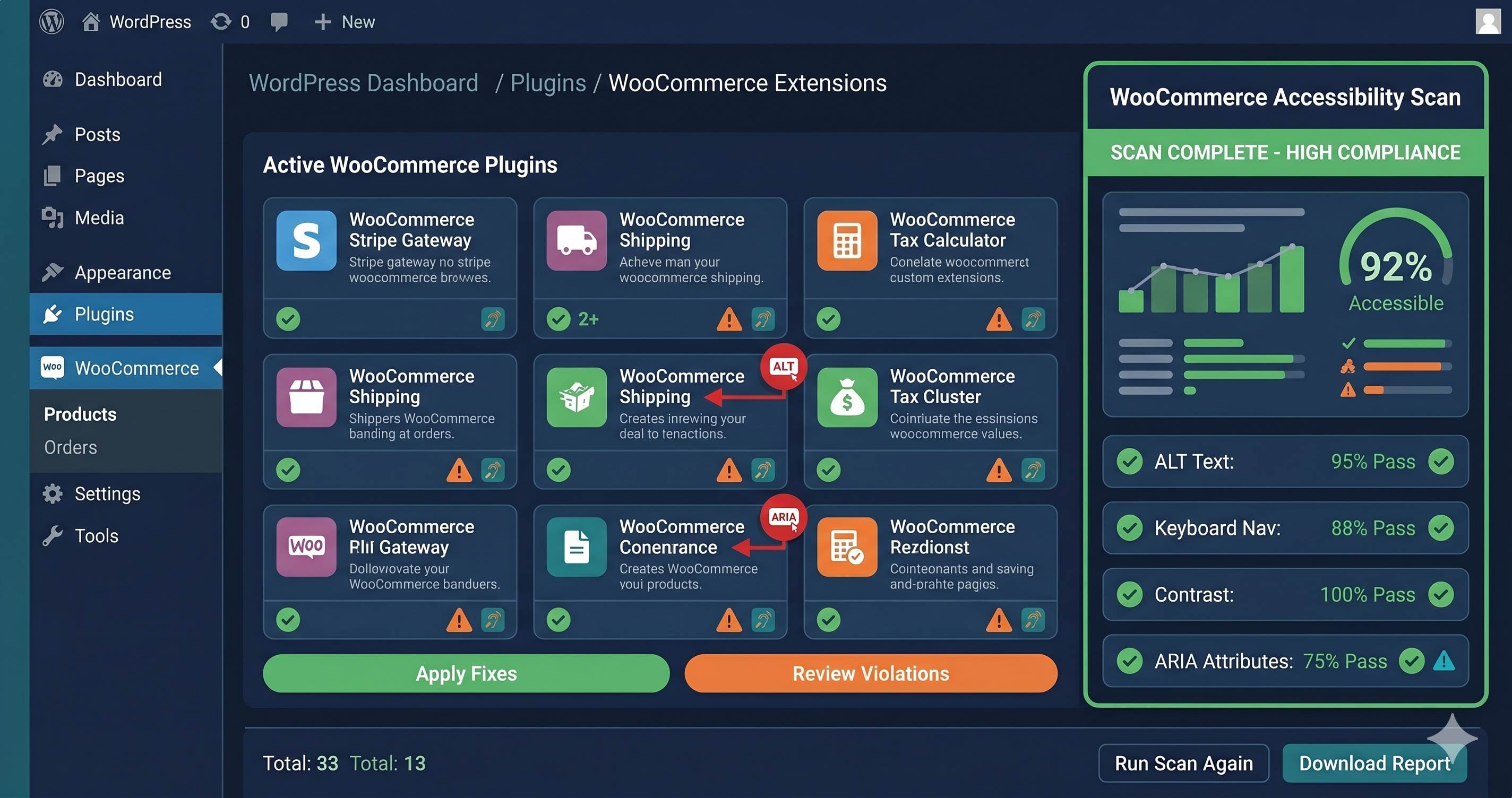
ADA demand letters targeting WordPress WooCommerce stores cite the same three violations with striking consistency: unlabeled form inputs in checkout, low color contrast in product grids, and keyboard traps in popup overlays — none of which are caught by the plugins most store owners install to "handle compliance." A $35,000 settlement starts with exactly the kind of violation that an accessibility widget claims to fix but doesn't.
WordPress powers roughly 43% of the web, and WooCommerce is the most widely deployed eCommerce platform in that ecosystem. That scale means WordPress stores are the single largest target group in ADA web accessibility litigation. In 2025, 4,800+ ADA lawsuits were filed against websites in the US (UsableNet, 2025 mid-year report), with e-commerce retailers representing nearly 70% of targets. A WordPress WooCommerce store — running a third-party theme, a page builder, a popup plugin, and several marketing apps — is a compliance liability in layers. Seeing all of those layers at once takes a WordPress accessibility checker that scans the rendered page rather than the editor.
What WordPress Accessibility Plugins Actually Do
Understanding the plugin market clearly matters before evaluating whether you're covered. WordPress accessibility plugins fall into two categories with very different coverage profiles.
Overlay widgets (several WordPress-compatible overlay plugins are available in this category) inject a floating toolbar that lets users adjust text size, contrast, and reading aids. These widgets operate on top of your existing DOM — they do not fix underlying code violations. They provide user-facing controls, not code remediation. In 2025, the FTC took enforcement action against an overlay vendor for making false compliance claims. Multiple law firms have specifically argued that sites running overlays are not exempt from ADA lawsuits — and several courts have agreed. The overlay vendor's own legal exposure does not transfer protection to your store.
Scanning plugins (WP ADA Compliance Check, WP Accessibility by Joe Dolson) audit your WordPress content for structural issues — missing alt text on images in the Media Library, improper heading hierarchy in posts, and basic ARIA errors. These are genuine, useful tools. WP Accessibility by Joe Dolson, maintained since 2011, addresses structural issues like missing skip links, focus indicators, and ARIA roles at the theme level. It's a solid starting point.
But neither category catches WooCommerce-specific violations in dynamically rendered components.
The WooCommerce Compliance Gap
WooCommerce is a JavaScript-heavy platform. The checkout flow, cart drawer, product variation selectors, search results, and filter sidebars all render via JavaScript after the initial HTML loads. A plugin scanning your WordPress database or static HTML template sees the skeleton of your store — not the accessibility reality that a blind user with a screen reader encounters.
Here are the violation categories that WooCommerce stores accumulate regardless of which plugins are installed:
Checkout form labeling: The WooCommerce checkout page collects billing and shipping information across a dozen or more fields. Theme customizations, Checkout plugins (WooCommerce Blocks, FunnelKit, CartFlows), and custom field additions frequently break the `` associations that screen readers depend on. The WebAIM Million 2025 report found 48.2% of homepages have unlabeled form inputs — WooCommerce checkout pages face the same structural risk, often worse.
Product variation selectors: WooCommerce variations (size, color, material) use JavaScript-rendered dropdowns that require proper ARIA attributes to be keyboard operable and screen reader accessible. Most themes and variation plugins do not implement these correctly. A blind user literally cannot select a product variation and add it to cart — which is a complete barrier to purchase and a textbook ADA violation.
Cart drawer and mini-cart: AJAX cart drawers that slide in from the side are among the most frequently cited elements in accessibility audits of Shopify and WooCommerce stores alike. When the drawer opens, focus must move to the drawer. When it closes, focus must return to the trigger. Without proper focus management and ARIA roles (role="dialog", aria-modal="true", aria-label), keyboard users are stranded.
Popup overlays and lead capture modals: Klaviyo, Privy, OptinMonster, and similar tools inject popups that must implement the full ARIA dialog pattern — including trapping focus inside the modal, providing an accessible close button, and restoring focus on dismissal. Most do not. Keyboard traps (WCAG 2.1.2) are a critical violation.
Page builder output: Elementor, Divi, Beaver Builder, and WPBakery generate markup that frequently contains duplicate IDs, empty links, non-semantic HTML, and broken heading hierarchies. These structural violations sit below the surface of visual design and are invisible until a scanner evaluates the rendered DOM.
The Violation Table: What Live-DOM Scanning Finds on WordPress Stores
| Element | Common Failure | WCAG Criterion | Fix Effort |
|---|---|---|---|
| Checkout form fields | Missing ` or brokenfor/id` association |
1.3.1, 4.1.2 | Easy–Medium |
| Product variation dropdowns | No ARIA role, not keyboard operable | 4.1.2, 2.1.1 Keyboard | Medium–Hard |
| AJAX cart drawer | No role="dialog", focus not trapped or managed |
4.1.2, 2.1.2 No Keyboard Trap | Medium |
| Lead capture popups | Keyboard trap on open, no accessible close button | 2.1.2, 4.1.2 | Medium |
| Product grid images | Decorative images with descriptive alt text (wrong) | 1.1.1 Non-text Content | Easy |
| Page builder output | Duplicate id attributes across page components |
4.1.1 Parsing | Easy |
| Heading structure | H2 → H4 skip in sidebar widgets, H1 used multiple times | 1.3.1 | Medium |
| Color contrast (theme) | Price text, sale badges, CTA buttons below 4.5:1 | 1.4.3 Contrast Minimum | Easy |
| Social icon links | <a> tags with icon only — no accessible text |
2.4.4 Link Purpose | Easy |
| Filter sidebar | Checkboxes without labels, custom toggles not keyboard-accessible | 1.3.1, 2.1.1 | Medium |
Why "I Ran a Scan and It Passed" Isn't Enough
The WooCommerce developer blog published a 2025 year-in-review of accessibility improvements made to WooCommerce core. The team documented real progress: improved focus management in the Cart block, better ARIA labeling in the Checkout block, improved keyboard navigation in product filters. These are genuine fixes to the platform's own code.
But WooCommerce core is not what most stores run. Most stores run WooCommerce plus a premium theme, a page builder, three or four marketing plugins, and a custom checkout extension. Each addition introduces new DOM structure that may not inherit the core accessibility improvements. A store that uses WooCommerce Blocks checkout instead of the classic checkout operates on a different code path with different accessibility characteristics.
The only way to know your actual compliance state is to scan the fully rendered DOM — including after WooCommerce has initialized, plugins have injected their components, and the JavaScript-rendered checkout, cart drawer, and product variations are live.
ADAGuard uses a real Chromium browser to load your WordPress store exactly as a user loads it, then evaluates the live DOM against 50+ WCAG checks across 23 categories — including checks that go beyond what axe-core alone catches. The result is a violation report that reflects your actual compliance risk, not the compliance risk of WooCommerce core in isolation.
Plugin Selection for a Defense-in-Depth Approach
If you're building a WordPress accessibility practice, the correct approach isn't one plugin — it's layers:
Structural foundation: WP Accessibility by Joe Dolson addresses skip links, focus indicators, and theme-level ARIA roles. Install it as a baseline for every WordPress site.
Content scanning: WP ADA Compliance Check Basic (free tier) or the Pro version scans post and page content for missing alt text, heading structure, and form label issues. Run this after content is published.
Live-DOM scanning: Neither of the above tools scans dynamically rendered WooCommerce components. Run your store's checkout URL, cart URL, and product page URLs through ADAGuard to capture violations in the rendered state that plugins cannot see. ADAGuard's authenticated scanning lets you test the post-login cart and checkout flows that represent your highest ADA exposure — the pages where a disabled user is blocked from completing a purchase.
What to Do When You Find Violations
When your ADAGuard scan returns violations, they fall into two fix categories: what your developer owns, and what the plugin vendor owns.
Plugin-generated violations (popup markup, variation dropdowns, cart drawer HTML) belong to the plugin vendor. Open a support ticket with the specific WCAG criterion numbers from your scan report — for example, "WCAG 2.1.2 No Keyboard Trap: focus is not trapped inside the popup modal." Plugin vendors prioritize accessibility bug reports from paying customers, especially when they reference specific criteria.
Theme and page builder violations belong to your developer or the theme author. For premium themes, accessibility bug reports filed with criterion numbers are typically resolved within one to two update cycles. For page builder output, the fix usually requires adjusting how the builder renders specific modules — your developer can make these changes without modifying the builder's core code.
The EAA adds a European compliance dimension. If your WooCommerce store ships to EU customers, the EAA requires WCAG 2.1 AA compliance for all digital services since June 28, 2025. France, Germany, and the Netherlands are actively issuing notices and warning letters to non-compliant retailers.
The 30-Second Fix
WordPress plugins are a starting point, not a finish line. The violations that generate ADA demand letters live in the rendered DOM — in your WooCommerce checkout, your cart drawer, your product variation selectors — not in the static HTML that plugins scan. Paste your store URL into ADAGuard and see exactly which violations are present on your live store. The report gives you WCAG criterion numbers, affected elements, and fix-difficulty ratings — everything your developer or plugin vendor needs to remediate. No signup required.