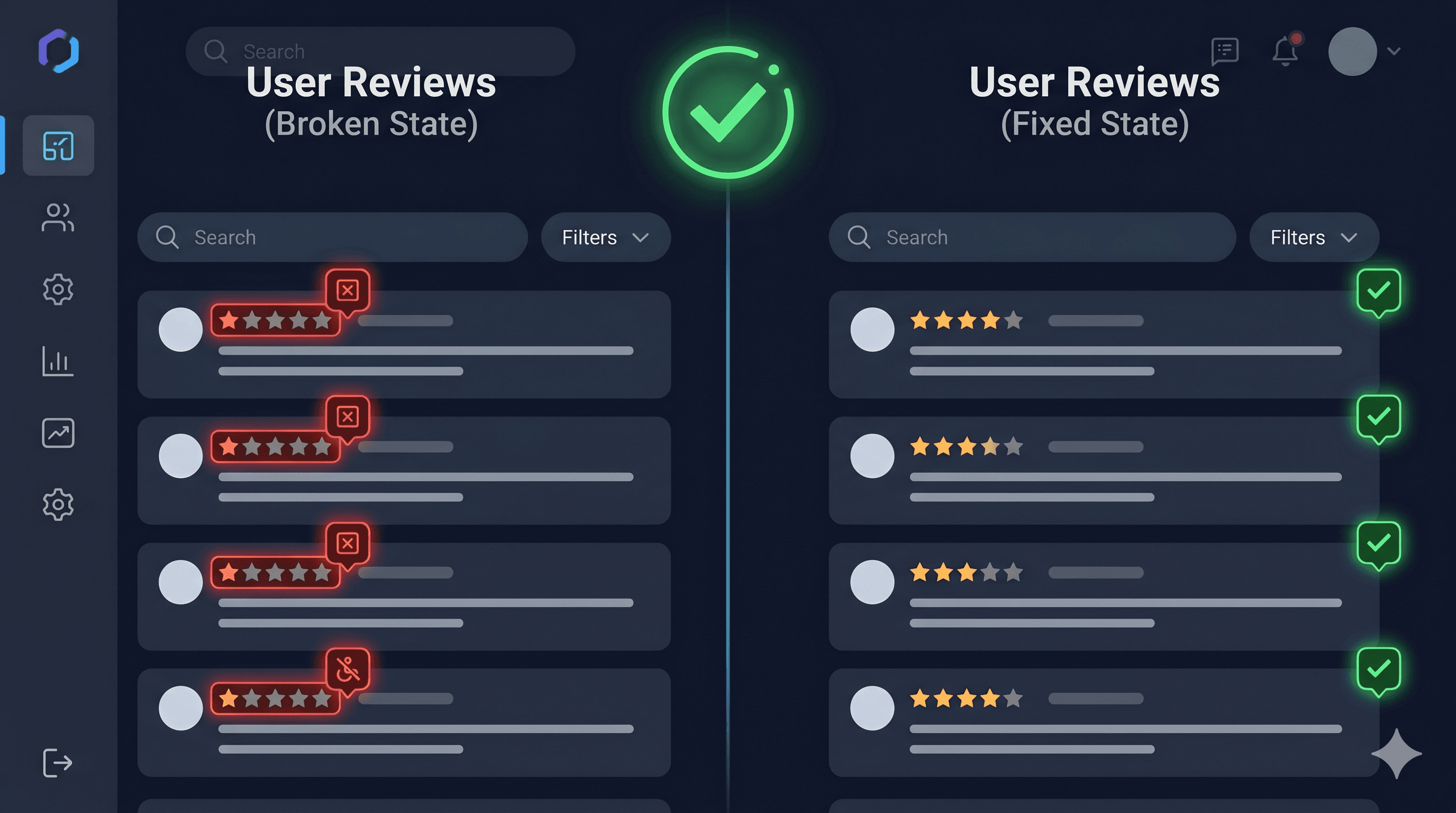
Yotpo's review widgets are WCAG 2.0 AA compliant out of the box — but customization breaks that compliance fast. Here's what merchants need to audit and fix in 2026.
Product review sections are one of the most consistently flagged elements in ADA demand letters — and Yotpo, which powers review widgets on hundreds of thousands of Shopify stores, is no exception. More than 4,800 ADA digital accessibility lawsuits were filed in the United States in 2025 according to UsableNet, a significant increase year-over-year, with product pages and user-generated content sections regularly cited as violation sources.
The problem isn't that Yotpo ignores accessibility. The problem is that the moment a merchant customizes colors, enables a carousel, or applies CSS overrides — which nearly every merchant does — the accessibility compliance Yotpo built in silently breaks. Yotpo's own documentation warns that applying Look & Feel customizations such as low-contrast color combinations can breach ADA compliance. Most merchants never read that warning.
Yotpo's Built-in Compliance and Its Limits
Yotpo acknowledges two important limitations in their own documentation. First, widgets that have not been updated since March 10, 2018, may not comply with ADA guidelines. If your store has been running Yotpo since before that date and you haven't migrated to the newer widget versions, your compliance status is immediately in question.
Second — and this is the critical one for most merchants — applying Look & Feel or CSS customizations such as low-contrast color combinations or enabling auto-scrolling on carousel widgets can breach ADA compliance. Yotpo says this explicitly. In practice, almost every merchant customizes their widgets to match their brand colors, which means almost every merchant has potentially broken the contrast compliance that Yotpo's default theme provides.
Yotpo has worked with Essential Accessibility as a partner on their newer review widget to meet ADA guidelines, and the new widget architecture is faster and better structured for accessibility. But it requires merchants to actively upgrade and avoid the customization pitfalls that reintroduce violations.
Common WCAG Violations in Yotpo Review Sections
Low contrast after color customization (WCAG 1.4.3)
This is the most common failure. When a merchant overrides Yotpo's default text color to match a brand palette, they frequently introduce contrast ratios below the WCAG 1.4.3 minimum of 4.5:1 for normal text or 3:1 for large text. A brand whose primary color is light grey, pastels, or soft tones is especially at risk. The star rating caption text, reviewer names, review dates, and "Verified Buyer" labels are all affected.
Auto-scrolling carousels (WCAG 2.2.2)
When auto-scrolling is enabled on a Yotpo review carousel, it violates WCAG 2.2.2 (Pause, Stop, Hide). Moving content that starts automatically and runs for more than five seconds must be pausable by the user. Auto-scrolling carousels also present a significant barrier to users with cognitive disabilities, attention disorders, or motion sensitivity — including people with vestibular disorders who experience motion sickness from scrolling animations.
Carousel controls without accessible names (WCAG 4.1.2)
Review carousels typically include "previous" and "next" arrow buttons. When these are icon-only buttons without aria-label attributes, screen readers announce them as unnamed buttons. Users navigating by keyboard or screen reader cannot tell what these controls do.
Photo gallery images without alt text (WCAG 1.1.1)
When customers upload photos with their reviews, those images typically receive empty or auto-generated alt text. Customer product photos often show the product in use — context that sighted users understand but screen reader users miss entirely. WCAG 1.1.1 requires text alternatives that convey the same information as the image.
Star rating not announced to screen readers (WCAG 1.3.1)
Visual star ratings are meaningful to sighted users but need to be expressed programmatically for screen reader users. If the star graphic is just an SVG or CSS without an accompanying text equivalent (e.g., "4.7 out of 5 stars, 342 reviews"), screen reader users cannot access the core social proof information that the widget provides.
Review form inputs improperly labeled (WCAG 1.3.1, 4.1.2)
The review submission form — write-a-review fields including star selection, headline, and review body — must have properly associated labels. If Yotpo's review form uses placeholder text in place of visible labels and those placeholders disappear on focus, users with cognitive disabilities may lose track of what each field requires. WCAG 1.3.1 and 4.1.2 both require programmatic label associations.
WCAG Violation Summary
Element
Common Failure
WCAG Criterion
Fix Effort
Customized text colors
Contrast ratio below 4.5:1
1.4.3 Contrast (Minimum)
Low
Auto-scrolling carousel
No pause or stop mechanism
2.2.2 Pause, Stop, Hide
Low
Carousel arrow buttons
No aria-label on icon controls
4.1.2 Name, Role, Value
Low
Customer review photos
Missing descriptive alt text
1.1.1 Non-text Content
Medium
Star rating display
No text equivalent (e.g., "4.5 out of 5")
1.3.1 Info and Relationships
Low
Write-a-review form
Inputs labeled by placeholder only
1.3.1, 4.1.2 Name, Role, Value
Low
Rating selection
Star click area has no keyboard support
2.1.1 Keyboard
Medium
Why User-Generated Content Is a Target
Product review sections are disproportionately represented in ADA demand letters for several reasons. They appear on product pages — the highest-traffic pages on most ecommerce sites. They involve interactive controls (rating submission, sort/filter, pagination). And critically, the content is dynamic — new reviews appear, carousels change, photo galleries expand. Dynamic content is harder to audit with static tools and harder to keep compliant over time.
The fact that Yotpo injects widget code through JavaScript means most static scanners miss these elements entirely. A monthly scan using a tool that only analyzes HTML source will never see your review widgets in their rendered state — and your compliance report will show clean results while your product pages remain inaccessible.
According to data from UsableNet, ecommerce accounts for 69–77% of all ADA web accessibility lawsuits. Review sections, ratings displays, and photo carousels are explicitly named in many demand letters as barriers encountered by visually impaired users.
Auditing Yotpo Widgets with ADAGuard
ADAGuard at adaguard.io renders the full JavaScript DOM before scanning — which means your Yotpo review widgets, star ratings, photo carousels, and review submission forms are all evaluated in their live, interactive state. ADAGuard applies both axe-core and 22 additional custom check modules, covering approximately 78% of WCAG 2.2 AA automatically.
Run a scan on your product pages specifically, since that's where review widgets load. The report will surface contrast failures in your customized color scheme, missing alt text on user-uploaded photos, unlabeled carousel controls, and form input association issues — all mapped to their specific WCAG criteria with severity ratings and recommended fixes.
Fixing the Most Common Issues
Fix carousel auto-scroll — disable it. Yotpo's Look & Feel settings allow you to turn off auto-scrolling on carousel widgets. Do this by default. If you need animation, ensure there's a visible pause button.
Fix star rating text equivalent:
[ HTML ]
<div role="img" aria-label="4.7 out of 5 stars based on 342 reviews">
  <!-- visual stars here -->
</div>
Fix carousel button labels:
[ HTML ]
<button aria-label="Previous reviews">
  <svg aria-hidden="true"><!-- left arrow --></svg>
</button>
<button aria-label="Next reviews">
  <svg aria-hidden="true"><!-- right arrow --></svg>
</button>
Fix contrast: After any Look & Feel customization, run a contrast check. Use ADAGuard or the WebAIM Contrast Checker to verify all text in your review section meets 4.5:1. Focus particularly on secondary text — dates, reviewer names, verified buyer labels — which often get styled in muted colors that fail the threshold.
For customer-submitted photos, consider adding a prompt in Yotpo's review form asking customers to describe their image — this won't fix the alt text technically, but adds context you can use programmatically.
The 30-Second Fix
Scan your most important product pages right now at adaguard.io — no account required. The live DOM scanner will render your Yotpo review widgets in their actual state and surface every WCAG violation before a plaintiff firm finds it. If you've customized your widget colors or enabled carousels, expect to find contrast and motion violations at minimum.