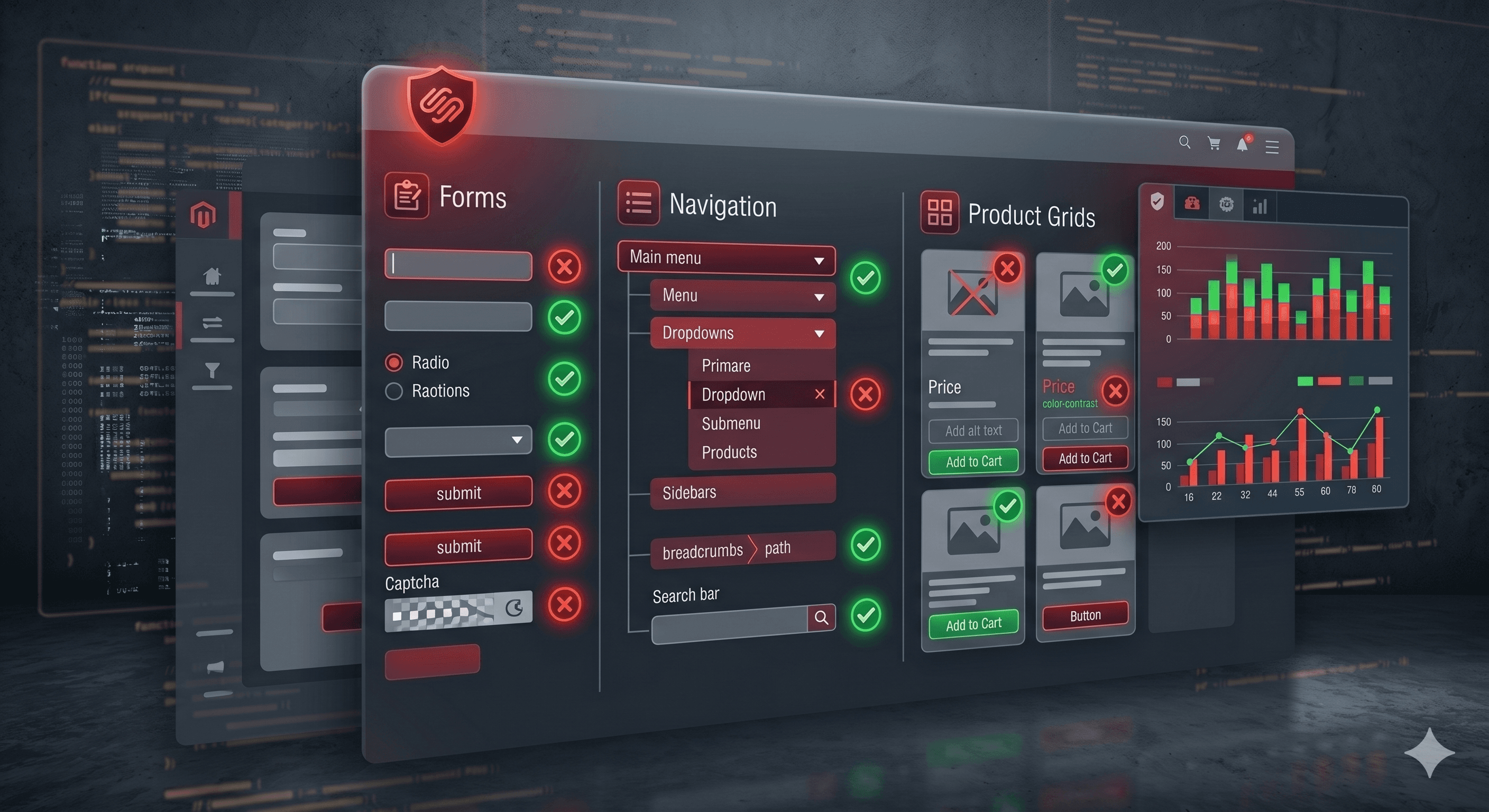
Adobe Commerce (formerly Magento) gives developers complete control over the codebase — and complete responsibility for every accessibility failure that results. Unlike SaaS platforms that at least ship accessible defaults, Magento has no safety net: every accessibility decision, from product page structure to checkout keyboard behavior, is a deliberate engineering choice, and when it isn't deliberate, it's usually a WCAG violation.
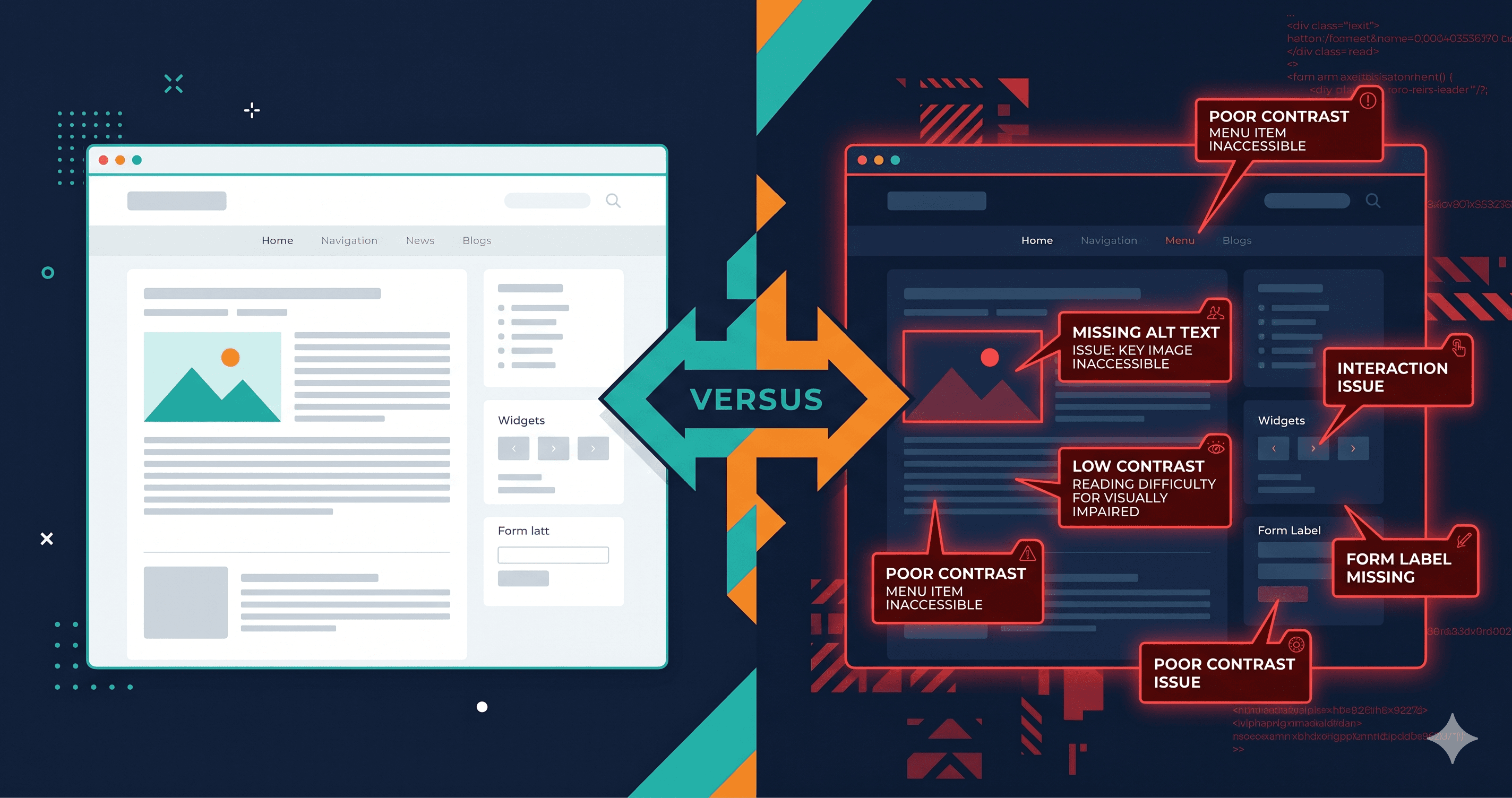
WCAG 2.2 is the active global standard, and the European Accessibility Act's enforcement since June 28, 2025 has made it the de facto requirement for any store selling to EU consumers. Running a wcag checker against a default Magento 2 Luma theme reveals dozens of violations before a single line of custom code is written.
According to WebAIM's 2025 Million Report, 95.9% of website home pages have detectable WCAG failures (WebAIM, 2025). Enterprise platforms with sophisticated dev teams are not inherently protected — and in 2025, ADA digital accessibility lawsuits rose significantly year-over-year to over 4,800 cases across US federal and state courts, with e-commerce representing nearly 70% of filings (UsableNet, 2025).
This page is a quick-reference checklist. For the full step-by-step audit methodology — navigation, layered filtering, checkout ARIA problems, and authenticated testing — see our Magento Accessibility Audit guide.
Why Adobe Commerce Stores Are Uniquely at Risk
Adobe Commerce does not offer preset accessible themes or a built-in accessibility scanner. Unlike Shopify or Wix — which at least ship templates with some accessibility baked in — Magento's heritage is as a developer framework. Accessibility is treated as a customization concern, not a platform default.
The result: most Magento stores are built by agencies or in-house teams who are expert in performance, catalog management, and payment integrations — but who may not have formal WCAG training. Violations accumulate across customizations, third-party extensions, and daily content editor decisions.
The WCAG 2.2 Checklist for Adobe Commerce
Use this checklist when auditing a Magento or Adobe Commerce store. For each area, the table maps the element to its common failure, the relevant WCAG criterion, and the fix effort required:
| Element | Common Failure | WCAG Criterion | Fix Effort |
|---|
| Product images | Missing or placeholder alt text ("product_123.jpg") | 1.1.1 Non-text Content | Low — content team fix |
| Color/size swatches | Not keyboard-accessible, no ARIA label or role | 2.1.1 Keyboard / 4.1.2 Name, Role, Value | Medium — JS enhancement required |
| Add to Cart button | Insufficient color contrast (common ratio: 4.2:1) | 1.4.3 Contrast (Minimum) | Low — CSS color value change |
| Checkout form fields | Labels not programmatically associated with inputs | 1.3.1 Info and Relationships | Medium — HTML label refactor |
| Inline error messages | Not announced to screen readers on form submission | 4.1.3 Status Messages | Medium — ARIA live region |
| Product filter panel | Focus lost after filter selection | 2.4.3 Focus Order | Medium — JS focus management |
| Layered navigation checkboxes | Checked state not communicated via ARIA | 4.1.2 Name, Role, Value | Medium — ARIA attributes |
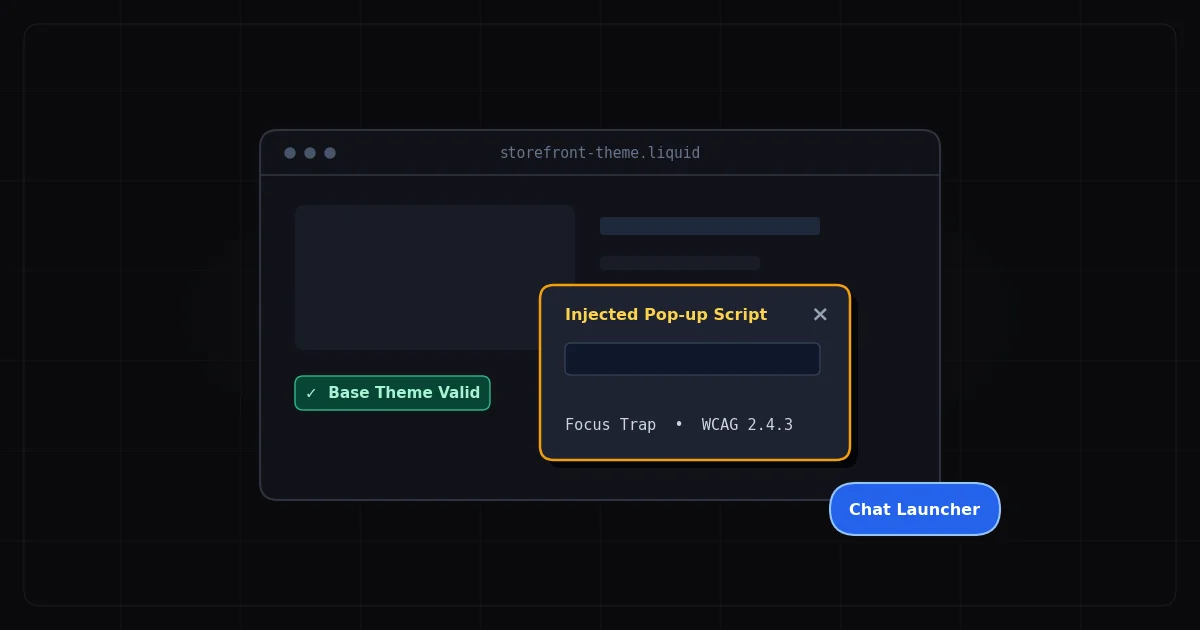
| Minicart popup | Focus not trapped within modal dialog | 2.1.2 No Keyboard Trap | High — modal focus management |
| Quick-view product modals | Dialog not keyboard-accessible | 2.1.1 Keyboard | High — component rebuild |
| Category breadcrumb nav | Unlabeled `` landmark | 2.4.6 Headings and Labels | Low — add aria-label |
| Flash sale countdown timers | No pause or stop mechanism | 2.2.2 Pause, Stop, Hide | Medium — design/dev decision |
| Decorative CMS block images | Alt text present when it should be empty | 1.1.1 Non-text Content | Low — set alt="" |
The Swatch Problem in Detail
Product attribute swatches — color swatches, size tiles — are among the most frequently cited WCAG failures in Adobe Commerce audits. Default Magento 2 swatches are <div> elements styled to look like interactive controls. They are not keyboard-focusable by default, carry no ARIA roles, and are not announced meaningfully by screen readers.
A user navigating by keyboard cannot select "Blue, Size M" without significant custom JavaScript work. This violates WCAG 2.1.1 (Keyboard) and 4.1.2 (Name, Role, Value) simultaneously — and it's a critical barrier for users with motor disabilities who rely entirely on keyboard navigation.
The fix requires adding tabindex="0", role="radio", appropriate aria-label attributes for each option, and keyboard event handlers for Enter and Space. It's a medium-effort fix — realistically an afternoon of developer time — but it must be applied to every swatch widget variant in the theme.
Checkout: The Highest-Risk Zone
Only 11% of cart and checkout pages across the industry meet minimum WCAG standards (2025 eCommerce Accessibility Study). Magento's checkout is a React-based, multi-step wizard with dynamic form validation — precisely the kind of JavaScript-heavy interface that generates the most accessibility failures.
Common checkout violations include: inline error messages that appear visually but are never announced to screen readers (requires aria-live="polite" regions); required field indicators that rely on color alone — a red asterisk without accompanying "Required" text — violating WCAG 1.4.1 (Use of Color); and modal dialogs for shipping address confirmation that don't trap focus correctly, allowing keyboard users to navigate into background content.
A wcag checker that executes JavaScript and tests the live checkout flow — not just the HTML source — is essential here. ADAGuard's authenticated scanning can navigate through a logged-in Magento checkout step-by-step and test each screen, catching dynamic errors that static scanners miss entirely.
WCAG 2.2-Specific Requirements for Adobe Commerce
WCAG 2.2 adds several criteria that Adobe Commerce developers need to audit explicitly, as most older Luma-based themes predate these requirements. (See our WCAG 2.2 compliance overview for the complete criteria list beyond the Commerce-specific ones below.)
2.4.11 Focus Appearance (AA) — focused UI components must have a focus indicator at least 2px thick with a minimum 3:1 contrast ratio against adjacent colors. Many Magento themes use the browser default outline, which frequently fails when applied over custom color schemes.
2.5.7 Dragging Movements (AA) — any functionality requiring dragging must have a single-pointer alternative. Drag-to-compare product widgets and slider-based filter ranges are common Magento patterns that may need alternatives.
2.5.8 Target Size Minimum (AA) — interactive targets must be at least 24×24 CSS pixels. Small color swatch tiles and icon-only buttons (wishlist, compare) commonly fall below this threshold.
3.2.6 Consistent Help (A) — help mechanisms (live chat, support links) must appear in consistent locations across pages. Floating live-chat widgets that shift position between the PDP and checkout violate this.
Extension and Module Risk
Adobe Commerce's extension ecosystem is a major compliance liability. There are thousands of modules available via the Commerce Marketplace, but very few publish accessibility conformance reports. When you install a third-party extension for product recommendations, loyalty points, or review collection, you inherit its accessibility debt along with its features.
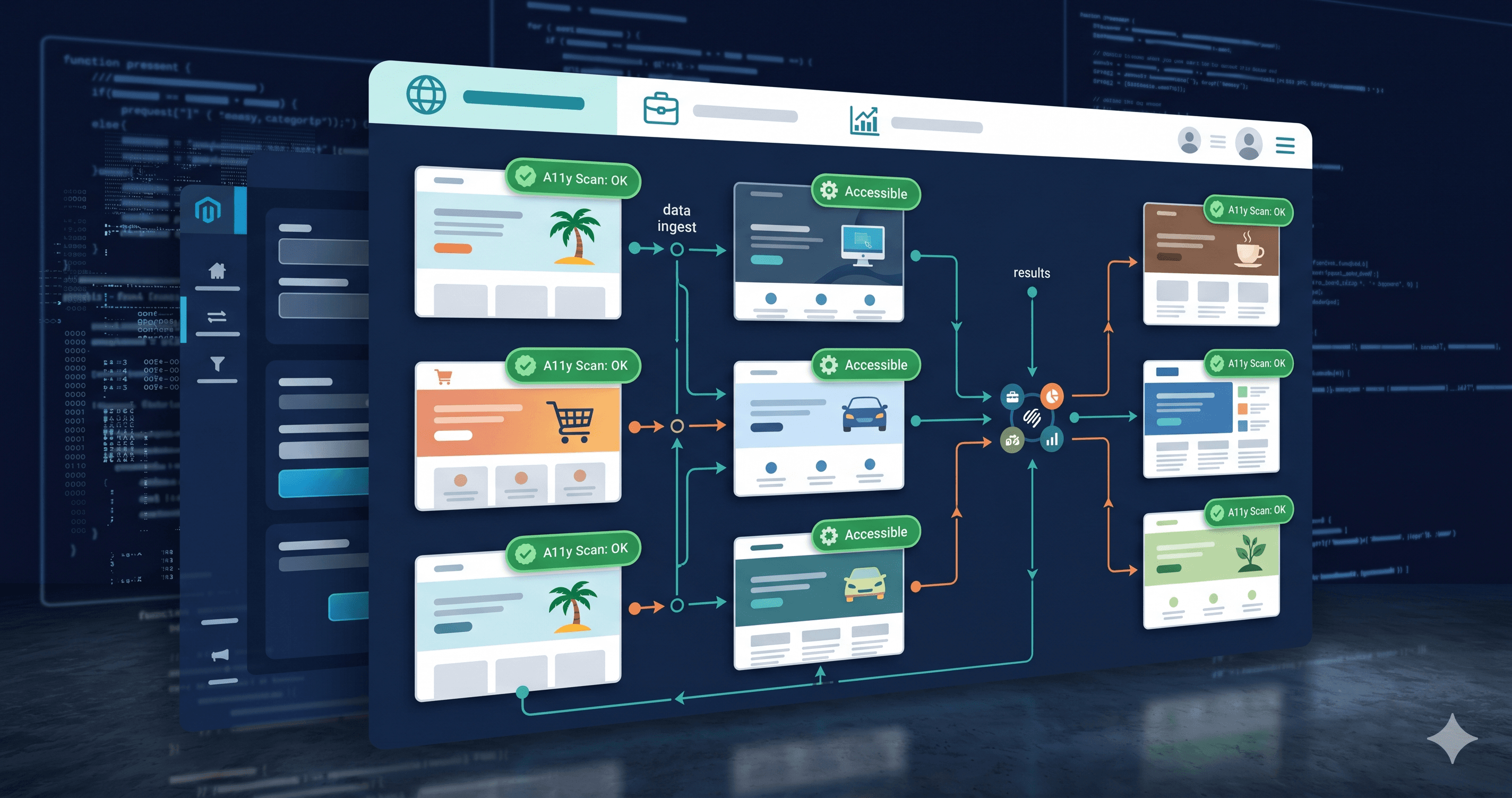
The prudent approach: after installing any new extension, run a website accessibility checker against every page type the module affects. ADAGuard's scanner covers 23 automated check categories including ARIA validation, color contrast with computed CSS values, keyboard focus order, and heading structure — giving you an immediate read on whether a new module introduced regressions.
EAA and Adobe Commerce Stores
If your Adobe Commerce store serves EU customers, the EAA requirement (WCAG 2.1 AA via EN 301 549) applies to all new-to-market functionality since June 28, 2025. The remediation clock for existing products runs to June 28, 2030 — but enforcement is already active. The Netherlands can fine up to €900,000 or 1–10% of annual turnover; Spain up to €1,000,000 for very serious violations (European Commission EAA enforcement data, 2025).
One ADAGuard scan covers both your US ADA and EU EAA requirements simultaneously — WCAG 2.2 AA is the shared technical standard for both frameworks. There's no need to maintain separate audit programs for each regulatory regime.
The 30-Second Fix
A full Adobe Commerce WCAG 2.2 audit typically requires days of manual testing by accessibility specialists. Start with the automated baseline: paste your store URL into ADAGuard's free wcag checker at adaguard.io — no signup required. ADAGuard's 22 custom check categories and axe-core integration will surface your highest-priority violations within minutes, with specific element references and WCAG criterion codes. Fix those first, then layer in manual testing for the checklist items above that require human judgment.</div>