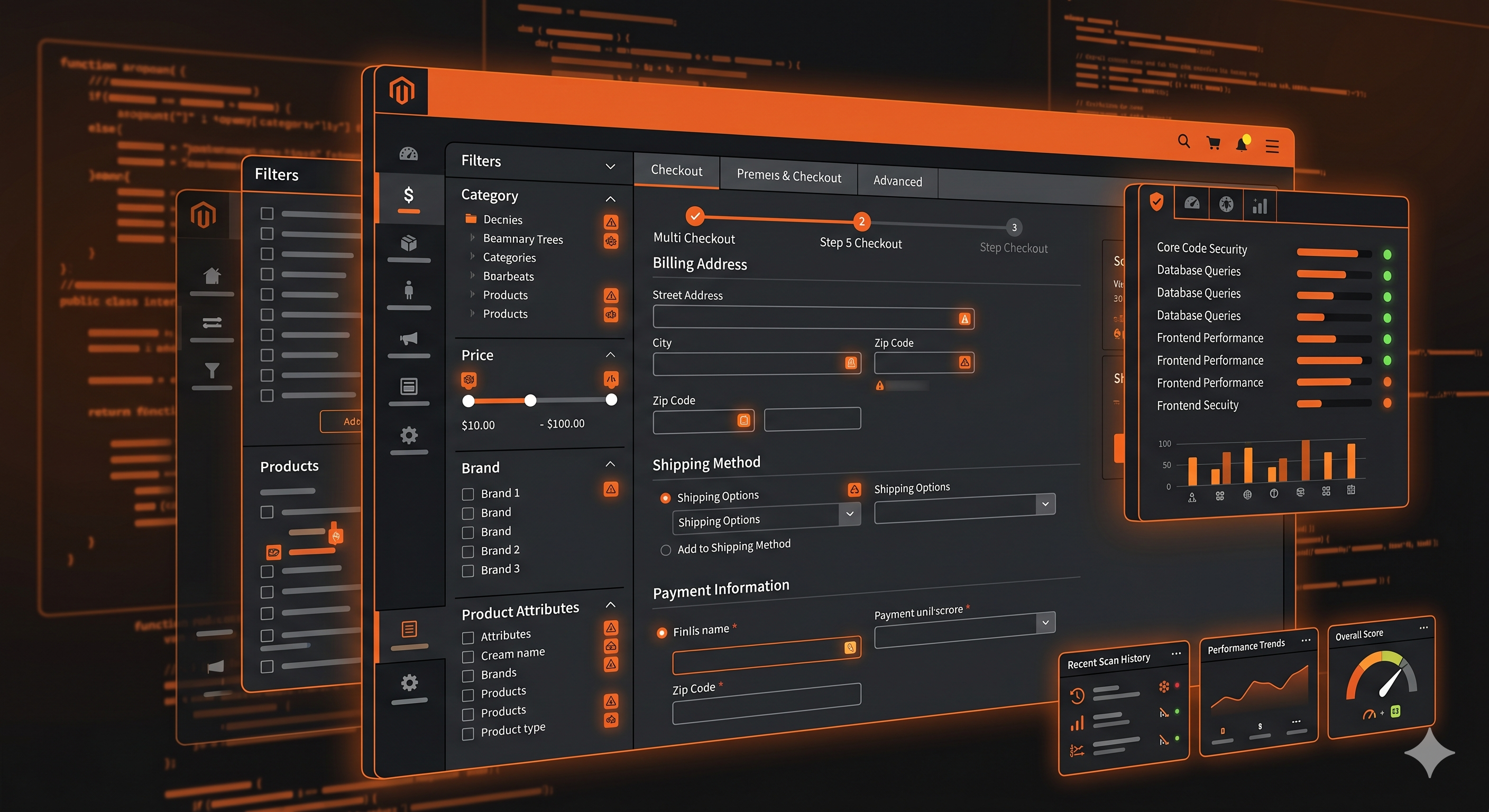
Magento stores are disproportionately sued for ADA non-compliance relative to their market share — and there's a structural reason for it. Enterprise e-commerce means higher average order values, more sophisticated customers, and legal teams that know their rights. A screen reader user who can't complete a purchase on your $50,000 average-order-value B2B storefront has every reason to pursue legal action. Courts have consistently treated WCAG 2.1 AA as the de facto standard for web accessibility under the ADA — even though no DOJ regulation formally requires it for private businesses like Magento retailers.
Here's how to audit a Magento or Adobe Commerce installation the right way.
Want a fast reference table instead of the full walkthrough? Our Adobe Commerce WCAG 2.2 Checklist maps specific elements to WCAG criteria and fix effort — including the new WCAG 2.2 criteria (2.4.11, 2.5.7, 2.5.8, 3.2.6).
The Magento Accessibility Problem Is Architectural
Magento's strength — its modular, extensible architecture — is also its accessibility liability. Every module, every third-party extension, every custom theme override adds HTML to the DOM that no one audited for accessibility. Adobe has improved core Magento's markup in recent versions, but the ecosystem of 4,000+ extensions on the Magento Marketplace is essentially an accessibility Wild West.
The violations that appear in Magento audits consistently fall into five categories: navigation and skip links, layered navigation (the left-side product filter), mini-cart AJAX interactions, checkout multi-step flow, and custom extension output.
Navigation: The First Failure Every Screen Reader User Hits
Magento's default Luma theme includes a skip navigation link, but many custom themes remove it or implement it incorrectly. A skip link that isn't visible on keyboard focus, or that links to a #content anchor that doesn't exist in the page, is worse than no skip link — it creates false confidence while providing no actual navigation shortcut.
Your scan report will flag missing or broken skip links as a WCAG 2.4.1 (Bypass Blocks) failure. Whether your custom theme has implemented the target anchor correctly is something that varies installation to installation and needs to be checked against the live rendered DOM.
Layered Navigation: Magento's Worst Accessibility Feature
Magento's layered navigation — the attribute-based filtering sidebar on category pages — is one of the most complex accessibility failure points in any e-commerce platform. The default implementation has several compounding problems: filter options are rendered as <a> links rather than checkboxes, so screen reader users in Forms mode can't interact with them as expected. When filters are applied and the product grid reloads via AJAX, nothing is announced to screen readers — the result count changes silently. And "Clear All" links lack context that tells users what they're clearing.
These violations map to WCAG 2.1.1 (Keyboard), 4.1.2 (Name, Role, Value), and 4.1.3 (Status Messages). The layered navigation is a particularly high-priority area for Magento audits because it's deeply integrated into the purchase path — a screen reader user who can't filter by size or color effectively can't shop.
Checkout: Where Magento's Complexity Bites Hardest
Magento's multi-step checkout (Shipping → Payment → Review) is a complex Knockout.js SPA where steps are shown and hidden dynamically, form fields render based on region selection, and validation errors appear asynchronously. Three violations appear in virtually every Magento checkout audit.
First, there's no accessible step progress indicator — nothing tells a screen reader user which step they're on or how many remain (WCAG 2.4.8). Second, payment method radio buttons lack a and ``, so users hear "Visa, selected" with no context about what they're selecting (WCAG 1.3.1). Third, the checkout error notification area isn't a live region, so screen reader users filling out address fields never hear the validation errors that appear at the top of the form (WCAG 3.3.1).
These three violations alone are sufficient to generate an ADA demand letter for a Magento store. Your scan report will confirm which are present in your specific installation.
Scanning Magento: Why Standard Tools Miss the Important Stuff
Here's the uncomfortable truth about most Magento accessibility audits: they don't test what actually matters.
A scanner that fetches HTML without executing JavaScript will miss almost every Magento violation. The layered navigation renders via JavaScript. The checkout form builds dynamically. Extension-injected modals appear only after user interaction — or after timed delays. Error messages appear asynchronously.
ADAGuard's scanner renders Magento pages in a real Chromium browser, waits for JavaScript execution, and runs 23 automated check categories on the fully-rendered DOM. That's how you catch the filter widget violations, the checkout ARIA problems, and the extension-injected image sliders with broken keyboard trapping.
More importantly: your logged-in customer experience — the checkout flow, the saved addresses, the order history — exists behind authentication. A scanner that can't log in can't test it. ADAGuard's authenticated scanning navigates the login flow with real credentials and scans every page a logged-in customer would see. For B2B Magento installations with account-gated pricing, custom quote workflows, and company account management, this is the only way to get an accurate compliance picture.
Prioritising Your Magento Audit Findings
Not all violations are equal. When planning remediation, organise findings by risk:
| Priority | Violation Type | WCAG Criterion | Risk Level |
|---|---|---|---|
| Critical | Checkout form missing labels | 1.3.1, 4.1.2 | Lawsuit target |
| Critical | Images missing alt text | 1.1.1 | Lawsuit target |
| Critical | Color contrast failures on CTAs | 1.4.3 | Common citation |
| High | Layered nav keyboard inaccessibility | 2.1.1 | Lawsuit target |
| High | AJAX updates not announced | 4.1.3 | Common complaint |
| Medium | Skip navigation broken | 2.4.1 | Audit finding |
| Medium | Focus order illogical | 2.4.3 | Audit finding |
| Low | Missing page titles on step views | 2.4.2 | Audit finding |
Fix Critical items first — they're the most common basis for ADA demand letters and lawsuits. The DOJ's web accessibility guidance explicitly cites checkout flows and product purchase paths as priority areas.
Magento isn't unique in this regard — see our ecommerce accessibility checker guide for the violation patterns that repeat across every major commerce platform.
The Cost Argument for Enterprise Teams
Magento is predominantly used by mid-market and enterprise brands. At that scale, an ADA lawsuit isn't just a nuisance — it's a brand event. Settlement demands in e-commerce ADA cases regularly reach $50,000–$150,000 once attorney fees are included.
Professional accessibility audits from specialist firms cost $5,000–$20,000 for a Magento audit of reasonable scope. Annual monitoring from enterprise tools like Siteimprove runs approximately $28,000/year.
ADAGuard covers both ADA compliance and Section 508 requirements, runs 50+ automated checks including bonus WCAG AAA criteria (2.5.5, 2.3.3, 2.4.13) on every plan, and costs $1,290/year on the Professional plan — or nothing on the Free plan for a first look.
The 30-Second Fix
Start with a free scan. Paste your Magento store URL at adaguard.io — no signup required — and get a violation report in under a minute. You'll see which WCAG criteria you're failing, which elements are affected, and severity ratings that help you prioritise remediation.
For your authenticated checkout flow, the Professional plan's authenticated scanning will log in and test the pages that really matter — the ones your customers actually use to spend money, and the ones that attract the most legal attention.