WooCommerce and the European Accessibility Act: A Developer's Fix Guide
WooCommerce stores selling to EU customers face EAA enforcement now. Here's where the violations hide in WooCommerce themes, plugins, and checkout — and how to find them systematically.
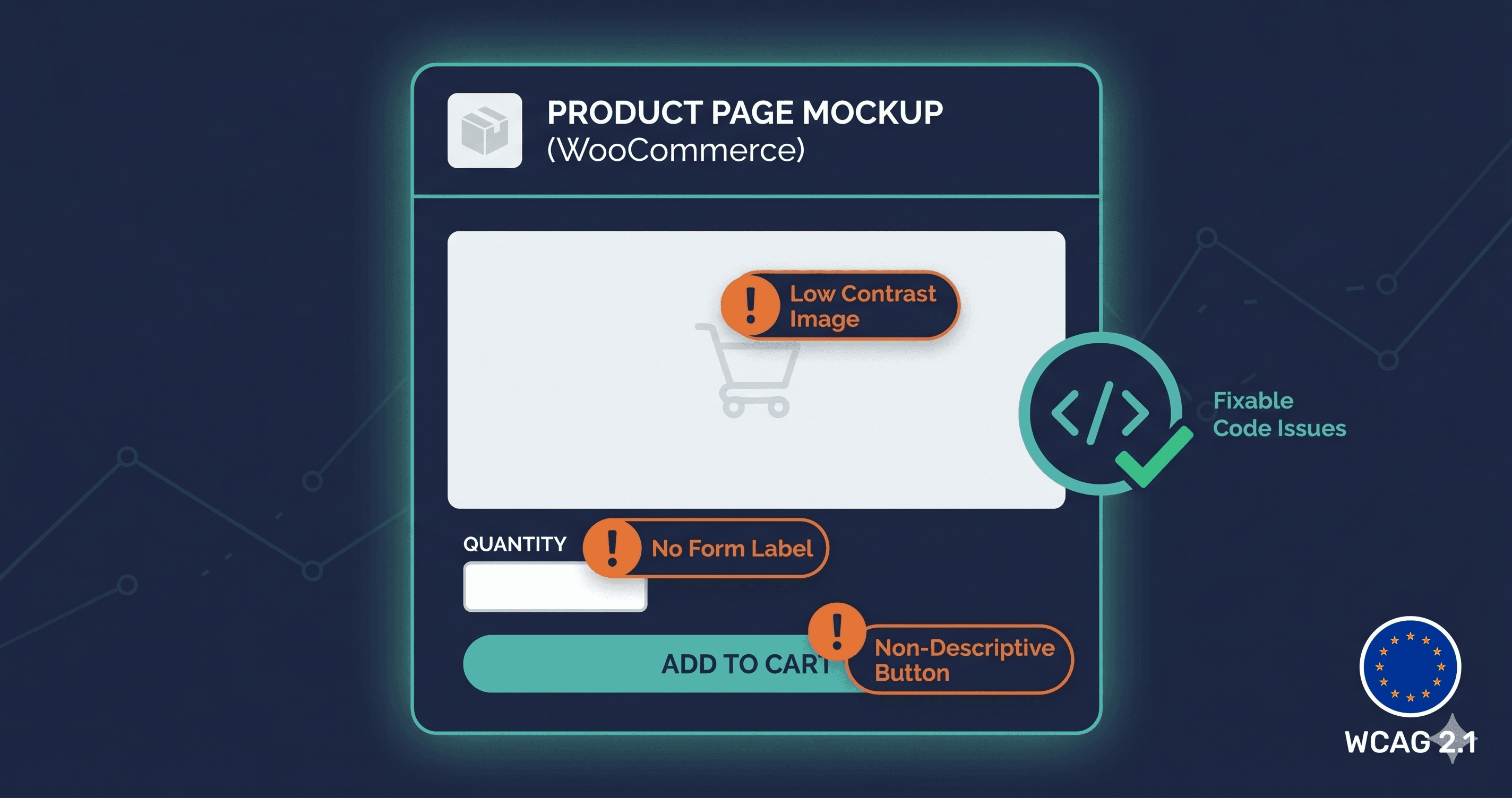
WooCommerce stores serving EU customers have been inside EAA enforcement scope since June 28, 2025. That means your product pages, your cart, your checkout form, your plugin-injected components, and your theme's visual design are all subject to EN 301 549 — the EU standard that requires WCAG 2.1 Level AA compliance.
WooCommerce is the most flexible e-commerce platform on the web, which is precisely why it's the hardest to make EAA compliant. Flexibility means every store is different. A WooCommerce store running Flatsome theme with WooCommerce Subscriptions, a custom product configurator, and two page builder sections has a completely different accessibility profile than one running Storefront with default WooCommerce blocks. There is no single WooCommerce WCAG checklist that applies to every store. There's only your store — and whether it passes or fails when an enforcement authority audits the live DOM.
For the full EAA requirements beyond WooCommerce specifics, see our EAA compliance hub.
Why WooCommerce Compliance Is Harder Than It Looks
WooCommerce relies on WordPress, and WordPress relies on themes and plugins — which is why a WordPress accessibility checker has to test the page as the browser finally renders it, not as the editor shows it. Each layer introduces its own accessibility characteristics:
Theme layer: Most premium WooCommerce themes prioritize visual design over semantic HTML. Features like sticky headers, mega menus, off-canvas sidebars, and animated product sections frequently lack proper ARIA attributes, break keyboard navigation, or produce color contrast failures. A theme that "supports accessibility" according to its product page may still generate dozens of WCAG violations when scanned against a live site with real products and real content.
Plugin layer: WooCommerce has thousands of plugins. Payment gateways inject their own iframes and form fields. Subscription plugins add portal pages. Review plugins add rating widgets. Wishlist plugins add icon buttons. Chatbot plugins add floating overlays. Each plugin brings its own accessibility risk — and plugin updates can introduce new violations at any time.
Content layer: Alt text, heading hierarchy, descriptive link text, and language declarations are content-level attributes. Developers can build accessible templates; content teams can still undo that accessibility by entering products without alt text or copying in blocks of content with broken heading structure.
Checkout layer: WooCommerce's checkout is notoriously complex. The standard checkout page processes form validation, payment method switching, shipping calculations, and coupon application — all dynamically. Many of these interactions involve ARIA live regions, focus management, and error announcements that are easy to break and easy to miss in testing.
Where the Violations Actually Are
A live-DOM scan of a typical WooCommerce store reveals a consistent set of violations concentrated in the same components. Here's what appears most frequently and what WCAG criterion applies:
Component
Common Violation
WCAG Criterion
Fix Tier
Product images
Missing or decorative alt text
1.1.1 Non-text Content
Content (your team)
Product page CTAs
Insufficient color contrast on "Add to Cart"
1.4.3 Contrast (Minimum)
Theme CSS
Product variation selectors
No accessible name on color/size swatches
4.1.2 Name, Role, Value
Theme or plugin code
Navigation menus
Missing focus indicators
2.4.7 Focus Visible
Theme CSS
Checkout form
Unlabeled inputs for email, address, phone
1.3.1 Info and Relationships
WooCommerce template
Checkout form
Error messages not programmatically linked
1.3.1 + 4.1.3
WooCommerce hooks
Payment iframe (Stripe/PayPal)
Keyboard navigation breaks in iframe context
2.1.1 Keyboard
Payment gateway vendor
Modals and overlays
Keyboard trap on open
2.1.2 No Keyboard Trap
Plugin vendor
Product filter widgets
Checkboxes not keyboard accessible
2.1.1 Keyboard
Plugin or theme
Search bar
Missing visible label
2.4.6 Headings and Labels
Theme template
Review widgets
Inaccessible star rating inputs
4.1.2 Name, Role, Value
Review plugin vendor
Page language
Missing lang attribute on ``
3.1.1 Language of Page
WordPress settings or theme
The single most fixable high-impact item — missing alt text on product images — is also the most commonly missed. A WooCommerce catalog with hundreds of products entered by different team members over multiple years will typically have inconsistent alt text coverage: some images fully described, some with filename-as-alt-text, and some with no alt text at all.
The EAA Enforcement Context
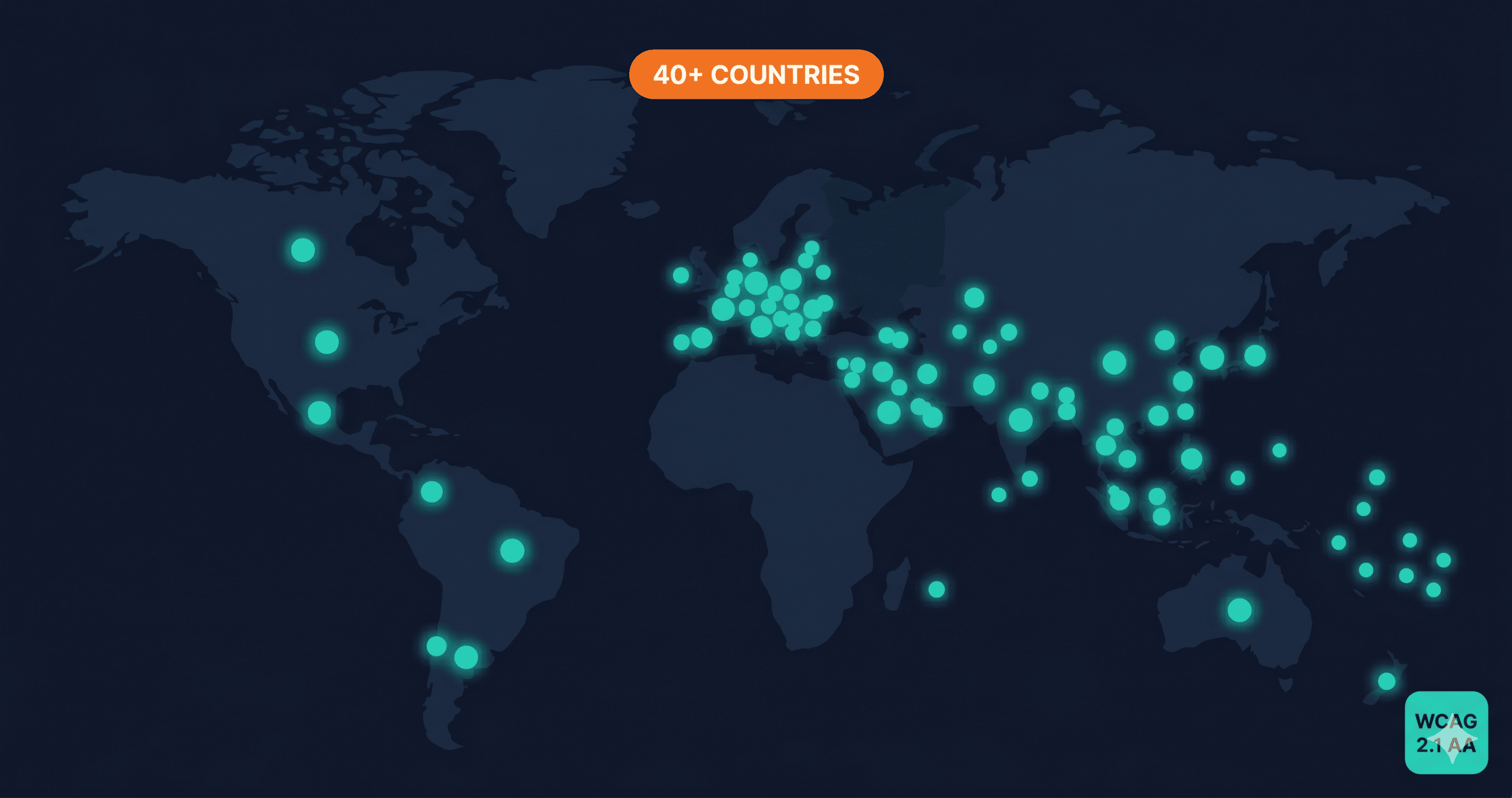
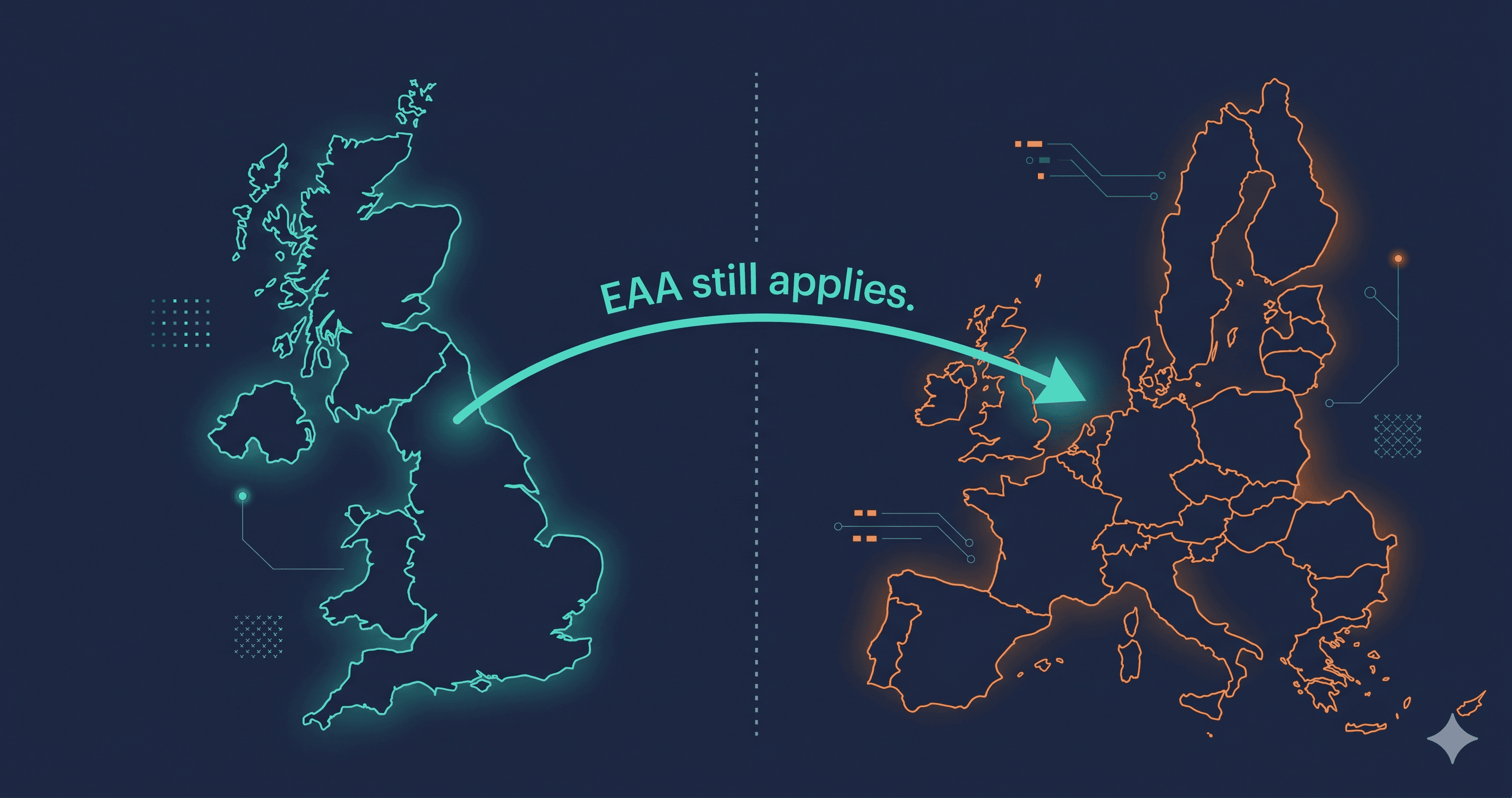
The EAA applies to your WooCommerce store if it sells products or services to EU consumers, regardless of where you or your server are based. The enforcement deadline for new products and services was June 28, 2025. Existing products and services have until June 28, 2030 — but enforcement authorities can act on serious violations before that deadline if violations are egregious or if formal complaints are filed.
France has already demonstrated this: disability advocacy organizations filed formal legal notices against Carrefour, Auchan, Leclerc, and Picard in late 2025, with emergency injunctions filed in November 2025 — less than six months after enforcement began (UsableNet, 2025). Those cases involve large retailers, but the enforcement mechanism — advocacy-organization complaint leading to national authority investigation — is the same mechanism available against any store in any EU member state.
In Germany, where WooCommerce and WordPress power a significant share of online retail, private Abmahnungen (warning letters with legal fee recovery) have been available since August 2025 under BFSG. A German competitor can file an Abmahnung against your WooCommerce store if it has WCAG violations that create competitive disadvantage for accessible businesses. This is enforcement from below, not from above — and it's harder to predict than regulatory audits (Greenberg Traurig, 2025).
What to Fix First
The highest-priority fixes for EAA compliance on WooCommerce are the violations most likely to draw enforcement attention: violations that prevent a disabled user from completing a purchase.
Your checkout flow is the critical path. If a screen reader user cannot fill in the billing address form because inputs lack labels, that's a fundamental service denial — the type of violation that generates formal complaints. If a keyboard-only user cannot proceed past a payment iframe because focus becomes trapped, that's a complete checkout blocker. These violations are consistently more serious under EAA than cosmetic issues like heading hierarchy gaps.
Work from your scan report in priority order: critical violations blocking user journeys first, high-severity issues affecting core pages second, and medium-severity issues on secondary pages third. Give your developer the specific WCAG criterion numbers from the scan — not general descriptions, but "WCAG 1.3.1 Info and Relationships on the checkout form email input" — because those criterion numbers map directly to what enforcement authorities cite.
For plugin-introduced violations, file support tickets with each vendor, include the criterion number and a screen recording or screenshot of the failure, and document your communication. Under EAA enforcement, demonstrating active remediation effort matters when violations are in third-party components you don't control.
ADAGuard's 23 check modules — 22 custom accessibility checkers plus axe-core — scan your live WooCommerce store as a real browser sees it: JavaScript rendered, plugins loaded, dynamic content visible. It achieves approximately 78% WCAG 2.2 AA automated coverage (43 of 55 criteria). It also covers authenticated pages — so your account portal, subscription management, and order history pages can be tested against the same standard as your public store.
The 30-Second Fix
The fastest way to understand your WooCommerce EAA exposure is to scan your live store — not your staging environment, not a test product, but the store URL your EU customers visit.
Paste your URL at adaguard.io and run a free scan. No signup required. The report identifies violations by component, maps each to its WCAG criterion, and rates severity — giving your developer a prioritized fix list and giving you documentation that shows you've begun compliance work.
WooCommerce gives you flexibility in every direction. EAA compliance requires that flexibility to include the accessibility of every component you deploy. The scan tells you whether it does.