Shopify stores account for 32.42% of all ADA web accessibility lawsuits filed by platform — more than any other ecommerce platform on the market. If you run a Shopify store and have never run a Shopify ADA compliance scan, you are in the most-sued category with no visibility into your legal exposure.
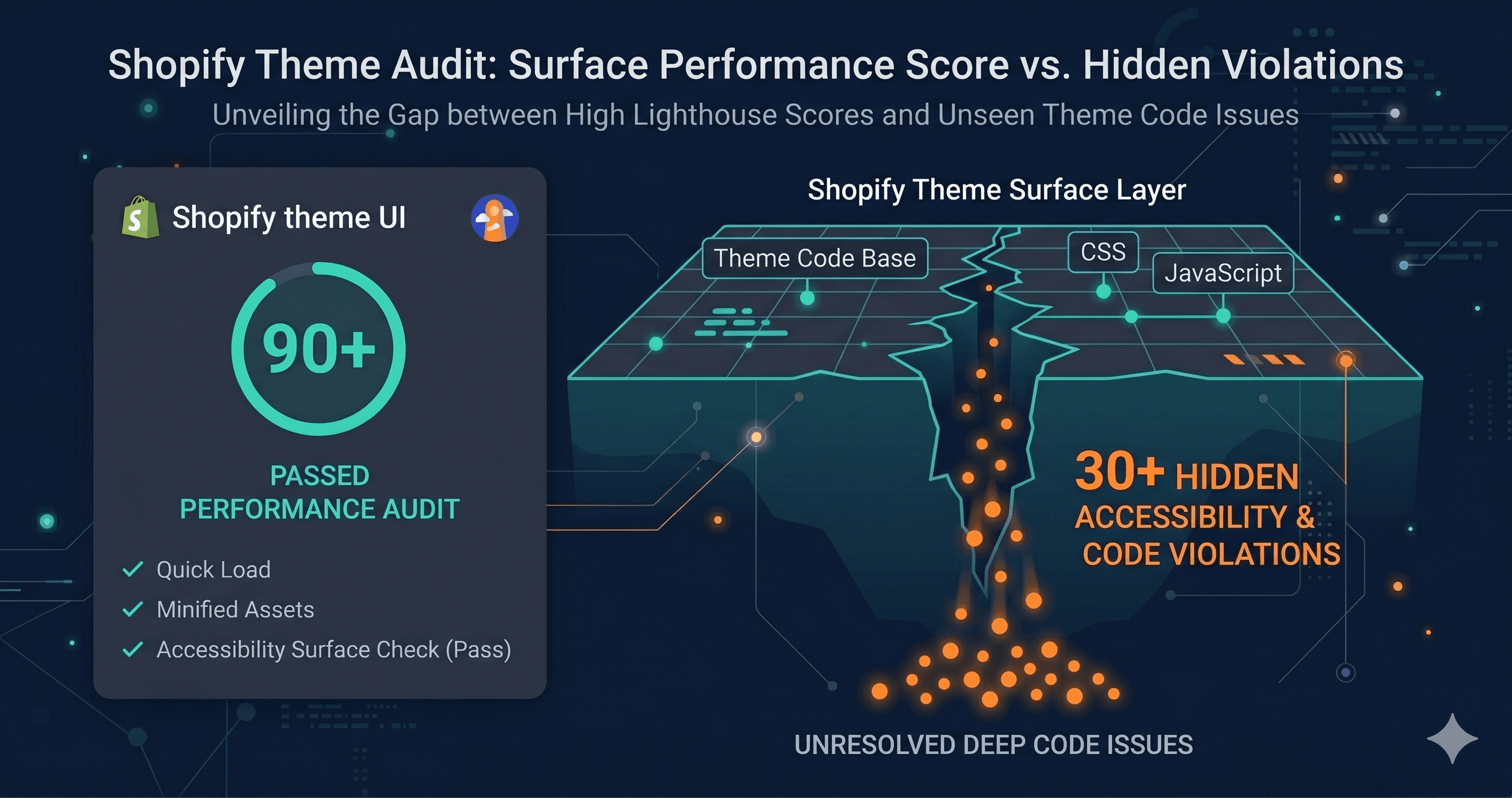
The common assumption is that a premium theme from Shopify's Theme Store provides a compliant foundation. Shopify requires all Theme Store themes to score at least 90 on Lighthouse accessibility. What that requirement does not tell you is that a Lighthouse score of 90 can coexist with dozens of real WCAG violations — on the exact same page, at the exact same moment.
Why a High Lighthouse Score Does Not Equal WCAG Compliance
Lighthouse is a sampling tool. It runs a set of automated checks against a static snapshot of your HTML, catches some obvious issues, and assigns a score. A score of 90 means Lighthouse did not flag major problems in its limited test set. It does not mean your store is WCAG 2.1 Level AA compliant.
The distinction matters because ADA compliance is not judged by Lighthouse. It is judged by how your store behaves for users with disabilities — screen reader users, keyboard navigators, users with low vision, users who rely on voice control software. The violations that trigger demand letters are often in the interactive layer: modals that trap keyboard focus, dynamic content that lacks ARIA announcements, cart drawers with unlabeled buttons, filter panels that break with keyboard-only navigation.
Put a number on the gap: Lighthouse checks only a subset of WCAG success criteria. A theme that scores 90 on Lighthouse has passed 90% of a test that doesn't cover the full standard. That's not the same as being WCAG compliant — and plaintiff attorneys know it.
Theme Store free themes like Dawn typically contain 30 to 100 WCAG violations. Premium themes — with their richer interaction patterns, custom animations, and more complex layouts — commonly carry 100 to 350 violations (TestParty, 2025 Shopify Accessibility Audit). None of those violations are visible in a Lighthouse score.
The Three Places Where Shopify Accessibility Breaks
The Theme Itself
Even Shopify's most accessible free theme, Dawn, does not meet full WCAG 2.1 AA out of the box. Research into the Dawn theme has identified color contrast failures in sale badges and product card variants, missing pause controls on slideshow components (a WCAG 2.2.2 violation), carousel elements lacking proper ARIA attributes and keyboard navigation patterns, and focus indicator visibility that falls short of the enhanced WCAG 2.4.11 standard.
89% of Shopify stores have missing alt text on product images, and 54% have color contrast failures — both top triggers for ADA demand letters (Shopify accessibility research, 2025).
The App Stack
Every third-party app you install introduces its own accessibility surface. Pop-up builders, review widgets, loyalty programs, SMS opt-in tools, subscription portals, live chat widgets — each one injects its own HTML, CSS, and JavaScript into your storefront. The Shopify App Store does not screen apps for WCAG compliance. There is no accessibility certification requirement for apps.
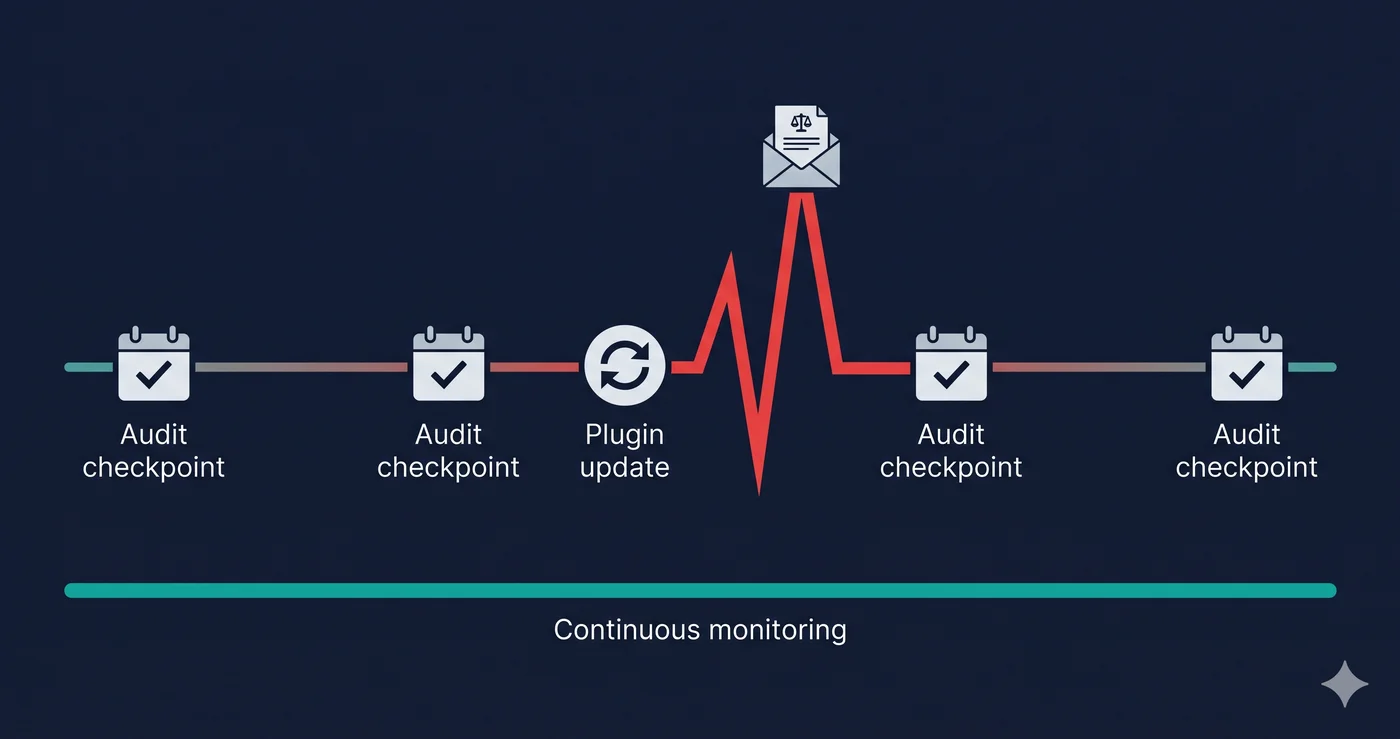
This means a storefront that starts with a reasonably accessible base theme can accumulate dozens of new violations with every app addition. The cart page that passed a scan six months ago may fail today because a subscription app updated its portal widget.
Naming the pattern helps make it concrete. Here's what shows up, by the specific app category that introduces it:
| Element | Common Failure | WCAG Criterion | Fix Effort |
|---|
| Cart drawer / fly-out cart | Keyboard focus enters but cannot exit (trap); no ARIA role | 2.1.2 No Keyboard Trap, 4.1.2 Name/Role/Value | Medium — component-level code fix |
| Email capture popup (Klaviyo, Privy, Attentive) | No aria-label on close button; focus not returned to trigger on close | 2.1.2, 4.1.2 | Medium — requires app-level or JS fix |
| Icon-only cart/wishlist/search buttons | No accessible name (aria-label missing); announced as "button" with no context | 4.1.2 Name/Role/Value | Easy — add aria-label attribute |
| Product image carousels | Arrow buttons unlabeled; carousel state not announced to screen readers | 4.1.3 Status Messages, 4.1.2 | Medium |
| Product filter sidebar (AJAX) | Filter changes not announced via aria-live; focus lost after selection | 4.1.3 Status Messages | Medium — requires live region |
| Sticky header on scroll | Covers keyboard focus indicator for elements below | 2.4.11 Focus Not Obscured (WCAG 2.2) | Easy–Medium — adjust z-index + focus behavior |
| Review widget (Yotpo, Okendo, Junip) | Widget injected post-load with invalid ARIA; not detectable in static scan | 4.1.2, 1.3.1 Info and Relationships | Medium — support ticket to vendor |
| Mobile touch targets (quantity buttons, filter chips) | Below 24×24 CSS pixels | 2.5.8 Target Size Minimum (WCAG 2.2) | Easy — CSS padding increase |
Most of these are easy-to-medium fixes once you have the specific WCAG criterion number and element path — they're just not discoverable from a Lighthouse report, because they only exist after the app's JavaScript has loaded and injected its markup.
The Checkout and Post-Purchase Flow
Shopify's hosted checkout is generally more accessible than most third-party alternatives. But the pre-checkout flow — product pages, cart drawers, discount code inputs, and bundle pickers — is built and maintained by merchants and developers, not Shopify. Violations in the path from product discovery to checkout completion are the exact sequence that plaintiffs' attorneys scan for.
What an ADA Shopify Compliance Violation Costs
| Scenario | Estimated Cost | Source |
|---|
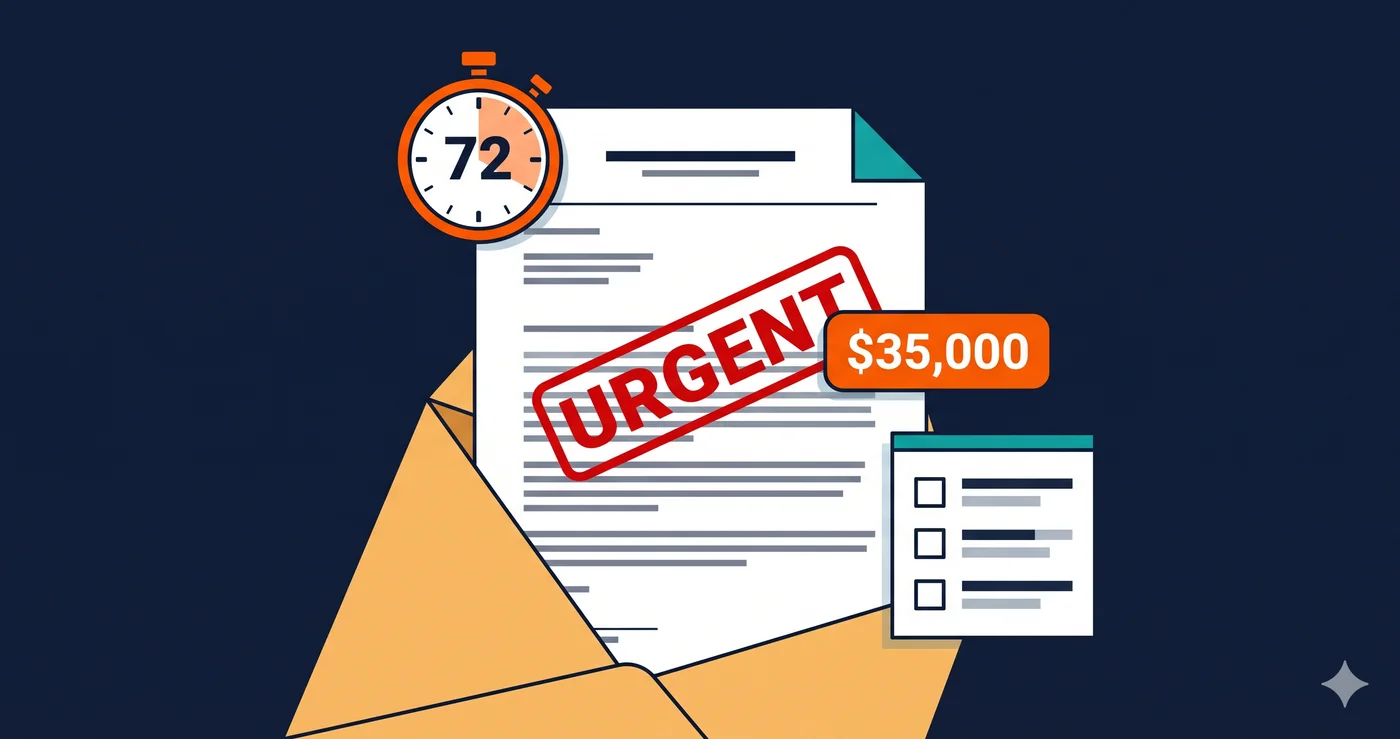
| Pre-litigation demand letter, settled out of court | $5,000 – $20,000 | Accessibility legal data, 2025 |
| Federal lawsuit, settled before trial | $25,000 – $75,000 | UsableNet 2025 Mid-Year Report |
| Federal lawsuit, defended and lost | $50,000 – $150,000+ | NKLegal ADA 2026 Update |
| Remediation required under consent decree | $10,000 – $50,000 | Industry estimates |
| Repeat violation fine (some jurisdictions) | Additional penalties | Varies by state |
In 2025, over 4,800 ADA web accessibility lawsuits were filed in US federal courts — a significant increase year-over-year (UsableNet). 69% of those lawsuits targeted e-commerce stores. Shopify merchants represent the single largest platform-specific target category.
Why Static Scanners and Browser Extensions Miss the Real Violations
Most free browser-based accessibility tools work on your static HTML source. They do not execute JavaScript. They do not render dynamic components. They do not open your cart drawer, trigger your pop-up, or interact with your filter sidebar. They see your HTML file — not your actual storefront.
Shopify storefronts are highly dynamic. Product pages load variant data via JavaScript. Cart drawers are injected after user interaction. Review widgets are third-party scripts that render independently. None of these components exist in the static HTML that most free accessibility checkers evaluate.
ADAGuard scans the live, JavaScript-rendered DOM using a real browser engine. It opens your storefront the way a real user does — with scripts executing, apps loading, and dynamic content rendering — then evaluates all 50+ WCAG criteria against what actually exists on the page. This captures the violations in your cart drawer, your pop-up, your review widget, and your filter panel. It is the only approach that reflects what assistive technology users and legal scanners actually encounter.
Merchants running ADAGuard's Shopify ADA compliance scan regularly find violations across five or more WCAG categories that no Lighthouse audit or browser extension has ever flagged.
Shopify Theme Violations by Category
| Violation Category | Common Element | WCAG Criterion | Frequently Found In |
|---|
| Missing alt text | Product images, banner images | 1.1.1 | All theme tiers |
| Keyboard trap | Cart drawer, search modal | 2.1.2 | Free and premium themes |
| Color contrast | Sale badge, placeholder text | 1.4.3 | All theme tiers |
| Missing ARIA | Icon buttons, quantity selector | 4.1.2 | Free and premium themes |
| Focus indicator | All interactive elements | 2.4.7 / 2.4.11 | Premium themes with custom CSS |
| Slideshow pause control | Homepage hero, product carousel | 2.2.2 | Themes with animation |
| Form label | Newsletter popup, cart note | 1.3.1 | Third-party apps |
What to Do When You Find Violations
A scan will show you violations across your theme and your installed apps. They fall into two buckets:
Theme-level violations — these require a developer to update your theme code. Your ADAGuard report includes the specific element, the WCAG criterion that is failing, and the fix difficulty level. Prioritize by severity: critical violations (keyboard traps, missing form labels, missing alt text) first.
App-level violations — these require action from your app vendors. Contact support for each affected app and include the specific WCAG criterion number from your report. For example: "Your cart drawer widget fails WCAG 2.1.2 (No Keyboard Trap) and 4.1.2 (Name, Role, Value) on our storefront. We need this remediated." That specificity moves the ticket to a developer, not a support agent.
The critical point: every Shopify store is different. The exact violations present on your store depend on your theme version, your app stack, and your customizations. A generic WCAG checklist cannot tell you which violations apply to your store. Only a live scan can.
Authenticated Scanning: Testing What a Guest-Mode Scan Can't Reach
Shopify's checkout — the most legally sensitive flow on any store — is partially managed by Shopify itself, and the base checkout markup has been audited by Shopify's accessibility team. But checkout extensibility, app blocks, and custom checkout fields added via Shopify Functions or Checkout UI extensions inject content that isn't covered by that base certification.
More critically: the account portal, subscription management pages, and any password-protected content on your store can't be tested by a standard automated scan at all. These pages are invisible to a scanner that can't log in. ADAGuard's authenticated scanning feature navigates through your login flow, captures the post-authentication state of your store, and scans the pages your logged-in customers actually rely on — order history, saved addresses, subscription management. If your account pages or subscription portals have WCAG failures, no amount of theme-level certification tells you they exist. A live, authenticated scan does.
The 30-Second Fix
Shopify's platform work and your theme's Lighthouse score are not a legal shield. The compliance gap lives in your dynamic components, your app stack, and the interactive layer that static tools never reach. Run a free Shopify accessibility scan at adaguard.io — no signup, instant results. Paste your store URL and find out exactly which WCAG violations exist on your live storefront before a demand letter does.