How to Make Multi-Level Navigation Menus Accessible
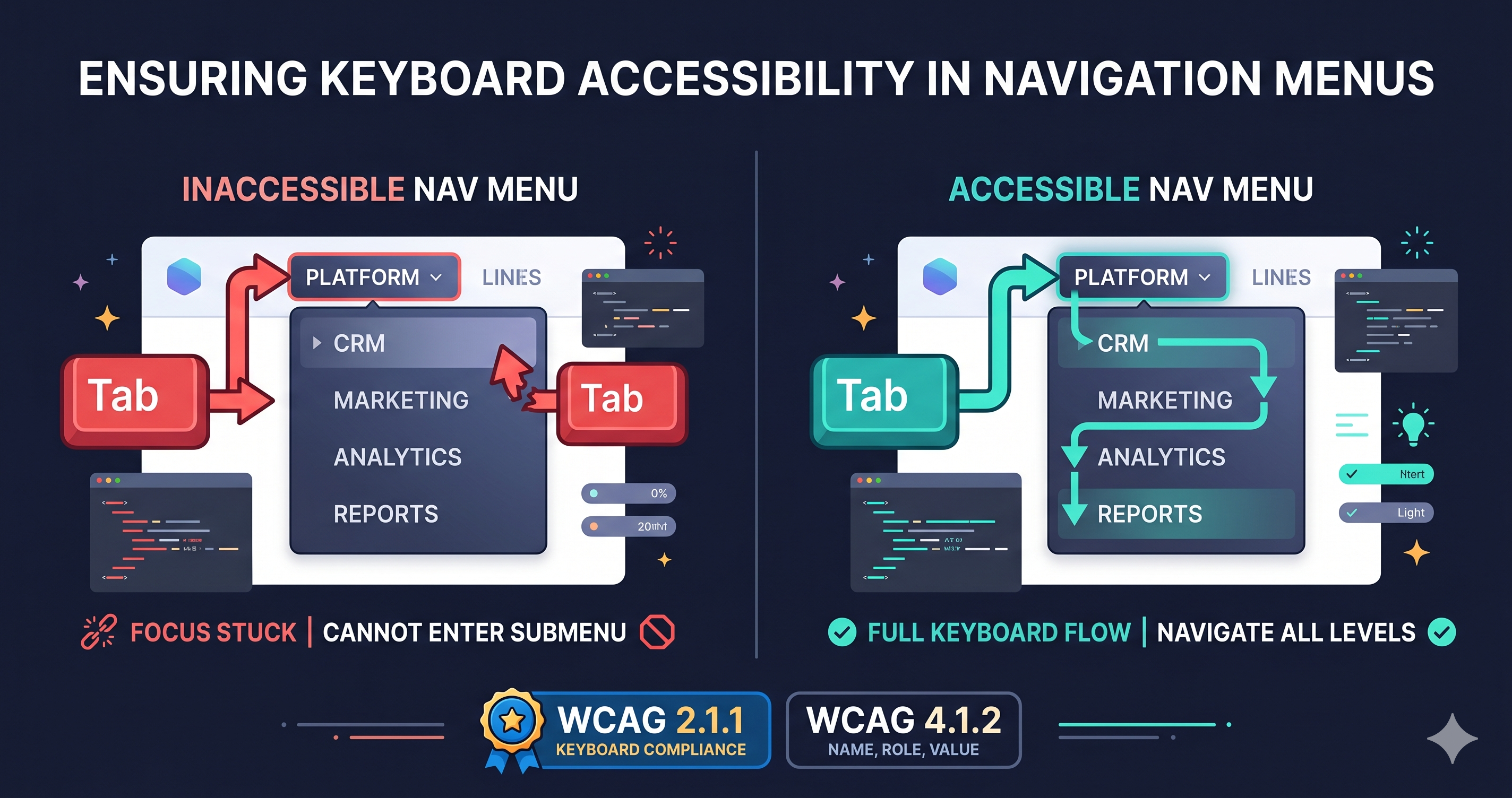
Multi-level nav menus are one of the most common sources of keyboard traps and screen reader failures. Here's what breaks, why it matters legally, and what to do about it.
WCAG guidance, ADA tips, and inclusive design practices.

Multi-level nav menus are one of the most common sources of keyboard traps and screen reader failures. Here's what breaks, why it matters legally, and what to do about it.

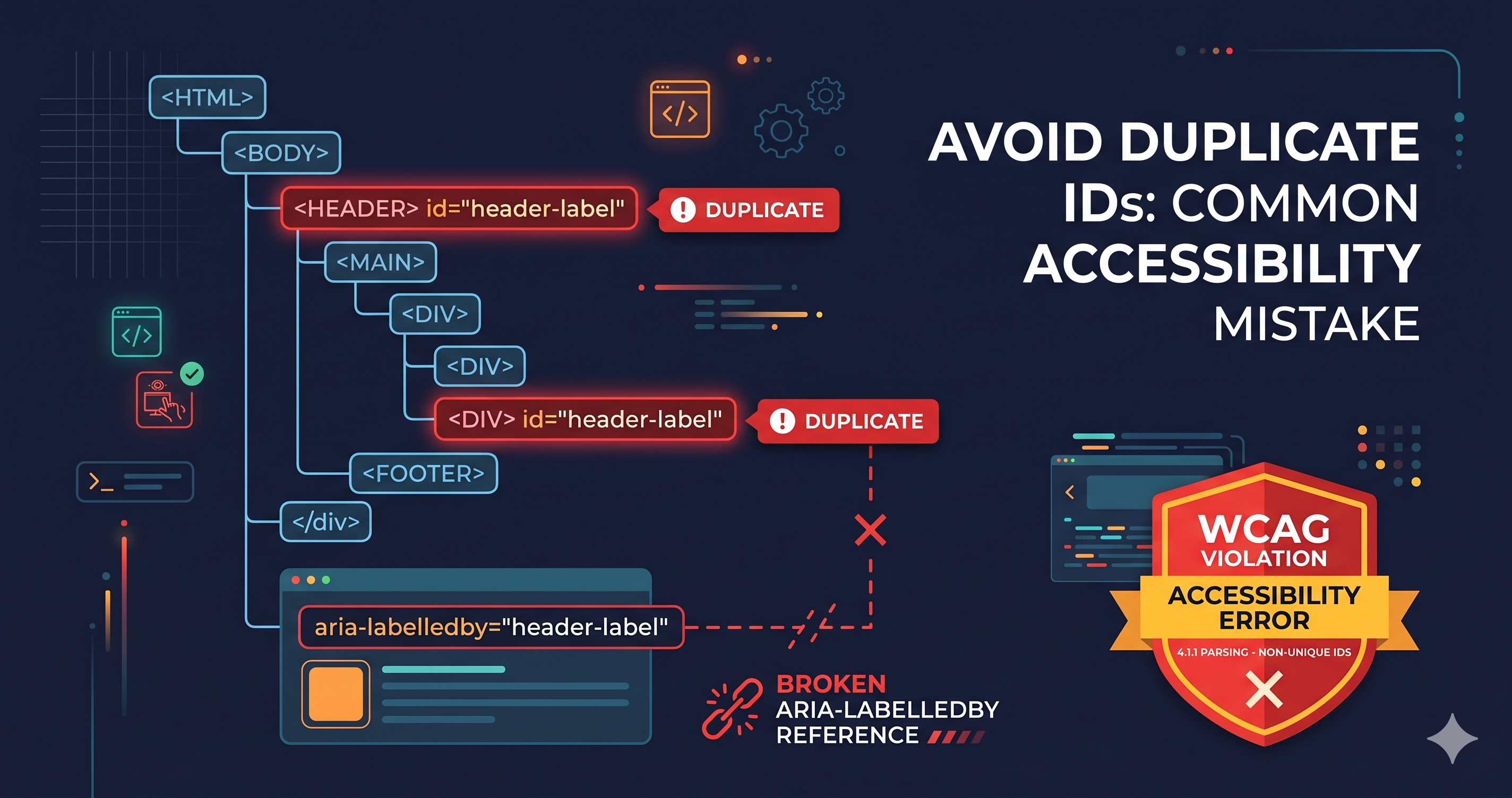
Duplicate ID attributes break ARIA labels, skip links, and form associations — silently. Here's how to find and fix them in complex, component-heavy storefronts.

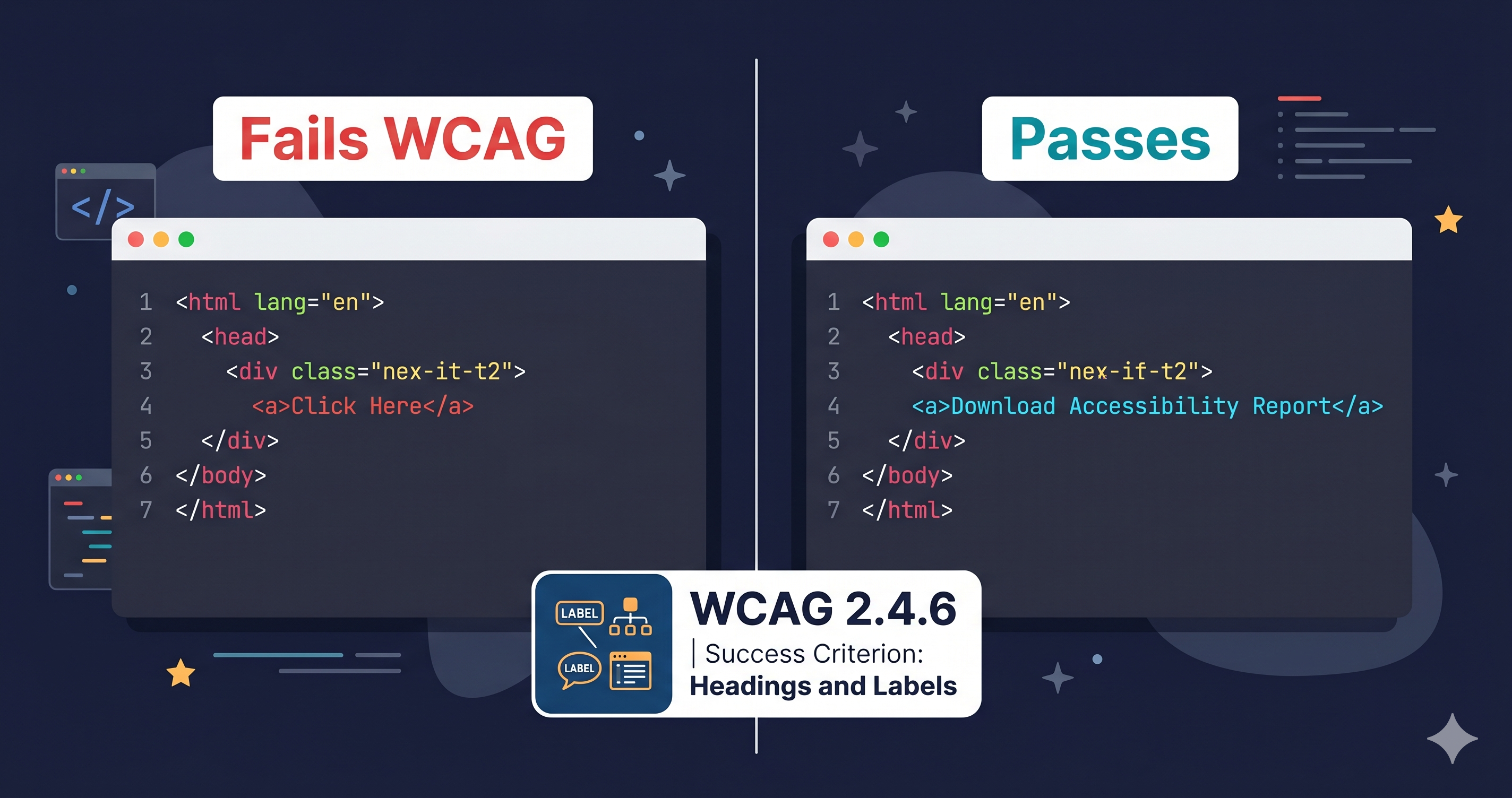
\"Click here\" and \"read more\" are not just bad UX — they're WCAG violations that attract ADA demand letters. Here's what to fix and how.

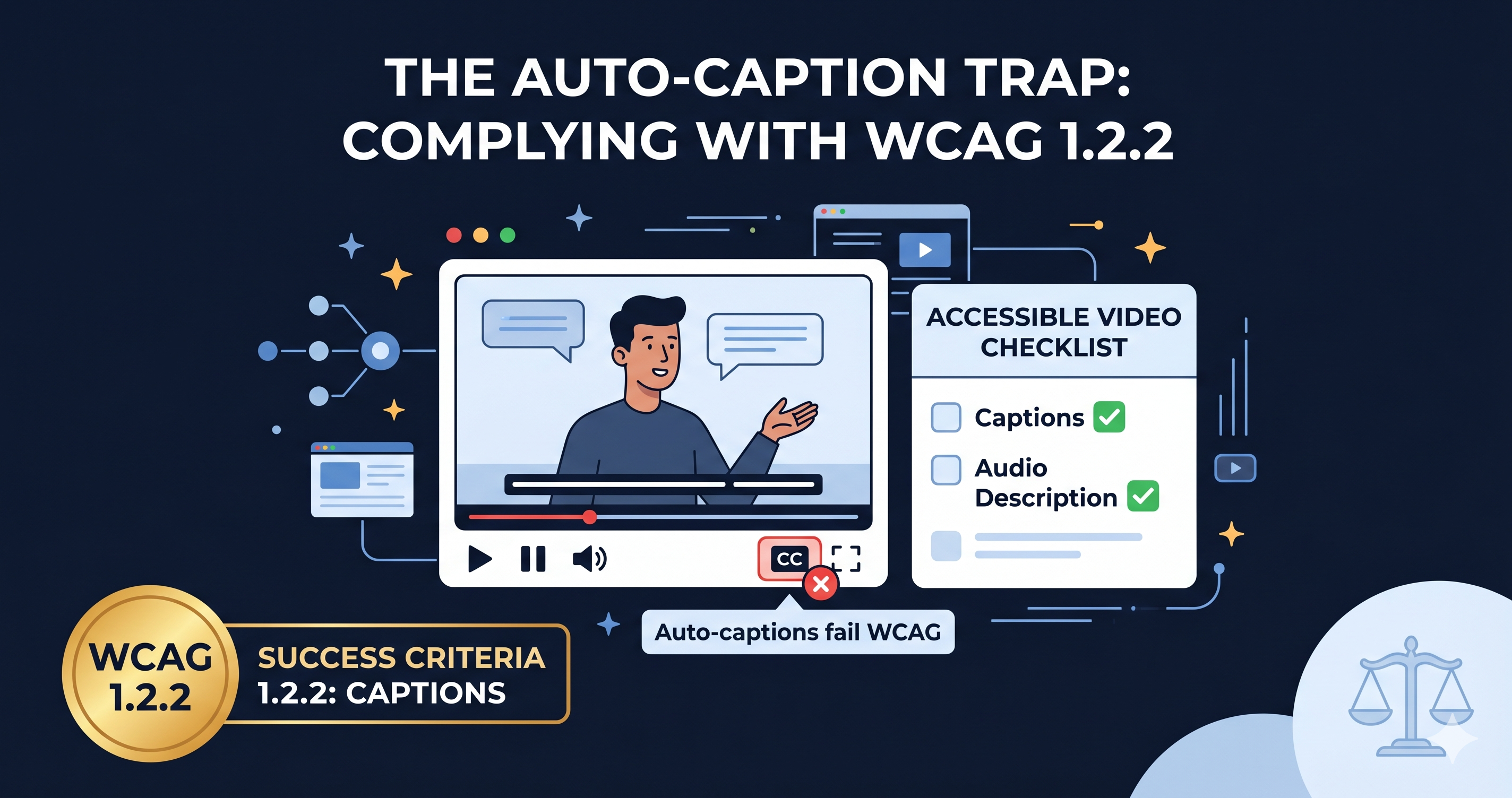
Auto-generated captions fail WCAG. Missing audio descriptions fail even more. Here's the exact WCAG checklist for video content — and why it's now a lawsuit target.

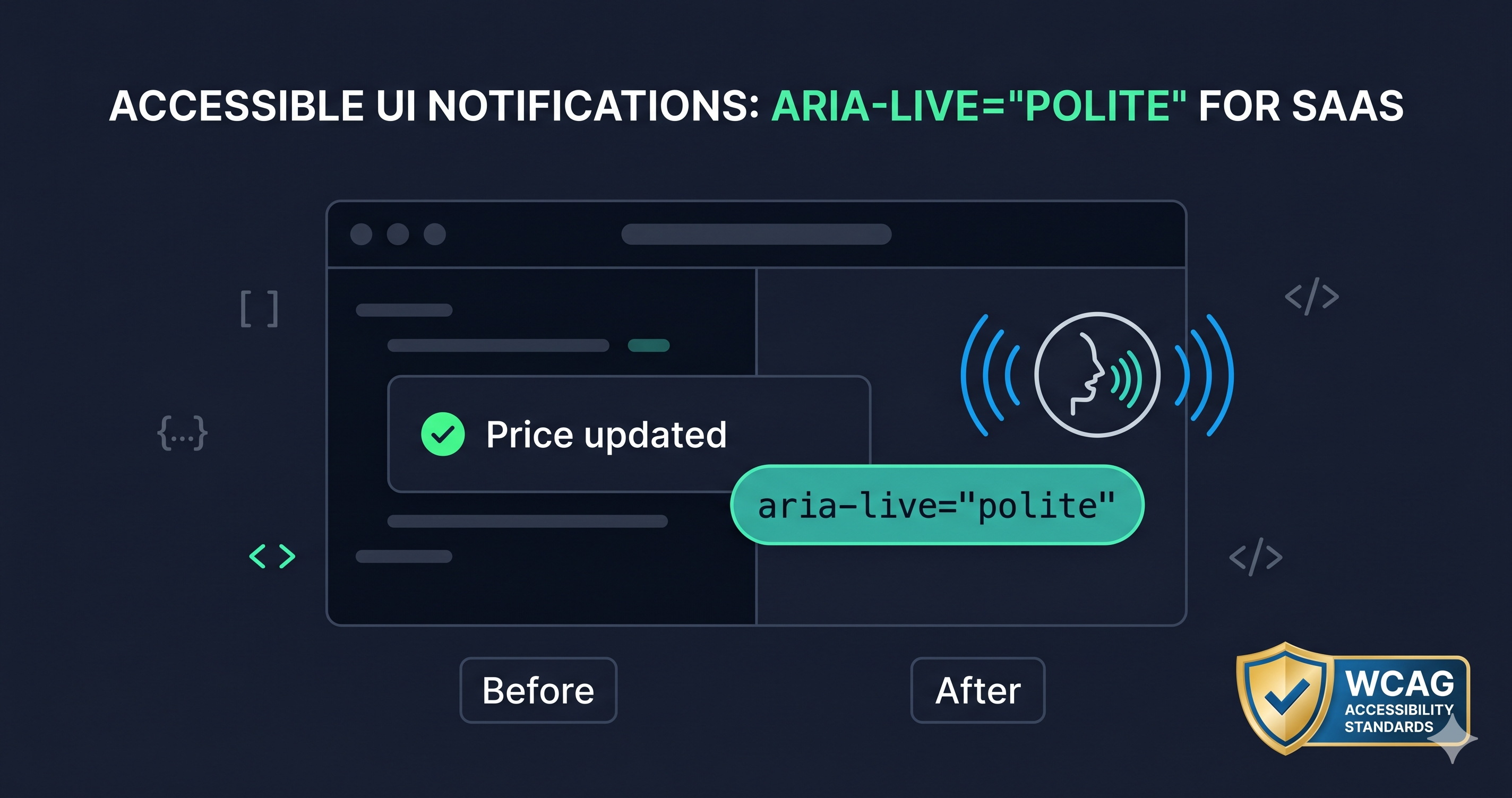
Dynamic content that updates silently is one of the most common WCAG failures. Here's how to use ARIA live regions so screen readers announce every critical change.

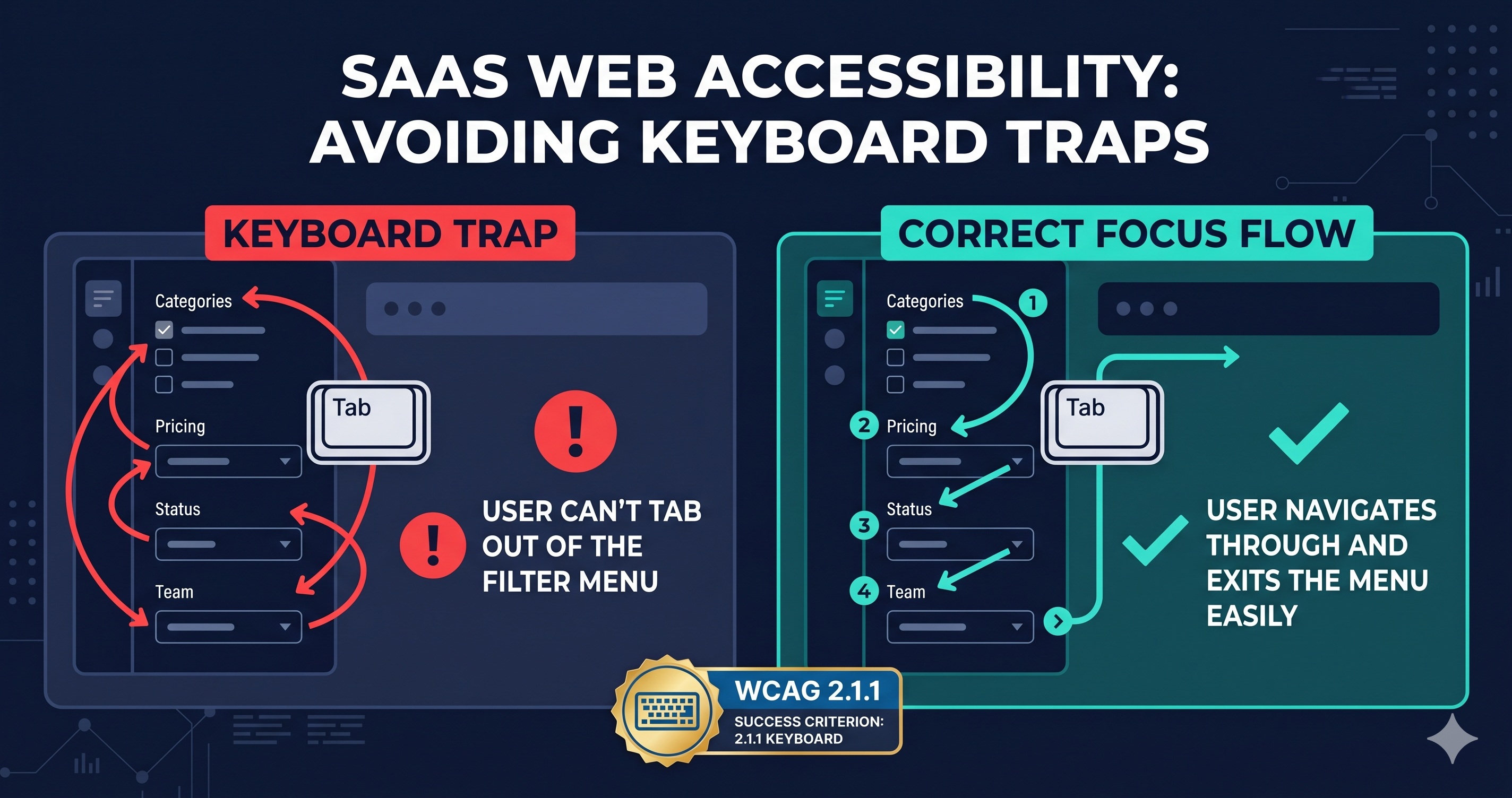
Keyboard traps in product filter sidebars are among the top e-commerce ADA violations. Here's how to identify which WCAG criteria apply and what to do about them.

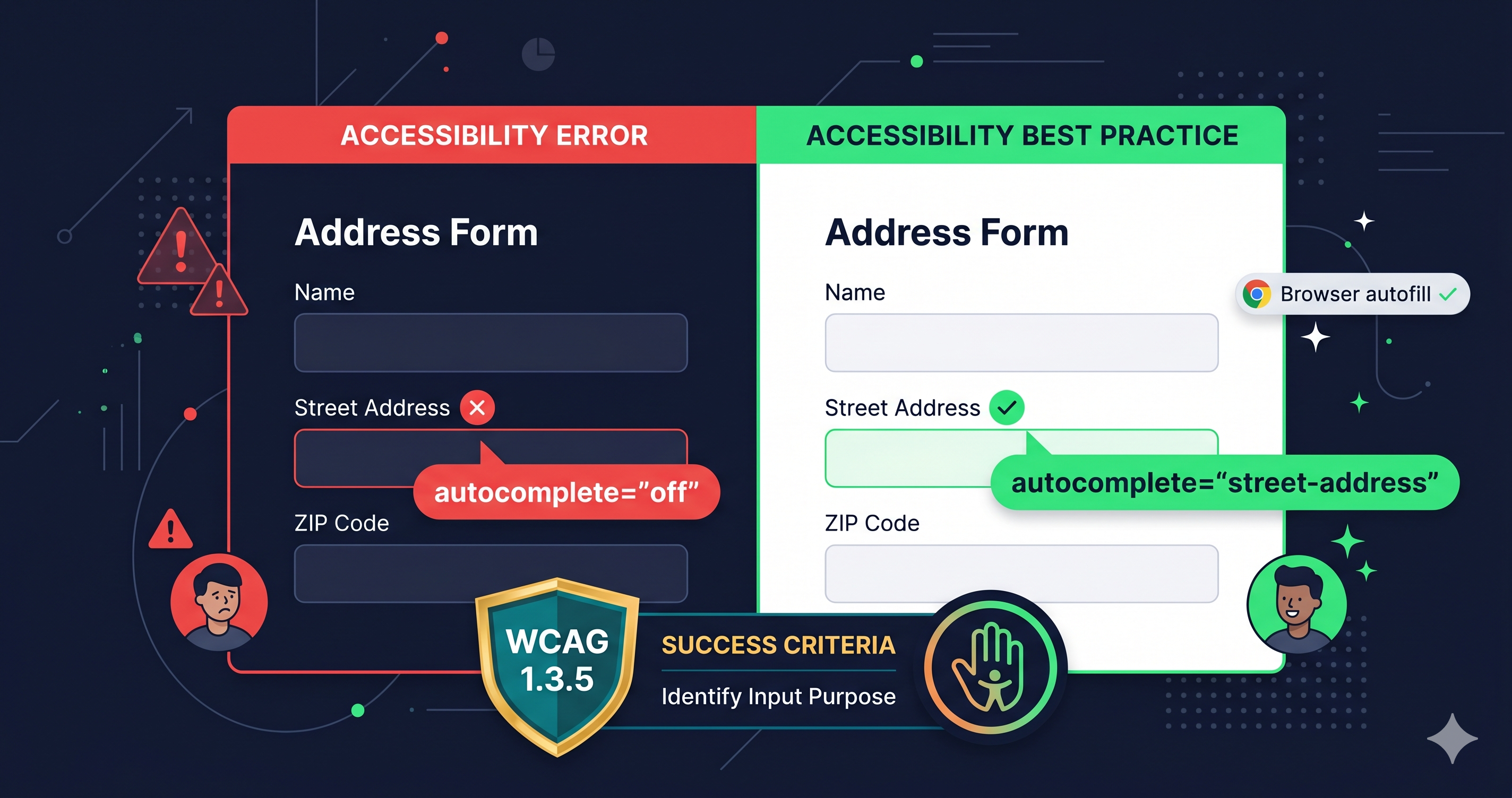
Missing or incorrect autocomplete attributes on address forms violate WCAG 1.3.5 and create barriers for motor-impaired users. Here's what the violation looks like and how to find it.

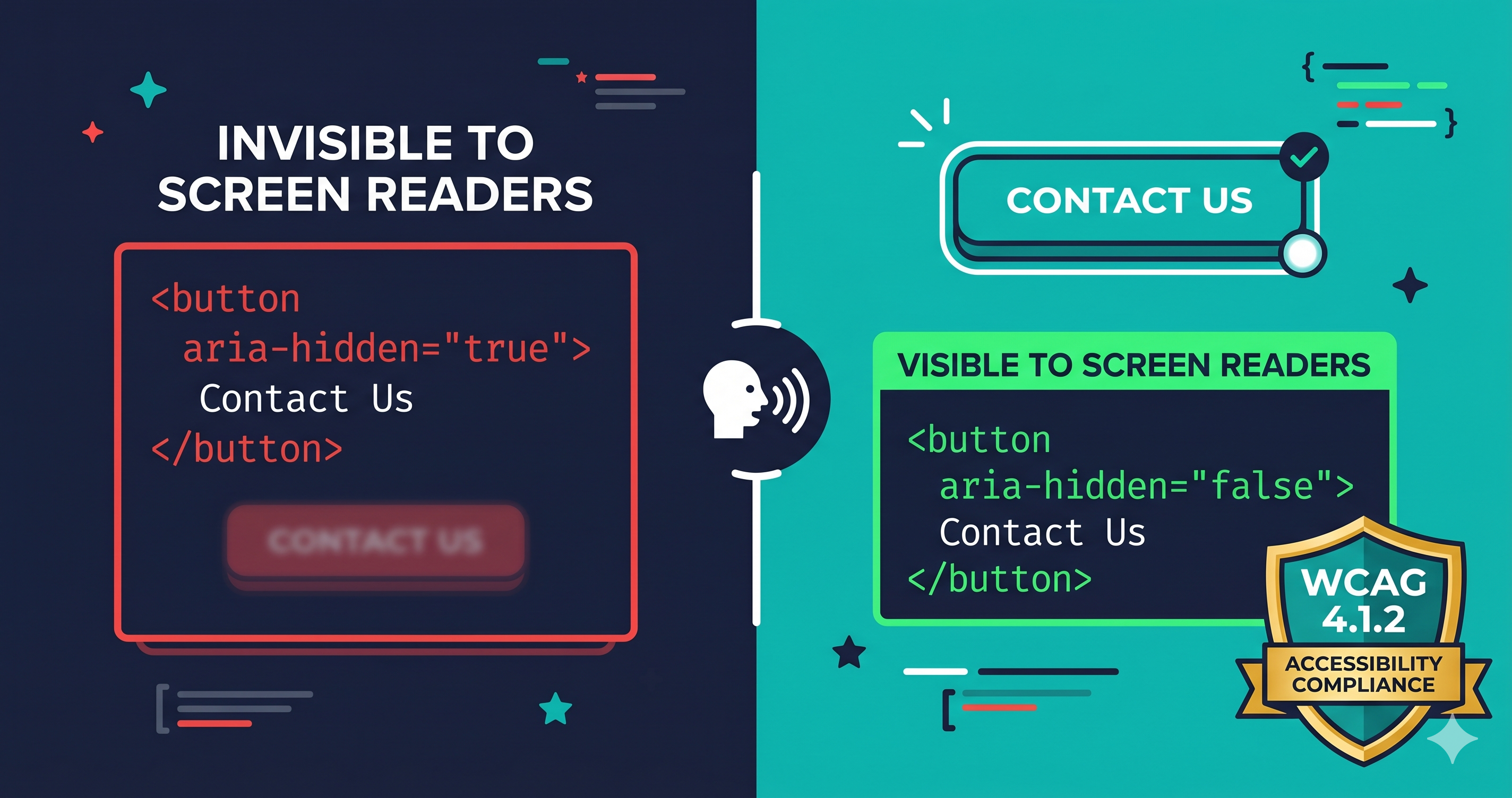
aria-hidden on buttons, links, and controls is one of the most dangerous WCAG failures — it makes entire UI sections invisible to screen readers while remaining mouse-clickable.

Broken aria-labelledby and aria-describedby references are silent failures — no error in the console, no visual change, but screen reader users lose all context for form fields and controls.
Scan any website for ADA & WCAG compliance in seconds
We use essential cookies plus analytics cookies (with your consent). Cookie Policy · GDPR